10KΩ 0.4in 4 Digit DC Digital Display Potentiometer Programmable for Speed Controller Inverter
Recommended Price
You may also like




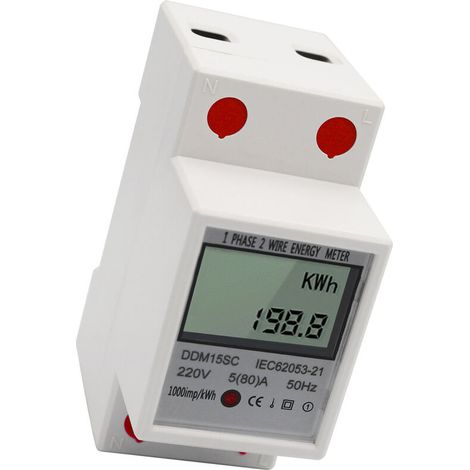

Electricity Energy Meter, Power Consumption Monitor, 5-80A 220V 50Hz
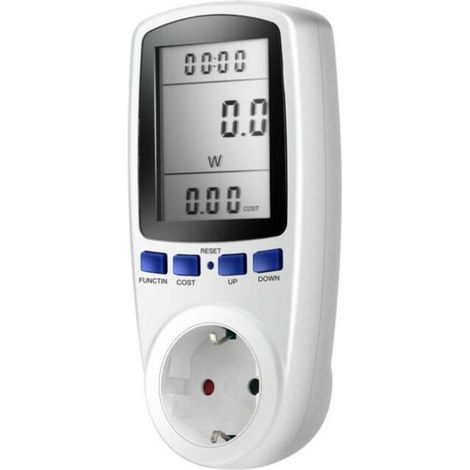

Compteur d'énergie Wattmètre Prise,Prise Compteur d'Énergie électrique avec 7 Mode, Compteur d'énergie avec l'écran d'affichage à cristaux liquides pour Économie d'Energie, 3680W
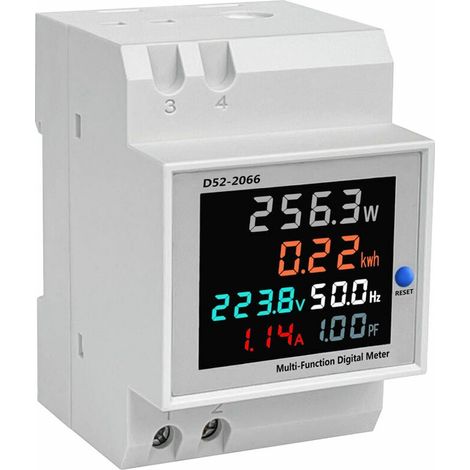

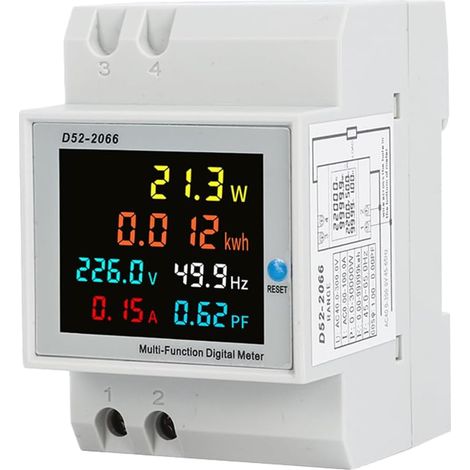
CCYKXA 6 in 1 Single Phase Energy Meter AC40-300V 100A Digital Energy Meter, 1 Phase Digital Electricity Meter Wattmeter DIN Rail Meter Watt KWh Meter, Voltmeter Ammeter


Boîtier d'économie d'énergie, dispositif d'économie de facteur de puissance, économiseur d'appareils ménagers, adaptateur 90V-250V pour utilisation au bureau et en usine
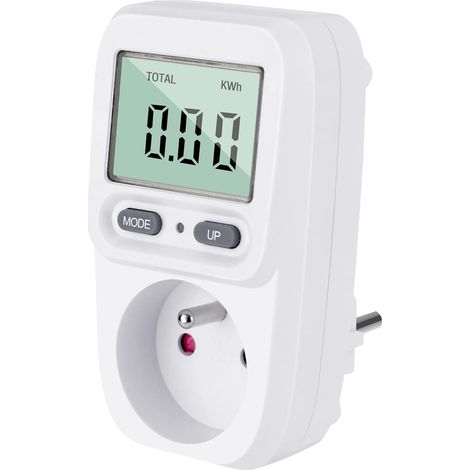

Energy Meters Wattmeter Socket Electricity Consumption, Socket Regulator Kwh Meter Maximum Power 3680W 16A for Energy Saving


Compare with similar items
Product information
Description
Features:
1. Main Features: This potentiometer has a resistance value of 10 kΩ. It can adjust the output of the potentiometer resistance, suitable for most of the needs of speed regulation, voltage regulation, PWM regulation and other occasions.2. Accurate measurement: Equipped with a 0.4 inch 4-digit digital tube display, this potentiometer provides accuracy comparable to standard channel-to-channel potentiometers at 10kΩ.
3. Programming functionality: Users can set a range (-1000 to +1000), adjust the multiplier (0.1 to 5.0), set the magnification (x1 x2 x10), and specify the decimal point position.
4. Storage Security: Designed with industrial grade circuitry and a dedicated current loop chip, this device retains settings such as startup values and other settings at Power Off.
5.Application range: With smooth variable output, this digital potentiometer serves as a reliable replacement for the most commonly used channel potentiometers with the same resistance value.
Specifications:
Item type: Digital display potentiometerMaterial: Fire proof ABS
Resistor value: 10kΩ
A minimum parameter value range: -1000 ~ 1000
1. Press and hold the A key, when the first digit flashes.
2. Press B to adjust the value
3. Press A again to change the second, third and fourth digits.
4. Press A again to store and exit
setting B Multiplier: 0.1-5.0
1. Press and hold B, the four digits will flash.
2. Press A to increase the value by 1 each time and adjust to the appropriate value.
3.Press B again to store and exit.
Magnification adjustment C: x1, x2, x10
1. Short press B to change the magnification, 1x or 2x or 10x
2. 2 seconds later it will be stored automatically.
D decimal point parameter:
x.xxx, xx.xx: 1. Short press to change the decimal point.
xxx.x, xxxx:2. Automatic storage after 2 seconds
Parameter reference table:
1. 0000 (show minimum number), 1000 (show maximum number), 0000 (set minimum value A), 1.0 (set magnification B max 5.0), xxxx (set decimal point D), C01 (C10 C02 or C01 SET C)
2. 0000 (show minimum number), 640.0 (show maximum number), 0000 (set minimum value A), 3.2 (set magnification B max 5.0), xxx.x (set decimal point D), C02 (C10 C02 or C01 SET C)
3.030.0 (Show minimum number), 080.0 (Show maximum number), 0300 (set minimum value A), 0.5 (set magnification B max 5.0), xxx.x (set decimal point D), C01 (C10 C02 or C01 SET C)
4. -50.0 (show minimum number), 50.00 (show maximum number), -500 (set minimum value A), 1.0 (set magnification B max 5.0), xxx.x (set decimal point D), C01 (C10 C02 or C01 SET C)
5. 04.00 (Show minimum number), 20.00 (Show maximum number), 0400 (set minimum value A), 1.6 (set magnification B max 5.0), xx.xx (set decimal point D), C01 (C10 C02 or C01 SET C)
6. 0000 (show minimum number), 8000 (show maximum number), 0000 (set minimum value A), 4.0 (set magnification B max 5.0), xxxx (set decimal point D), C02 (C10 C02 or C01 SET C)
7.-1000 (show minimum number), 1000 (show maximum number), -1000 (set minimum value A), 2.0 (set magnification B MAX 5.0), xxxx (set decimal point D), C01 (C10 C02 or C01 SET C)
8. 00.00 (show minimum number), 10.00 (show maximum number), 0000 (set minimum value A), 1.0 (set magnification B max 5.0), xx.xx (set decimal point D), C01 (C10 C02 or C01 SET C)
9. 3000 (show minimum number), 5000 (show maximum number), 0300 (set minimum value A), 0.2 (set magnification B max 5.0), xxxx (set decimal point D), C10 (C10 C02 or C01 SET C)
10. 00.00 (Show minimum number), 24.00 (Show maximum number), 0000 (set minimum value A), 2.4 (set magnification B max 5.0), xx.xx (set decimal point D), C01 (C10 C02 or C01 SET C)
11.-1500 (show minimum number), 1500 (show maximum number), -150 (set minimum value A), 0.3 (set magnification B max 5.0), xxxx (set decimal point D), C10 (C10 C02 or C01 SET C)
12. -1999 (show minimum number), 2000 (show maximum number), -1000 (set minimum value A), 2.0 (set magnification B max 5.0), xxxx (set decimal point D), C02 (C10 C02 or C01 Set C)
ATTENTION:
1. Standard potentiometer linearity error of 5% or more
2. The display range is -1999 to 9999.
3. When the minimum display value is less than -1000 or more than 1000, consider CO2 or C10 first.
How to use:
Remove the product, install it and use it.Package list:
1 x digital display potentiometerNote:
This module is a potentiometer module and cannot be used to directly regulate power loads. It can only be used as a replacement for potentiometers on controllers and devices.-Contact our customer service in case you need further assistance
Features
- BrandOTHERS
- Availability of spare parts0.000912 year(s)
- Control functionYes
- MaterialPlaster
- Weight2000 g
- Power20 W
- Voltage10 V
- Meter typeElectricity
- ManoMano ReferenceME243022201
- MMID757646759711
- Product codeYS-UK26Z80264
- EAN4014945301647
'/%3E%3C/svg%3E)
How to save on your electric bill
Advice from our experts
'/%3E%3C/svg%3E)