12V, unidirectional, wireless remote-controlled relay switch for lighting access
Recommended Price
You may also like






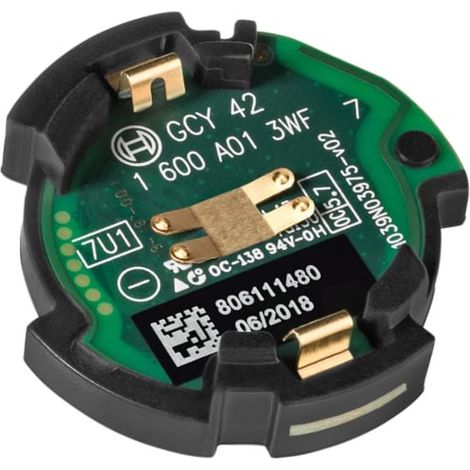

Bosch GCY 42 Professional Bluetooth Low Energy Connectivity Module (Model 1600A016NH)
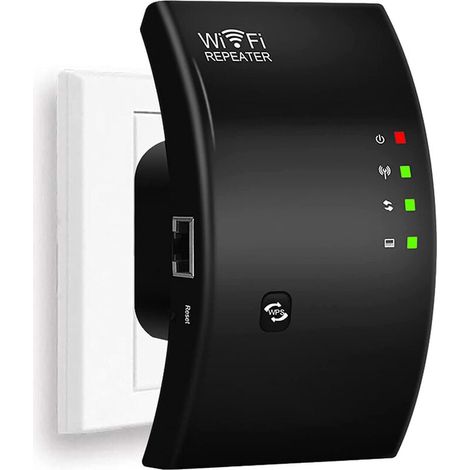

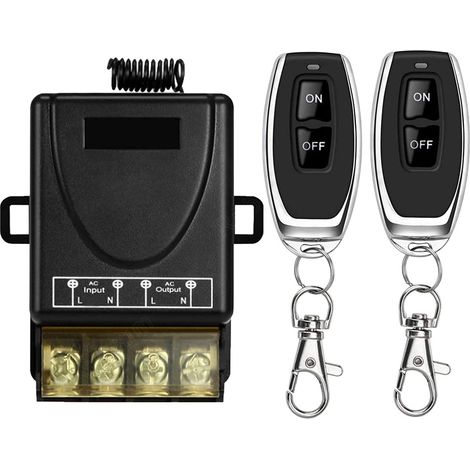

433MHz Wireless Heavy Duty Remote Control Switch, AC 220V/240V/110V 30A RF Remote Control for Light, Water Pump, Household Appliances, Agricultural Irrigation
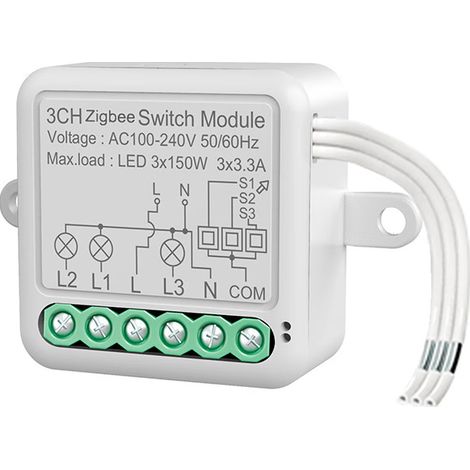
Tuya Smart Switch ZigBee interrupteur à distance module interrupteur invisible Zero Fire interrupteur caché minuterie,ZigBee zéro feu 3 VOIES
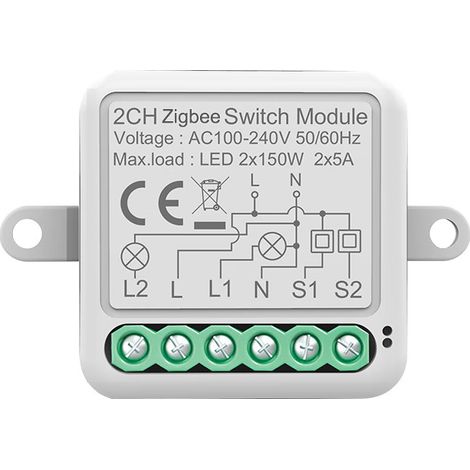
Tuya Smart Switch ZigBee Remote Switch Module Invisible Switch Zero Fire Hidden Switch Timer,ZigBee Zero Fire 2 Way
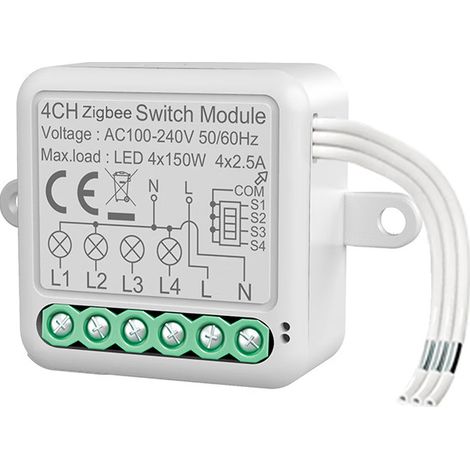
Tuya Smart Switch ZigBee Remote Switch Module Invisible Switch Zero Fire Hidden Switch Timer,ZigBee Zero Fire 4 Way
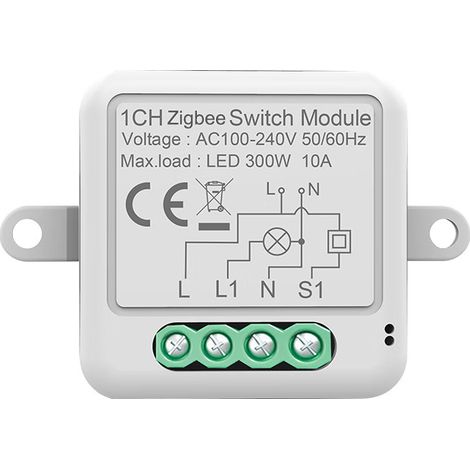
Tuya Smart Switch ZigBee Remote Switch Module Invisible Switch Zero Fire Hidden Switch Timer,ZigBee Zero Fire 1 Way
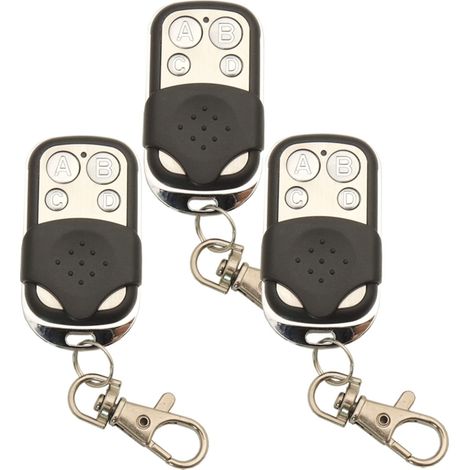

433.92 MHz Universal Wireless Copy Remote Control Key Fob RF Transmitter for Cloning Garage Door Opener 433 MHz Duplicator
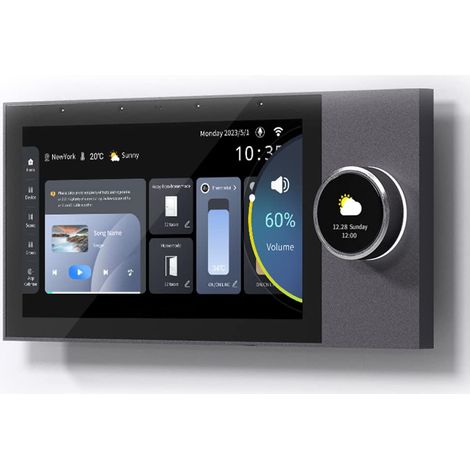

Smart Home Control Panel, 7 Inch Dimmer Switch and Background Music Player, Smart Life Tuya App Control Timer Switch for Smart Devices, Support Video Doorbell


CAME TOP Sport TOPD4REN remote control, dual frequency 433/868 MHz, rolling code 806TS-0290
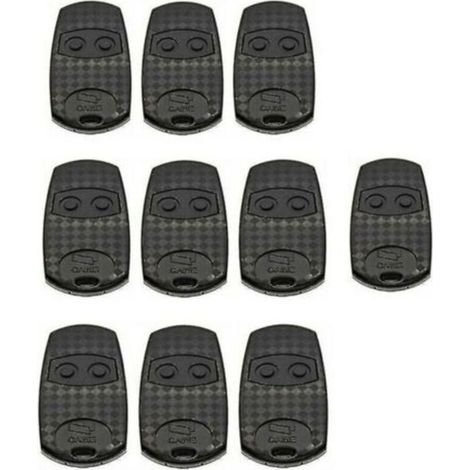

Remote control for TOP432EV, pack of 10. Fixed code frequency 433.92 MHz
Compare with similar items
Product information
Description
2.INDEPENDENT OUTPUT: The wireless remote control switch is ideal for direct control of all types of loads, and the relay in the remote control switch module contacts the independent output, making it very easy to use.
3.WIRELESS LEARNING CODE TECHNOLOGY: The wireless remote control relay uses wireless learning code coding technology (spaced code), with no directionality, and the switches do not interfere with each other.
4. OPERATING METHOD: It is recommended to use a regulated DC power supply of 500 mA or more.The operating mode is self-locking, nested, pointing towards a user-free setting, and can achieve greater or lesser control.
5.Direct control of a DC or AC load: The wireless relay remote control can directly control DC or AC loads. The receiver board can support a current of 10 A per circuit. Each relay has a set of normally open (normally closed) contacts.
6. THOUGHTFUL TIPS: The remote control relay switch is not recommended for controlling high-power loads. Control 220V loads less than 500W per channel, or 12V loads less than 50W per channel, to prolong the lifespan of the receiver board.
Specifications:Item Type: Remote Control Relay Switch
Material: ABS
Pairing Mode: Learning Type
Working Voltage: DC12V
Remote Control Distance: Approx.50-100m / 164.0-328.1ft
Modulation Mode: Amplitude Modulation
Remote Control Built-in Battery: 2 x CR2016 (75mAh)
How to Use:Activate the working mode by shortening pads 1, 2, and 3 to different locations behind the circuit board. 1. Tap: 1, 2, 3 The pads are empty and do not need to be connected 2. Entrocal: short circuit 1, 2 3. Automatic locking: short connection 2, 3 Press Working Mode: i.e., the same button on the remote control to learn the code; pressing the button unlocks, releasing the button unlocks. Self-locking working mode: i.e., the same button on the remote control to learn the code pair; the same button pressed once to unlock, then pressed again to unlock. Interlacing working mode: i.e., learn the code with two different buttons on the remote control; press one button to activate, press the other button to deactivate. Press to learn the code pairing method: Press and hold the learning button for three seconds, then press any button on the remote control. The light will flash four times, then turn on, indicating successful learning. Self-lock learning using the code method: First, plug the wireless remote control socket into a standard, live household outlet and connect an electrical device to the remote control socket to manually test if the socket is receiving power.Next, press and hold the learning button for about 3 seconds. The learning indicator light on the remote control interface will illuminate. Release the button, then immediately press one of the remote control buttons twice. The learning indicator light will flash three times and then turn gray, indicating successful pairing.
Package List: 1 x Remote Control Switch Module 1 x Plastic Box 1 x Remote Control 1 x Double-Sided Adhesive
Note: 1.Please do not operate while the device is plugged in. You must disconnect the power supply before operation, test to ensure it is functioning correctly, and then reconnect the power.2.When the remote control voltage is insufficient, please replace the battery promptly (when the remote control battery voltage is insufficient, the overall remote control range will decrease).3.When using wireless electronic products, be careful to avoid metal objects, large electronic equipment, electromagnetic fields, and other solid sources of interference to prevent the remote control from having a short reception range or from malfunctioning.4.Do not use this electronic product improperly.Improper use will reduce the product's performance and lifespan, and serious damage to the product will also pose safety risks.Interlock Learning to Code Method: Press and hold the learning key for approximately 3 seconds. The remote control socket interface learning indicator will illuminate, along with the Trewing key (or the open control key).Press another remote control key (or the lock key). The learning indicator light will flash three times and then turn gray, indicating successful learning.Clear Code: (Please clear the code first when changing the working mode, then re-associate the code.) Press and hold to confirm successful learning.
Features
- BrandOTHERS
- Pcs per pack1
- ColourMulticolour
- Voltage12 V
- Type of home automation accessoryRemote-control
- Type of electronic componentCard
- ManoMano ReferenceME242430678
- MMID492850605424
- Product codeQD-GB26Y66386
- EAN5008500163763
'/%3E%3C/svg%3E)