1/5
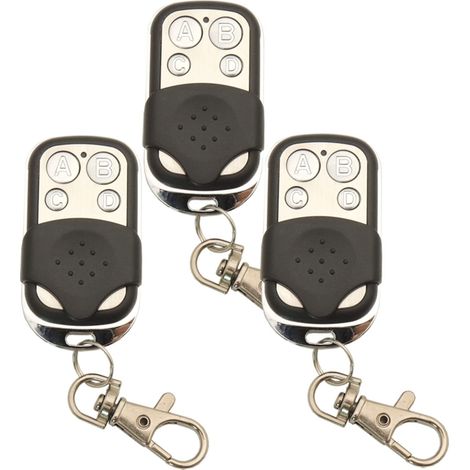
433.92 MHz Remote Control for Gates, Pack of 3 Garage Door Remotes Compatible with MOTORLINE Falk MX4SP MXS4SP MX5SP RCM DSM, 4 Channels
Buying for your business?
Negotiated prices excl. VAT up to -20%
Sold by AINSCO
You may also like







Compare with similar items
Product information
Description
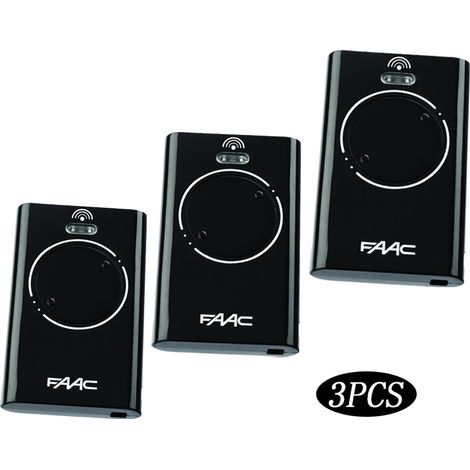
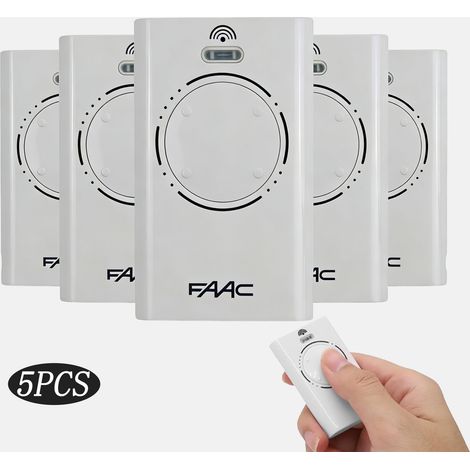
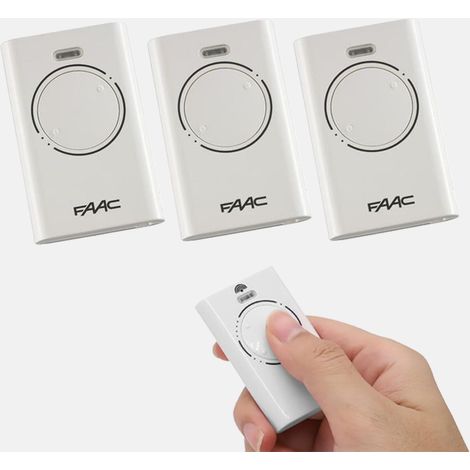
Compatibility - This garage door remote is compatible with MOTORLINE FALK RCM, MX4SP RCM, MXS4SP RCM, MX4SP DSM, and MX5SP. 4 Channels - The garage door remote has 4 channels at 433.92 MHz for efficient control of your garage door automation. Batteries Included - The remote comes with 1A alkaline batteries, which are ready to use right out of the box. User Manual - The garage door remote comes with a user manual for quick and easy programming and troubleshooting. Battery Included - The remote comes with 1A alkaline batteries, which are ready to use right out of the box. Not E-ready - The garage door remote is not E-ready. If you have any questions, please feel free to contact us; we will reply within 24 hours. Compatibility - This garage door remote is compatible with MOTORLINE FALK RCM, MX4SP RCM, MXS4SP RCM, MX4SP DSM, and MX5SP. 4 Channels - The garage door remote has 4 channels at 433.92 MHz for efficient control of your gate automation. Batteries Included - The remote comes with 1A alkaline batteries, which are ready to use upon arrival. User Manual - The garage door remote comes with a user manual for quick and easy programming and troubleshooting. Battery Included - The remote comes with 1A alkaline batteries, which are ready to use upon arrival. Not E-ready - The garage door remote is not E-ready. If you have any questions, please feel free to contact us; we will reply within 24 hours. Specifications: Color: Black. Frequency: 433.92 MHz. Channel: 4. Application: Electric remote control for telescopic gates, barrier remote control, alarm remote control, etc. Programming type: Programming with the receiver. Battery: 1 x A alkaline battery required (included). Code: Rolling code. How to program it? To open a door or gate using the transmitter, simply press one of the programmed channel buttons for two seconds. Each press of the button triggers an open, stop, or close cycle. MEMORIZING THE TRANSMITTER CODE: Ensure the battery is correctly installed in the transmitter. 1. Press and hold the blue door code button on the gate opener or SW1 or SW2 on the receiver board. 2. Press and hold the transmitter button you want to use to control the door for two seconds. 3. Release and pause for two seconds. Press the same button again for two seconds. 4. Release the Door Code or SW button. 5. Press the transmitter button to check the operation of the door/gate, etc. Note: To delete a transmitter code from the device, repeat steps 1 through 5 above. DELETING ALL STORED TRANSMITTER CODES 1. Turn off the power to the opener. 2. Press and hold the Door Code or SW 1 button. 3. Turn the power back on while still holding the button. The coding LED will light up to indicate that the receiver's memory has been cleared. 4. Release the button. All stored codes, including courtesy light codes, should have been cleared. Confirm the operation by pressing the transmitters previously used to operate the device; they should not respond. This is not a problem, as will be observed in use.
Features
- BrandSANS MARQUE
- ColourBlack
- MaterialPlastic
- Number of channels4
- Motorisation accessory typeRemote-control
- Motorization useFor gate
- ManoMano ReferenceME228789316
- MMID321512991925
- Product codeBESTone-03322
You are here:
'/%3E%3C/svg%3E)