4K 5G WiFi HDMI Display Receiver Adapter, MiraScreen Streaming TV Stick Converter Supports Airplay/Miracast/DLNA
Key features
Colour : MulticolourConnector a : HDMIConnector b : HDMIYour warranties and protections
Shop with confidence: find out which warranties apply to your purchase.Recommended Price
You may also like

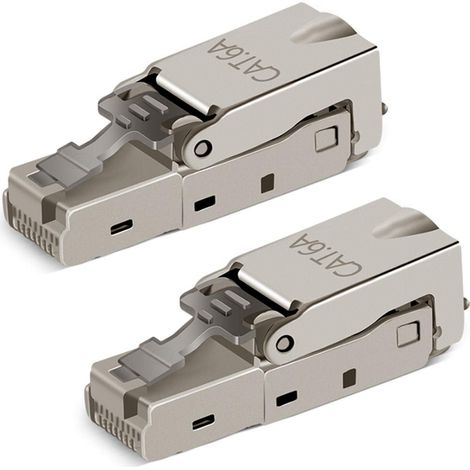
2 pieces tool-free RJ-45 Cat6/6A modular plug field connection, Cat6A RJ45 shielded for 23-26AWG installation cable
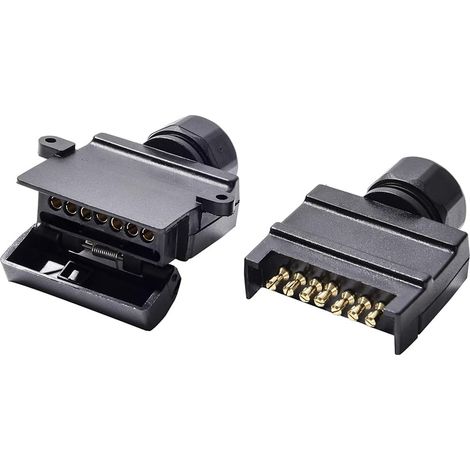
Flat 7 Pin Trailer Socket Male and Flat 7 Pin Female Trailer Socket 12V Australia Waterproof Flat Socket 7 Pin Trailer Socket Trailer Socket Fits Trucks Motorhomes (Screw End)
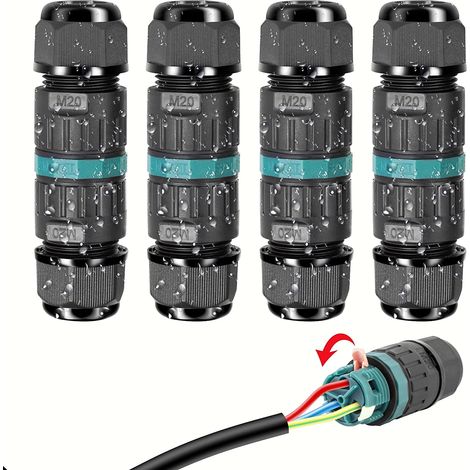

Connecteur Électrique Étanches IP68 - Raccord de Cable 3 Fils Boîte de Derivation Étanche Éxterieur, Domino Etanche Boîte de Jonction pour Câble Ø 9 à 12mm (4 Pcs)
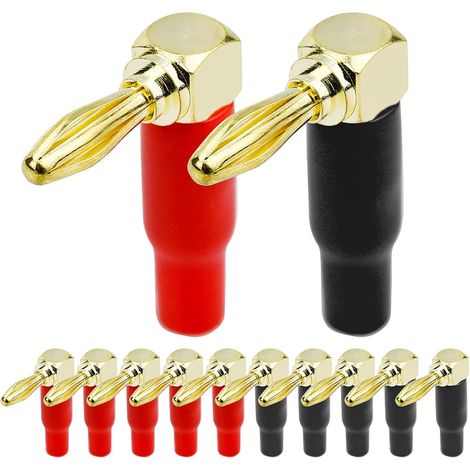

12pcs 90 Degree Banana Plugs, 4mm Gold Plated L-Shaped Pure Copper Banana Plugs for Speaker Cable, Audio/Video Receiver, Amplifier
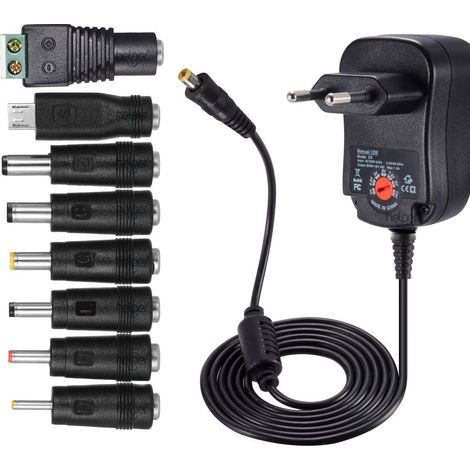
12W universal AC-DC power supply 3V, 4.5V, 5V, 6V, 7.5V, 9V and 12V with 8 selectable adapter ports, max. 1000mA, 115cm long charging cable
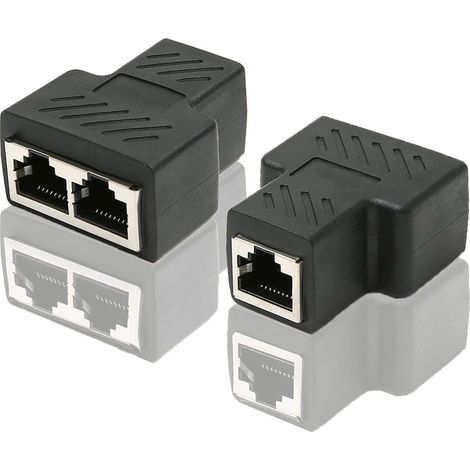
RJ45 CAT6 LAN Ethernet Port Splitter Adapter 1 to 2 Dual Female to Female Port Coupler, 2 Pack and Black
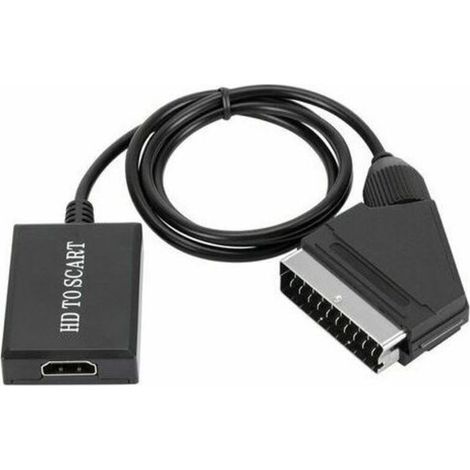

Trimec – HDMI to SCART Converter 1080p – Plug & Play – NTSC/PAL compatible – High-quality upscaling technology
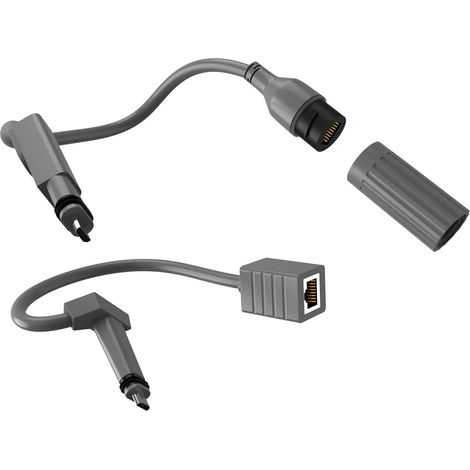

SPX to RJ45 Adapter Cable, for Starlink 1200Mbps, RJ45 Cable, 1 RJ-2 Connector, Extension Adapter for Satellite Dish Antenna
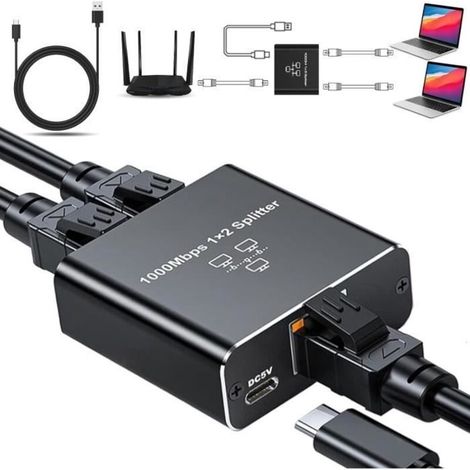
Compare with similar items
Product information
Description
【SMALL AND EASY TO CARRY】 The wireless Wi-Fi display adapter is ultra-light, lightweight, compact, space-saving in performance and volume, easy to carry and can be used for travel, meetings, business trips, family gatherings, informal parties, movies etc. Once the connection is established, the TV screen will be displayed.
Scan the QR code on the screen to download the EZcast app.
Steps 1: Open the EZcast app and click the SEARCH DEVICE icon.
Step 2: Click “Scan QR code to connect to Wi-Fi” to scan the QR code on the TV screen.
Step 3: In settings Wi-Fi: Select your home Wi-Fi name to connect.
Step 4: Join the WiFi success!Click the mirror icon in the top bar, find and click EZcastB1-xxxxx in the list below.Step 5: Connect the EZcastB1-xxxx, click and open the mirror.The WLAN dongle is successfully connected.Enjoy your big screen!
Features
- BrandOTHERS
- ColourMulticolour
- Connector aHDMI
- Connector bHDMI
- MaterialPlaster
- Pcs per pack1
- ManoMano ReferenceME242390829
- MMID450175955147
- Product codeQD-GB26Y25163
- EAN5008250551537
'/%3E%3C/svg%3E)