1/5
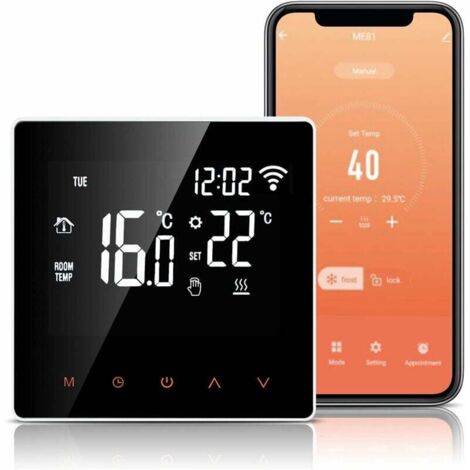
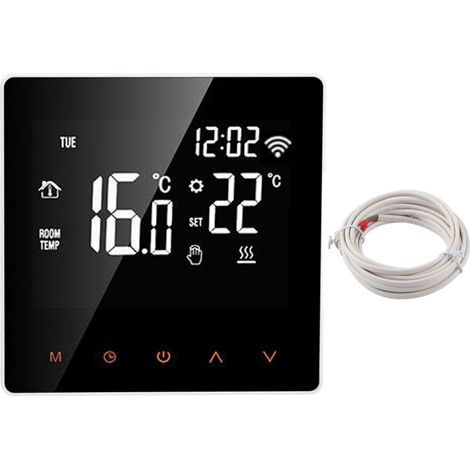
AC85-250V Touchscreen LCD Thermostat Temperature Controller Application for Home Use
Of which environmental contribution £0.10 including VAT.
Sold by Cuizi
You may also like









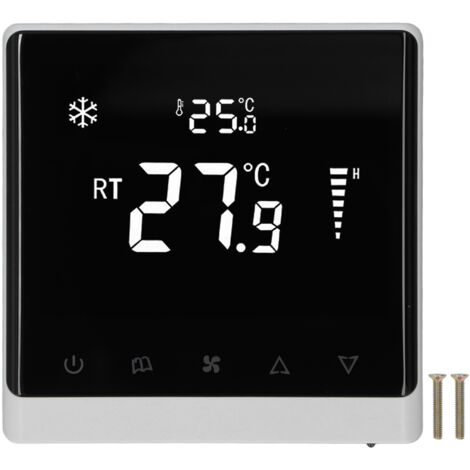
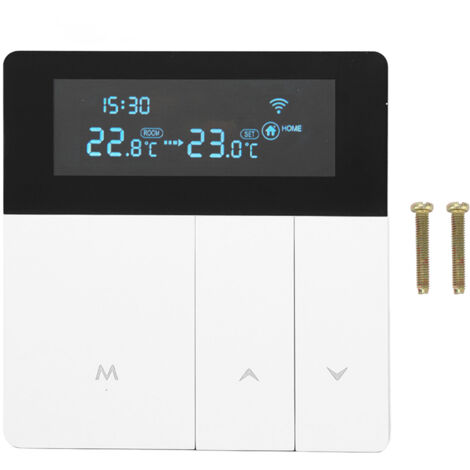
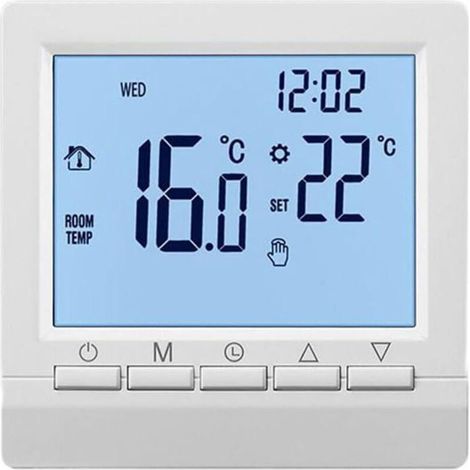
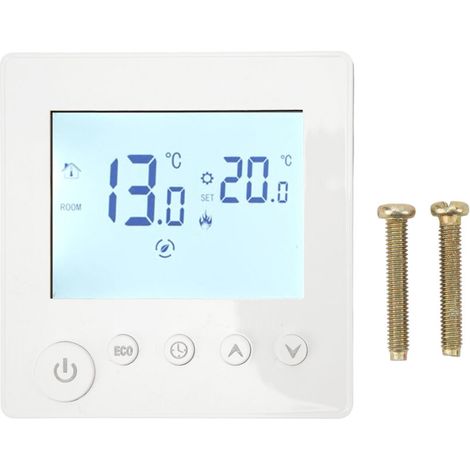
Compare with similar items
Product information
Description
1. MOBILE APP CONTROL: The WiFi thermostat supports app remote control and can be controlled by one phone to control multiple controllers or multiple phones to control one thermostat.
2. MULTIPLE FUNCTIONS: The thermostat has functions such as temperature acquisition and display, temperature compensation, antifreeze, and high-temperature protection, offering stable and reliable operation.
3. LCD TOUCHSCREEN: The high-definition LCD screen is used, and the temperature controller display can be manually touched, providing stable performance and clear viewing.
4. ELECTRIC HEATING: The use of electric heating elements, such as graphene heating, coupled with temperature and humidity sensors, greatly improves operation.
5. WIDE APPLICATION: Can be used to control underfloor heating devices, measure indoor temperature, control heating equipment, etc., to prevent damage caused by high temperatures.
Model: MH1823
Material: ABS
Power Supply: AC85-250V 50/60Hz
Power Consumption: Load Current: ≤16A
Display Temperature Range: -20-95℃, -4-203℉
Control Accuracy: ±1℃, ±℉
Temperature Sensor: NTC
Set Temperature Range: 5-50℃, 41-99℉
Network Mode: Wireless Wi-Fi (2.4GHz)
Dual Operation: Touch button control, APP remote control.
High Temperature Protection: 5-65℃, 41-99℉
Default Alarm Temperature: 35℃, 95℉ (change the default value via the thermostat app)
2. MULTIPLE FUNCTIONS: The thermostat has functions such as temperature acquisition and display, temperature compensation, antifreeze, and high-temperature protection, offering stable and reliable operation.
3. LCD TOUCHSCREEN: The high-definition LCD screen is used, and the temperature controller display can be manually touched, providing stable performance and clear viewing.
4. ELECTRIC HEATING: The use of electric heating elements, such as graphene heating, coupled with temperature and humidity sensors, greatly improves operation.
5. WIDE APPLICATION: Can be used to control underfloor heating devices, measure indoor temperature, control heating equipment, etc., to prevent damage caused by high temperatures.
Specification:
Item Type: ThermostatModel: MH1823
Material: ABS
Power Supply: AC85-250V 50/60Hz
Power Consumption: Load Current: ≤16A
Display Temperature Range: -20-95℃, -4-203℉
Control Accuracy: ±1℃, ±℉
Temperature Sensor: NTC
Set Temperature Range: 5-50℃, 41-99℉
Network Mode: Wireless Wi-Fi (2.4GHz)
Dual Operation: Touch button control, APP remote control.
High Temperature Protection: 5-65℃, 41-99℉
Default Alarm Temperature: 35℃, 95℉ (change the default value via the thermostat app)
How to Use:
1. Power On/Off: Press the Power button to turn the machine on from the off state, and press the Power button to turn the machine off from the on state; Press and hold the Power button for 10 seconds while the machine is on, and the system will restore its factory settings. 2. Setting the clock: When the device is powered on, press the Clock button to flash the minutes, and press the ^ or V button to set the minutes. Press the Clock button again to flash the hour, and press the ^ or V button to set the hour. Press the Clock button again to flash the week, and press the ^ or V button to set the week. Press the Clock button again to exit. You can press the M button directly to exit, or the device will automatically exit without operation for 20 seconds. It is not necessary to set a time after networking, and the device will automatically update the time. 3. Setting the temperature: When the device is in startup mode, press the ^ button to increase the set temperature and briefly press the V button to decrease the set temperature. 4. Child lock operation: Press and hold the ^ and V buttons for 5 seconds to activate the child lock function when the machine is powered on. Press and hold the ^ and v keys again for 5 seconds to unlock. The child lock status displays the padlock symbol, and the unlock status does not display the padlock symbol. 5. In the startup state, the M key can be used to switch between manual and automatic mode. Press and hold the M key for 5 seconds to access the vacation mode setting.Package List:
1 Temperature Controller.
1 x temperature humidity probe 2 screws 1 x English user manualFeatures
- BrandOTHERS
- ColourWhite
- ControlPhone application
- Thermostat typeElectronic
- Compatible equipment typeUnderfloor heating
Advice from
Electric heater and radiator buying guide
Electric heating systems come in a wide range of designs from storage heaters and fan heaters to infrared panels. In short, it's easy to lose your way when looking for a new electric heater! Luckily, we have a range of tips and tricks to help you find the best electric heater or radiator to warm up your home.
'/%3E%3C/svg%3E)
You are here:
'/%3E%3C/svg%3E)