1/5
DC4.5-30V Waterproof and Dustproof Automotive Electronic Clock with LED Digital Display (Blue)
Recommended Price
Recommended retail price from the manufacturer and provided by the seller.
Sold by Qiudie-homelavafans
You may also like

38 options
Black Friday
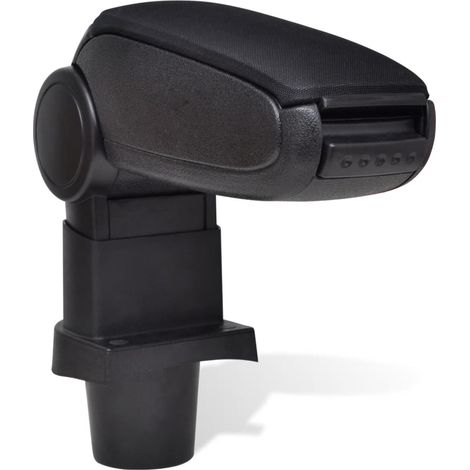
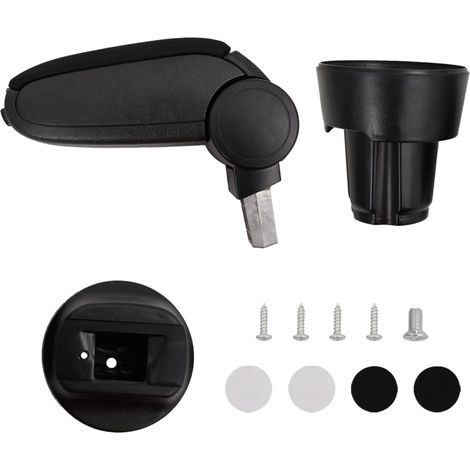
Car Armrest for VW POLO 9N 9N2 9N3 (2001-2009) VW CROSS POLO vidaXL
48
-2%
Free shipping

#1 in sales
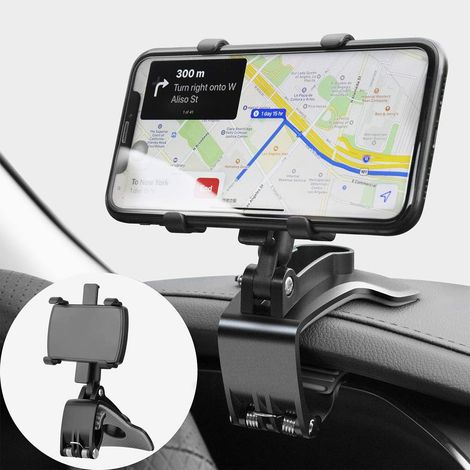
Car Phone Holder 360 Degree Rotation, Dashboard Cell Phone Holders Automobile Car Phone Mount for GPS and 4-7 inch Smartphones (Black)
95
Free shipping
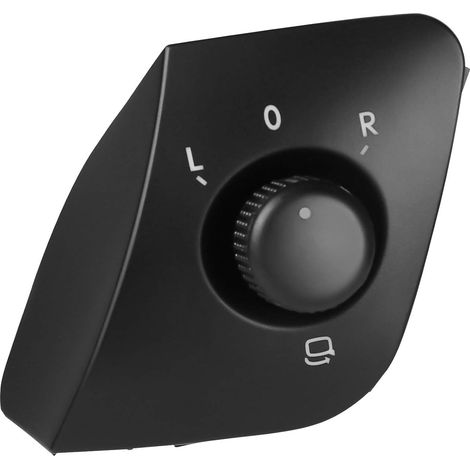
Outside Mirror Button Adjustment Switch Replacement for Ibiza 2009-2015 6J1959565 Black
6
Free shipping




#1 in sales
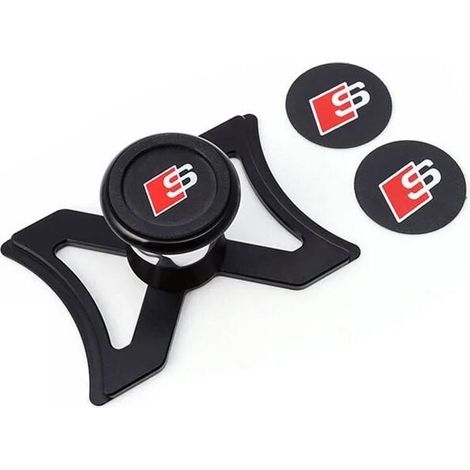
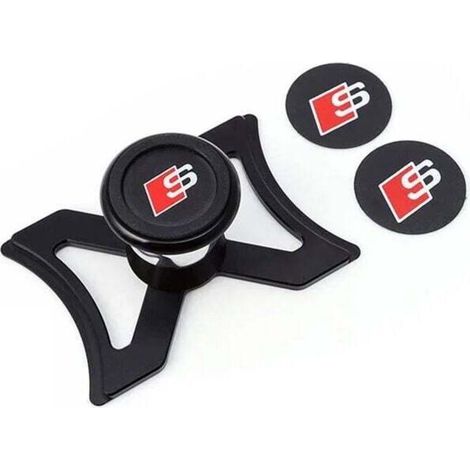
Magnetic phone holder for Audi A3 S3 8V 2013-2019, car air vent phone holder, automatic gravity locking, stable aluminum tailgate mount, 360° adjustable view
Free shipping
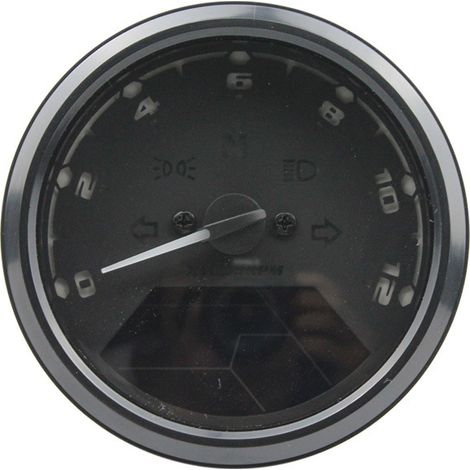
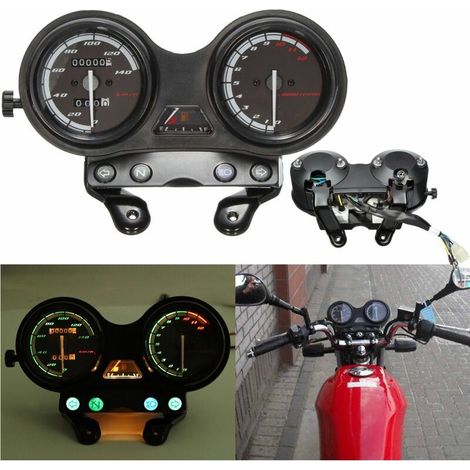
Motorcycle speedometer with LED digital display, tachometer, odometer, fuel gauge and multifunction dial for night vision.
Free shipping
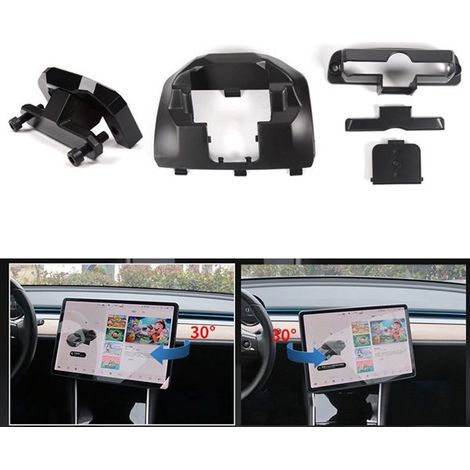
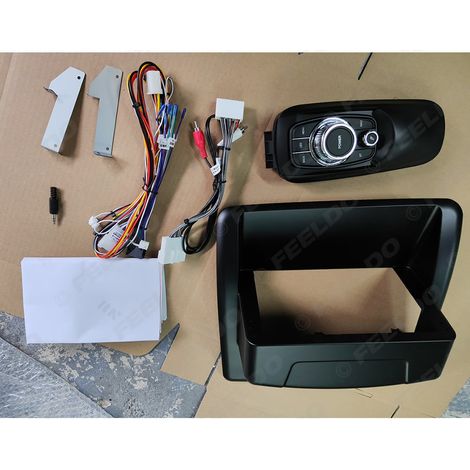
Suitable for upgrading Lexus CT200 2011-2018 with a large Android navigation screen (9 inches).
Free shipping
Compare with similar items
Product information
Description
Features:1.The electronic clock is waterproof and dustproof, making it very durable.
2.It features one-button operation, convenient and easy to use.
3.By default, the hour, minutes, seconds, date, and timer can be displayed, or the timer function can be disabled as needed.
4.It adopts a 24-hour display mode and has a power-off memory function.
5.It uses a wide DC 4.5-30V power supply voltage with reverse connection protection.
Specifications:Features:
1.The electronic clock is waterproof and dustproof, making it very durable.
2. It features one-button operation, making it convenient and easy to use.
3.By default, the hour, minutes, seconds, date, and timer can be displayed, or the timer function can be disabled as needed.
4.It adopts a 24-hour display mode and has a power-off memory function.
5.It adopts a wide DC 4.5-30V power supply voltage with reverse connection protection.br>Power Supply Voltage: 4.5-30V (wide range)
Backup Battery: CR1220 (backup power for the clock; the time can be maintained for more than 12 months without power)
Operating Current: Power supply, button cable length: >120mm
Size: approx.54 x 30 x 27 mm / 2.13 x 1.18 x 1.06 inches
Mounting Hole: approx. 47.2 x 27.3 mm / 1.86 x 1.07 inches
Minimum supply voltage: +4.5 V
Maximum supply voltage: +30 V
Operating temperature: -10 - +65°C
Operating humidity: 10-80% (non-condensing)
Operating pressure: 80 - 106 kPa
Sunlight: No direct sunlight
Package list:
1 x Electronic clock
Instructions:
1. Power On:
When the red positive and black negative connections are connected to the power supply, the time will be displayed.
The built-in CR1220-3V backup button cell battery spins when the external power supply is not connected.When the power supply is connected, the clock will run continuously and will not stop. 2.Key Switching Sequence: Time Division Mode - Second Mode - Date Mode - Timer Mode
3.Second Mode:
In hour mode, press the button to display the second; the display format is XX.
After approximately 30 seconds of inactivity, it will automatically return to hour and minute mode.
Press again to switch to the next mode. 4.Date Mode:
In time mode, double-press the button to display the date in month format.
After approximately 30 seconds, it will automatically return to hour and minute mode.
Press again to switch to the next mode.
5.Timer Mode:
In time mode, triple-press the button to display the time in 00:00 format.
If no timer is set, pressing the button within 30 seconds will automatically advance the time.and minute mode.
In hour and minute mode, press and hold the button to start the timer.The dot below the colon will begin flashing; then press and hold the button to pause the timer.The dot below the two dots is always on, does not flash;
Timing clear method: external red, black line off, long press the button for about 5 seconds
In timing mode, press the button to switch to hour and minute mode, and also to display the date and seconds.
6. Setting the time:
In hour, minute or second mode, press and hold the button until the hour number flashes, indicating that the time is set, then press the button again to set the time.
After the hour has passed. set, press and hold the button until the minute number flashes, indicating that the minute setting is entered.Press the button again to set the minutes.
Once the minutes are set, press and hold the button until the second digit flashes, indicating that the second setting has been entered. Press the second button to clear the setting, and press and hold to exit time setting mode.Mode and save the set time.
During the time setting process, if no button is pressed for approximately 30 seconds, it will automatically exit setting mode.
7.Setting the date:
In date mode, press and hold the button until the year number flashes. The watch enters setting mode. Press the button once to set the year.
Press and hold the button until the month number flashes, indicating that the month setting has been entered.Press the button again to set the month.
Once the month is set, press and hold the button until the day number flashes, indicating that the day setting has been entered.Press the button again to set the day.After setting OK, press and hold the button to exit date setting mode and save.
During the date setting process, if no button is pressed for approximately 30 seconds, it will automatically exit setting mode.
2.It features one-button operation, convenient and easy to use.
3.By default, the hour, minutes, seconds, date, and timer can be displayed, or the timer function can be disabled as needed.
4.It adopts a 24-hour display mode and has a power-off memory function.
5.It uses a wide DC 4.5-30V power supply voltage with reverse connection protection.
Specifications:Features:
1.The electronic clock is waterproof and dustproof, making it very durable.
2. It features one-button operation, making it convenient and easy to use.
3.By default, the hour, minutes, seconds, date, and timer can be displayed, or the timer function can be disabled as needed.
4.It adopts a 24-hour display mode and has a power-off memory function.
5.It adopts a wide DC 4.5-30V power supply voltage with reverse connection protection.br>Power Supply Voltage: 4.5-30V (wide range)
Backup Battery: CR1220 (backup power for the clock; the time can be maintained for more than 12 months without power)
Operating Current: Power supply, button cable length: >120mm
Size: approx.54 x 30 x 27 mm / 2.13 x 1.18 x 1.06 inches
Mounting Hole: approx. 47.2 x 27.3 mm / 1.86 x 1.07 inches
Minimum supply voltage: +4.5 V
Maximum supply voltage: +30 V
Operating temperature: -10 - +65°C
Operating humidity: 10-80% (non-condensing)
Operating pressure: 80 - 106 kPa
Sunlight: No direct sunlight
Package list:
1 x Electronic clock
Instructions:
1. Power On:
When the red positive and black negative connections are connected to the power supply, the time will be displayed.
The built-in CR1220-3V backup button cell battery spins when the external power supply is not connected.When the power supply is connected, the clock will run continuously and will not stop. 2.Key Switching Sequence: Time Division Mode - Second Mode - Date Mode - Timer Mode
3.Second Mode:
In hour mode, press the button to display the second; the display format is XX.
After approximately 30 seconds of inactivity, it will automatically return to hour and minute mode.
Press again to switch to the next mode. 4.Date Mode:
In time mode, double-press the button to display the date in month format.
After approximately 30 seconds, it will automatically return to hour and minute mode.
Press again to switch to the next mode.
5.Timer Mode:
In time mode, triple-press the button to display the time in 00:00 format.
If no timer is set, pressing the button within 30 seconds will automatically advance the time.and minute mode.
In hour and minute mode, press and hold the button to start the timer.The dot below the colon will begin flashing; then press and hold the button to pause the timer.The dot below the two dots is always on, does not flash;
Timing clear method: external red, black line off, long press the button for about 5 seconds
In timing mode, press the button to switch to hour and minute mode, and also to display the date and seconds.
6. Setting the time:
In hour, minute or second mode, press and hold the button until the hour number flashes, indicating that the time is set, then press the button again to set the time.
After the hour has passed. set, press and hold the button until the minute number flashes, indicating that the minute setting is entered.Press the button again to set the minutes.
Once the minutes are set, press and hold the button until the second digit flashes, indicating that the second setting has been entered. Press the second button to clear the setting, and press and hold to exit time setting mode.Mode and save the set time.
During the time setting process, if no button is pressed for approximately 30 seconds, it will automatically exit setting mode.
7.Setting the date:
In date mode, press and hold the button until the year number flashes. The watch enters setting mode. Press the button once to set the year.
Press and hold the button until the month number flashes, indicating that the month setting has been entered.Press the button again to set the month.
Once the month is set, press and hold the button until the day number flashes, indicating that the day setting has been entered.Press the button again to set the day.After setting OK, press and hold the button to exit date setting mode and save.
During the date setting process, if no button is pressed for approximately 30 seconds, it will automatically exit setting mode.
Features
- BrandOTHERS
- ColourBlue
- MaterialPlaster
- WaterproofYes
- ManoMano ReferenceME242436242
- MMID886623742744
- Product codeQD-GB26Y67445
- EAN5008500174356
You are here:
'/%3E%3C/svg%3E)