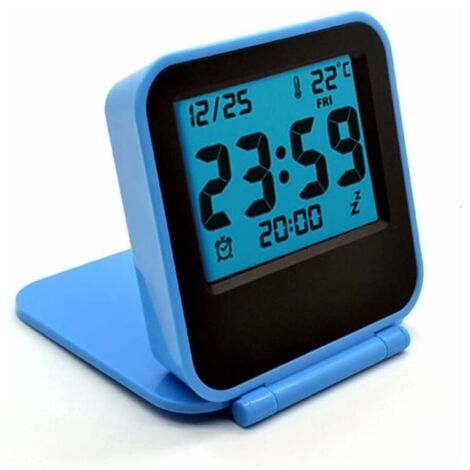
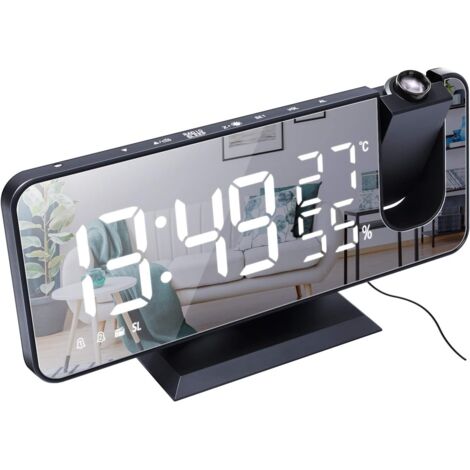
Digital Alarm Clock, Smart Morning Alarm Clock with 3 Alarm Settings and Snooze Function, Bedside Alarm Clock with LED Display Showing Time and Temperature (Black)
You may also like















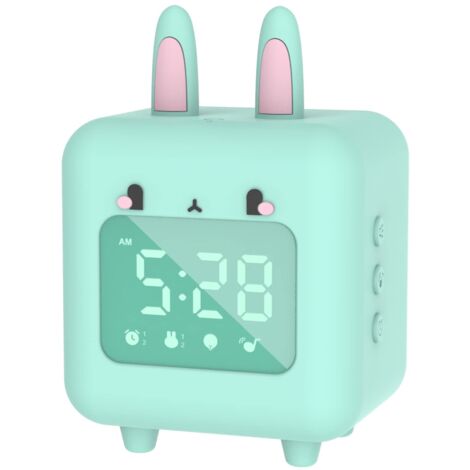

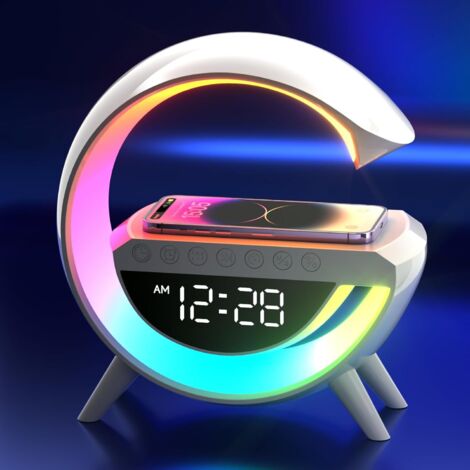

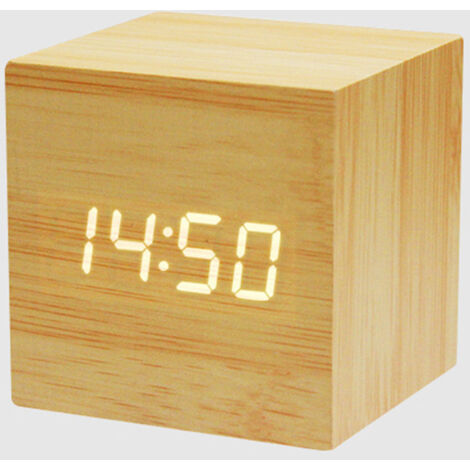



Compare with similar items
Product information
Description
Product Description
This digital alarm clock helps you effectively manage time, making life easier and more convenient.
LED Display: Temperature, date, and time (12/24 H)
Display Modes: Time only / Time and date cycle
Temperature: Monitors every 15 seconds
Brightness: 2 fixed brightness levels (bright/low)
Night Mode: Automatically sets to low brightness from 6 PM to 6 AM. In normal display mode, press and hold the snooze button. Press and hold for more than 3 seconds to turn off the screen. This prevents the screen from turning on at night and disturbing your sleep. Simply press any key to turn the screen back on.
Power saving mode: ONLY in battery-powered mode. After a few seconds of inactivity, the screen will automatically turn off.
Voice control and time memory function: battery-powered mode Battery operated ONLY
How to set alarm 1/2/3?
Press and hold the ALARM button to set the alarms.
Adjust using the UP/DOWN button and confirm with the ALARM button.
Setting order: Hour - Minute - Snooze Time - Alarm Modes (1-5 Monday to Friday, 1-6 Monday to Saturday, 1-7 Daily)
Note:
Click the ALARM button to display the time for alarm 1/2/3.
You must set alarm 1/2/3 in order.
Snooze Function: The snooze time can be adjusted to allow you to get 1 to 60 minutes of extra sleep.
Press the SNOOZE button to pause the alarm; the snooze indicator will flash and start a snooze. Press any other key to stop the alarm and avoid entering snooze mode.
During the snooze period, pressing any other key will deactivate the snooze function, and pressing the SNOOZE button will not affect the snooze.
Adjustable Brightness: 2 brightness levels are free to choose.
Press the UP button to directly adjust the brightness: bright / low.
Nighttime Disturbance Prevention Night mode can help you sleep better without being disturbed.
Double-press the MODE button to set night mode and use the UP/DOWN button to turn night mode on/off (the default is off).
When night mode is on, the clock automatically adjusts to a low brightness between 6:00 PM and 6:00 AM.
Read more
How to set the clock? CHANNEL 1: (Normal display mode) Setting order: 12/24H - TIME - DATE - NIGHT MODE NOTE: You must make the settings in order.
In normal display mode, press and hold the MODE button to begin setting.
When the digits (12/24) are flashing, set "12/24 H" by pressing the UP/DOWN button, and press the MODE button again to confirm.
How to set the TIME: Then press the UP/DOWN button to set the "Hour" when the "Hour" digits are flashing. This is the same way to set the "minutes" and press the MODE button twice to confirm the setting.
How to set the DATE: it then displays the date numbers. Press and hold the MODE button again, and the year-month-day numbers will flash sequentially. Press the UP/DOWN button to adjust them and press the MODE button to confirm.
NIGHT MODE: Press the UP/DOWN button to set the mode ON/OFF, and press the MODE button to confirm.
The setting is complete. !
CHANNEL 2: (ONLY in display mode: cycles through time and date)
When displaying the time, a long press on the MODE button allows you to set the hour. Press the UP/DOWN button to set the "Hour" when the "Hour" digits flash. The same method is used to set the "Minutes," and press the MODE button to confirm the setting.
Features
- BrandBASETBL
- MaterialPlastic
- ColourBlack
- Power sourceBatteries
- Display modeDigital
'/%3E%3C/svg%3E)