Doorbell receiver, compatible with door/window sensor and motion detector, supports 5 modes / 36 melodies / long range
Buying for your business?
Negotiated prices excl. VAT up to -20%
You may also like

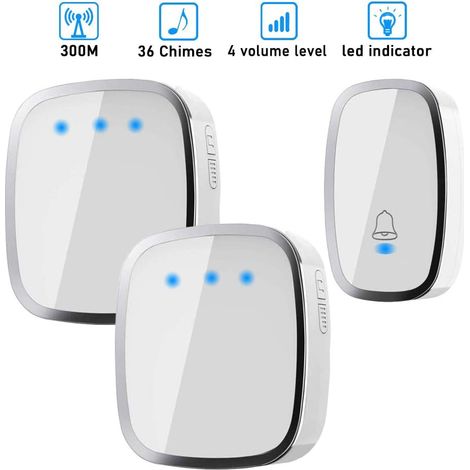

Wireless Doorbell, Waterproof Wireless Chime with 300 Meter Range, Chime Kit with LED and 36 Melodies at 4 Volume Levels for Home, Office, Hotel-1 Transmitter and 2 Receivers Included
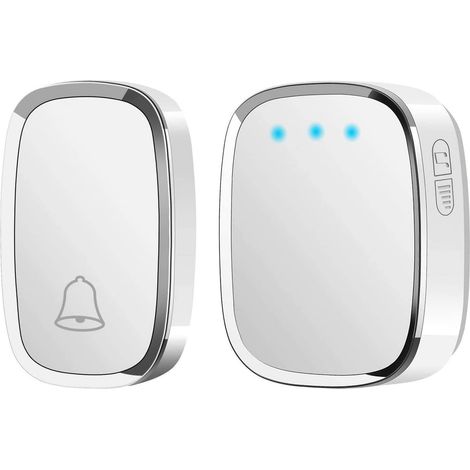
Wireless Doorbell, Waterproof Door Bell with 300 Meter Range, Wireless Chime with 1 Transmitter and 1 Plug-in Receiver and 36 Ringtones 4 Level Volumes for Home, Office, Shop
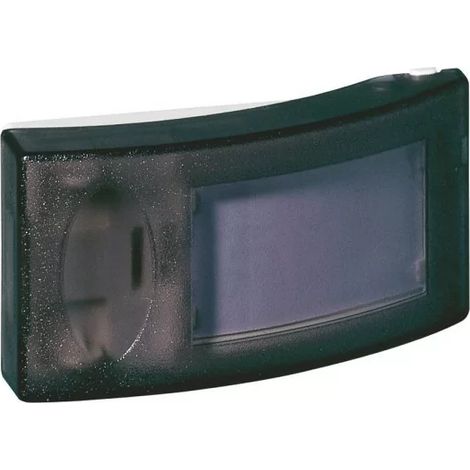
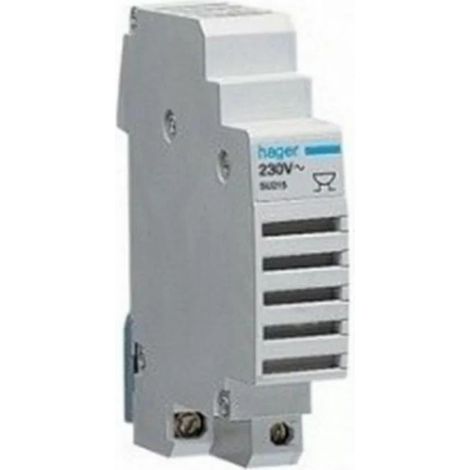

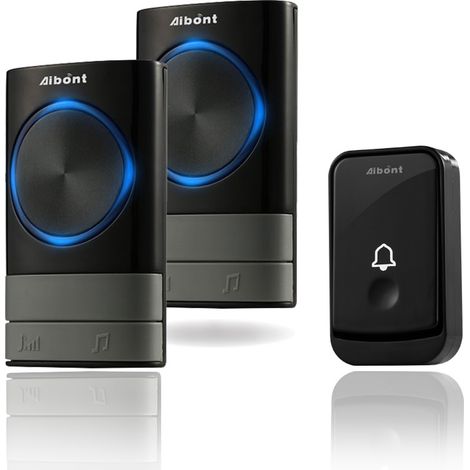
Wireless Doorbells, 45 Melodies 5-Volume Levels, IP55 Waterproof Wireless Chime, Chime Kit with 300 Meters, LED Flash, 2 Plug-in Receivers
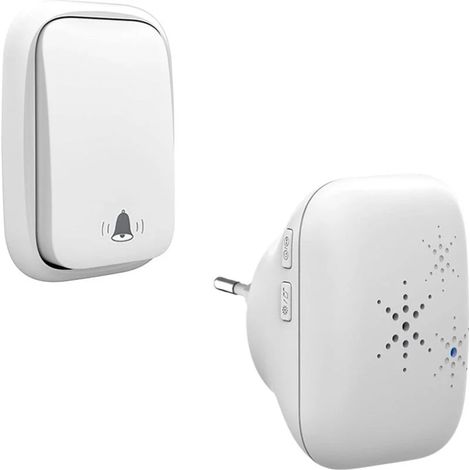
Wireless and Battery-Free Doorbell Outdoor Waterproof IP 65 Snow Rain Humidity, White
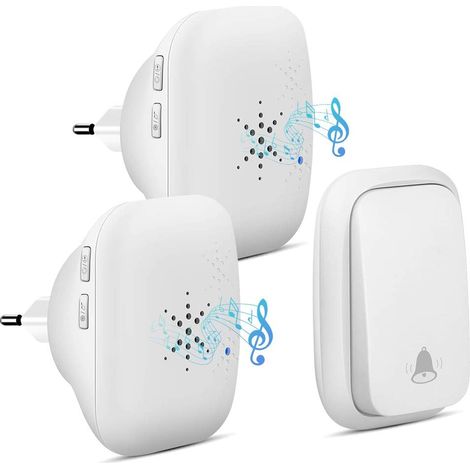

Wireless Outdoor Doorbell - Waterproof with 2 Receivers - IP68 Waterproof - 150m Range - 4 Volume Levels - 36 Ringtones - No Battery, White
![[No Batteries Required] Wireless Doorbell, Waterproof Doorbell, Electronic Chime Set with 2 Plug-in Receivers, 150m Range, 52 Melodies at 4 Volume Levels for Home, Office, Hotel](https://cdn.manomano.com/pim-media/images/medium/67a289ba7a166a7f5725f735c1dcf79c18ec2660.jpg)
[No Batteries Required] Wireless Doorbell, Waterproof Doorbell, Electronic Chime Set with 2 Plug-in Receivers, 150m Range, 52 Melodies at 4 Volume Levels for Home, Office, Hotel
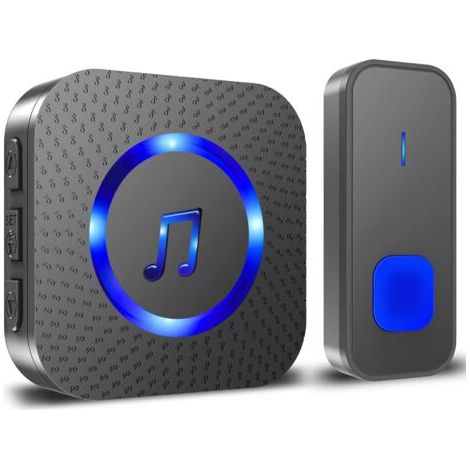
Wireless Doorbell, 400m Long Door Chime, IP55 Waterproof Electronic Chime Chime Kit with Plug-in Receivers for Home, 55 Melodies at 5 Volume Levels, Blue Black LED
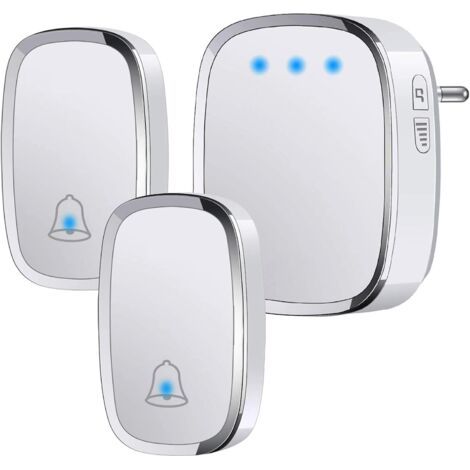

IP44 Waterproof Outdoor Wireless Doorbell, 300 Meter Range Doorbell Kit with Flash LED, 2 Transmitters and 1 Receiver, 5 Volume Levels, 36 Melodies
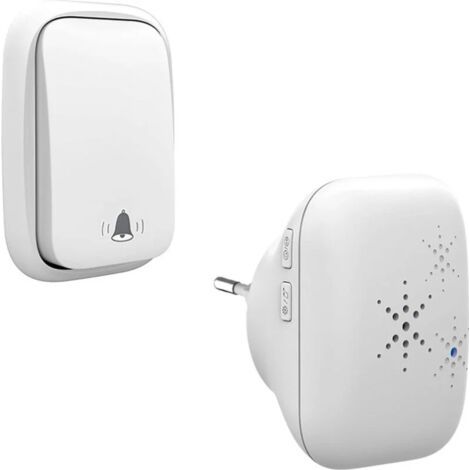
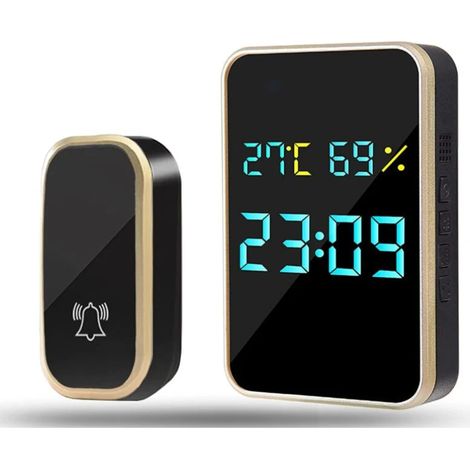

Wireless Doorbell, No Batteries IP45 Waterproof Door Bell Electronic Chime Kit, 38 Chimes at 4 Volume Level
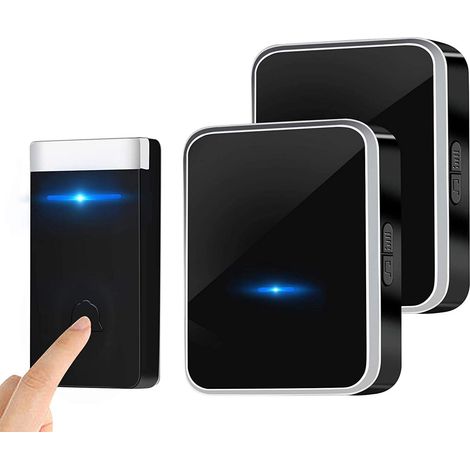
Waterproof, wireless doorbell with 2 receivers – 150 m range, 45 melodies and adjustable volume (0–90 dB) – Quick and easy installation


Compare with similar items
Product information
Description
Range: Up to 120 m outdoors
5 Modes Available: Welcome Mode / Doorbell (36 melodies available) / Alarm / Color Light / Night Light Mode
Power Supply: 3 x Alkaline Batteries (not included) or Micro-USB (not included)
Note: Works with a contact or infrared sensor; cannot be used independently. Item Type: Wireless Doorbell Receiver; Range: Up to 120 m outdoors; 5 Modes Available: Welcome Mode / Doorbell (36 melodies available) / Alarm / Color Light / Night Light Mode; Power Supply: 3 x Alkaline Batteries (not included) or Micro-USB (not included);
The AP01 wireless receiver has 5 modes: Welcome Mode / Doorbell (36 melodies available) / Alarm / Color Light / Night Light Mode. Press the mode button on the receiver or remote control to switch between modes. 1) Charge the batteries for AP01 and AP02 (alternatively, you can use the USB 2.0 Micro-B cable). 2) Press and hold the "Power/Mode" button on AP01 for 3 seconds to turn off the device. 3) Then, press and hold the volume button on AP01 for 3 seconds to put the receiver into learning mode. 4) Waving your hand in front of the motion sensor on AP02 will trigger it; the indicator on AP01 will flash once, signaling successful pairing. 1) Charge the batteries for AP01 and AP03 (alternatively, you can use the USB 2.0 Micro-B cable). 2) Press and hold the "Power/Mode" button on AP01 for 3 seconds to turn off the device. 3) Then, press and hold the volume button on AP01 for 3 seconds to put the receiver into learning mode. 4) Waving your hand in front of the motion sensor on AP03 will trigger it; the indicator on AP01 will flash once, signaling successful pairing. 1) Charge the batteries for AP01 and AP04 and hold the contact sensor close to the magnetic strips (the distance between them should be zero). 2) Press and hold the "On/Off/Mode" button on AP01 for 3 seconds to turn it off. 3) Then, press and hold the volume button on AP01 for 3 seconds to put the receiver into learning mode. 4) Separate the two halves of AP04; the indicator on AP01 will flash once to indicate successful pairing. 1) Charge the batteries for AP01 (you can also use the USB 2.0 Micro-B cable). 2) Press and hold the "On/Off/Mode" button on AP01 for 3 seconds to turn it off. 3) Next, press and hold the volume button on AP01 for 3 seconds to put the receiver into learning mode. 4) Press any button on the remote control; the LED on AP01 will blink once to indicate successful pairing. 5 Modes How do I pair AP01 with AP02? How do I pair AP01 with AP03? How do I pair AP01 with AP04? How do I pair AP01 with AP03?
Features
- BrandNEPTUNE
- ColourBlack
- Power sourceBatteries
- Equipped with a motion sensorYes
- Type of wireless doorbell and chimeDoorbell
- ManoMano ReferenceME98071588
- MMID879105817449
- Product codeHD129C-1225200
- EAN5461619357681
'/%3E%3C/svg%3E)
Doorbell and intercom buying guide
Advice from our experts
'/%3E%3C/svg%3E)