1/5
Durable, two-color temperature correction thermostat switch for cabinets
Of which environmental contribution £0.10 including VAT.
Buying for your business?
Negotiated prices excl. VAT up to -20%
Sold by Cuizi
You may also like









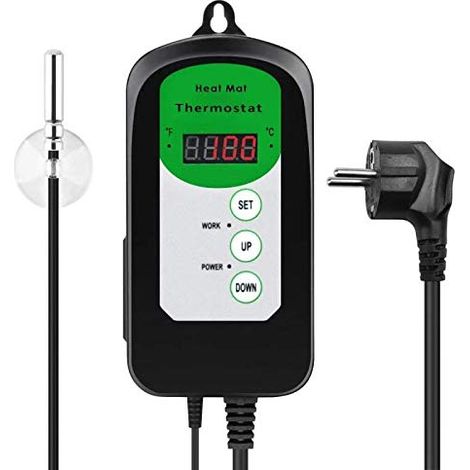
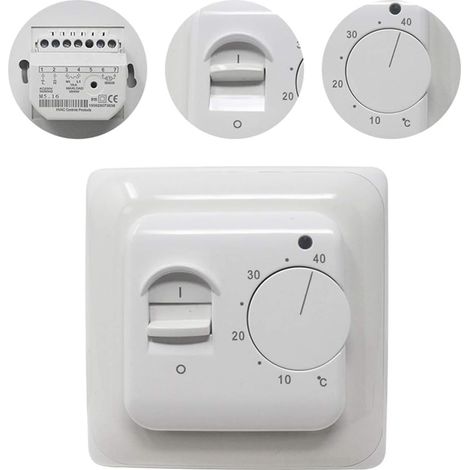
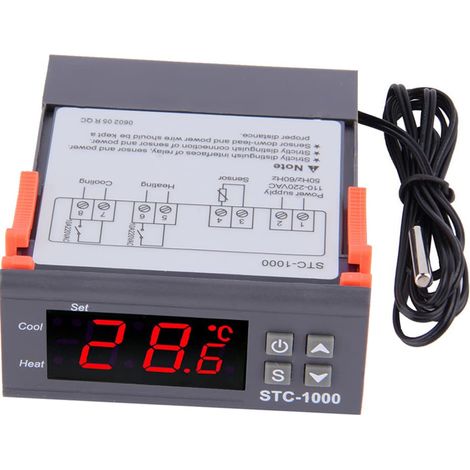
Compare with similar items
Product information
Description
Features:
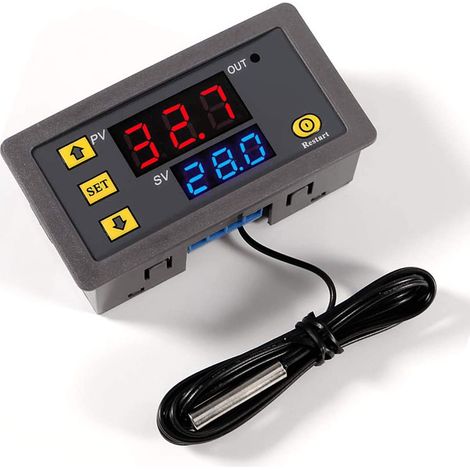
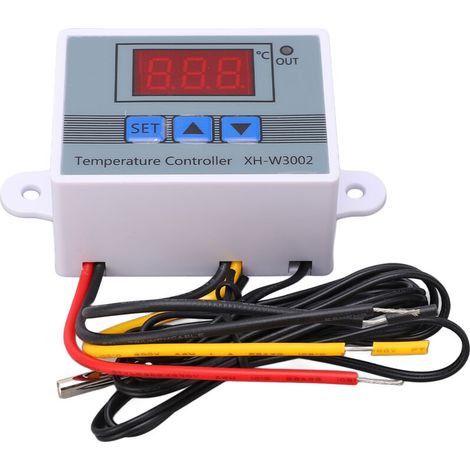
1. This temperature controller is designed with a dual-color LED display and has a high accuracy of 0.1℃2. It supports temperature correction, temperature alarm, and delayed start function
3. Designed with screw terminals for convenient and easy wiring
4. The water-resistant probe has higher sensitivity, is sealed with silicone, and is more suitable for detecting the temperature of liquids; it is safe and durable
5. Widely used for temperature control in cabinets, industrial equipment, vegetable and flower greenhouses, etc.
Specifications:
Features:This temperature controller is designed with a bi-color LED display and has a high accuracy of 0.1℃.
It supports temperature correction, temperature alarm, and delayed start function.
Designed with screw terminals for convenient and easy operation. Wiring.
The water-resistant probe has higher sensitivity, is sealed with silicone, and is more suitable for detecting the temperature of liquids; it is safe and durable.
Widely used for temperature control in cabinets, industrial equipment, vegetable and flower greenhouses, etc.
br>Specifications:
Control range -50℃ ~ 110℃
Control accuracy 0.1℃
Sensor input: NTC10K water-resistant sensor L=0.5M
Temperature alarm: -49℃~110℃
Input voltage: DC12V
Output type: Relay output max. 10A
Setting return difference 0.1 ~ 30 ℃
Delayed start 0 ~ 10 minutes
Temperature correction -10 ℃~+10 ℃
Red display Measured temperature
Green display Temperature setting
Instruction:
Terminal K0 K1:
The thermostat output type is a relay output, K0 and K1 are equivalent to an extension relay switch; The 12V power supply powers the thermostat; the sensor detects the temperature; the output of the relay controls the internal temperature control program and the load (if the load is AC powered, it is safer to connect K0 and K1 to the live wire).
Function setting range: Default temperature control mode P0 H (hot)/C (cold) C
Return difference setting P1 0.1 ~ 30 ℃ 2 ℃
Temperature correction P2 -10 ~ 10 ℃ 0 ℃
Delayed start P3 0 ~ 10 (min.) 0
Temperature alarm P4 -49 ~ 110 ℃ 110 ℃ "SET" button: set the switch
Button "+" button: Increase temperature
"-" button: Decrease temperature
Restore factory settings: Turn on, then press and hold the "+" and "-" buttons together for approximately 3 seconds.
Temperature control mode P0:
This setting must be configured for the first time using the controller. If used for heating, set it to H; if used for cooling, set it to C.
Return difference P1:
Press and hold the SET button to access the internal setting, select setting P1, and press the SET button again to set the return difference value. (The return difference value is the value at which the controller restarts after reaching the set temperature and has stopped.For example, if we use heating mode and set the controller to stop at 40°C and restart at 35°C, the feedback difference value is 5.
P2 Temperature Correction:
This function is used for temperature correction if there is a difference between the measured temperature and the actual temperature. Correction temperature = measured temperature + correction value.
For example, if the measured temperature is 25.6 degrees and the actual temperature is 25.8 degrees, set P4 to 0.2, so the final temperature is 25.6 + 0.2 = 25.8 degrees.
P3 Delayed Start:
This function is normally used for compressor refrigeration. If the controller is used in refrigerator-freezers, this value must be set. Depending on the compressor back pressure, this value can be set between 3 and 6 minutes. If you are not using it to control the compressor or do not need the delay function, you can ignore it.
Temperature Alarm P4:
Set the temperature alarm value. When the real-time temperature exceeds this value, the display will flash to trigger an alarm.
Example of Heating Mode Setting:
Control the electric heating equipment to stop heating at 35°C and restart when the temperature drops to 30°C;
1. Press and hold the SET button for 3 seconds. To enter the internal setting, set P0 to H.
2, press and hold the SET button to return to the real-time temperature display, press the SET button again and the green screen will flash, then adjust the value to 35 ℃.
3, the default return difference is 2, it must be set to 5 if you want to restart at 30 ℃. Press and hold the SET button to access the internal setting, select P1, and change the P1 value to 5.
Example of cooling mode setting:
Control the air conditioning refrigeration to stop cooling at 23°C and restart when the temperature reaches 27°C;
1. Press and hold the SET button for 3 seconds to enter the internal setting, and set P0 to C.
2. Press and hold the SET button to return to the real-time temperature display. Press the SET button again, and the green screen will flash. Then, adjust the value to 23°C.
3. The default return difference is 2; it must be set to 4 if you want to restart at 27°C.
Press and hold the SET button to enter the internal setting, select P1, and change the value P1 to 4.
Package includes:
1 x temperature controller
Features
- BrandOTHERS
- MaterialPlaster
- Depth150 mm
- Compatible probeNTC
- ManoMano ReferenceME220688680
- MMID193073395907
- Product codeBT-UK2025YS-50871
- EAN9140747122717
You are here:
'/%3E%3C/svg%3E)