Lightning – Digital AV Adapter, HDMI and VGA & Audio Adapter for iPhone and iPad
Recommended Price
You may also like


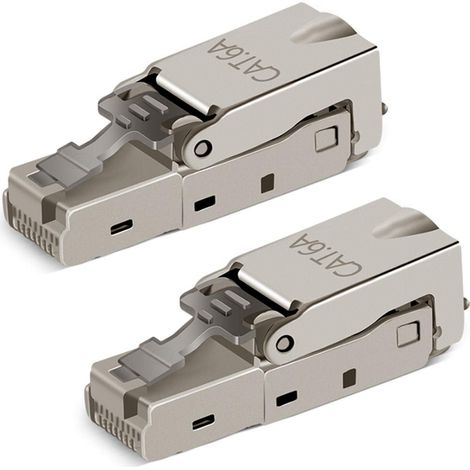
2 pieces tool-free RJ-45 Cat6/6A modular plug field connection, Cat6A RJ45 shielded for 23-26AWG installation cable
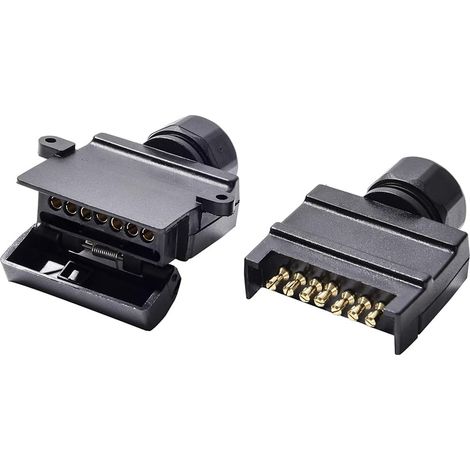
Flat 7 Pin Trailer Socket Male and Flat 7 Pin Female Trailer Socket 12V Australia Waterproof Flat Socket 7 Pin Trailer Socket Trailer Socket Fits Trucks Motorhomes (Screw End)


Connecteur Électrique Étanches IP68 - Raccord de Cable 3 Fils Boîte de Derivation Étanche Éxterieur, Domino Etanche Boîte de Jonction pour Câble Ø 9 à 12mm (4 Pcs)


12pcs 90 Degree Banana Plugs, 4mm Gold Plated L-Shaped Pure Copper Banana Plugs for Speaker Cable, Audio/Video Receiver, Amplifier
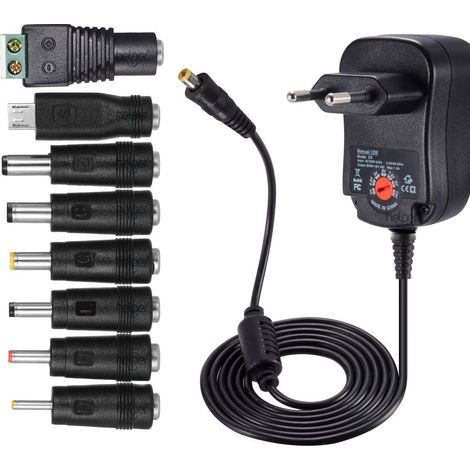
12W universal AC-DC power supply 3V, 4.5V, 5V, 6V, 7.5V, 9V and 12V with 8 selectable adapter ports, max. 1000mA, 115cm long charging cable
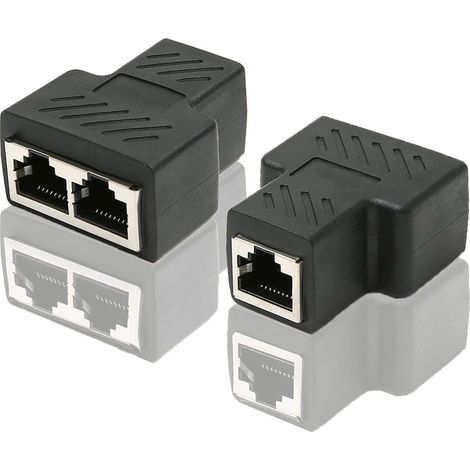
RJ45 CAT6 LAN Ethernet Port Splitter Adapter 1 to 2 Dual Female to Female Port Coupler, 2 Pack and Black


USB Bluetooth Adapter, Bluetooth Dongle for PC, Bluetooth Transmitter, BT5.0 Bluetooth Dongle Adapter
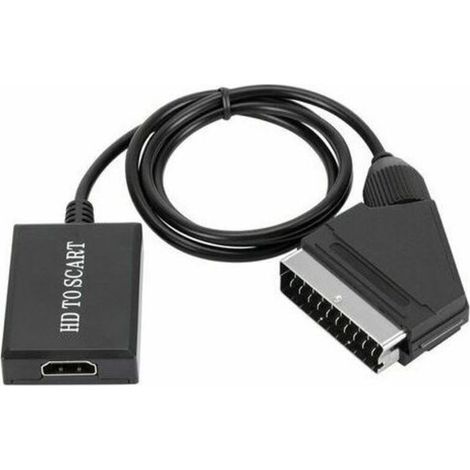

Trimec – HDMI to SCART Converter 1080p – Plug & Play – NTSC/PAL compatible – High-quality upscaling technology


SPX to RJ45 Adapter Cable, for Starlink 1200Mbps, RJ45 Cable, 1 RJ-2 Connector, Extension Adapter for Satellite Dish Antenna
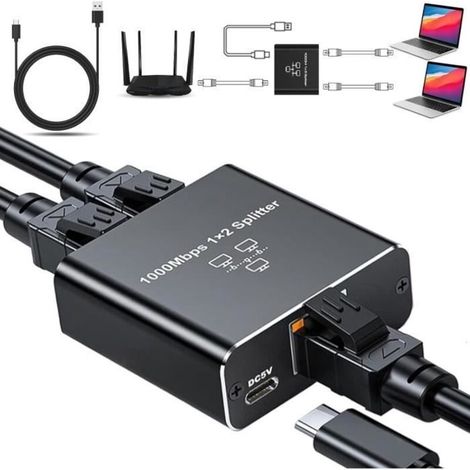
RJ45 Ethernet Switch, 1 to 2 LAN Splitter 1000 Mbps 2-Port LAN Switch for Computers, Routers, Set-Top Boxes, TVs

Compare with similar items
Product information
Description
Features
- BrandOTHERS
- ColourMulticolour
- Connector aHDMI
- Connector bVGA
- Pcs per pack1
- ManoMano ReferenceME242389960
- MMID912363575519
- Product codeQD-GB26Y24457
- EAN5008250544478
'/%3E%3C/svg%3E)