Lux METER, High-Precision 200,000 Single-Switch Illuminometer with Holding Key for Greenhouse Garden
Buying for your business?
Negotiated prices excl. VAT up to -20%
You may also like
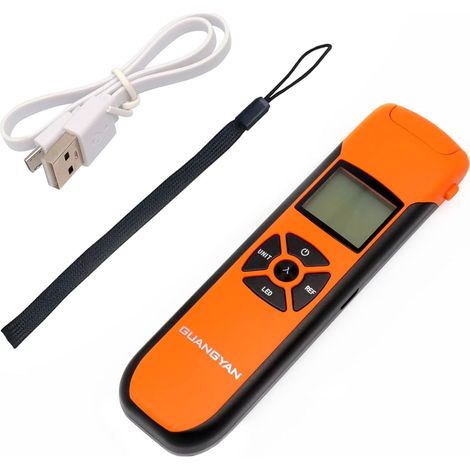

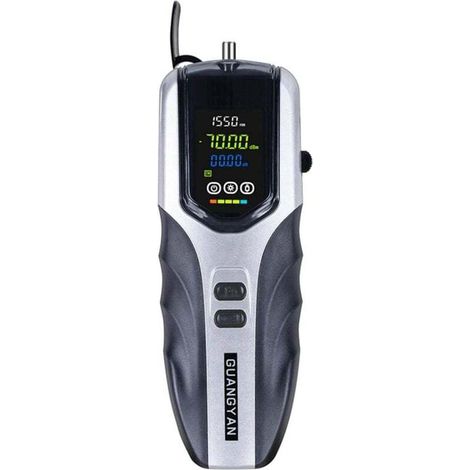
Mini Fiber Optic Power Photometer -70+10dBm Fiber Light Meter for Testing 7 Calibrated Wavelengths Portable Optical Power Meter Rechargeable High Accuracy
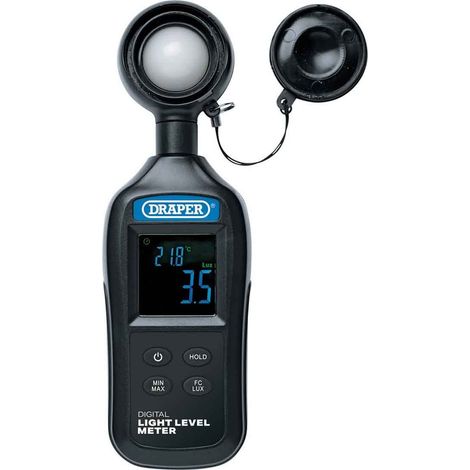

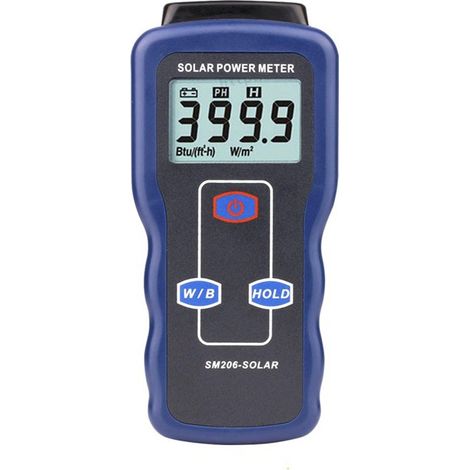

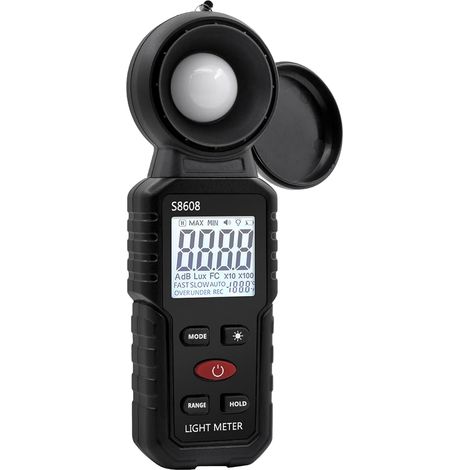
Digital lux meter, light measurement with 0.1–200,000 lux, portable digital ambient light meter with a measuring range up to 200,000 lux for LED lamps, plants
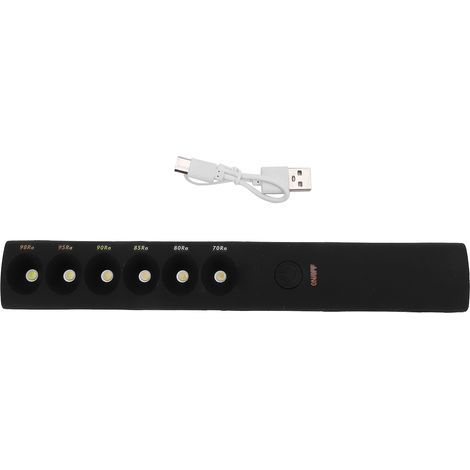
Portable Color Temperature Adjustable Lamp Stick, Professional Rechargeable Light Wand 2700K-6000K
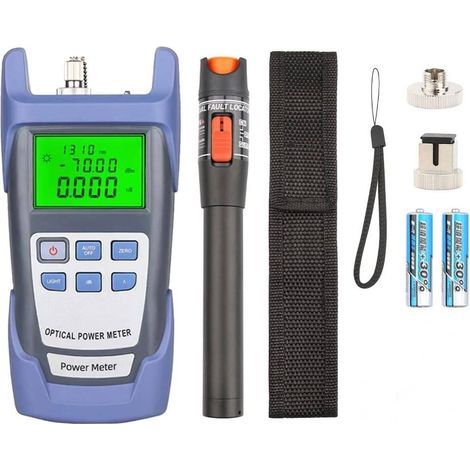
Optical Fiber Tool Kit with 10 mW Optical Power Meter, Portable Pen-Style Fiber Optic Tester, Red Light for Fiber Optic Inspection
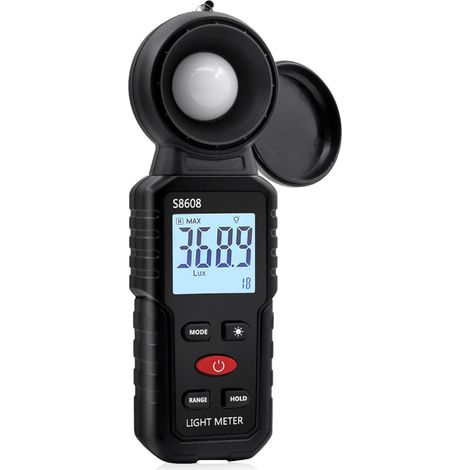

Digital Lux Meter, Light Measurement with 0.1-200,000 Lux, Portable Digital Ambient Light Meter with Range Up to 200,000 Lux for LED Lights, Plants
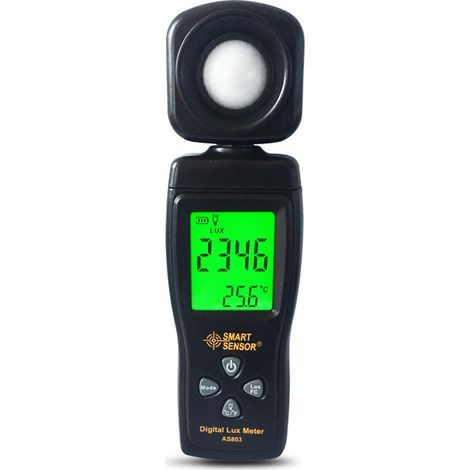
Pocket High Precision Digital Light Meter Luxmeter Professional Digital Light Meter Illuminator Illumination Meter Photometer Tool, 1 pc
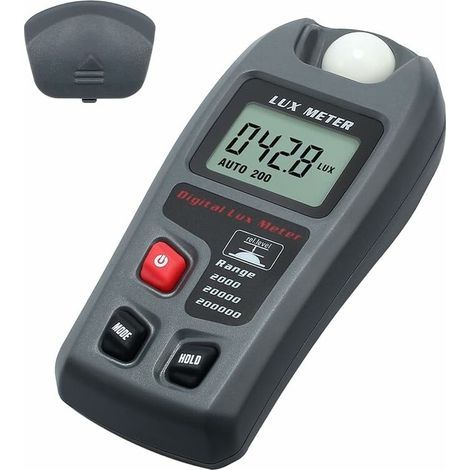
Digital Lux Meter Pocket Digital Photometer LCD Illuminance Light Meter Luminometer Light Tester for School, Family, Industry, Warehouse, Lab
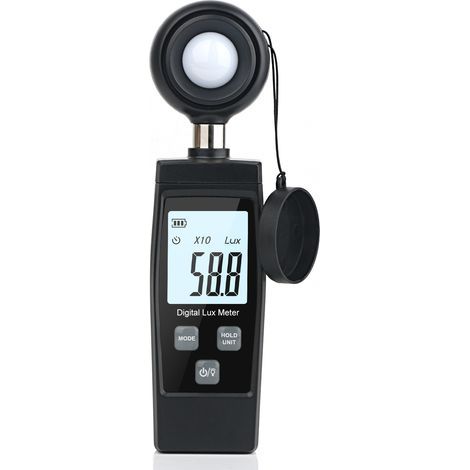
Digital lux meter - Convenient measurement of plant exposure - Up to 200,000 lux - LCD display of maximum and minimum values
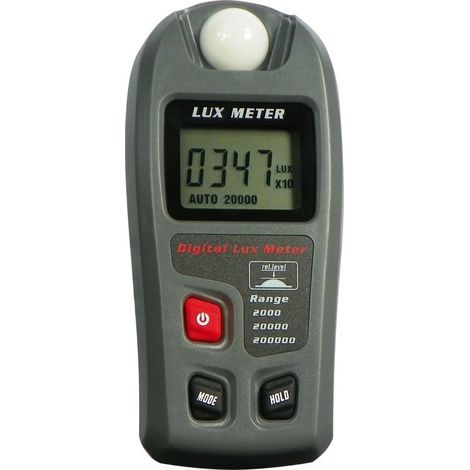
Digital lux meter, measuring range up to 200,000 lux, lux meter with LCD screen for plants, car headlights, LED lighting for home and office, photography
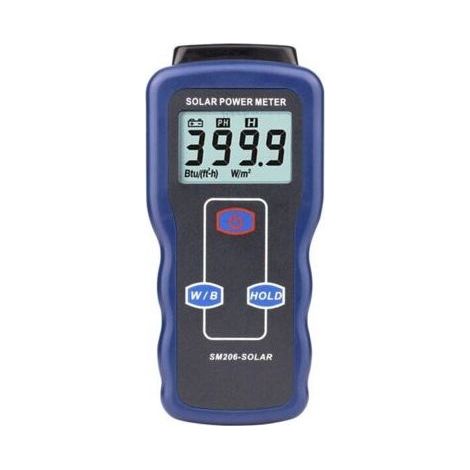
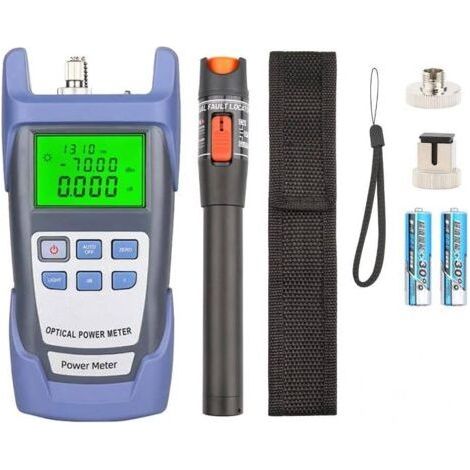
Fiber optic tool kit with optical power meter 10mW portable optical fiber tester pen type optical fiber test red light
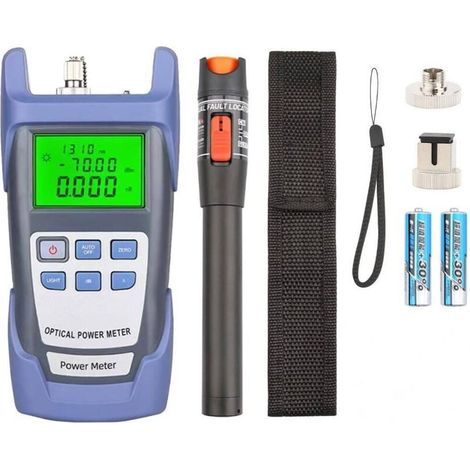
Fiber optic tool kit with optical power meter 10mW portable optical fiber tester pen type optical fiber test red light
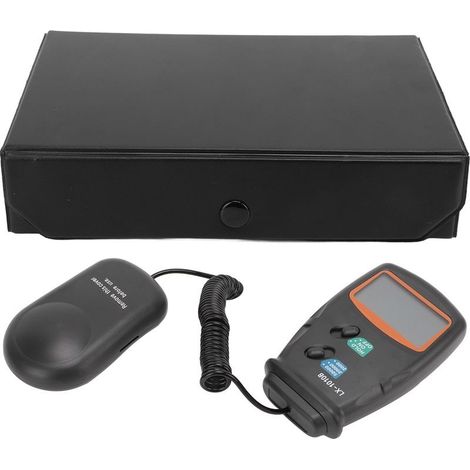

Meter of light digital LX1010B, LED lighting multifunction forfice, schools, machined
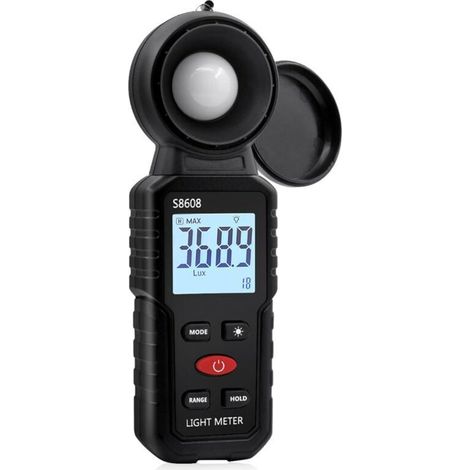
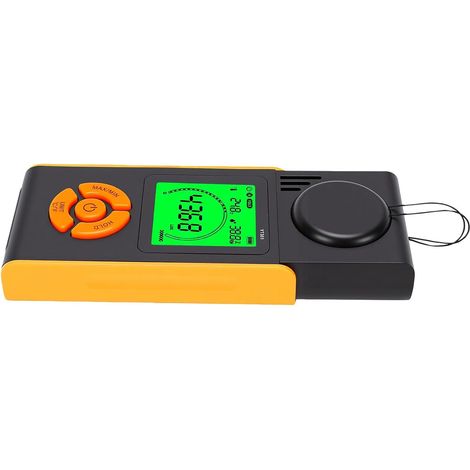
Digital Lux Meter, Light Measurement with 0.1-200,000 Lux, Portable Digital Ambient Light Meter Range Up to 200,000 Lux for LED Light, Plants
Compare with similar items
Product information
Description
2.With a large LCD screen, it can visually display the measured illuminance value and measure accurately.
3.The measuring range is 0.1 ~ 200,000 Lx, 0.01 ~ 20,000 Fc, the measurement accuracy is ±4%, and measurement is more convenient.
4.With a screen lock function for maximum/minimum measurements.
5.Supports automatic scaling, can manually change the range, and will automatically turn off the function after 15 minutes of inactivity.
Specifications:Features:
Made of high-quality ABS material, it is durable, corrosion-resistant, and wear-resistant.
With a large LCD screen, it can visually display the measured illuminance value and measure accurately.
The measuring range is 0.1 to 200,000 Lx, 0.01 to 20,000 Fc, with a measurement accuracy of ±4%, making measurement more convenient.
With a screen lock function (Hold) for maximum/minimum measurement.
Supports automatic scaling, can manually change the range, and will automatically turn off the function after 15 minutes of inactivity.
The meter will automatically detect the battery level.When the low battery symbol appears, please replace the battery promptly.
Specifications:
Condition: 100% Brand New
Material: ABS
Measuring Range: 0.1 ~ 200,000 Lx, 0.01 ~ 20,000 Fc
Resolution: 0.1 Lx / 0.01 Fc
Measurement Accuracy: ±4%
Sampling Rate: 2 times/sec
Unit: Lx, Fc
Operating Environment: 14 to 122°F (-10 to 50°C), 10% ~ 90% RH
Storage Environment: 14 to 131°F (-10 to 55°C), 10% to 95% RH
Battery: 1 x 9V Battery (Non-Residual) (included)
Weight: approx. 130 g / 4.6 oz
Size: approx. 145 x 67 x 32 mm / 5.7 x 2.6 x 1.3 inches
Package List:
1 x Light Meter (battery not included)
1 x Instruction Manual
Appearance Description:
1. Max/Min Measurement Identification
2. Measurement Reading Display
3. AUTO Automatically switches the range indicator
4. Meter Power Button/Off Button
5. Mode switching button, short press the switching unit, long press to switch between normal/maximum/minimum mode
6.Light sensor components
7.HOLD lock screen logo
8.Low battery voltage indicator
9.Illumination unit, Lux: Lux, Fc: foot candle
10.The multiple of the reading is multiplied by the value X.This multiple is the reading.
11.Display current range
12.HOLD button, short press the lock screen, long press to switch between automatic and manual range
Measurement steps:
1. 1. Remove the protective cover according to the direction marking.2. Press the button to start.3.Briefly press the MODE button to select the desired unit (Lux/FC). Press and hold the MODE button to select the desired mode, divided into: current measurement/maximum measurement/minimum measurement. Briefly press the HOLD button to lock the screen.
4.The meter measures automatically by default.If you need to manually change the range, press and hold the HOLD button to cycle through the ranges.
5.Move the meter to the top of the optical sphere and face the light source to obtain the reading.
6.Press the button to turn off and close the protective cover.
Button function introduction:
Switch button: Switching function.
MODE button: Briefly press to change the measurement unit (Lux/FC).Press and hold to change the measurement mode, divided into current mode / maximum measurement (MAX) / minimum measurement (MIN).
HOLD button: Press briefly for the screen lock function, press and hold once to change the range, returning to automatic mode after the loop: 200 --> 2000 --> 20000 --> 200000.
Auto shut-off function:
The instrument has an auto shut-off function; if the button is not used for 15 minutes, the meter automatically cuts off the power to conserve battery life.
Maintenance:
When not in use, the instrument should be stored in a dry/cloudy environment.If it is not used for a long time, please remove the battery to prevent it from leaking and damaging the instrument.
Battery replacement:
When the meter screen shows the low battery voltage indication, it indicates that the battery is almost exhausted and you should replace it with a new one:
1. Remove the battery cover from the back of the player.
2. Replace the new 9V battery.
3. Cover the battery cover.
Note:
Do not measure in high temperature/high humidity area. When in use, the light detector must be kept clean. The light source test reference standard is located at the top of the receiving sphere. When not in use, please cover the protective cover to improve the life of the instrument.
Features
- BrandOTHERS
- Power sourceBatteries
- MaterialAcrylonitrile butadiene styrene (ABS)
- ManoMano ReferenceME242432567
- MMID984705761122
- Product codeQD-GB26Y68965
- EAN5008500189558
'/%3E%3C/svg%3E)