1/5
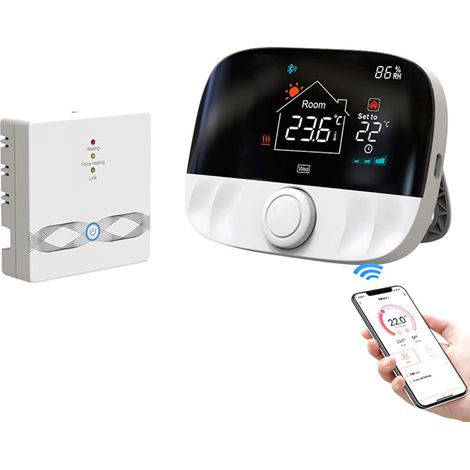
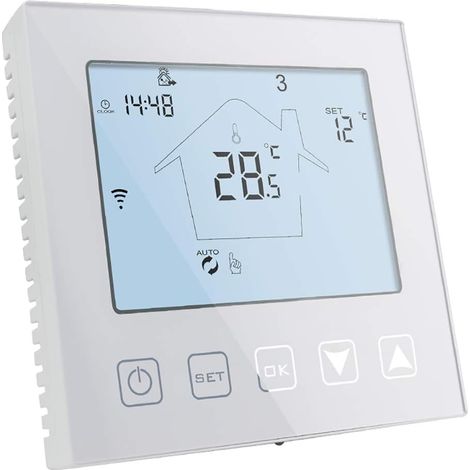
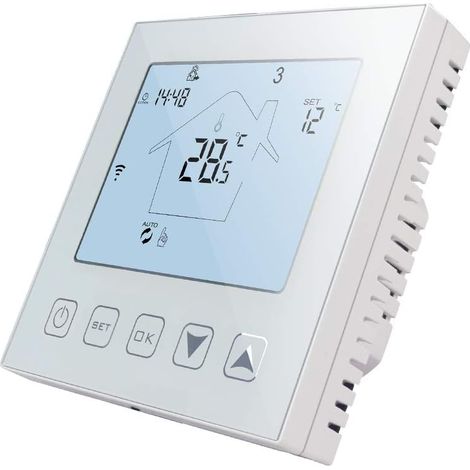
ME81H Smart WiFi LCD Thermostat Water Floor Heating Wall Electric Choiler for Tuya AC230V White Background Orange Button 3A.
Of which environmental contribution £0.10 including VAT.
Buying for your business?
Negotiated prices excl. VAT up to -20%
Sold by Cuizi
You may also like








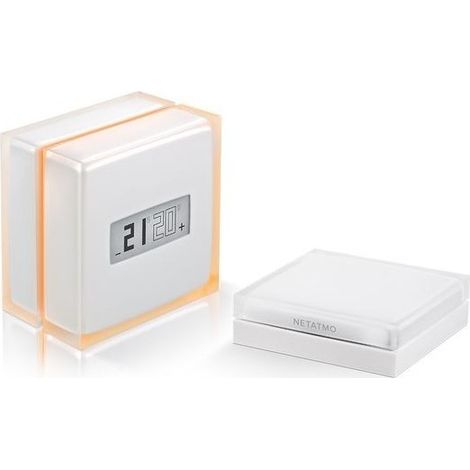

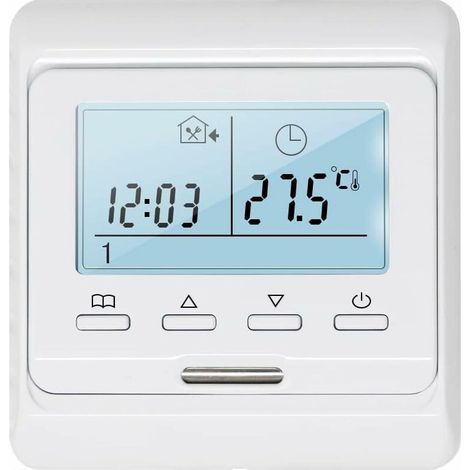
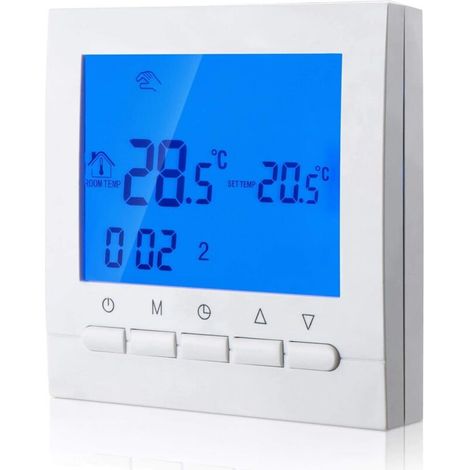
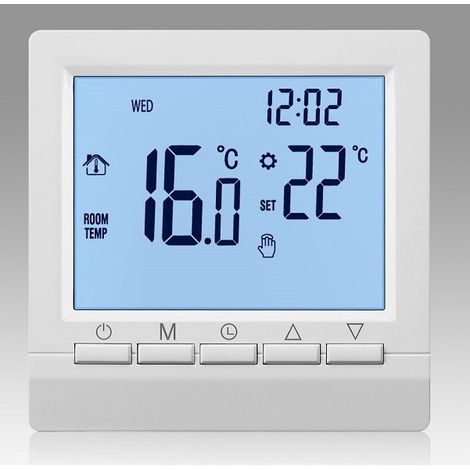




Compare with similar items
Product information
Description
Features:
1. [Smart Digital Thermostat] Control the operating status of the electric valve in your underfloor heating system to achieve optimal room temperature control, comfort, and energy savings.2. [Accurate Temperature] The internal floor sensor can detect both room and floor temperatures. The temperature is automatically acquired with an accuracy of 1°C.
3. [LCD Touchscreen] Stylish appearance, single-sided design, scratch-resistant. Large LCD touchscreen with backlight, easy to read.
4. [Voice Control] Compatible with Amazon, Google Home, and Tmall Genie, making it very convenient to use. This product is small and portable, so you can take it with you or give it to friends or family.
5. [Wide Application] Suitable for electric heating, gas boilers, and hot water heating. Perfectly suited for homes, offices, shopping malls, hotels, etc.
Specifications:
Item Type: ThermostatMaterial: ABS + Flame Retardant PC
Color: As shown in the picture
Model: ME81H
Power Supply: AC230V 50/60Hz
Application: Suitable for electric heating, gas boilers, and hot water heating. Perfectly suited for homes, offices, shopping malls, hotels, etc. Temperature Sensor: NTC Temperature Accuracy: ±1℃ Self-Consumption Power: Ambient Temperature: 0~50℃ Display: Color Screen Temperature Setting: 5~90℃ How to Use: ON/OFF Button: Press the ON/OFF button once to turn on; press again to turn off and close all valves simultaneously. Mode Switch Key: When the unit is powered on, press the Mode button to change the operating mode. The "main" LCD screen indicates manual mode, and the "clock" display indicates automatic mode. Up and Down Adjustment Keys: In power mode, press the plus and minus keys to adjust the set temperature and other parameters. Clock Setting Key: In power mode, press the clock key to adjust the hour and day of the week. Key Lock Function: Press and hold the up and down keys for 5 seconds in power mode. The panel buzzer will beep once to enter key lock mode. The lock icon will appear on the right side of the screen to indicate successful key lock. The thermostat is in off mode. When the indoor temperature is below 5°C, the thermostat automatically turns on the heating, and when the indoor temperature rises to 7°C, the thermostat automatically turns off the heating. To turn off the heating, press and hold the mode button and the clock button for 5 seconds to enter programming mode. Press the mode button to change settings after entering programming mode. During the first programming period, the first adjustment is the time. Press the mode button to set the minutes, then press the mode button again to set the temperature. The adjustment methods for subsequent periods are the same as for the first period. Package List: 1 x Thermostat 2 x Instruction Manual
Features
- BrandOTHERS
- Power sourceBatteries
- SmartYes
- ConnectivityWifi
- ColourWhite
- Backlit displayYes
- Voice controlledYes
- Smartphone controlYes
- ProgrammableYes
- Pcs per pack1
- Minimum temperature5 °C
- Voltage230 V
- Compatible equipment typeElectric heating
- Thermostat typeConnected
- ManoMano ReferenceME220747165
- MMID899216243622
- Product codeBT-UK2025YS-69297
- EAN9140747306971
You are here:
'/%3E%3C/svg%3E)