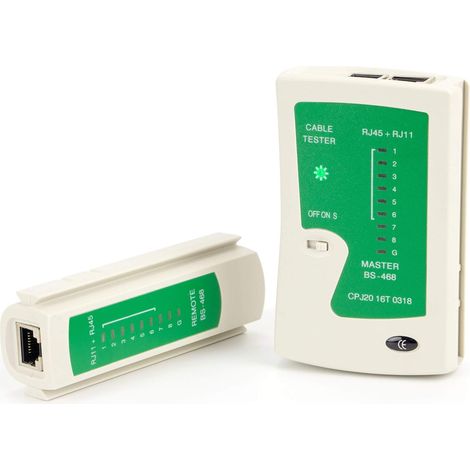
Piece Black RJ11 RJ12 RJ45 Network Cable Tester ISDN Network Cable Tester Patch Cable Tester
Buying for your business?
Negotiated prices excl. VAT up to -20%
You may also like


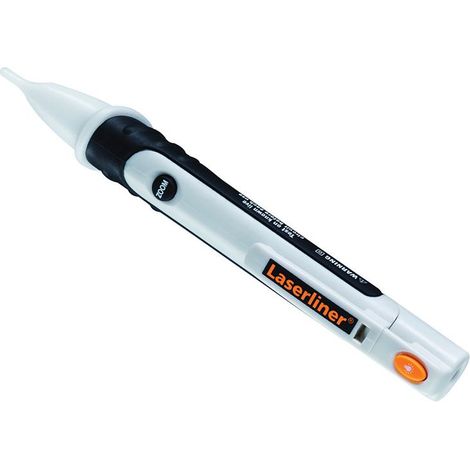

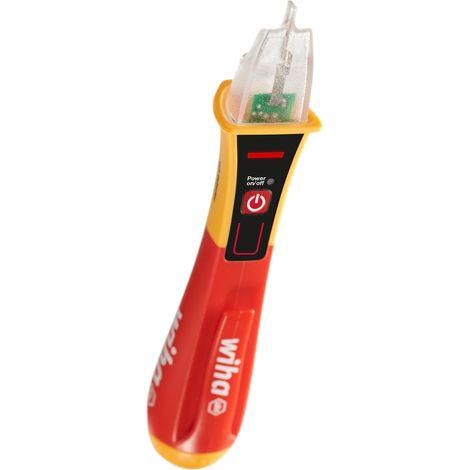

Wiha Volt Detector voltage tester, non-contact, single-pole 90 – 1,000 V AC I phase tester with optical signal (43798)


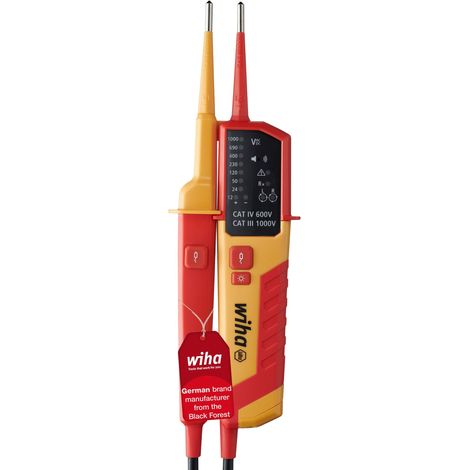

Wiha voltage and continuity tester 12 - 1,000 V AC, CAT IV incl. 2x AAA batteries I with LED display I one-hand testing (45216)
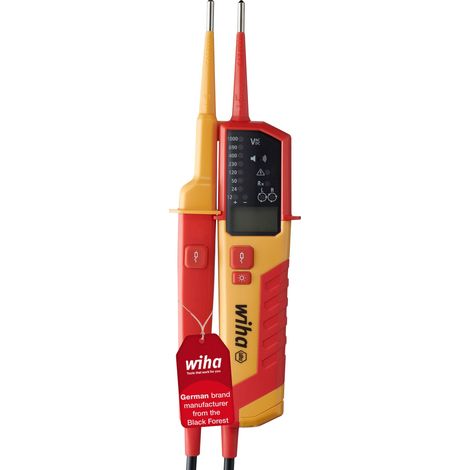
Wiha Voltage and continuity tester 0.5 - 1,000 V AC, CAT IV incl. 2x AAA batteries I photovoltaic compatible I with LED display (45217)
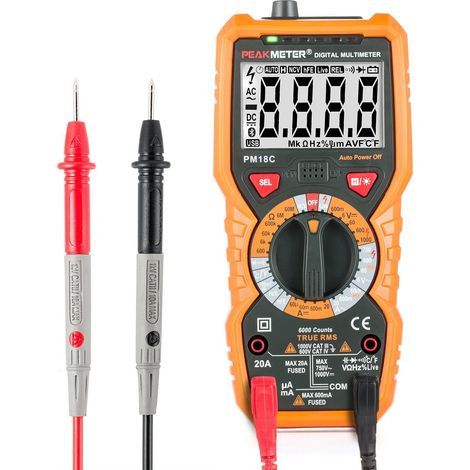
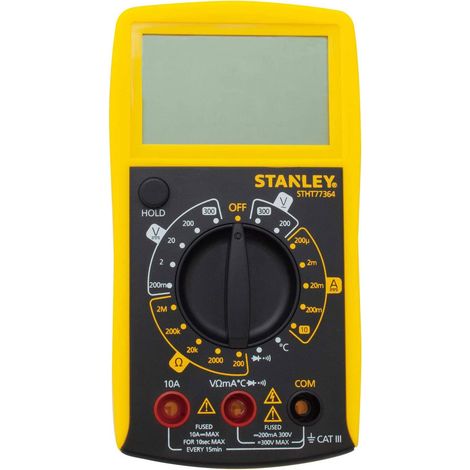
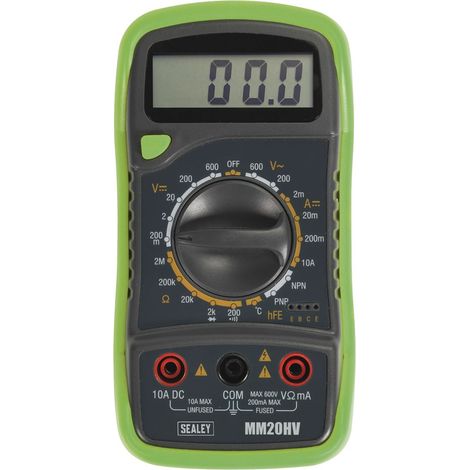
Osqi – AC/DC Digital Multimeter – Voltage Range up to 1000V – Current up to 20A – Resistance up to 60MΩ – Backlit Display – PM18C
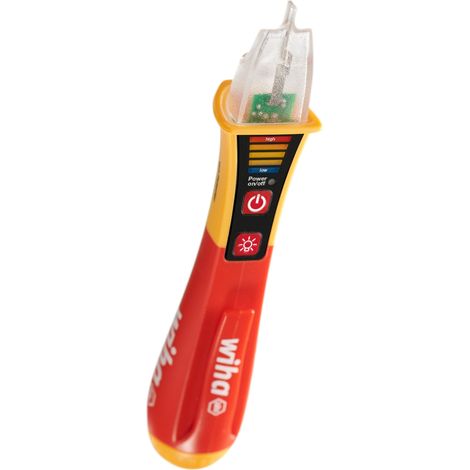
Wiha Volt Detector voltage tester, non-contact, single-pole 12 – 1,000 V AC I phase tester with optical and acoustic signal (43797)
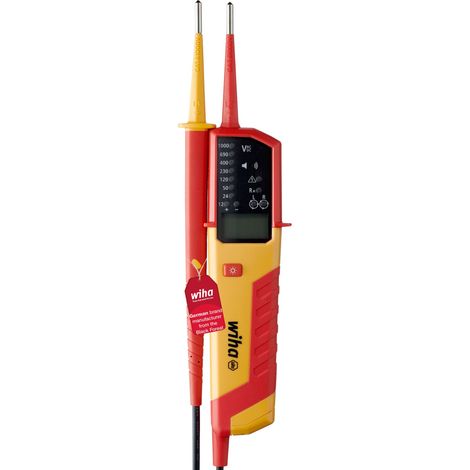
Wiha Voltage and continuity tester eMobility 12 – 1,000 V AC, CAT IV incl. 2x AAA batteries (44319)

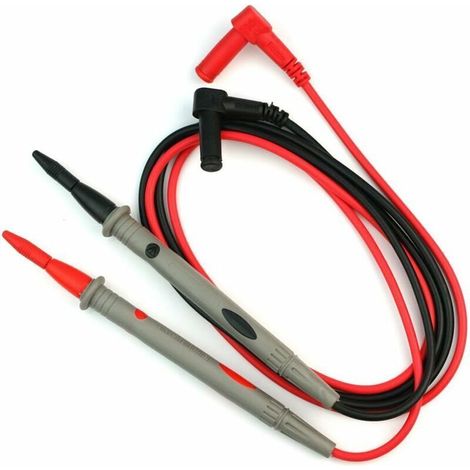

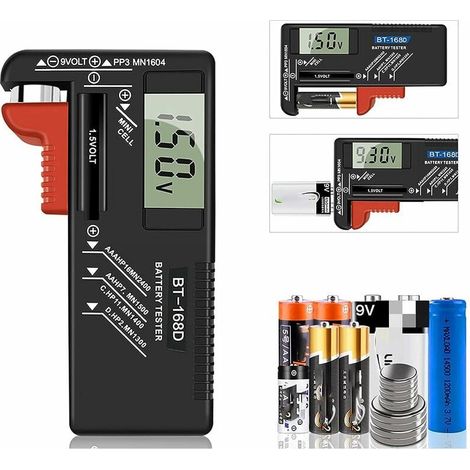

Testeur de Piles numérique,Testeur de Piles Universel,Batterie Testeur,pour AA, AAA, C, D, PP3, 9V, 1.5V, Piles Bouton - Fonctionne sans Pile
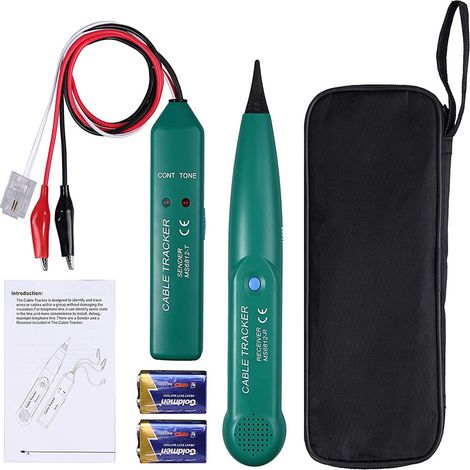

Multifunctional wire tester, cable detector, MS6812 robotic lawnmower cable detector, LAN network cable line tester, robotic lawnmower wire break detector
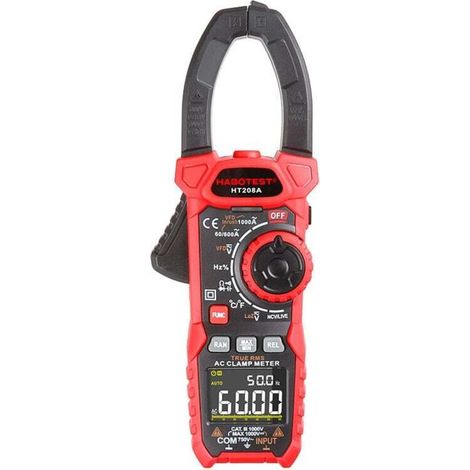

AC/DC 1000 A clamp meter, professional TRMS clamp meter, VFD, LOZ mode, inrush current measurement - HT208D
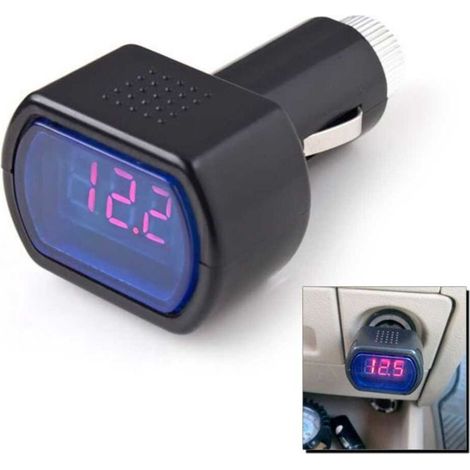
Voltmeter Battery Tester for Cars, Trucks, and Caravans (12V, 24V, Cigarette Lighter)
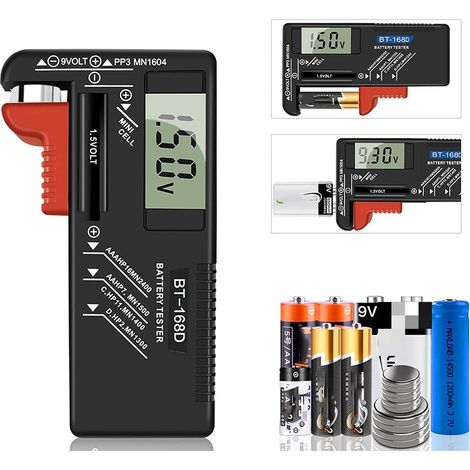
Digital Battery Tester, Universal Battery Tester, Battery Tester, for AA, AAA, C, D, PP3, 9V, 1.5V, Button Cell Batteries - Works Without Batteries
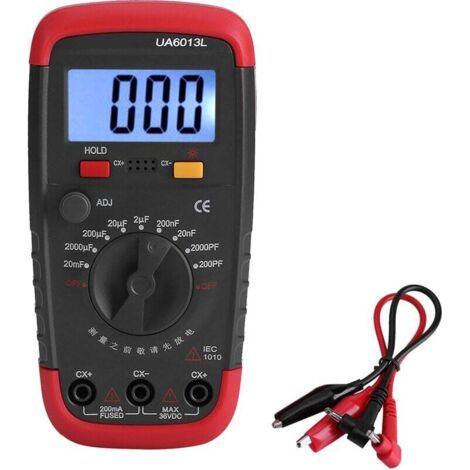

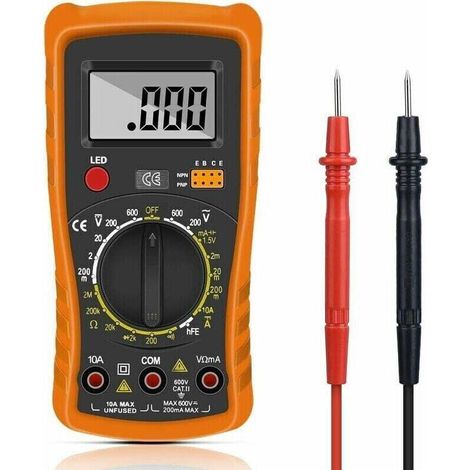

Compare with similar items
Product information
Description
TRIMEC, we look forward to your visit. Don't hesitate to contact us if you have any questions.✨ 1. Test the twisted line pairs 1, 2, 3, 4, 5, 6, 7, 8 and G one by one (pair) and can distinguish which (pair) is faulty, short-circuited and open circuit. 2. The switch ON is normal speed, S is slow speed and M is manual speed. Twisted pair test: Turn on power, insert the network cable plugs into the main tester and the remote tester respectively, the LEDs on the main unit will flash one by one from 1 to G: Main tester: 1-2-3-4-5-6-7-8-G Remote tester: 1-2-3-4-5-6-7-8-G(RJ45) 1-2-3-4-5-6------(RJ12) 1-2-3-4----------(RJ11) If the wiring is abnormal, it will display as follows: 1. When a network cable at which #3 is disconnected, LED #3 on the main tester and the remote tester unit will not light up. 2. When multiple lines are not connected, the lights do not illuminate. When the network cable is connected to fewer than two lines, the lights do not illuminate. 3. When both network cables are under service, for example 2 and 4, the display is as follows: Main tester unchanged: 1-2-3-4-5-6-7-8-G Remote test terminal is: 1-4-3-2-5-6-7-8-G 4. When there are 2 short circuits in the network cable, the main tester does not light up and the lights of the two shorted lines at the remote test end light up dimly. If there are more than 3 (including 3) When a short circuit occurs, the lights of all the shorted equipotential numbers are off. If you are testing the patch panel and the wall-mount module, two corresponding jumpers (such as 110P4-RJ45) are required to connect the tester. Coaxial cable test: If the cable is good, the BN lights at both ends will flash green simultaneously.
Features
- BrandSNQ
- Height1 cm
- Width1 cm
- Length1 cm
- MaterialPlastic
- Display modeDigital
- Weight100 g
- Voltage1 V
- ManoMano ReferenceME93200791
- MMID341030406388
- Product codeFD-22351
- EAN6032223872434
'/%3E%3C/svg%3E)
Multimeter buying guide
Advice from our experts
'/%3E%3C/svg%3E)