Portable WiFi supporting 10 users, stable high-speed signal, WPA/WPA2 encryption, white WiFi router for home, office, Asia, Southeast Africa, Middle East
Key features
Colour : WhitePcs per pack : 1Your warranties and protections
Shop with confidence: find out which warranties apply to your purchase.Recommended Price
You may also like


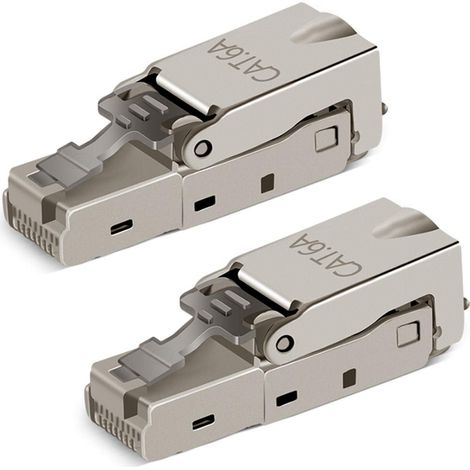
2 pieces tool-free RJ-45 Cat6/6A modular plug field connection, Cat6A RJ45 shielded for 23-26AWG installation cable
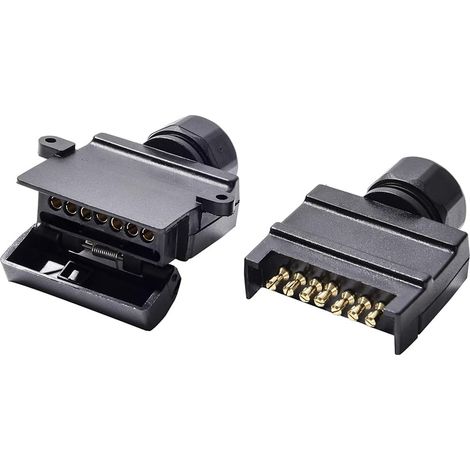
Flat 7 Pin Trailer Socket Male and Flat 7 Pin Female Trailer Socket 12V Australia Waterproof Flat Socket 7 Pin Trailer Socket Trailer Socket Fits Trucks Motorhomes (Screw End)
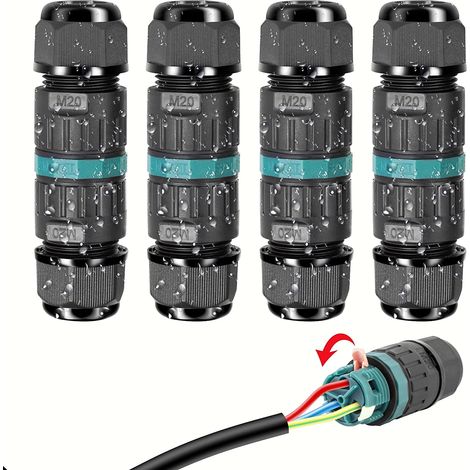

Connecteur Électrique Étanches IP68 - Raccord de Cable 3 Fils Boîte de Derivation Étanche Éxterieur, Domino Etanche Boîte de Jonction pour Câble Ø 9 à 12mm (4 Pcs)
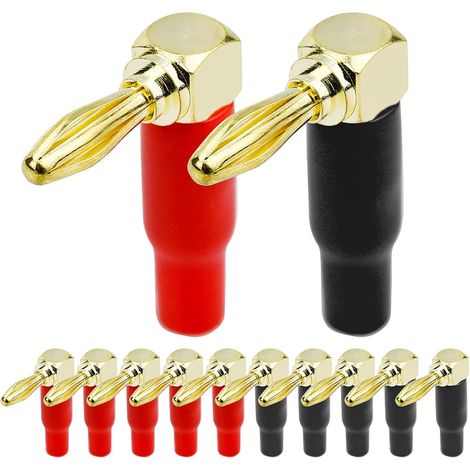

12pcs 90 Degree Banana Plugs, 4mm Gold Plated L-Shaped Pure Copper Banana Plugs for Speaker Cable, Audio/Video Receiver, Amplifier
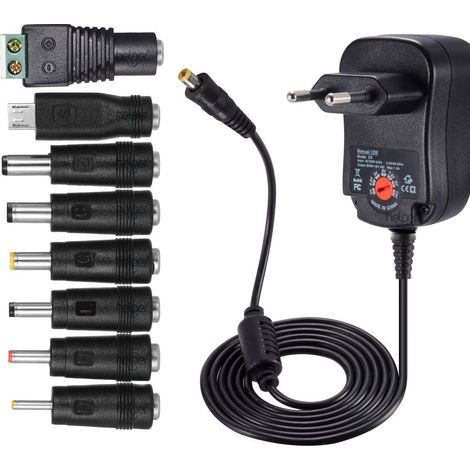
12W universal AC-DC power supply 3V, 4.5V, 5V, 6V, 7.5V, 9V and 12V with 8 selectable adapter ports, max. 1000mA, 115cm long charging cable
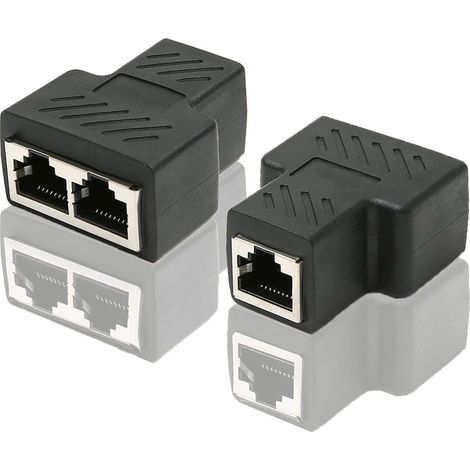
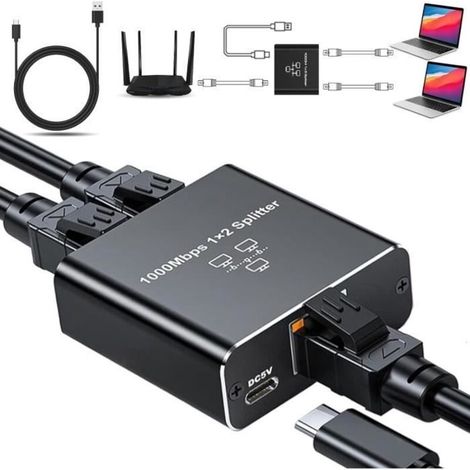
RJ45 CAT6 LAN Ethernet Port Splitter Adapter 1 to 2 Dual Female to Female Port Coupler, 2 Pack and Black
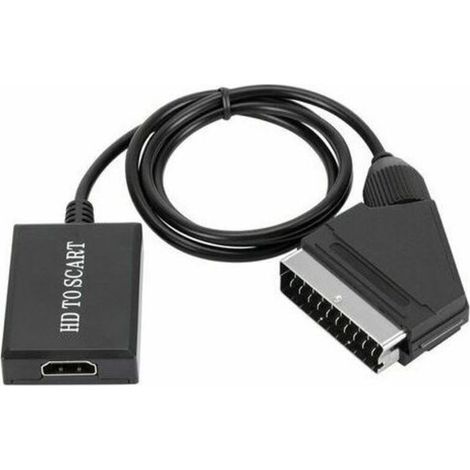

Trimec – HDMI to SCART Converter 1080p – Plug & Play – NTSC/PAL compatible – High-quality upscaling technology
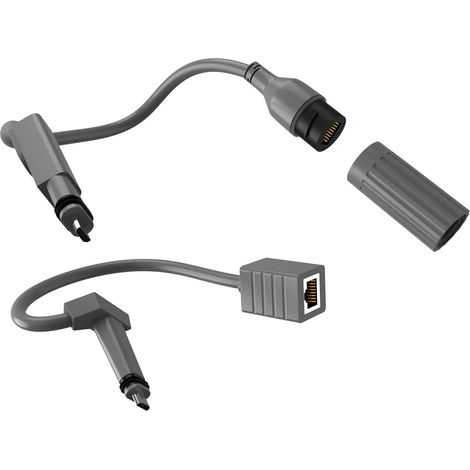

SPX to RJ45 Adapter Cable, for Starlink 1200Mbps, RJ45 Cable, 1 RJ-2 Connector, Extension Adapter for Satellite Dish Antenna
Compare with similar items
Product information
Description
2. USB Powered: The portable Wi-Fi supports multiple 4G networks, sharing the internet connection with up to 10 Wi-Fi users. It can be powered by devices with USB ports, such as mobile phone chargers, car chargers, power banks, etc.
3. Stable High Speed: The 4G USB portable Wi-Fi provides fast and stable high-speed internet access. Enjoy a stable 4G signal and experience the wonderful internet experience with fast internet access.
4. Plug and play: The 4G mobile WiFi is plug and play; enjoy 4G internet with a convenient USB power supply. Connect a power device, insert a SIM card, and use the SIM card's data to surf the internet anytime, anywhere.
5.Multiple Protection: The WiFi router adopts a multi-protection design, making it more secure. It uses WPA/WPA2 WiFi encryption, effectively preventing internet squatting and supporting data control.
Specifications:Item Type: Portable WiFi
Material: ABS
Color: White
Type: Card
Card Slot: Standard SIM Card
4G LTE Frequency Band: B1/B3/B5
3G UMTS Band: B1
Peak Speed: Download 150 Mbps, Upload 50 Mbps
WIFI: Supports 802.11 B/g/n
Sharing: Up to 10 users
How to Use:Slide the back cover off and insert a standard SIM card to use. Specific reference user manual.The reason you cannot find a signal is due to the factory-set default ESIM information; it must be switched to SIM on the backend.Here are the steps to do so: First, connect to Wi-Fi. The password is 1234567890. Then, open your browser and enter 192.168.100.1. Use "admin" for both the username and password. On the left side of the page, find and open "Advanced Settings" and locate the SIM card information. In the middle of the page, find "eSIM" and change it to "SIM". Enter the password "admin8888", then return to "Device Operations" in the Advanced Settings menu and restart the device. Package List: 1 x Portable Wi-Fi Adapter, 1 x User Manual. Note: This product is only compatible with 3G/4G network frequency bands. Please ensure that your local network frequency band is compatible with the device before purchasing. If it is incompatible, the device will be unavailable. Applicable to Asia, Southeast Asia, Africa, and the Middle East.
Features
- BrandOTHERS
- ColourWhite
- Pcs per pack1
- ManoMano ReferenceME242432129
- MMID682356871264
- Product codeQD-GB26Y67142
- EAN5008500171324
'/%3E%3C/svg%3E)