1/5
Practical, robust and durable head-up display high efficiency and lightweight for home use
Recommended Price
Recommended retail price from the manufacturer and provided by the seller.
Sold by Qiudie-homelavafans
You may also like

38 options
Black Friday
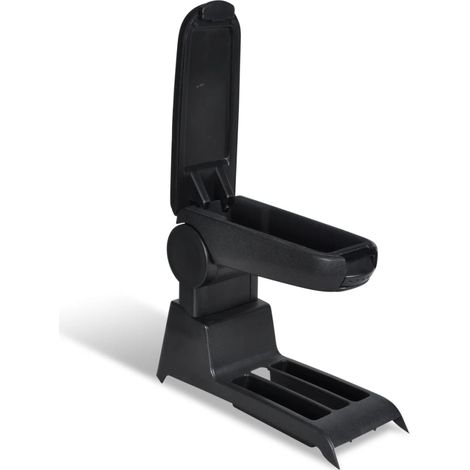
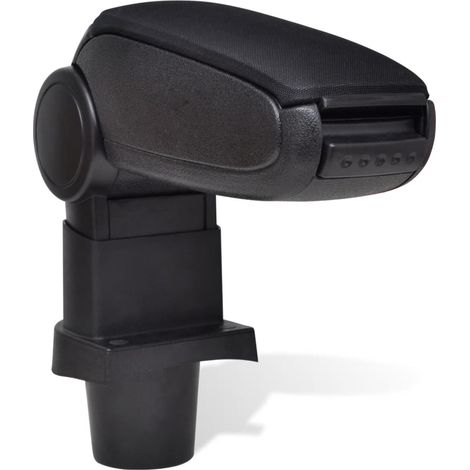
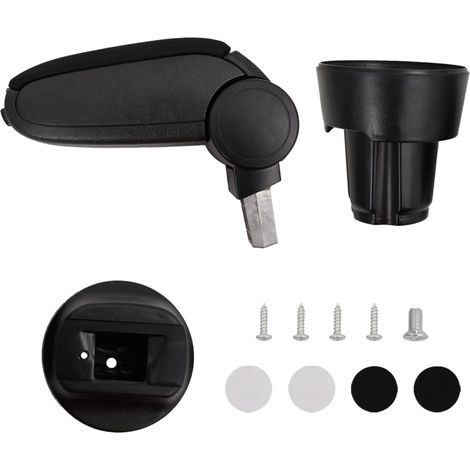
Car Armrest for VW POLO 9N 9N2 9N3 (2001-2009) VW CROSS POLO vidaXL
48
-2%
Free shipping

#1 in sales
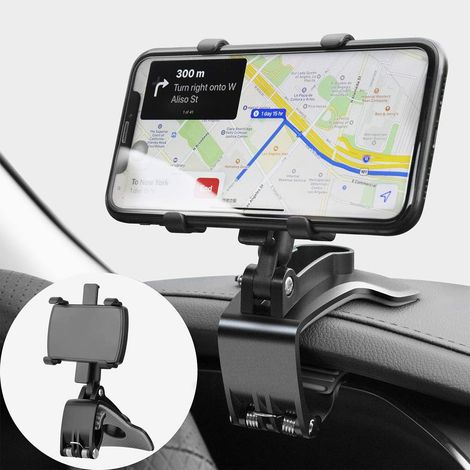
Car Phone Holder 360 Degree Rotation, Dashboard Cell Phone Holders Automobile Car Phone Mount for GPS and 4-7 inch Smartphones (Black)
95
Free shipping
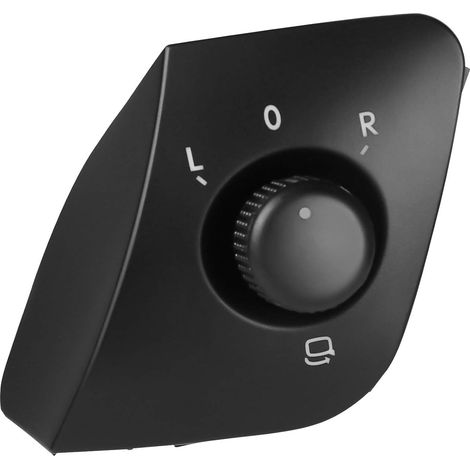
Outside Mirror Button Adjustment Switch Replacement for Ibiza 2009-2015 6J1959565 Black
6
Free shipping

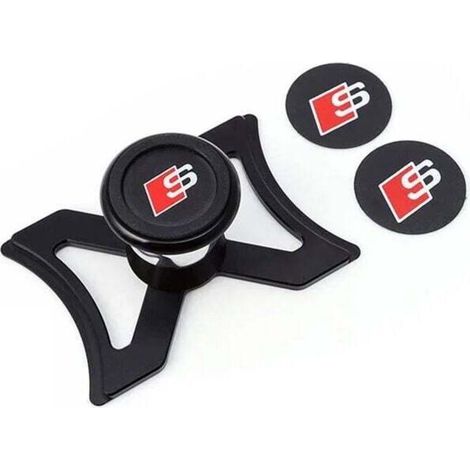

#1 in sales
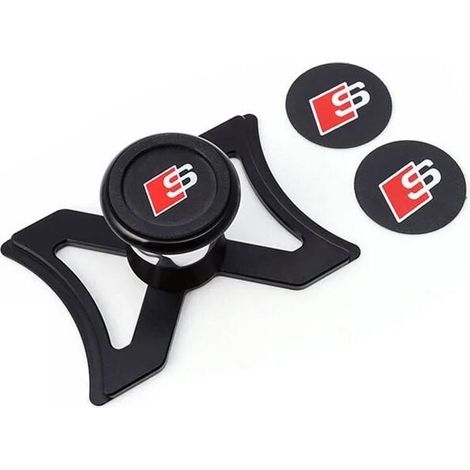
Magnetic phone holder for Audi A3 S3 8V 2013-2019, car air vent phone holder, automatic gravity locking, stable aluminum tailgate mount, 360° adjustable view
Free shipping
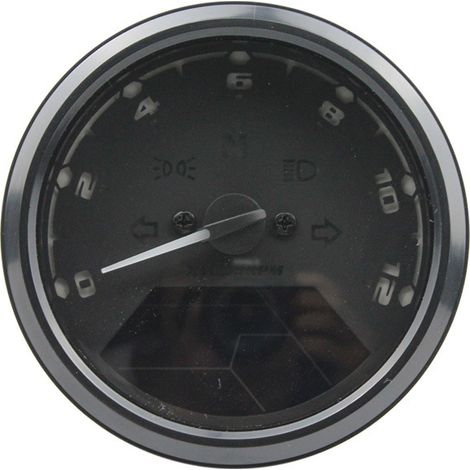
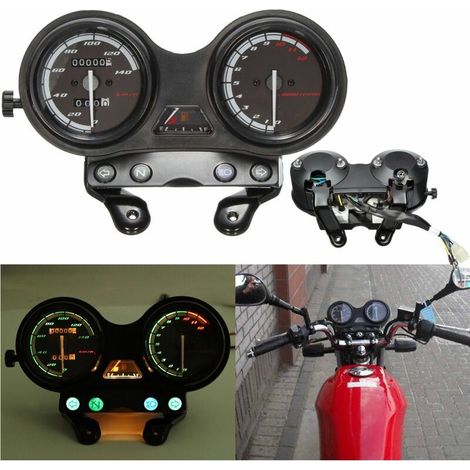
Motorcycle speedometer with LED digital display, tachometer, odometer, fuel gauge and multifunction dial for night vision.
Free shipping
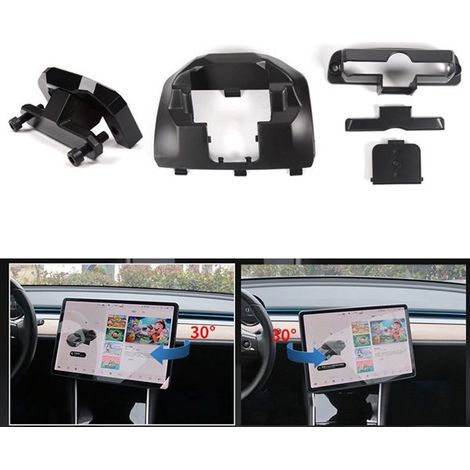
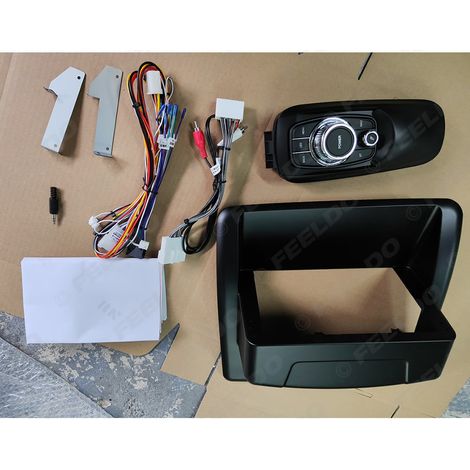
Suitable for upgrading Lexus CT200 2011-2018 with a large Android navigation screen (9 inches).
Free shipping
Compare with similar items
Product information
Description
Features:1.Self-adapting car models, and can be applied to OBD II or EUOBD compliant cars (on-board diagnostic system).Plug and play
2.The 3-inch screen and high-definition display make the screen more expansive and easier to read.3.Uses nanotechnology to eliminate unwanted reflections and make the displayed information clearer.4.Displays a wealth of information: speed, engine RPM, water temperature, battery voltage, low voltage alarm, high temperature alarm, speed alarm, free switching between kilometers and miles, free switching between °C and °F.5.Automatic power on/off with vehicle start/stop, effectively protecting the car battery; while retaining manual switching mode, and easier HUD control.
Specifications:Description:
This product is designed for driver safety, especially when driving at high speeds at night. The HUD can keep the driver's eyes on the road and can reduce car accidents.The HUD can project important information (such as speed) onto the windshield, helping inexperienced drivers control their speed and avoid speeding on roads with speed limits.Most importantly, it allows the driver to instantly read the speedometer with excellent visibility and always keep their eyes on the road with a clear mind.Our HUD can display a wealth of useful information, allowing you to feel the speed and ensuring your driving safety and enjoyment.Our HUD uses the latest stable integrated circuits; all indicators conform to standards.Our HUD also boasts a unique and elegant shape, with smooth lines and a slim profile.
Features:
1.Self-adapting car models, compatible with OBD II or EUOBD (On-Board Diagnostic System) compliant vehicles.Plug and play.
2.The 3-inch screen and high-definition display make the screen more expansive and easier to read.
3.Using nanotechnology to eliminate unwanted reflections, resulting in sharper display information.
4. Displays rich content: speed, engine RPM, water temperature, battery voltage, low voltage alarm, high temperature alarm, speed alarm, free switching between kilometers and miles, free switching between °C and °F, automatic power on/off with vehicle start/stop, effective car battery protection; while retaining manual switching mode and easier HUD control.
6.Automatic and manual brightness adjustment modes, glare-free driving.
Specifications:
HUD Button Function
1.OBDII interface, to connect to the vehicle's OBD interface.
2.Button to turn on and off.
3.Wave button (turning the button upwards), OK. Button (by pressing the button vertically), Button down (by rotating the button downwards).
HUD display information
1.Light sensors: Brightness can be adjusted according to changes in ambient light.
2.Rotation speed: Indicates the motor's rotation speed, and the measured scale represents the speed achieved.
3.Rotation speed unit: Indicates the motor's rotation speed; 1 means 1000 rpm.
4.Unit markings: ℃ - degrees Celsius, ℉ - Fahrenheit, voltage (V), MPH - miles per hour, KM/H - kilometers per hour.
5.Multifunction display: Speed, voltage, water temperature.
6. Alarm brand: low voltage alarm, high temperature alarm, speed alarm.
HUD Installation
1 Know your vehicle type.When purchasing a HUD, you must choose the vehicle type that meets OBDII (or EU OBD) standards for normal use.Open the engine hood and find the sticker underneath (see picture 1 below), if it contains words like OBDII CERTIFIED, then it can be installed.
2 Find out the 16 pin diagnostic link (see picture 2 below) of the vehicle and connect it well to the OBDII connection line.
Picture 1 Picture 2
Reflective film installation
Please note: The HUD projects the display information on the front windshield of the car, because the windshield is double, which will make a double image on the windshield when the display. The double image of the car will be different. If you can see the display information clearly, then there is no need to use the reflective film. If there is a double image, please use the reflective film.
First, please place the provided anti-slip mats in front of the dashboard, then place the HUD on it.
Second, please stick the reflective film on the windshield.
The reflective film should be pasted just above the host machine and it should be able to reflect the entire display screen.
Film pasting methods:
1. Spray some water on the place where the film will be stuck, then use a dry towel to clean it;
2. Tear off the back side (marked 1) of the reflective film, then stick it in the right place.
3. After fitting the location well, you can use a scraping board or something else flat to smooth the film and squeeze the water upside down until there are no more bubbles or water in it.
4. Peel off the front side (marked 2) of the reflective film.If the screen cannot display all the information, please adjust the anti-slip mat.
First-time use of the HUD:
Start the engine and turn on the HUD. It will display the vehicle's current voltage. Then, enter the ECU status. If the HUD displays the speed and RPM, it indicates that the HUD has been successfully installed..(After 1 minute, or if it only displays the voltage, please check that the HUD, the OBD interface, and the OBD data cable are properly connected. Securely connect the OBD cable to the vehicle's OBD interface and the HUD.Turn the HUD on and scan again.)
HUD settings:
The information displayed on the HUD comes from the ECU. During car production, there is a difference between the vehicle's instrument cluster and the ECU.
2.The 3-inch screen and high-definition display make the screen more expansive and easier to read.3.Uses nanotechnology to eliminate unwanted reflections and make the displayed information clearer.4.Displays a wealth of information: speed, engine RPM, water temperature, battery voltage, low voltage alarm, high temperature alarm, speed alarm, free switching between kilometers and miles, free switching between °C and °F.5.Automatic power on/off with vehicle start/stop, effectively protecting the car battery; while retaining manual switching mode, and easier HUD control.
Specifications:Description:
This product is designed for driver safety, especially when driving at high speeds at night. The HUD can keep the driver's eyes on the road and can reduce car accidents.The HUD can project important information (such as speed) onto the windshield, helping inexperienced drivers control their speed and avoid speeding on roads with speed limits.Most importantly, it allows the driver to instantly read the speedometer with excellent visibility and always keep their eyes on the road with a clear mind.Our HUD can display a wealth of useful information, allowing you to feel the speed and ensuring your driving safety and enjoyment.Our HUD uses the latest stable integrated circuits; all indicators conform to standards.Our HUD also boasts a unique and elegant shape, with smooth lines and a slim profile.
Features:
1.Self-adapting car models, compatible with OBD II or EUOBD (On-Board Diagnostic System) compliant vehicles.Plug and play.
2.The 3-inch screen and high-definition display make the screen more expansive and easier to read.
3.Using nanotechnology to eliminate unwanted reflections, resulting in sharper display information.
4. Displays rich content: speed, engine RPM, water temperature, battery voltage, low voltage alarm, high temperature alarm, speed alarm, free switching between kilometers and miles, free switching between °C and °F, automatic power on/off with vehicle start/stop, effective car battery protection; while retaining manual switching mode and easier HUD control.
6.Automatic and manual brightness adjustment modes, glare-free driving.
Specifications:
HUD Button Function
1.OBDII interface, to connect to the vehicle's OBD interface.
2.Button to turn on and off.
3.Wave button (turning the button upwards), OK. Button (by pressing the button vertically), Button down (by rotating the button downwards).
HUD display information
1.Light sensors: Brightness can be adjusted according to changes in ambient light.
2.Rotation speed: Indicates the motor's rotation speed, and the measured scale represents the speed achieved.
3.Rotation speed unit: Indicates the motor's rotation speed; 1 means 1000 rpm.
4.Unit markings: ℃ - degrees Celsius, ℉ - Fahrenheit, voltage (V), MPH - miles per hour, KM/H - kilometers per hour.
5.Multifunction display: Speed, voltage, water temperature.
6. Alarm brand: low voltage alarm, high temperature alarm, speed alarm.
HUD Installation
1 Know your vehicle type.When purchasing a HUD, you must choose the vehicle type that meets OBDII (or EU OBD) standards for normal use.Open the engine hood and find the sticker underneath (see picture 1 below), if it contains words like OBDII CERTIFIED, then it can be installed.
2 Find out the 16 pin diagnostic link (see picture 2 below) of the vehicle and connect it well to the OBDII connection line.
Picture 1 Picture 2
Reflective film installation
Please note: The HUD projects the display information on the front windshield of the car, because the windshield is double, which will make a double image on the windshield when the display. The double image of the car will be different. If you can see the display information clearly, then there is no need to use the reflective film. If there is a double image, please use the reflective film.
First, please place the provided anti-slip mats in front of the dashboard, then place the HUD on it.
Second, please stick the reflective film on the windshield.
The reflective film should be pasted just above the host machine and it should be able to reflect the entire display screen.
Film pasting methods:
1. Spray some water on the place where the film will be stuck, then use a dry towel to clean it;
2. Tear off the back side (marked 1) of the reflective film, then stick it in the right place.
3. After fitting the location well, you can use a scraping board or something else flat to smooth the film and squeeze the water upside down until there are no more bubbles or water in it.
4. Peel off the front side (marked 2) of the reflective film.If the screen cannot display all the information, please adjust the anti-slip mat.
First-time use of the HUD:
Start the engine and turn on the HUD. It will display the vehicle's current voltage. Then, enter the ECU status. If the HUD displays the speed and RPM, it indicates that the HUD has been successfully installed..(After 1 minute, or if it only displays the voltage, please check that the HUD, the OBD interface, and the OBD data cable are properly connected. Securely connect the OBD cable to the vehicle's OBD interface and the HUD.Turn the HUD on and scan again.)
HUD settings:
The information displayed on the HUD comes from the ECU. During car production, there is a difference between the vehicle's instrument cluster and the ECU.
Features
- BrandOTHERS
- ColourMulticolour
- MaterialPlaster
- Types of dashboard accessoriesHead-up display
- ManoMano ReferenceME242425886
- MMID933499323384
- Product codeQD-GB26Y59423
- EAN5002098294137
You are here:
'/%3E%3C/svg%3E)