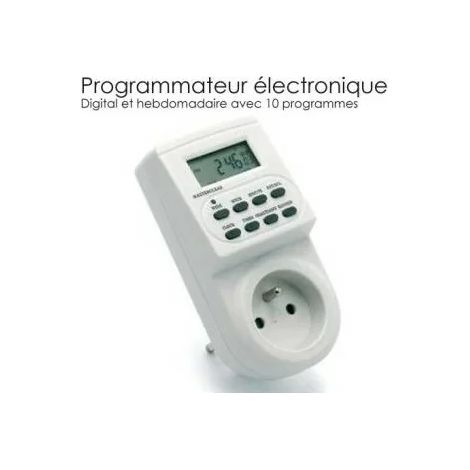
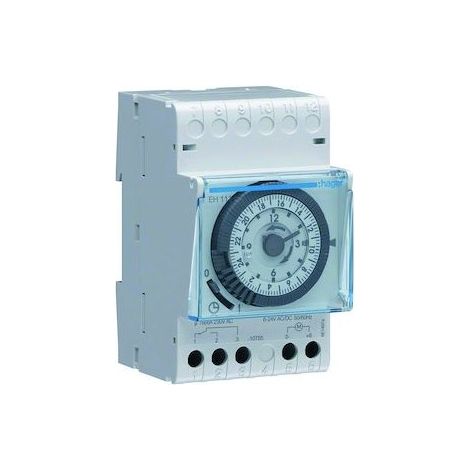
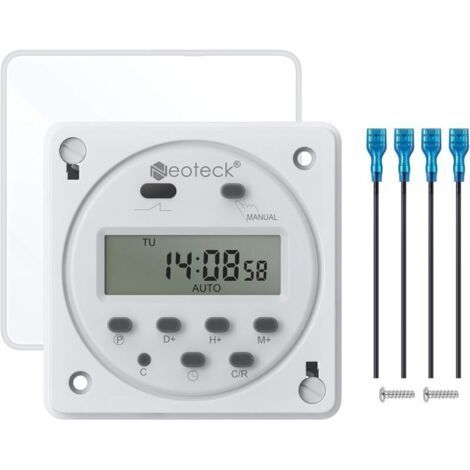
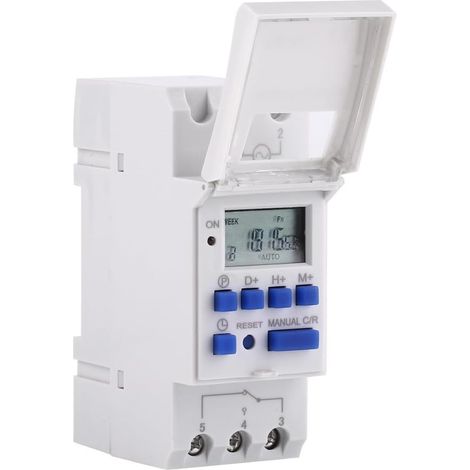
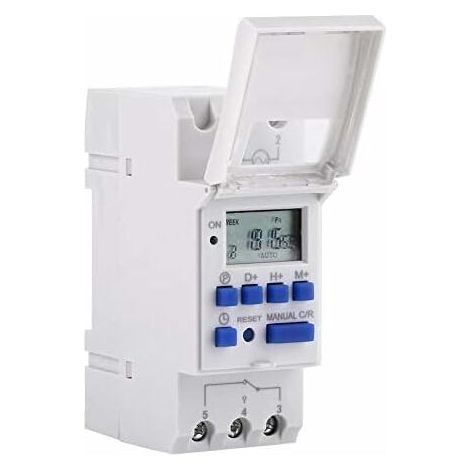
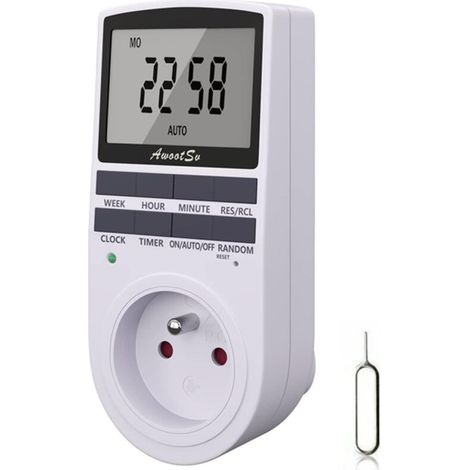
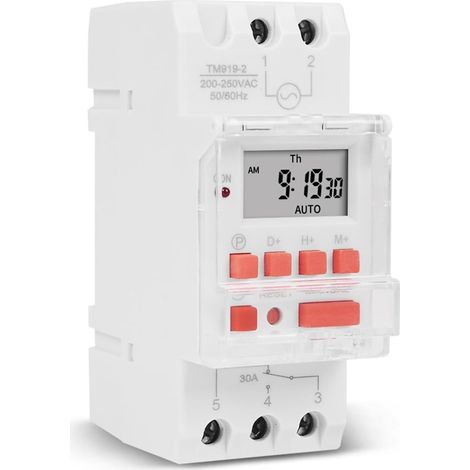
Programmable Digital Timer, LCD Display Weekly Time Switch with Programming Programmable Timer on DIN Rail (220 V)
Buying for your business?
Negotiated prices excl. VAT up to -20%
You may also like











Compare with similar items
Product information
Description
Error: ≤ 2s / day
Instructions:The timer is set to 24 hour mode by default. Press and hold the “Time” button (bottom left of “Reset”) for 5 seconds until “AM” is displayed to set the mode to 12 hour. Press and hold the “Time” button again for 5 seconds to return to 24 hour mode.
1. Press P: Set time “1 on” (display 1 on)
2. Press D+: Select days of the week (if you want the same setting for each day, you don't need to press this button).
3. Press H+/M+: set hours and minutes
4. Press P: set “1 off” (display 1 off)
5.Press P: Select days of the week (if you want the same setting for each day, you don't need to press this button).
6. Press H+/M+: Set hours and minutes
7. Repeat steps 2 to 6: set the other on/off time
8. Press and hold the “Time” button. (bottom left of “Reset”) for 5 seconds until “AM” is displayed to set the mode to 12 hours. Press and hold “Time” again for 5 seconds to return to 24-hour mode.
Dimensions: 86 x 36 x 65 mm / 3.38 x 1.41 x 2.56 inches
Features
- BrandOTHERS
- MaterialPlaster
- Type of electrical installationDIN rail
- Programming frequencyWeekly
- ManoMano ReferenceME247322888
- MMID177092079994
- Product codeQD-GB26Y77646
- EAN3790499642146
'/%3E%3C/svg%3E)