1/4
You may also like









Compare with similar items
Product information
Description
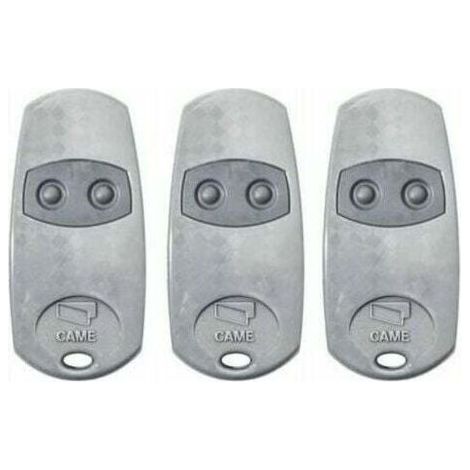
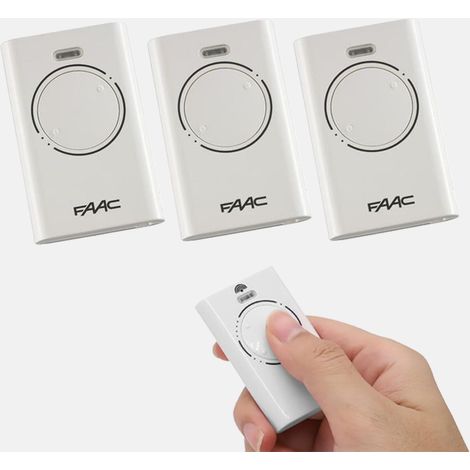
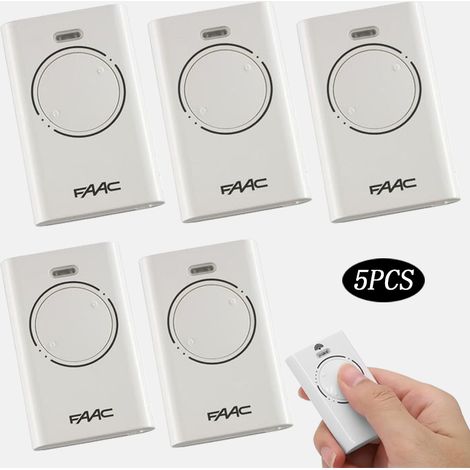
1) Select the remote control brand to program by moving the DIP switches up or down. For example, for a 433.92 MHz remote control, simply move DIP switch 7 up. 2) Press the learn button. The LED will light up. 3) Press a button on the remote control; the LED will flash four times. This indicates successful programming. 4) Repeat step 2 for the other button. 5) Follow the same steps to program the second channel. To erase all data from the memory card: Press and hold one of the learn buttons. The LED will flash. Keep the button pressed until the LED turns off. All data stored on the memory card will be permanently erased and unrecoverable. Compatible brands: 433.92 MHz fixed-code remote controls. Package contents: 1 receiver, 3 remote controls. Package contents only; Other products are not included. Note: Due to lighting and different monitor settings, the item's color may vary slightly from the actual item. Dimensions may vary by +/- 1 to 3 cm.
Features
- BrandOTHERS
- ColourWhite
- Pcs per pack1
- Power sourceCorded
- Motorization compatibilityYes
- SmartYes
- MaterialPlastic
- Number of terminals2
- Motorisation accessory typeRemote-control
- Remote control typeRadio remote control
- Motorization useGarage
- ManoMano ReferenceME102551567
- MMID512558803023
- Product code6974005561139
- EAN6974005561139
You are here:
'/%3E%3C/svg%3E)