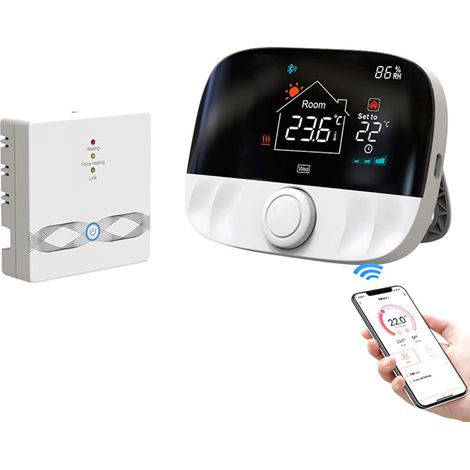
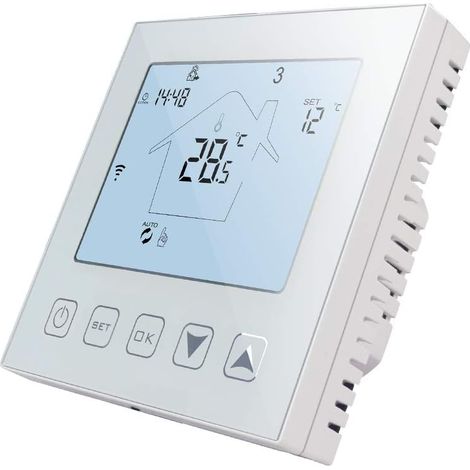
Smart WiFi room thermostat, programmable, capacitive touch buttons, adjustable brightness, compatible with the Tuya app, 2 controllers
Buying for your business?
Negotiated prices excl. VAT up to -20%
You may also like



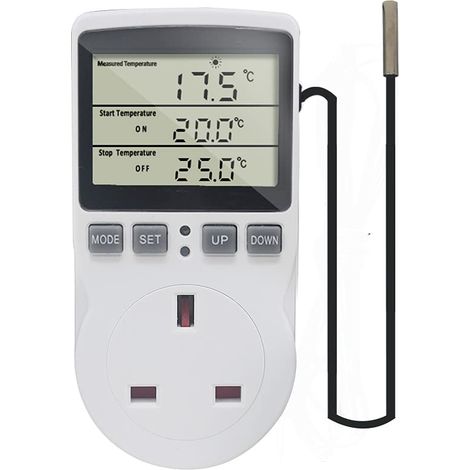

Digital Thermostat Plug Socket Temperature Controller 220V with Sensor Probe, Thermostatic Plug Heating Cooling for Greenhouse Freezer Refrigerator Fermentation
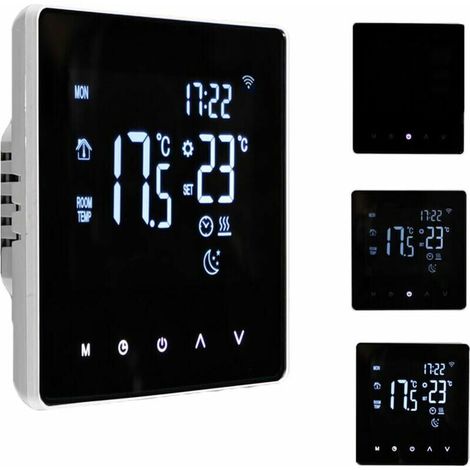

Smart WiFi Thermostat - Temperature Controller for Electric Heating with LCD Display, Touchscreen, Weekly Programming and App Control - Suitable for Home, L
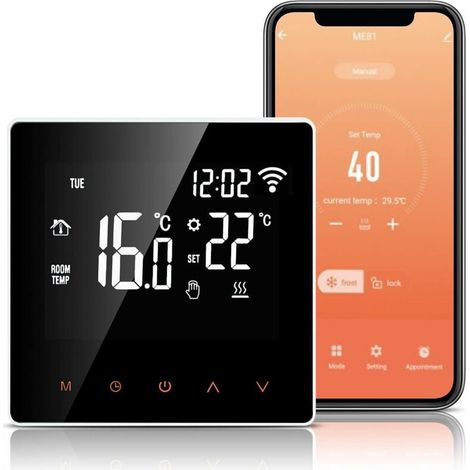
WiFi Thermostat, 16A Electric Floor Heating Thermostat, Alexa Google Home Tuya APP Compatible, Programmable Heating Thermostat with Large LCD Display
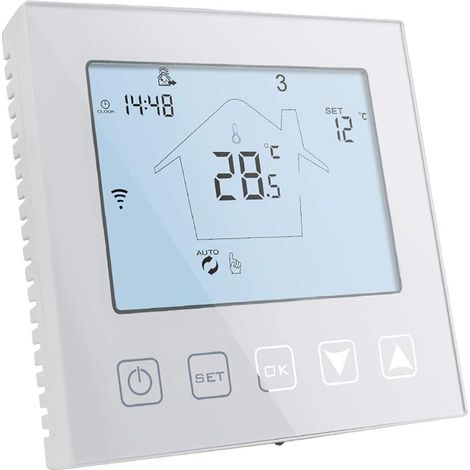

WiFi Thermostat for Gas Boiler/Underfloor Heating 3A Compatible with Alexa Google Home Programmable White
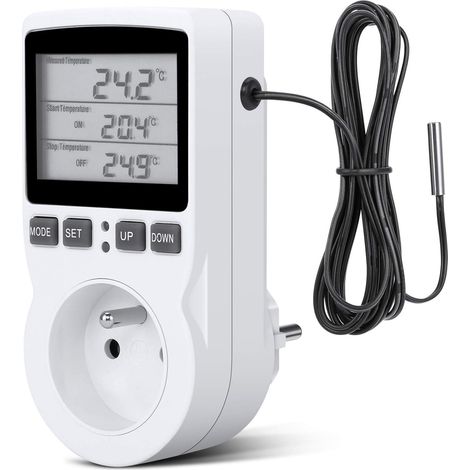
Digital Temperature Controller, Thermostat Socket, LCD Temperature Controller for Heating and Cooling, 200V-250V for Fixed Temperature Controller
Tuya WiFi Wireless Thermostat for Water Heating and Gas Boiler, Compatible with Alexa Google
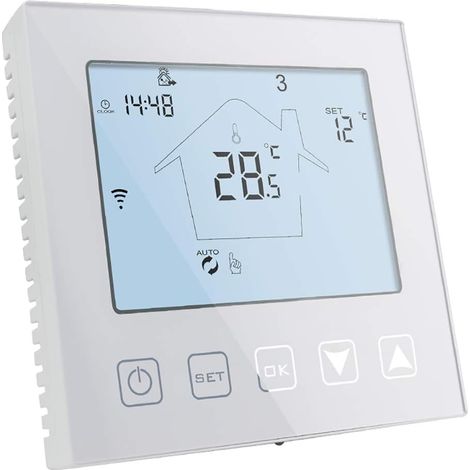
WiFi Smart Thermostat for Gas Boiler/Water Underfloor Heating 220V 3A Compatible with Alexa and Google Assistant, White Programmable Room Thermostat, Control via Tuya/Smart Life App
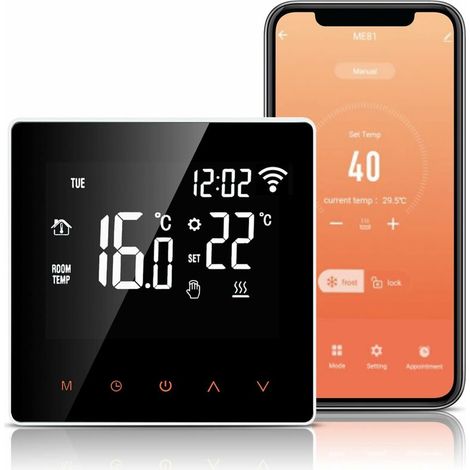

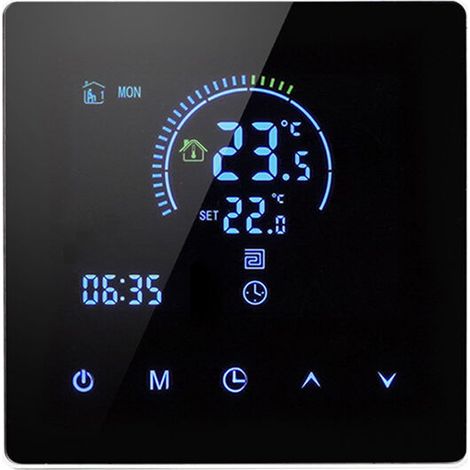

Compare with similar items
Product information
Description
General Description
The centralized smart Wi-Fi thermostat is an advanced temperature control device designed for precise temperature management in centralized air conditioning systems with fan groups or air duct systems. It allows users to adjust the system's operation via a smartphone app or manually by comparing the indoor temperature with the set temperature. It controls the opening and closing of fan groups, electric valves, or fans at the end of the air conditioning system, as well as heating equipment, to regulate the indoor temperature and provide a comfortable and energy-efficient environment. Featuring a sleek rotary knob design, its dual LED display significantly enhances the room's aesthetics and provides clearer visibility and a more precise look for any modern living space. Dynamic lighting effects, with seven lighting effects and seven rainbow color changes, plus a party mode, create a vibrant and festive atmosphere, completely transforming your home. The large touch button allows for easy adjustment of power, time, and functions, ensuring safety and preventing accidental leaks.Features
- Smart Control: Adjust the operating system via smartphone app or manual.
- Temperature Comparison: Compares the indoor temperature with the set temperature for precise control.
- Equipment Control: Manages fan groups, electric valves, electric damper valves, fans, and heating equipment.
- Stylish Design: Rotary knob, dual LED display for good aesthetics and visibility.
- Dynamic Lighting Effects: Seven lighting effects, seven rainbow color changes, and party mode.
- Large Touch Button: Easy to use, ensures safety, and prevents accidental leaks.
Specifications
Packing List
- 1 * Thermostat
- 1 * User manual
- 2 * Tightening screw
Usage
- Installation: Attach the thermostat to the supplied mounting box using the clamping screws. Connect the cables, respecting the cable terminals (2 x 1.5 mm² or 1 x 2.5 mm² cross-section).
- WiFi Connection: Follow the instructions in the user manual to connect the thermostat to the 2.4 GHz Wi-Fi network.
- Setting via App: Download the appropriate app to your smartphone, add the thermostat, and configure the temperature and operating settings.
- Manual Setting: Use the large touch button to adjust the power, time, and functions, and the rotary knob to adjust the set temperature.
- Using the Lighting Effects: Follow the instructions to activate the dynamic lighting effects and party mode.
Instructions
- Electrical Installation: Have the thermostat installed by a qualified electrician to ensure safety and a proper electrical connection.
- Temperature Setting: Set the desired temperature appropriately for comfort and energy efficiency.
- Cleaning: Clean the thermostat with a soft, dry cloth. Avoid using harsh cleaning liquids.
- Storage: When the thermostat is not in use (e.g., during renovations), store it in a dry place at room temperature.
- Software Updates: Periodically check for software updates for the app or thermostat to benefit from the latest features and improvements.
Features
- BrandOTHERS
- SmartYes
- ConnectivityWifi
- ColourMulticolour
- MaterialPlaster
- Smartphone controlYes
- ProgrammableYes
- Compatible equipment typeAir conditioning
- ManoMano ReferenceME242438672
- MMID354365945272
- Product codeQD-GB26Y71438
- EAN5009519714281
'/%3E%3C/svg%3E)