1/5
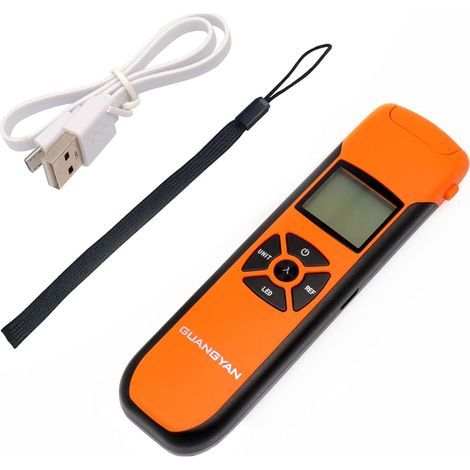
Solar energy meter, accurate data retention function, sunlight energy measurement tester for meteorological research
Buying for your business?
Negotiated prices excl. VAT up to -20%
Sold by Qiudie-homelavafans
You may also like



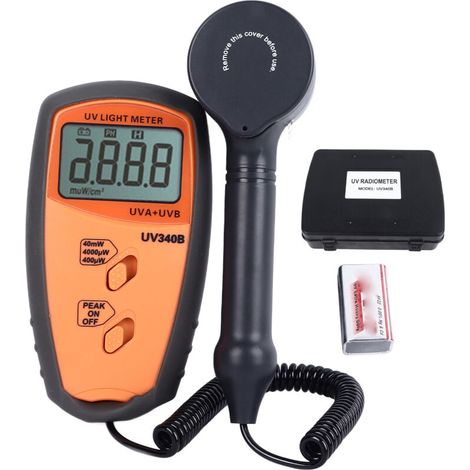
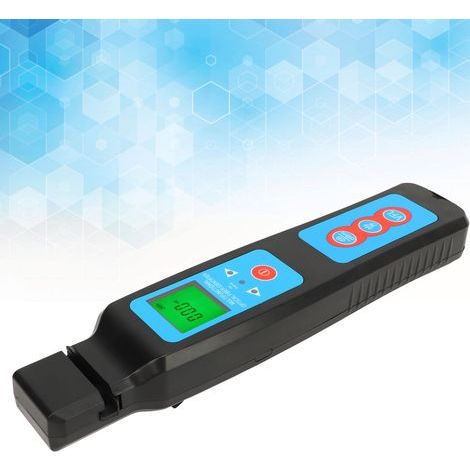
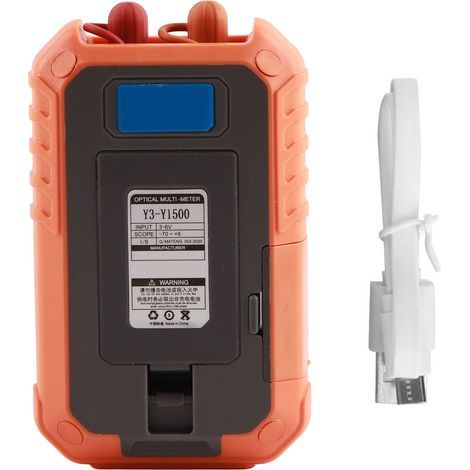

Compare with similar items
Product information
Description
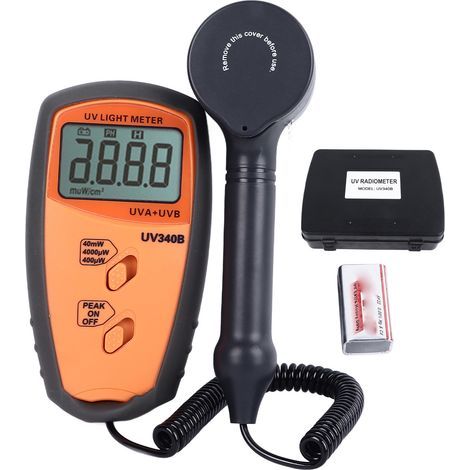
Features:1. Accurate Measurement Tool: This solar irradiance meter is designed to accurately measure resistance to sunlight, making it an essential tool for solar energy radiation assessment, solar research, physics and optics experiments, and meteorology.It is also useful for testing and verifying the light transmittance of glass for performance evaluation.
2. Data Hold and Peak Value Functions: The digital solar energy meter has a convenient data hold function that allows users to freeze current readings for easy reference.Additionally, the peak value hold function allows users to track maximum solar resistance measurements, improving the efficiency of data collection and analysis.
3. Direct Measurement Capabilities: The solar energy meter allows for direct measurements without the need for adjustments.This simple operation ensures consistent measurements over the long term, improving the reliability of ongoing solar research and monitoring.
4.Dual Measurement Units: The digital solar energy tester meter offers two measurement units: W/m² and British thermal units (BTU).This versatility allows users to choose their preferred unit based on specific applications or regional preferences, ensuring readings are easily interpreted and applicable to various contexts.
5.User-Friendly and Convenient Design: Made from robust ABS material, this solar energy meter is both sturdy and lightweight, making it convenient for field use.Install the batteries correctly according to the positive and negative symbols inside the battery compartment.Press the power button to turn on the instrument, entering measurement mode with the default unit being w/m². 2. Press the "W/B" button to select the unit, such as w/m² or BTU, depending on your needs. 3. After selecting the unit, cover the light-sensing measurement window with your hand. If the screen displays 000.0 or 000.1, the instrument is functioning correctly and you can begin the measurement. 4. During the measurement, press the Hold button to lock the LCD screen with the displayed "H". Press it again to unlock and continue the measurement. 5. Press the Power button to turn off the instrument after completing the measurement. Battery Replacement 1. When the battery voltage is low, a low battery symbol will appear on the screen, indicating that the battery needs to be replaced. Failure to replace the battery promptly may affect the measurement accuracy. 2. Open the battery door and remove the battery. 3. Install a new 9V battery correctly, observing the positive and negative markings inside the battery compartment. 4. If the instrument will not be used for an extended period, remove the battery to prevent leakage and damage to the instrument.
Package List: 1 x Solar Memory
1 x Manual
1 x Storage Bag
2. Data Hold and Peak Value Functions: The digital solar energy meter has a convenient data hold function that allows users to freeze current readings for easy reference.Additionally, the peak value hold function allows users to track maximum solar resistance measurements, improving the efficiency of data collection and analysis.
3. Direct Measurement Capabilities: The solar energy meter allows for direct measurements without the need for adjustments.This simple operation ensures consistent measurements over the long term, improving the reliability of ongoing solar research and monitoring.
4.Dual Measurement Units: The digital solar energy tester meter offers two measurement units: W/m² and British thermal units (BTU).This versatility allows users to choose their preferred unit based on specific applications or regional preferences, ensuring readings are easily interpreted and applicable to various contexts.
5.User-Friendly and Convenient Design: Made from robust ABS material, this solar energy meter is both sturdy and lightweight, making it convenient for field use.Install the batteries correctly according to the positive and negative symbols inside the battery compartment.Press the power button to turn on the instrument, entering measurement mode with the default unit being w/m². 2. Press the "W/B" button to select the unit, such as w/m² or BTU, depending on your needs. 3. After selecting the unit, cover the light-sensing measurement window with your hand. If the screen displays 000.0 or 000.1, the instrument is functioning correctly and you can begin the measurement. 4. During the measurement, press the Hold button to lock the LCD screen with the displayed "H". Press it again to unlock and continue the measurement. 5. Press the Power button to turn off the instrument after completing the measurement. Battery Replacement 1. When the battery voltage is low, a low battery symbol will appear on the screen, indicating that the battery needs to be replaced. Failure to replace the battery promptly may affect the measurement accuracy. 2. Open the battery door and remove the battery. 3. Install a new 9V battery correctly, observing the positive and negative markings inside the battery compartment. 4. If the instrument will not be used for an extended period, remove the battery to prevent leakage and damage to the instrument.
Package List: 1 x Solar Memory
1 x Manual
1 x Storage Bag
Features
- BrandOTHERS
- MaterialPlaster
- ManoMano ReferenceME242438577
- MMID939097780923
- Product codeQD-GB26Y73054
- EAN5009519730441
You are here:
'/%3E%3C/svg%3E)