1/4
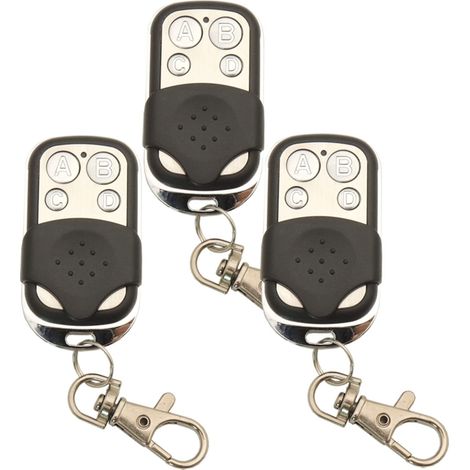
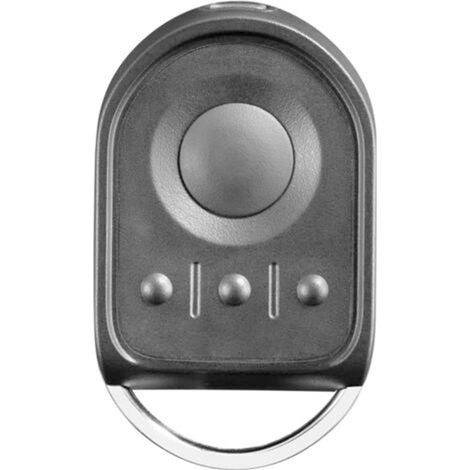
Universal Gate Remote Control from 250 to 915 MHz, 4-in-1 Rolling Code Universal Multi-Frequency Programmable Gate Remote
Buying for your business?
Negotiated prices excl. VAT up to -20%
Sold by AINSCO
You may also like









Compare with similar items
Product information
Description
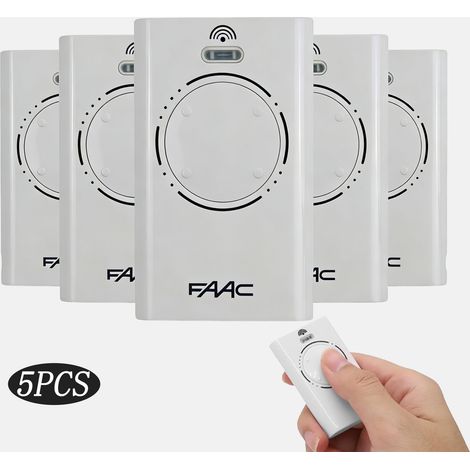
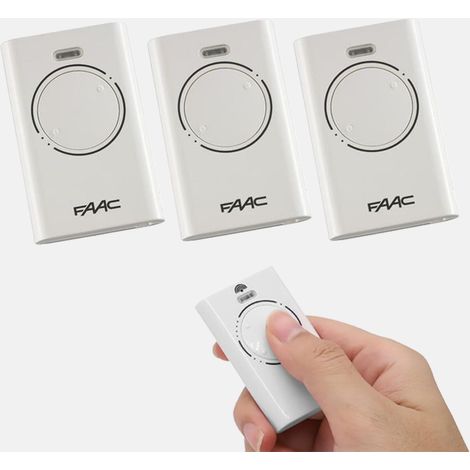
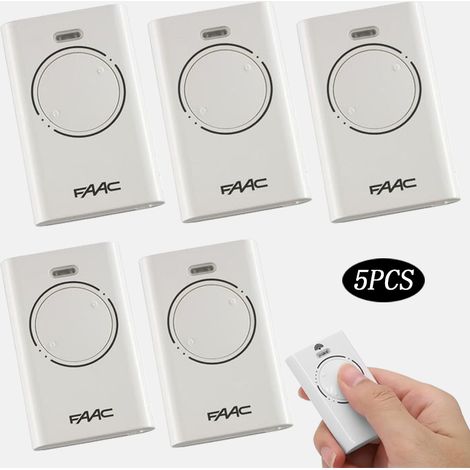
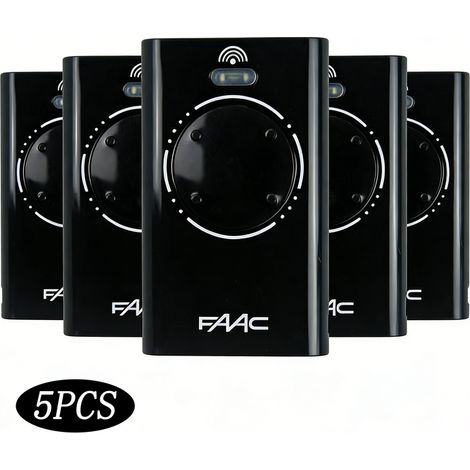
Compatibility: This universal gate remote is compatible with both rolling and fixed-code radio controllers and receivers operating at frequencies from 250 to 915 MHz. It supports over 60 brands on the market. 4-in-1 Rolling Code Gate Remote: This universal gate remote can store up to 4 radio control codes, regardless of the brand or model. By copying the code directly from your original remote, you'll have a remote that can open up to 4 different gates. Easy to Use: It improves signal strength, with a range of 50 to 100 meters outdoors and without obstructions. Can remotely open garages, blinds, electric door lighting controllers, motors and water pumps, and other areas requiring privacy and security. Specifications: Working frequency: 250 MHz-913 MHz Operating current: Launch distance: 50 meters to 100 meters in open space Encoding format: copy, copy Product weight: 25 G How to use: Code erasure method Press and hold the two buttons above simultaneously for 2 seconds. If the remote control's indicator light flashes rapidly, it means the code erasure was successful. Fixed Code and EV1527 Chip Copying Method: 1. Press and hold buttons A and B simultaneously, release button B, and press the B button three times continuously. 2. After releasing two buttons, the LED will flash red. 3. Press and hold the buttons on the original remote control until the red indicator light on the copy remote turns blue. 4. Briefly press the first button on the copy remote to confirm the copy. (Note: Which button to copy to, then which button to confirm the copy. For example, if you want to copy the remote to button B, at this point, you must press button B to confirm the copy.) 5. The LED light will turn off, indicating a successful copy. 6. Repeat the above procedure for the remaining buttons. Rolling Code Chip Copying Method: 1-6 identical steps. 7. Once the copy is complete, re-learn the copy remote with the receiver (Pair Code). For normal use. Remote control operation method with receiver code: 1. Locate the receiver's pairing code button or set the input: Locate the garage door motor's pairing code button on the motor housing; The smart home host may have a small hole on the back or side of the device and requires a long press with a tool such as a toothpick to enter pairing code mode. If the receiver does not have a pairing code button, you may need to access the code-to-code setup interface via the device's control panel or the phone app. 2. Press the pairing code button on the receiver, then press the corresponding button on the remote control (e.g., the door open button, door close button, and other common function buttons). At this point, the receiver and remote control will match the signal and pairing code. If you are pairing via the mobile app, find the corresponding function option in the app and follow the instructions. 3. Press the corresponding button on the remote control again. Note: All data is measured manually; please allow for a 1-3 cm error due to differences in light and display. There may be color variations; please refer to the actual item received.
Features
- BrandSANS MARQUE
- ColourBlack
- Height10 cm
- Width10 cm
- Length10 cm
- MaterialPlastic
- Weight500 g
- Motorisation accessory typeRemote-control
- ControlRemote-control
- Remote control typeRadio
- Motorization useGarage
- ManoMano ReferenceME226904555
- MMID806237020551
- Product codeGodZone-0911
You are here:
'/%3E%3C/svg%3E)