Wildlife Camera Battery Powered Full HD Cam Indoor Outdoor Night Vision Motion Sensor Wildlife Hunting Surveillance
Recommended Price
Buying for your business?
Negotiated prices excl. VAT up to -20%
You may also like
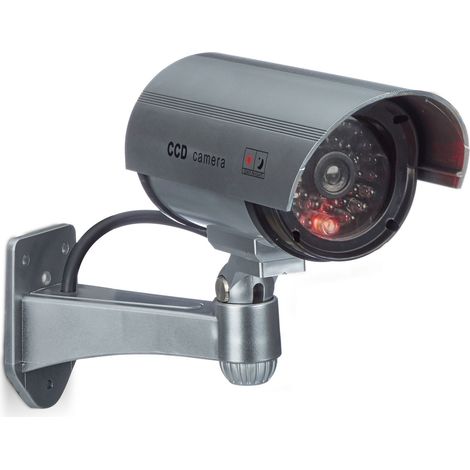

Relaxdays Dummy Camera, Flashing LED Light, Indoor & Outdoor, Burglar Deterrent, Silver
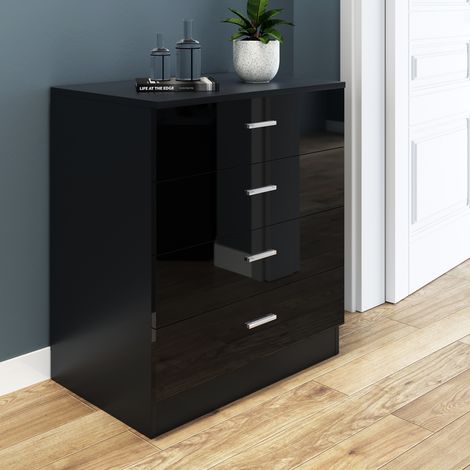

ELEGANT Modern High Gloss 4 spacious Drawer Chest with Metal Handles for Bedroom or Home Storage Organizer Black

ELEGANT Modern High Gloss 4 spacious Drawer Chest with Metal Handles for Bedroom or Home Storage Organizer White/Oak
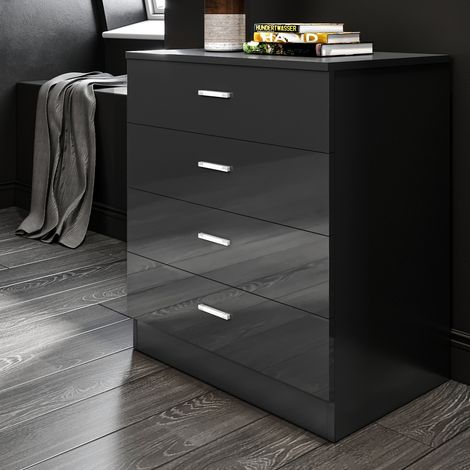
ELEGANT Black Chest of Drawer Modern Gloss Bedroom Storage Furniture 4 Drawers with Metal Handles Nightstand 685 x 600 x 400 mm
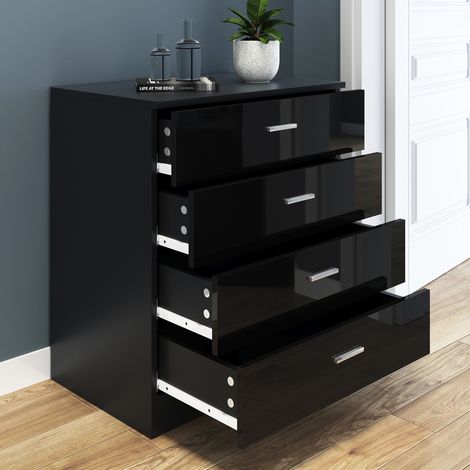
ELEGANT 4 Spacious Drawer Chest Black Modern High Gloss Nightstand with Metal Handles

ELEGANT Designs Chest of Drawer High Gloss Bedroom Furniture 4 Drawers with Metal Handles Bedside Cabinet Storage NightStand White/Oak
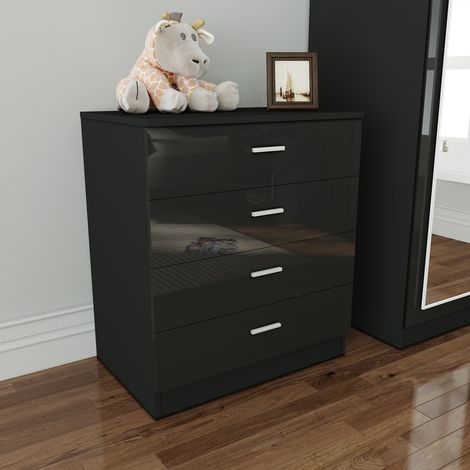
ELEGANT 4 Drawer Chest of Drawers High Gloss Black Bedroom Storage Furniture Metal Drawer Glides Bedside Cabinet



ELEGANT Modern High Gloss 4 spacious Drawer Chest with Metal Handles for Bedroom or Home Storage Organizer White
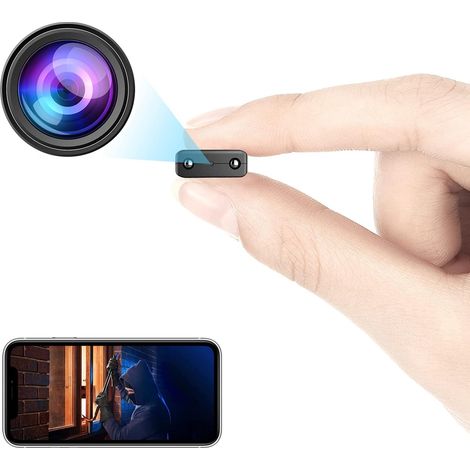

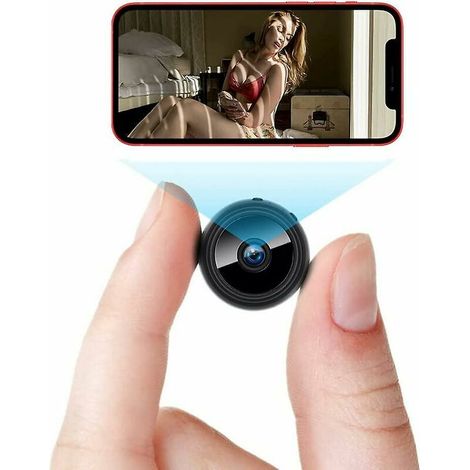
Wireless Security Wifi Camera Mini Small Ip Camera Smart Home Night Virsion Magnetic Camcorder Surveillance,Built-in Battery,App Real-time Life AWjetbcdR
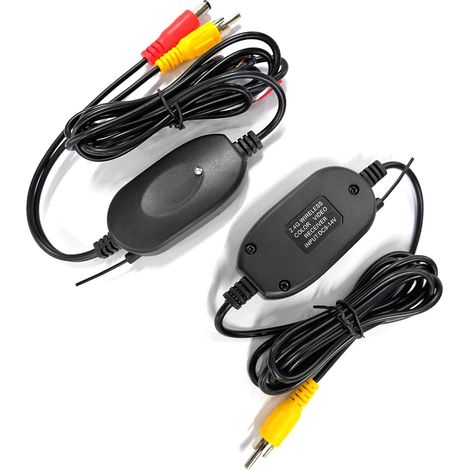

2.4GHz Wireless Video Transmitter and Receiver for Car Rear View Camera Reverse Rear View Monitor Parking System
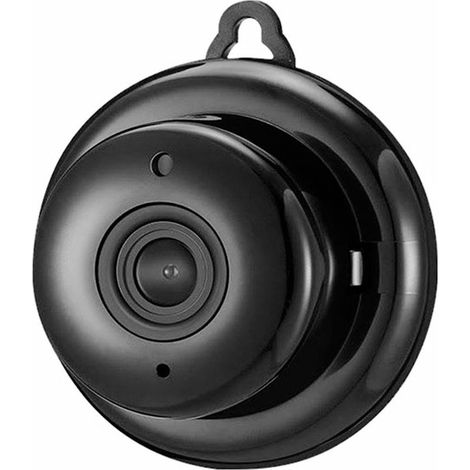

Indoor/Outdoor Surveillance Camera 1080P WiFi Mini Camera Video Camcorder Camcorder 150Ḟ Wide Angle IR Night Vision Motion Detection 64GB Extended Memory for Baby Ani
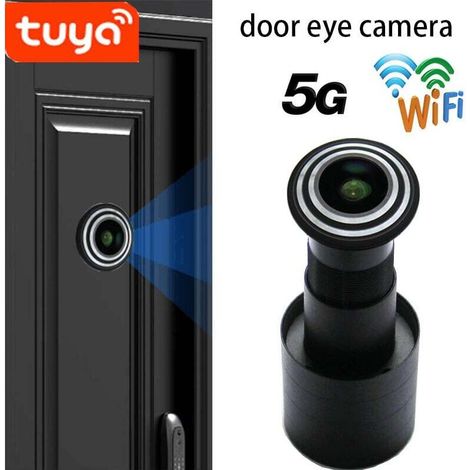

Door Peephole Camera, 1080P HD Video Door Viewer, Security Camera, Electronic Cat Eye Door Viewer with 150 Degree Wide Angle
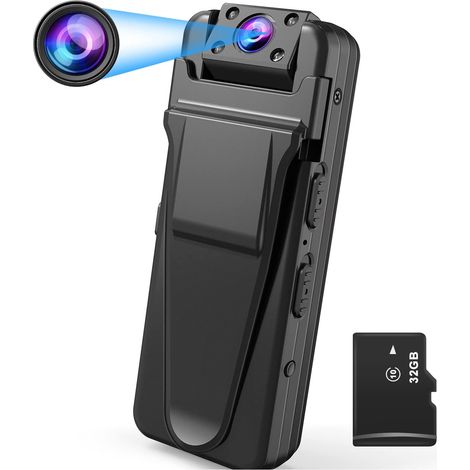
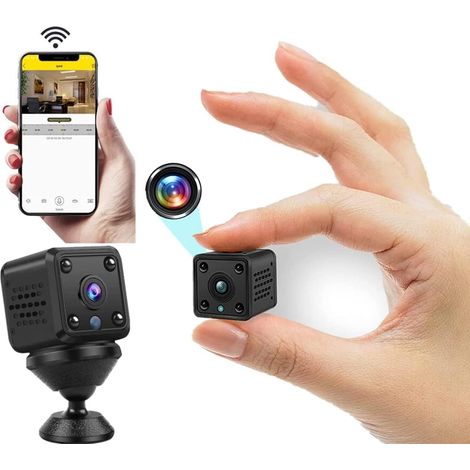
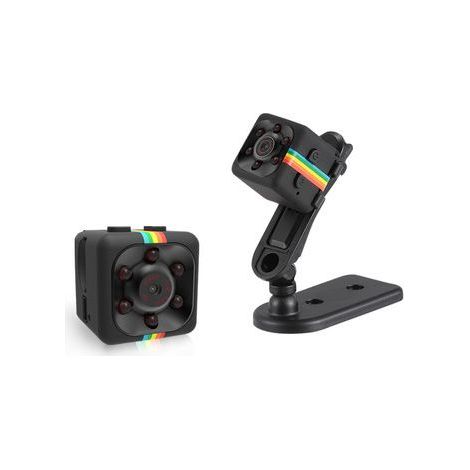
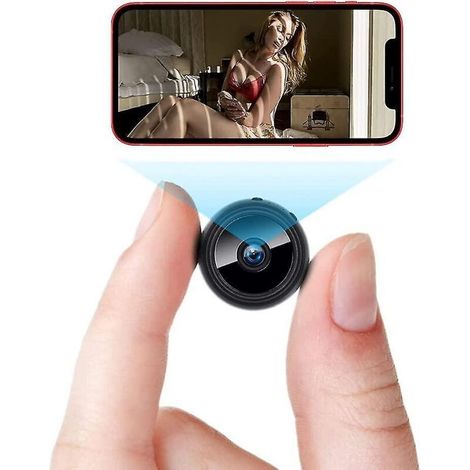

Compare with similar items
Product information
Description
IP66 waterproof rating, suitable for extended outdoor use and functions perfectly even in adverse weather conditions such as rain and high temperatures.
12 languages available: English, Simplified Chinese, Traditional Chinese, Japanese, Korean, Russian, French, German, Portuguese, Polish, Turkish, and Thai.
The passive infrared (PIR) detector has a detection range of up to 10 meters and a trigger time of only 0.7 seconds.It accurately captures key moments and provides you with crisp images and videos.
Usable day and night, the video recording resolution can reach 1080p, allowing you to immortalize precious moments at any time.
Wide range of applications: ideal for agricultural monitoring, outdoor hunting, field observation, etc.
Specifications:
Item Type: Trail Camera
Memory: 128GB
Photo Size: 21MP, 16MP, 12MP, 8MP, 5MP, 3MP, 1.3MP, 0.3MP
Video Size: 2720×1520, 1920×1080, 1280×720 848 × 480, 640 × 480
Usage:
Button Description: OFF --->> Turn off the camera: When the button is in the OFF position, the camera is turned off.TEST -->> Bright screen mode: When the button is in the TEST position, the screen remains on.The camera consumes power quickly in this mode.This mode is generally used to adjust camera settings.ON --->>> Recording Mode: When the switch is in the ON position, the screen goes black after a 5-second countdown, and the sensor activates.When prey or an object passes through the detection field, the camera records its trajectory.This mode consumes little power.It is commonly used to record prey activity.Instructions: Video Recording Mode: 1.Set the switch to the TEST position.2.Briefly press the "left" directional button.The time in the upper right corner of the screen turns red, indicating that the camera has started recording. Photo Mode: 1. Set the switch to the TEST position. 2. Briefly press the "down" directional button to switch to camera mode. The icon in the upper left corner of the screen will switch to camera mode. 3. Briefly press the "left" directional button to end the shot.View the captured content on the camera: 1.Set the switch to the TEST position.2.Press the "E" button to access the album.
Contents:
1 camera
1 strap
Features
- BrandOTHERS
- ColourMulticolour
- Pcs per pack1
- With night visionYes
- Battery or cell includedYes
- ConnectivityNot applicable
- Local recordingSD card
- InfraredYes
- MaterialPlaster
- Built-in micYes
- Wireless communication protocolNot applicable
- Type of cameraSurveillance
- ManoMano ReferenceME242437911
- MMID316739595864
- Product codeQD-GB26Y70594
- EAN5009519705845
'/%3E%3C/svg%3E)
Home security camera buying guide
Advice from our experts
'/%3E%3C/svg%3E)