Wireless light switch, double switch, M92
Buying for your business?
Negotiated prices excl. VAT up to -20%
You may also like
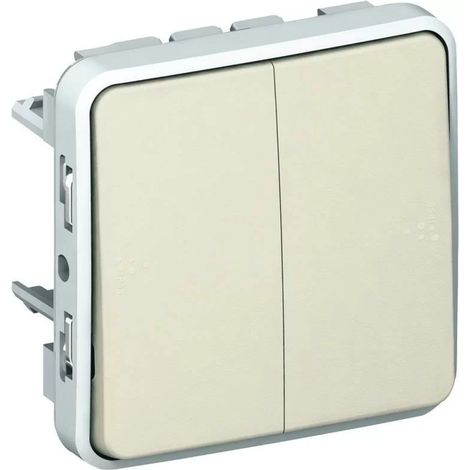
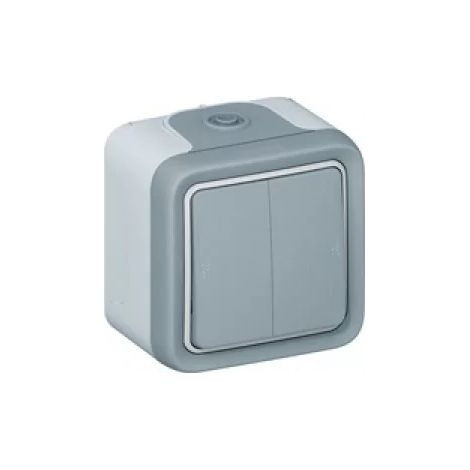
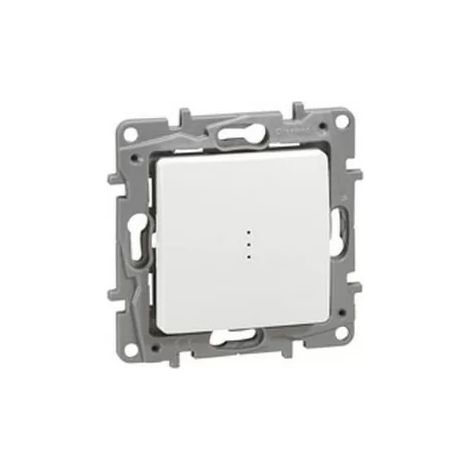
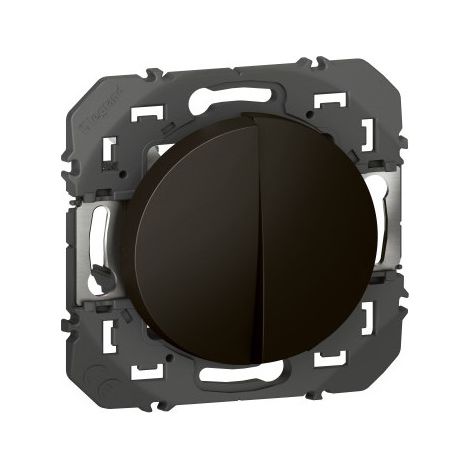

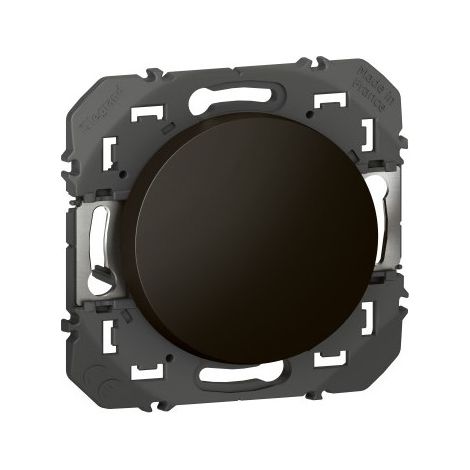
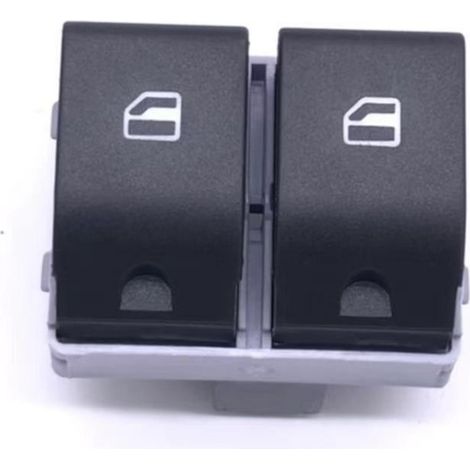
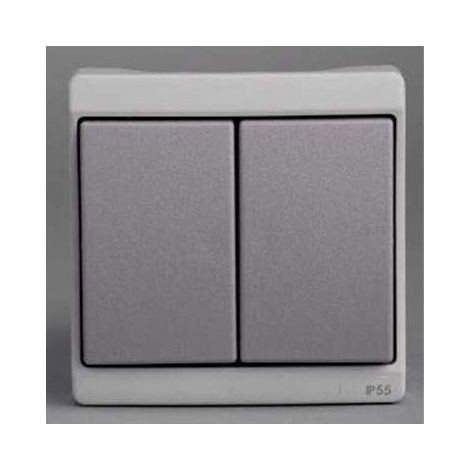
Legrand 095261 Dooxie 10AX 250V double switch or two-way switch, black finish - blister pack

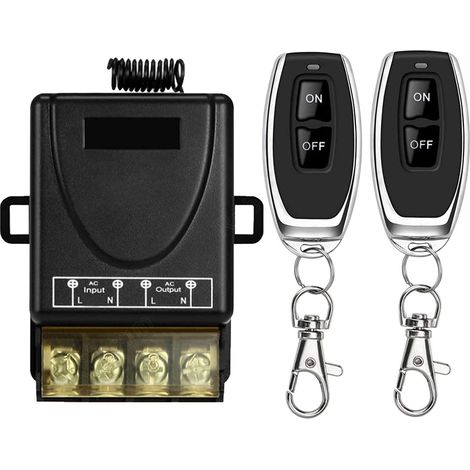

Interrupteur de télécommande Haute Puissance sans Fil 433Mhz, télécommande RF AC 220V/240V/110V 30A pour lumière, Pompe à Eau, appareils ménagers, Irrigation agricole
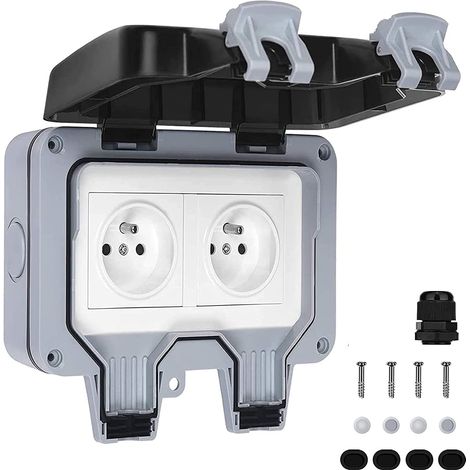
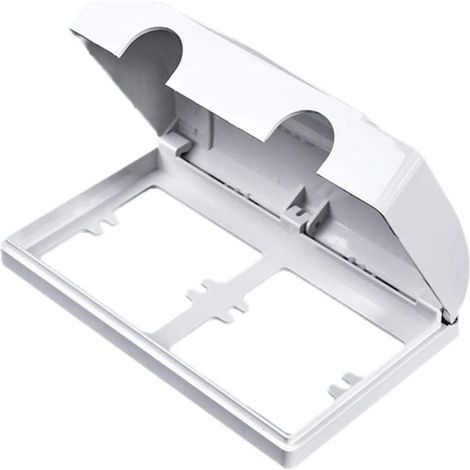

(86×86mm)Double Electrical Socket Outlet Cover Safe Safety Plug Double Socket Protector Covers Baby Child Safety Box

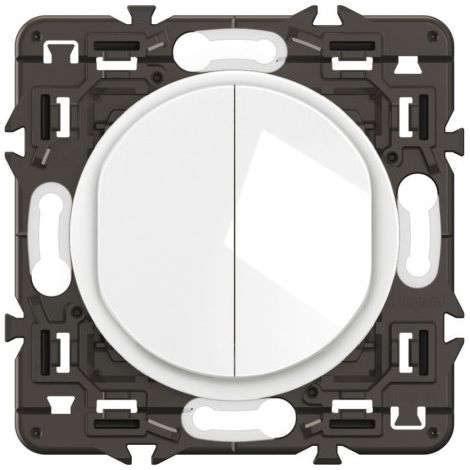
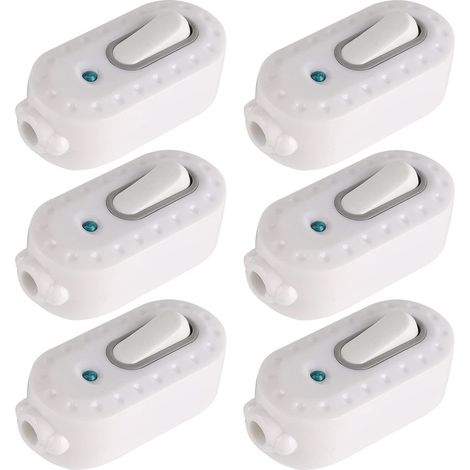
Double Pole Switch,6 Pcs 6A Compact Plastic On/Off Rocker Switch LED Rocker Switch Inline Cord Light Switch with Indicator Light for Small Appliance
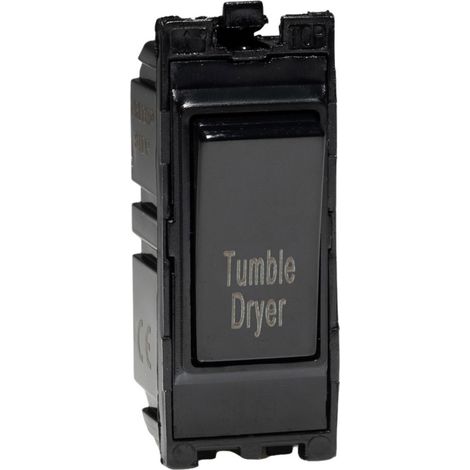

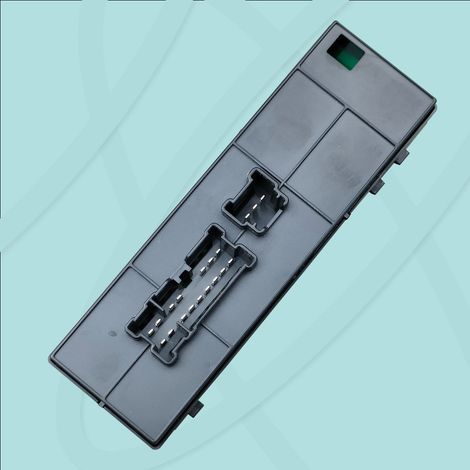

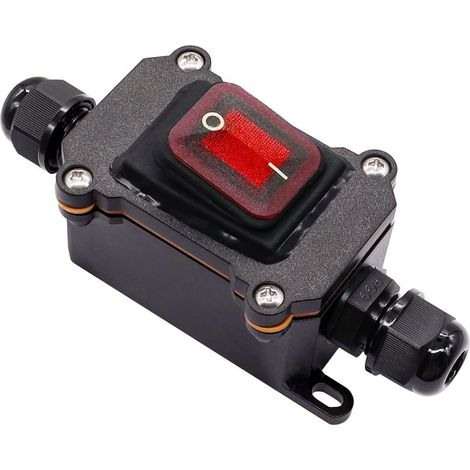

Switch Waterproof IP67 DPST 4 Terminals 220 V CA with LED Red for Use Outdoor Double Input Output
Compare with similar items
Product information
Description
Common Uses for Wireless Switches
- Replacing the pull switch for a light/fan
- Adding a wireless switch to an existing wall switch
- Relocating the light switch in the stairwell/garage/basement
- Planning the wiring in a new house
- Continued......
Installation Steps:
1) Disconnect the power supply,
2) Locate the points to turn the circuit on and off; this is usually a junction box/junction box/roof/ceiling.
3) Connect two wires from the power supply to the input wires of the receiver. Similarly, connect two wires from the power supply of the electrical devices to the output wires of the receiver. You can use the supplied connector or wire clamps (not included). 4) Check the connections and then turn on the device. 5) Press the small diamond-shaped button on the receiver until it flashes. 6) Press the power button; the devices will pair. Done.
Features
- BrandNEPTUNE
- ColourBlack
- With indicator lightYes
- Switch and socket combinationNo
- Complete / ComposableSwitch parts
- SmartYes
- WaterproofYes
- IP ratingIP54
- MaterialPlastic
- Switch mechanismDouble
- PackNo
- ManoMano ReferenceME98071622
- MMID832475895494
- Product codeHD129C-1225121
- EAN5461619362128
'/%3E%3C/svg%3E)