1/4
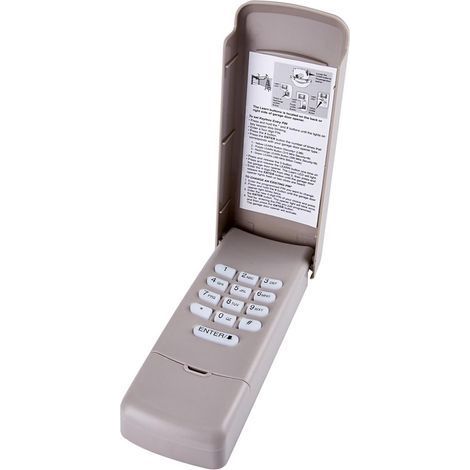
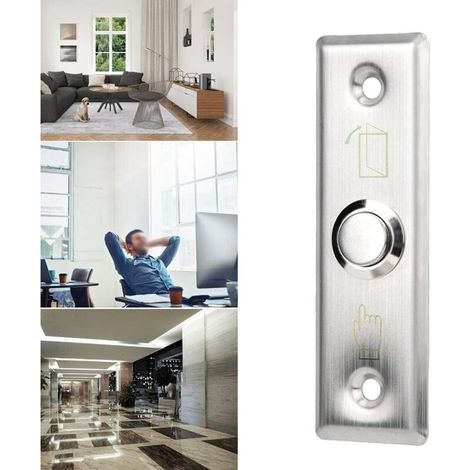
Zoternen Keypad Password Key Keypad Access Lock Digital Electronic Security Cabinet Coded Locker L=30mm
Of which environmental contribution £0.10 including VAT.
Buying for your business?
Negotiated prices excl. VAT up to -20%
Sold by Cuizi
You may also like




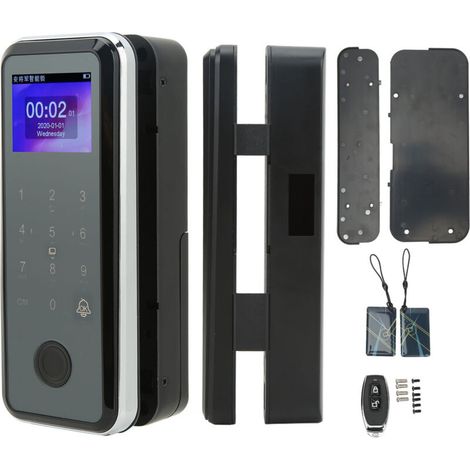
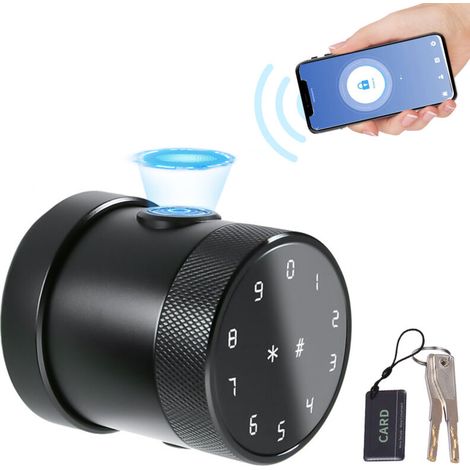
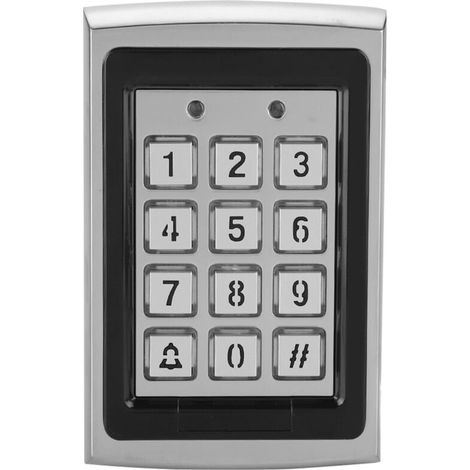
Compare with similar items
Product information
Description
Features: 1. Made of ABS material, strong, precise, safe and durable. 2. Touch keypad password lock, no keys needed. Cool to use. 3. Factory state: management password: 1234, default home mode. When green is unlocked, the indicator light will light up and if the password is wrong, it will ring. 4. Brief appearance, compact design, exquisite and precise workmanship. 5. Applicable to agent, school, SPA/sauna bath center, swimming pool, gymnasium, golf course, supermarket, hotel, company, factory, household, commercial index, etc. Specifications: Features: Made of ABS material, strong, precise, safe and durable. Touch keypad password lock, no keys needed. Cool to use.Factory Status: Management password: 1234, default home mode, when the lock is unlocked, the indicator light will light up, and if the password is wrong, it will sound "DI DI DI" three times. Brief appearance, compact design, exquisite and precise workmanship. Applicable to agent, school, SPA/sauna bath center, swimming pool, gymnasium, golf course, supermarket, hotel, company, factory, household, commercial index, etc. . Specification: Material: ABS Maximum Installation Thickness: L=20mm, W=30mm (Optional) Battery: 3V Button Battery (CR2032) (Not Included) Size: 95 x 65 x 15mm / 3.74 x 2.56 x 0.60inch (Approx.) Package List: 1 x Security Code Lock 2 x Screw 1 x Hex Nut 1 x Spring bolt 1 x Fixed bell Instructions: Activate public mode 1. Enter the correct management password "**** + OK", the buzzer "di..." a long beep, the unlock indicator light is always on. 2.Press the OK button again for more than 2 seconds, the padlock flashes, press the OK button again. 3. Enter the numbers "4, 4" and press the "OK" button, "di.." a long beep. Set a temporary password 1. Press OK button, the unlock light flashes. 2. Enter password 4~15 to set. 3. Press the OK button, the buzzer will beep for a long time, and the lock will be opened and stored. The temporary password is set successfully. After entering the sleep state, the electronic lock indicator light flashes every 3 seconds. *The temporary password can only be used once and it will automatically become invalid after use. Turn off public mode 1. Enter the correct management password "+OK" buzzer key "di..." a long beep, the unlock indicator light is always on. 2.Press the "OK" button again for more than 2 seconds, the padlock flashes, press the OK button again. 3. Enter the numbers "4, 3" and press the "OK" button, a long beep "di...". Enable and disable fake password feature 1. Enter the correct management password, "OK" button, the buzzer "di..." a long beep, the unlock indicator light is always on. 2. Press and hold OK button again for more than 2 seconds to flash, press OK button again. 3. Activate the input "4, 2" and press the "OK" key, "di..." a long beep. Close the "4, 1" input and press the "OK" key "Beep.." a long beep. beep. When the fake password function is enabled, when entering the password, you can enter scrambled codes before and after the correct password to hide the real password and prevent others from cracking the password.Note: Please note that the new type and old type of this product will be sent randomly, and make sure you do not mind before ordering.
Features
- BrandOTHERS
- ColourWhite
- MaterialAcrylonitrile butadiene styrene (ABS)
- ManoMano ReferenceME249426487
- MMID925225405025
- Product codeBT-UK2025YS-86249
- EAN3797803892921
You are here:
'/%3E%3C/svg%3E)