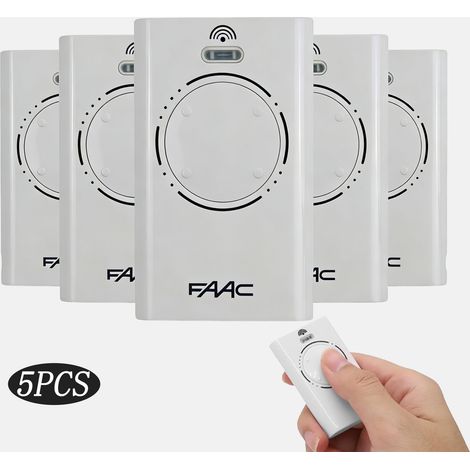
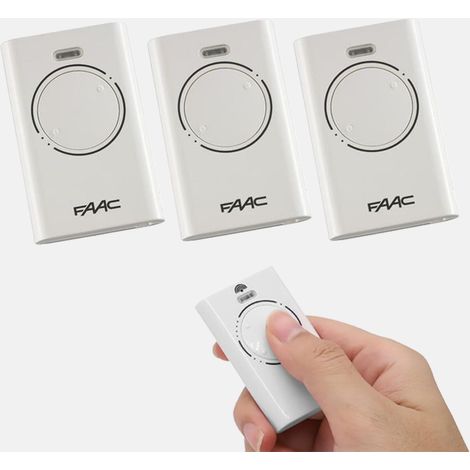
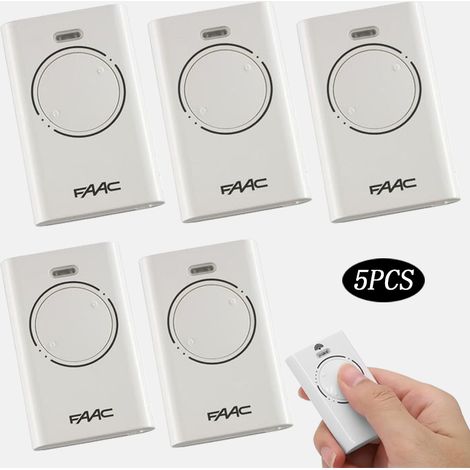
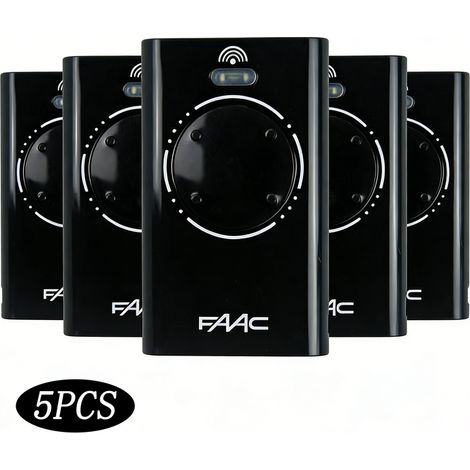
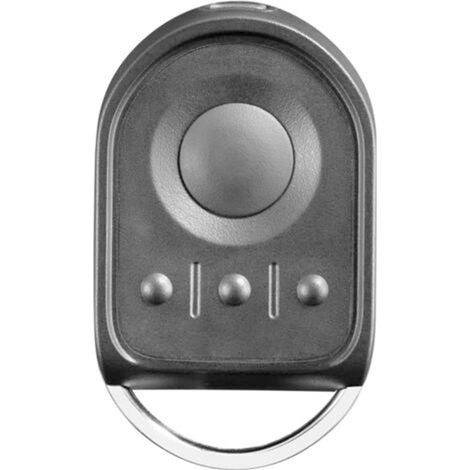
2-channel remote control (868 MHz) for gates and garage doors – 2-pack, compatible with Hörmann HSE/HS/HSP series 868-BS
Buying for your business?
Negotiated prices excl. VAT up to -20%
You may also like








Compare with similar items
Product information
Description
【Exclusive Models】Only compatible with the following 868 MHz handheld transmitters (blue): HSE4-868-BS, HSE2-868-BS, HS4-868-BS, HS5-868-BS, HS1-868-BS, HSD1-868-BS, HSD2-868-BS.
【Easy Programming】Copy the code from your original remote control or connect directly via the receiver. Please note: Only compatible with rolling code systems (blue LED)!
【Reliable Technology】868 MHz frequency, 2 channels, and blue LED. Not compatible with other frequencies, despite similar design.
【Safety and Quality】Controls up to 4 rolling code gates. Robust metal housing, durable and more aesthetically pleasing than plastic remotes.【Compatibility Note】This remote is a replacement unit and is only compatible with rolling code devices (blue LED). Please check the compatibility list before purchasing. Not suitable for fixed code systems (red LED)! [Exclusive Models] Only compatible with the following 868 MHz (blue) remote controls: HSE4-868-BS, HSE2-868-BS, HS4-868-BS, HS5-868-BS, HS1-868-BS, HSD1-868-BS, HSD2-868-BS. [Easy Programming] Copy the code from your original remote or connect directly via the receiver. Note: Only usable with rolling code (blue LED)! [Reliable Technology] 868 MHz frequency, 2 channels, and blue LED. Despite similar design, not compatible with other frequencies. [Security and Quality] Control up to 4 gates with rolling code protection. Robust metal design, durable and more aesthetically pleasing than plastic remote controls.
Note: Integrated sliding codes (blue LED)!
If your original remote control uses fixed codes (red LED), this remote control will not work.
Compatible Models:
For HORMANN HS1-868-BS.
For HORMANN HS4-868-BS.
For HORMANN HS5-868-BS.
For HORMANN HSE1-868-BS.
For HORMANN HSE2-868-BS.
For HORMANN HSE4-868-BS.
For HORMANN HSP4-868-BS.
For HORMANN HSD2-868-BS.
For HORMANN HSS4-868-BS.
;
Programming? 1) Press and hold the button on the new remote. If you want to program the code of your old remote, press and hold that button as well. Then press a different button three times until the red LED lights up for 10 seconds. Release all buttons. 2) Place the old remote as close as possible to the left of the new remote. 3) Press the button on the old remote. Copy the code until the LED flashes red and blue alternately. Check if the LED on the new remote flashes blue. If not, move the new remote as close as possible to the old one. 4) Once the blue LED on the new remote flashes rapidly, programming is complete. Release all buttons. 5) Repeat this process for the remaining buttons. Reset: Assign a new radio code to each button on the remote by following these steps: (1) Remove the battery for 10 seconds. (2) Press and hold a button on the remote. (3) Reinsert the battery. The LED will flash blue slowly for 4 seconds. It then flashes blue rapidly for 2 seconds. After that, the LED glows solid blue. (4) As soon as you release the button on the remote control, all radio codes are reassigned. Note: If the button on the remote control is released too soon, no new radio codes will be assigned.
Features
- BrandOTHERS
- ColourBlack
- Pcs per pack1
- Light colourBlue
- Weight135 g
- Motorisation accessory typeRemote-control
- Motorization useFor gate
- ManoMano ReferenceME218876102
- MMID711924775758
- Product codeXHWD-MUWYY05423
- EAN6137275959833
'/%3E%3C/svg%3E)