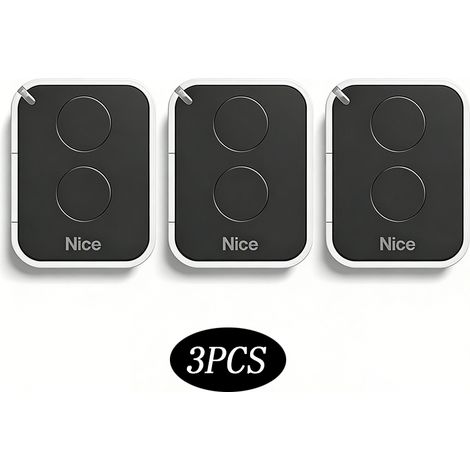
433.92 MHz gate remote control – 3-pack, compatible with Echo TX4/TX2 and TE443H Bravo – Works with Genius systems
Buying for your business?
Negotiated prices excl. VAT up to -20%
You may also like








Compare with similar items
Product information
Description
COMPATIBILITY – Only compatible with: ECHO TX4 433 RC, ECHO TX2 433 RC, TE443H BRAVO
FREQUENCY – For optimal compatibility, please ensure your original remote operates at a frequency of 433.92 MHz.
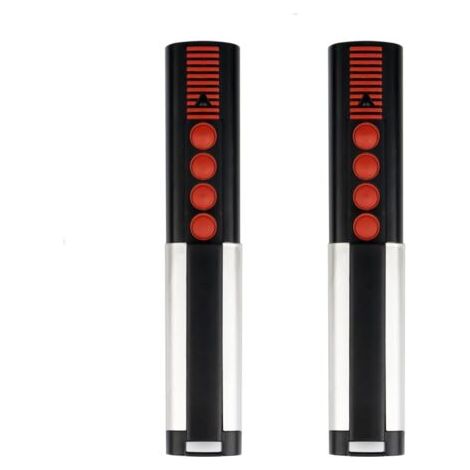
4 CHANNELS – The remote has 4 channels for opening gates and garage doors with a single command.
BATTERIES INCLUDED – The remote comes with lithium batteries and is ready to use right out of the box.
CUSTOMER SERVICE – Our knowledgeable customer support team is available to assist you with any questions or issues.
IMPORTANT NOTE: Please do not purchase the remote if your model is not listed. Access to the receiver is required. Please ensure you have access to the receiver/opener before purchasing. REPLACEMENT REMOTE CONTROL – This garage door remote is a replacement, not an original part. Please check the device compatibility list before purchasing. COMPATIBILITY – Compatible only with: ECHO TX4 433 RC, ECHO TX2 433 RC, TE443H BRAVO. FREQUENCY – Ensure your original remote operates at a frequency of 433.92 MHz for optimal compatibility. 4 CHANNELS – The remote has 4 channels for opening gates and garage doors with a single command. BATTERIES INCLUDED – The remote comes with lithium batteries and is ready to use right out of the box.
Description
* Frequency: 433 MHz
* Code: Rolling Code
* Channels: 4 Channels
* Material: ABS
* Battery: Battery included
* Range: 10–100 m (outdoors)
* Programming Method: Receiver Programming
Compatible Models
BRAVO TX4
ECHO TX4 RC
BRAVO TE4433H
Attention:
Not compatible with 868 MHz.
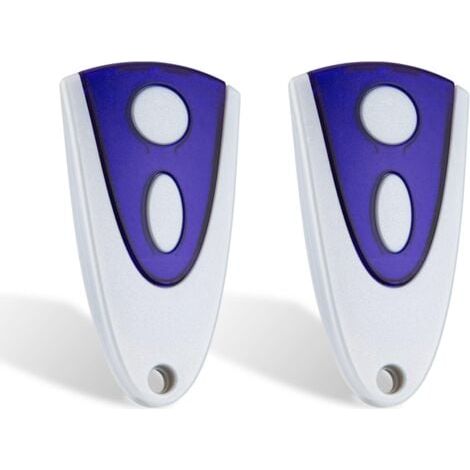
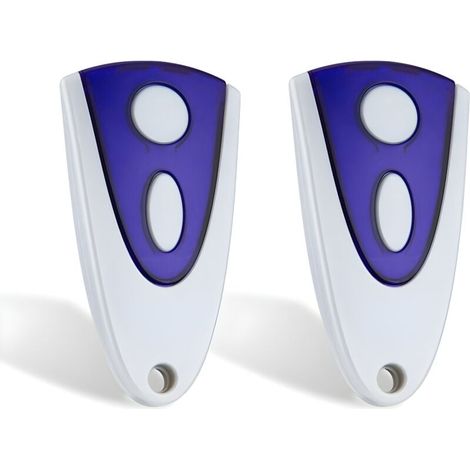
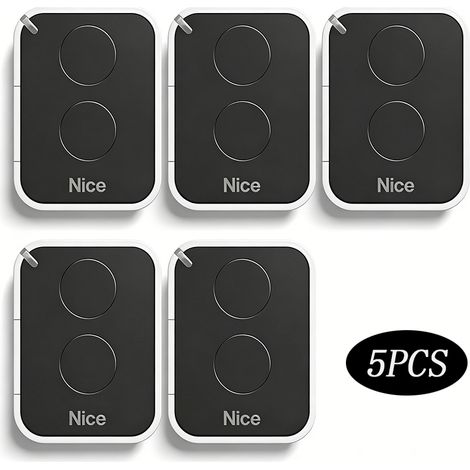
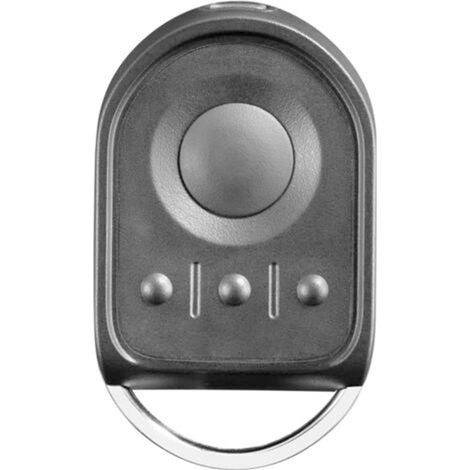
Make sure your remote control matches the one in the photo and the model is listed.
Access to the receiver is required.
Before purchasing, make sure you have access to the receiver/door opener.Instructions Programming?
CODING VIA THE RECEIVER
1 - On the receiver, press the button corresponding to the channel you want to program: sW1 for CH1 and sW2 for CH2. LED 1 or LED 2 will light up continuously to indicate that the receiver is in learning mode.
2 - Within 10 seconds, press and hold the button to be programmed on the remote control for at least 1 second.
3 - If programming is successful, the LED will blink twice.
4 - After programming the first remote control, the receiver remains in learning mode, and the LED will light up continuously.
5 - To program additional remote controls (up to a maximum of 256), repeat the steps from step 2.
6 - After 10 seconds have elapsed since the last programming of the remote control, the receiver will automatically end the learning phase. You can manually end the learning process by pressing one of the receiver buttons (SW1 or SW2) after programming the remote control.
Features
- BrandOTHERS
- ColourDark Blue
- Pcs per pack1
- Battery or cell includedYes
- Motorization compatibilityYes
- SmartYes
- Compatible brandEcho
- MaterialAcrylonitrile butadiene styrene (ABS)
- Number of channels4
- Weight135 g
- Motorisation accessory typeRemote-control
- ControlRemote-control
- Remote control typeRadio
- Motorization useFor gate
- ManoMano ReferenceME218874961
- MMID116984110595
- Product codeXHWD-MUWYY04537
- EAN6137275950977
'/%3E%3C/svg%3E)