4K HDMI Switch, HDMI Switch Splitter Bi-Directional 2 Input 1 Output,3D/1080P/4K/HDCP-HDMI Switcher for Blu-Ray/PC/DVD/Xbox DENUOTOP
You may also like




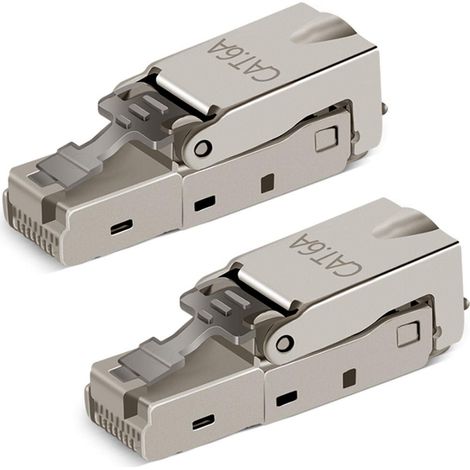
2 pieces tool-free RJ-45 Cat6/6A modular plug field connection, Cat6A RJ45 shielded for 23-26AWG installation cable
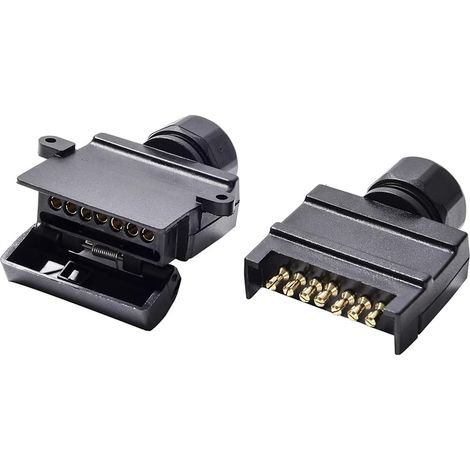
Flat 7 Pin Trailer Socket Male and Flat 7 Pin Female Trailer Socket 12V Australia Waterproof Flat Socket 7 Pin Trailer Socket Trailer Socket Fits Trucks Motorhomes (Screw End)
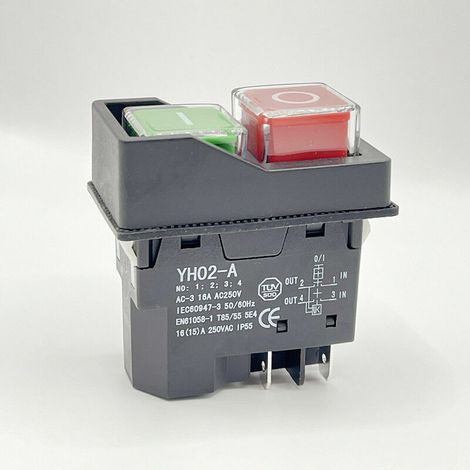
Waterproof Magnetic Switch, MoreChioce 4 Pin Push Button On/Off Start Stop Switch Accessories for Machine Tools 250V 16A
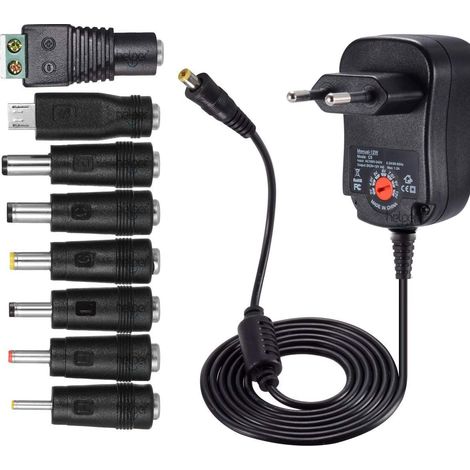

12W universal AC-DC power supply 3V, 4.5V, 5V, 6V, 7.5V, 9V and 12V with 8 selectable adapter ports, max. 1000mA, 115cm long charging cable
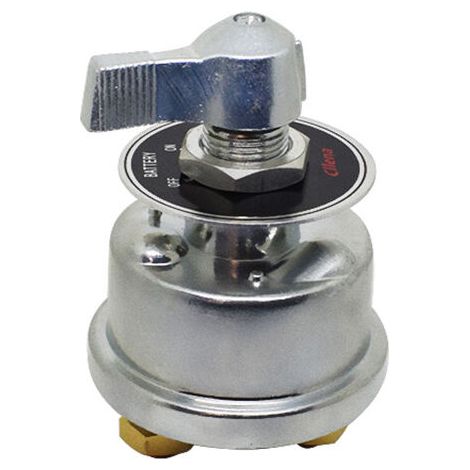
12V Battery Isolator Switch, High Current Isolator Switch, Battery Switch for Car, Boat, Truck
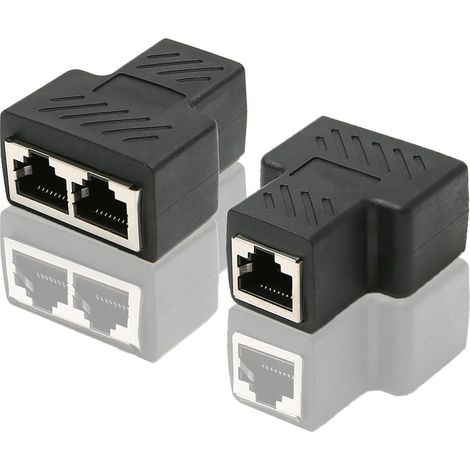
RJ45 CAT6 LAN Ethernet Port Splitter Adapter 1 to 2 Dual Female to Female Port Coupler, 2 Pack and Black
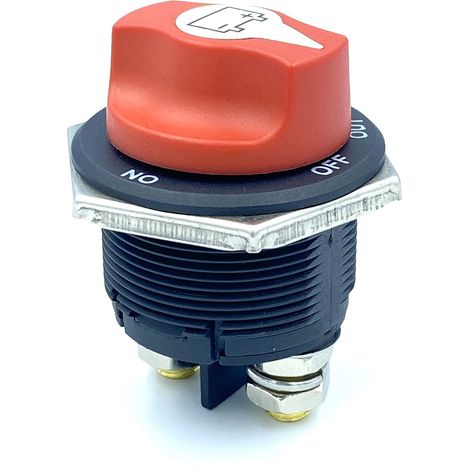

Car Battery Isolator Switch On/Off, Max. 32V, 200A, CONT 300A INT, Circuit Breaker, Battery Isolator Switch for Cars, Boats, Vehicles


Compare with similar items
Product information
Description
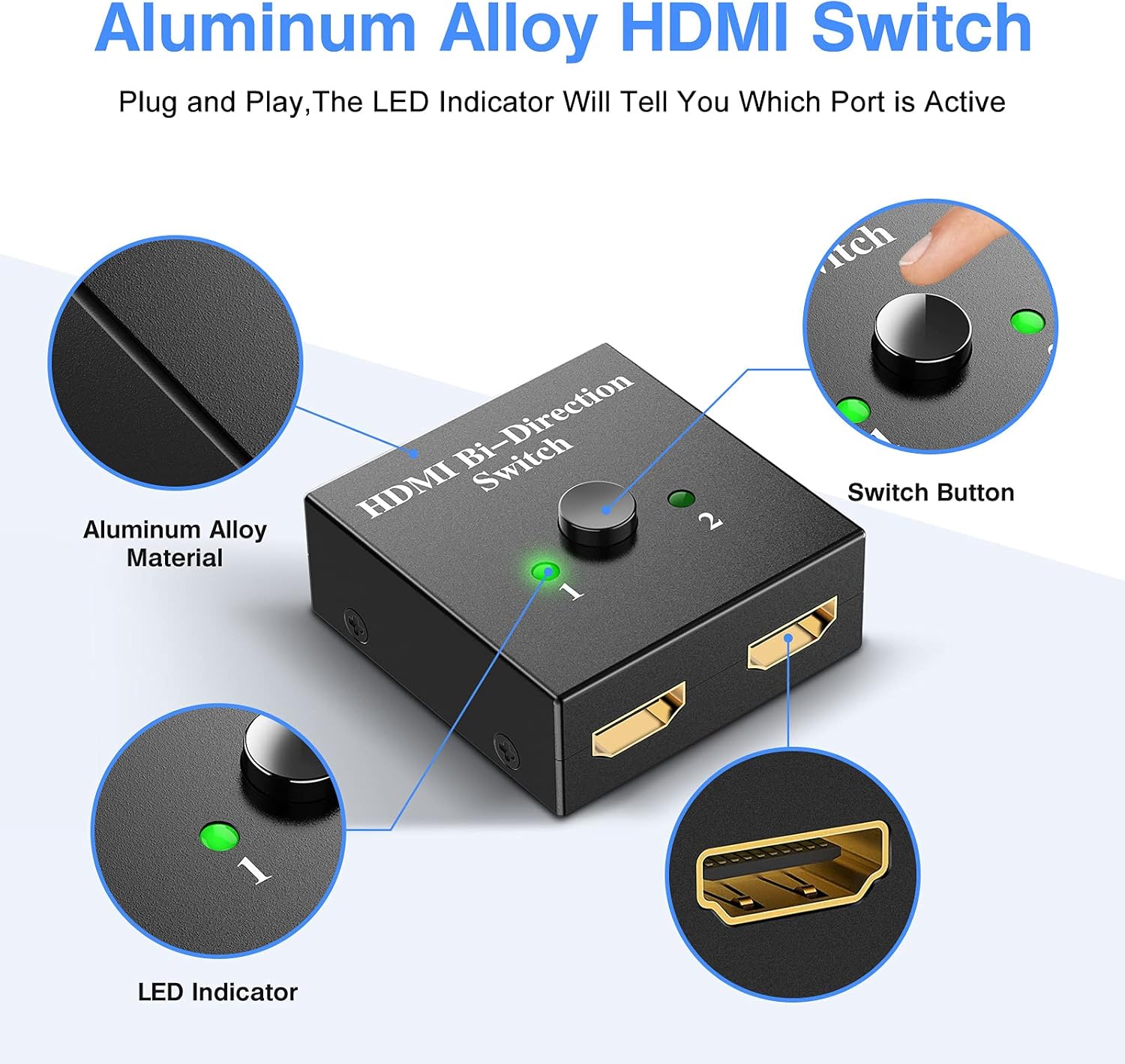
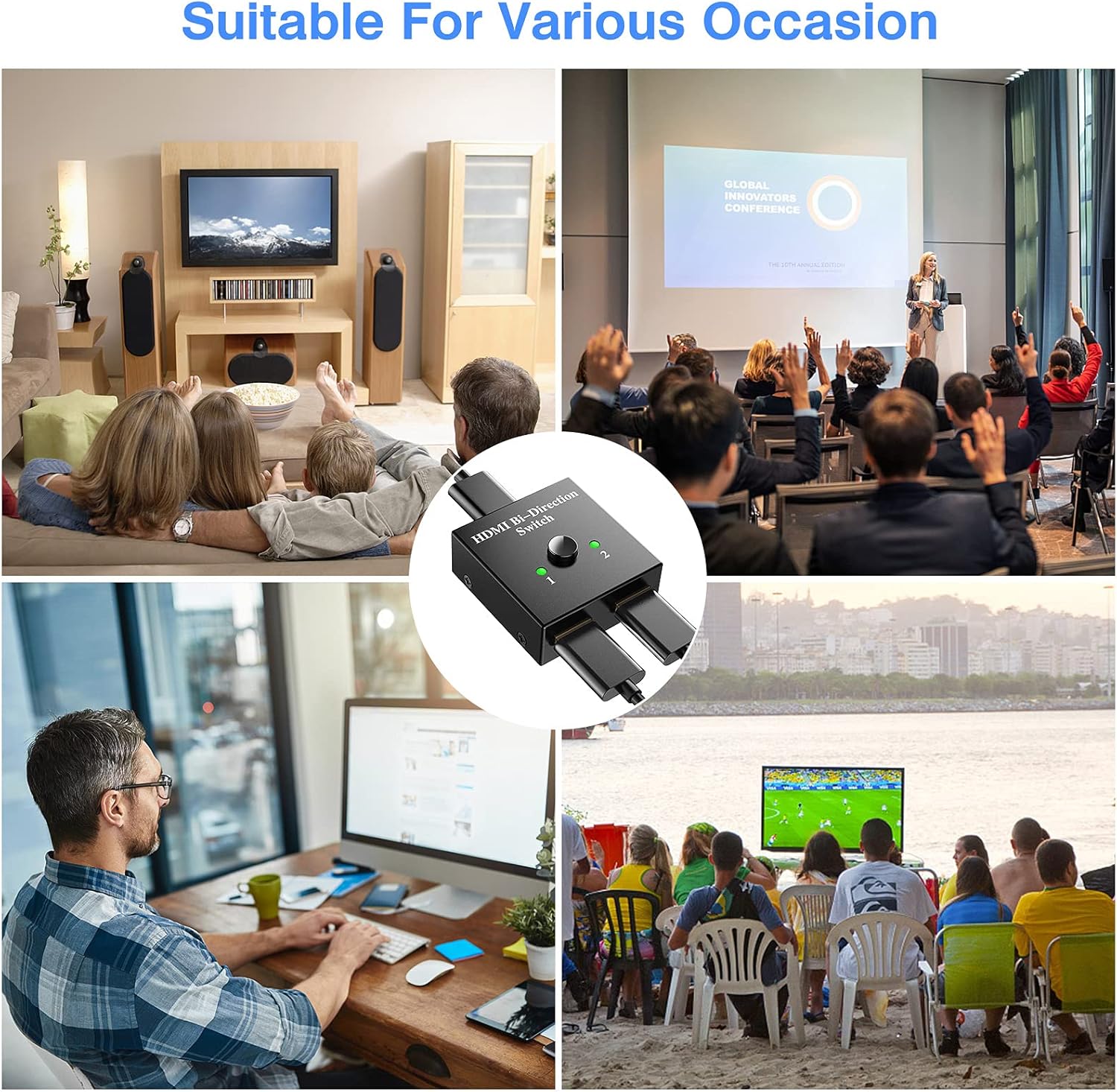
- 👉[Bi-Directional HDMI Switch] - The 1 in 2 out / 2 in 1 out HDMI splitter can connect two HDMI sources to one HDMI display, or connect one HDMI source to switch between two displays (only one monitor is displayed).
- 👉[Plug and Play] - No external driver or power supply needed, the HDMI switch will work once plugged in. Simply press the button to change the input or output source and the LED indicator will show you which port is active.
- 4K Resolution Supported: Supports 4K x 2K @ 30Hz, 1080P 3D resolution and HD audio. With this HDMI switch, you can enjoy the most luxurious video and audio. (Please use standard HDMI 2.0 cables to connect your 4K HDMI device)
- 👉[Fast and Stable Transmission] - The HDMI switch provides 3.4Gbps high bandwidth, standard AWG26 HDMI input and output can reach up to 5m (Note: HDMI cable is not included). No lag, no loss of picture or sound quality.
- 👉[Wide Compatibility] - The HDMI switch works with most devices that have a standard HDMI port. Compatible with computer, laptop, XBox 360, XBox One, PS3, PS4, Apple TV, ROKU, Blu-ray DVD, HD-Ready or HDTV, DVB receivers, monitors, projectors, etc.
Manufacturer's Description
2 IN 1 Out HDMI Switch
The HDMI Switch has a button on the top, this button allows you to easily switch 2 HDMI sources (e.g. computer, Xbox One, PS3) to 1 HDMI display (e.g. projector or HDTV), or connect 2 displays to 1 HDMI source. This means that this switch is bi-directional - the HDMI signal can go both ways.
Usage Tips:
1. If your HDMI source device (such as XBox, PS4 Pro) supports 4K, please use a HDMI 2.0 cable to connect the 4K HDMI source device and the HDMI switcher and display, as HDMI 1.4 (or lower than HDMI 1.4) cable is insufficient for 4K (4096*2160) resolution.
2. If your HDMI cable is not a HDMI 2.0 cable, you can adjust the resolution on your source device from 4K HDMI to 1080P (1920*1080) to match the specifications of your HDMI cable, or use the suitable HDMI cable for the connection.
3. The HDMI switch box cannot operate two display devices simultaneously when you connect 1 HDMI host to 2 HDMI TVs or monitors.
4. Since the HDMI switch is not powered on, please use the USB cable to power on the TV Stick when you connect the HDMI switch to the TV Stick.
Features
- BrandIKODM
- ColourWhite
- Connector aHDMI
- Connector bHDMI
- Height10 cm
- Weight200 g
- ManoMano ReferenceME90692790
- MMID146943095510
- Product codeIKOW00062
- EAN9155536707884
'/%3E%3C/svg%3E)