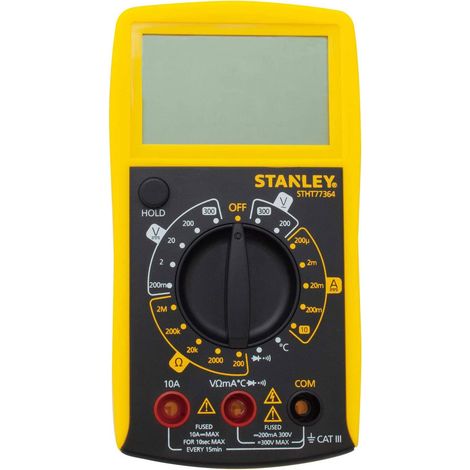

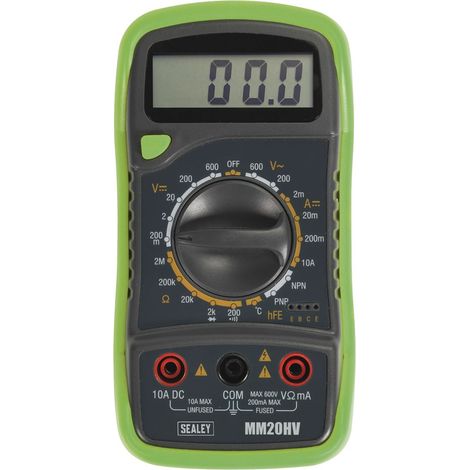

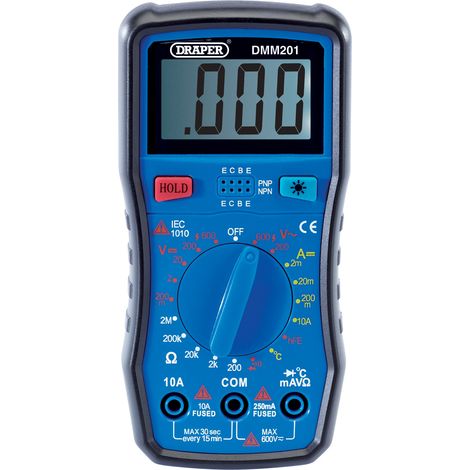

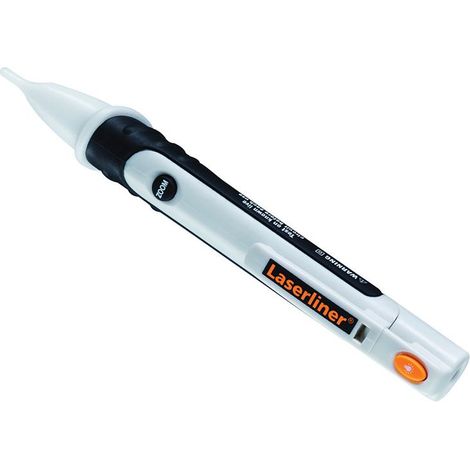

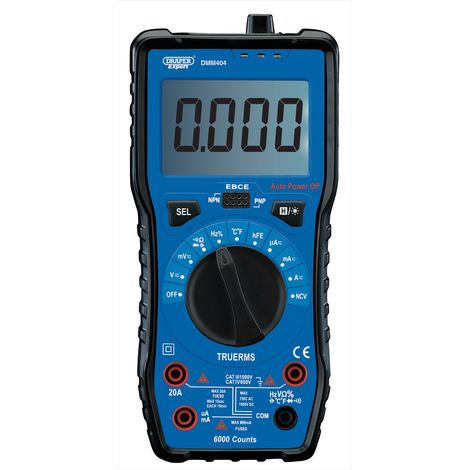



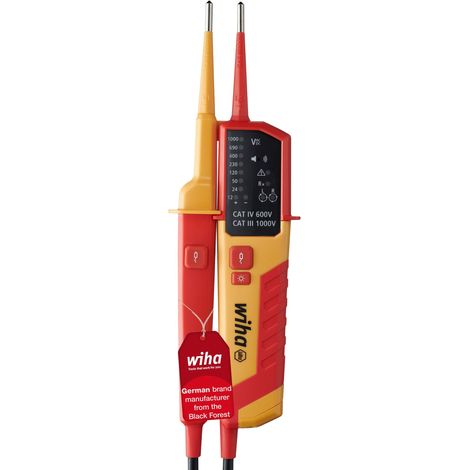

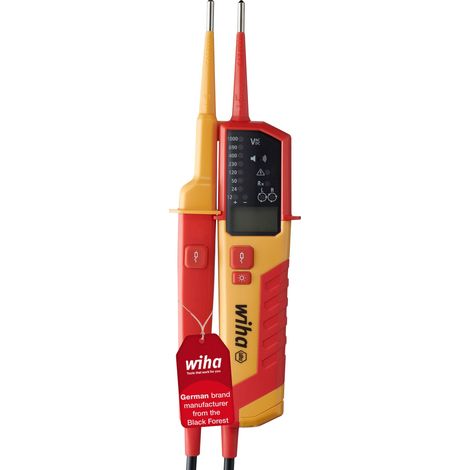
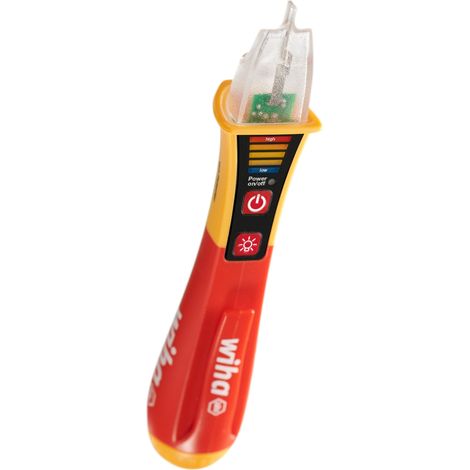

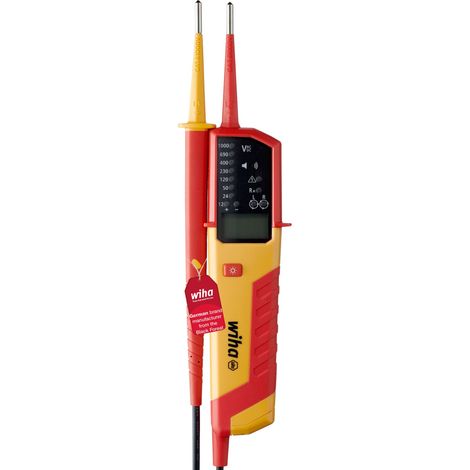
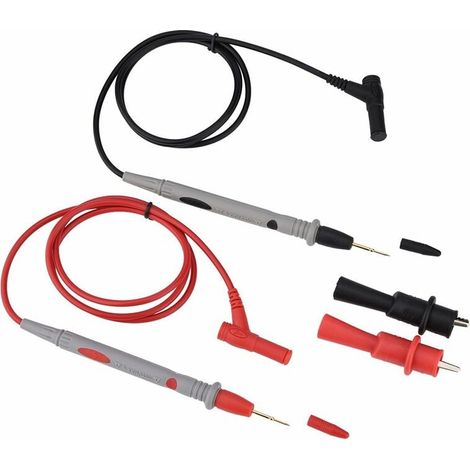

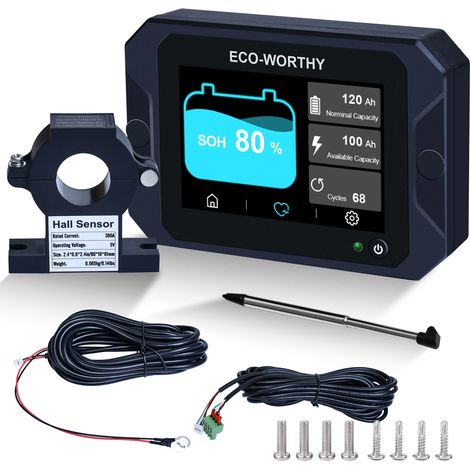

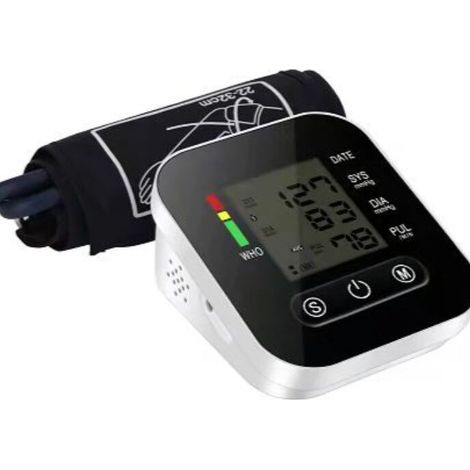




General description
Technical specifications
Error Setting
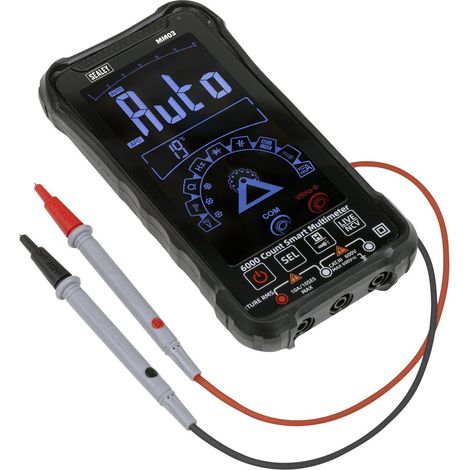
- Long press the button (about 3 seconds) until the digits flash on the screen, then release the button.
- The flashing digit indicates that the device is in "Error Setting" mode, cycling through high voltage, medium voltage, low voltage, decimal voltage, high current, medium current, and low current.
- Short press the button to set the integer (cycle from 0 to 9, shift the decimal point).
- After setting, press and hold the button for about 3 seconds until the screen displays "PASS," indicating a successful setting.
Package Contents
Other information
'/%3E%3C/svg%3E)
'/%3E%3C/svg%3E)