1/4
DIN Rail Circuit Breaker Smart WiFi Switch Smartphone Remote Control 3 Timing Modes Household Appliances 16A
Of which environmental contribution £0.10 including VAT.
Buying for your business?
Negotiated prices excl. VAT up to -20%
Sold by Cuizi
You may also like









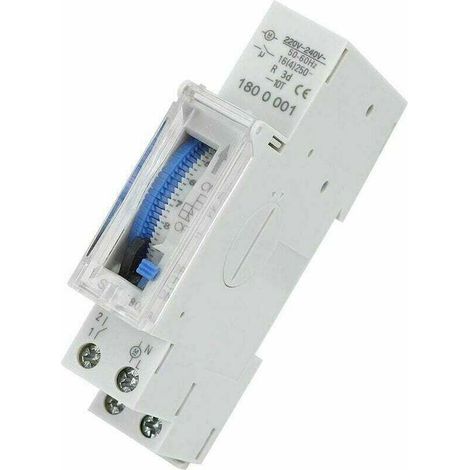

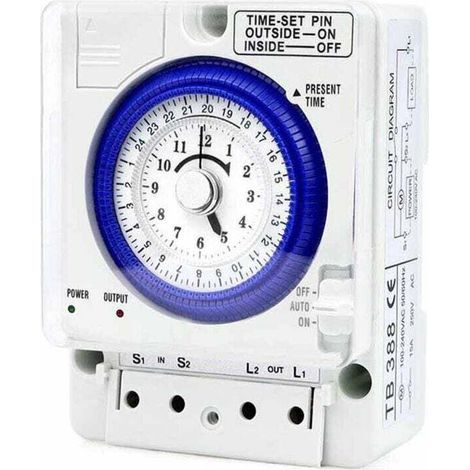

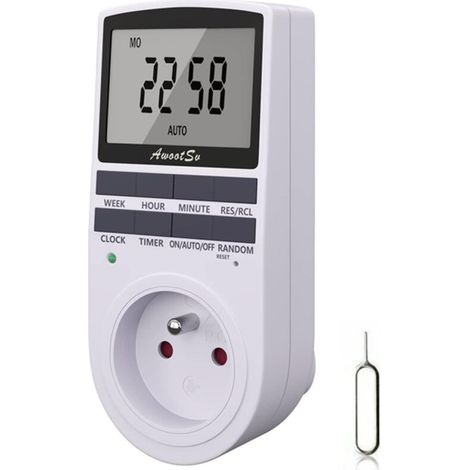

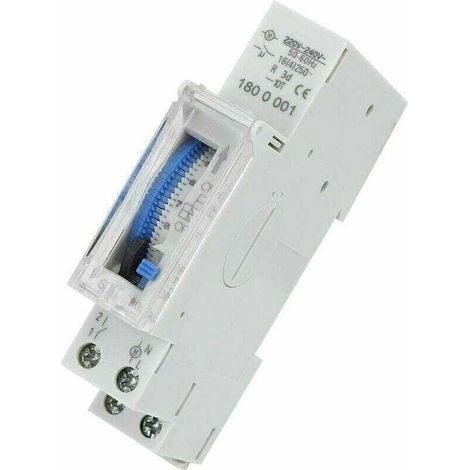
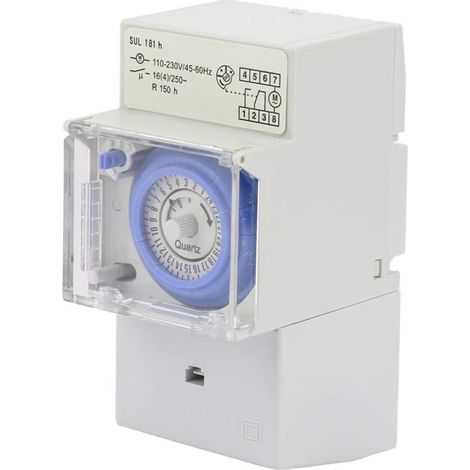

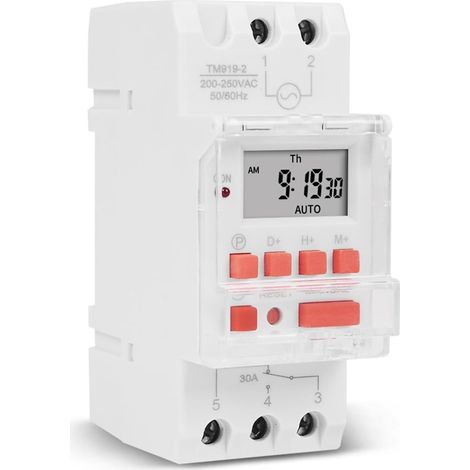
Compare with similar items
Product information
Description
Multiple functions: Set the on/off status of the device in different scenarios and remotely monitor the real-time status of charging electrical devices. Smart Home Life: You can monitor the usage of all home appliances and remotely control and schedule control to make life smarter. 3 timing modes: timing mode/countdown mode/cycle timing, when you leave work, you can set the time to turn on the air conditioner in advance, or set other equipment. Premium Material: Copper has good conductivity, PA66 flame retardant material, high temperature resistance, effectively improving the safety of use. Safe use: equipped with colorful indicator lights, you can check the operating status at a glance.Intelligent protection, easy to use, reliable, supports short circuit protection, overload protection, etc. Specification: Item Type: DIN Rail Circuit Breaker. Material: Copper, PA66 Application: Smart home control Panel color: black Applicable application: for Tuya Smart. Rated operating voltage: 230 V AC Control type: remote control, manual Number of poles: 1P+N (through N pole) Control method: for SigMesh/for ZigBee Rail: DIN35 Size: approx. 82x68x18mm/3.23x2.68x0.71in Package List: 1 x Din Rail Circuit Breaker Instruction Manual Lighting Description: The LED indicator shows a solid blue light, indicating that the switch is on. The LED light is off, indicating that the switch is off or in off-grid mode.(In off-grid mode, the manual switch has no status indicator, please pay attention to operation safety) The LED indicator flashes blue slowly, indicating that the product is in pairing mode Operation steps: Connect the wire from the upper end of the circuit breaker to the lower end, make sure the wiring is correct and the WiFi signal is strong. Turn on your phone's Bluetooth and WiFi, open the app, then long press "Power" button, wait about 5-10 seconds, the LED indicator will slowly flash blue. After waiting for a while, a pop-up window will appear. Click the “+” in the upper right corner, then select the “Add device” button and wait for the device to be recognized. Enter the wifi account password and click Next, waiting to connect to the network Connect to the network
Features
- BrandOTHERS
- Voltage230 V
- Amperage16 A
- MaterialCopper
- Type of electrical installationDIN rail
- Wireless communication protocolWifi
- ManoMano ReferenceME249433454
- MMID925288032504
- Product codeBT-UK2025YS-91111
- EAN3796539141549
You are here:
'/%3E%3C/svg%3E)