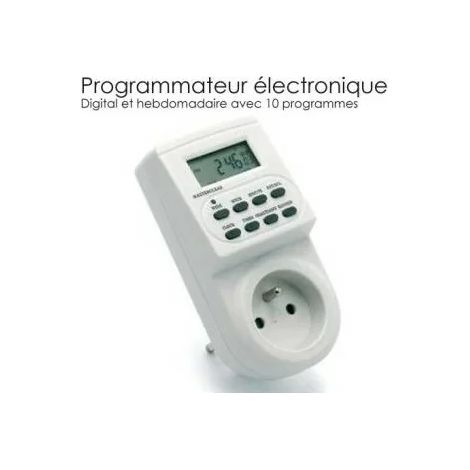
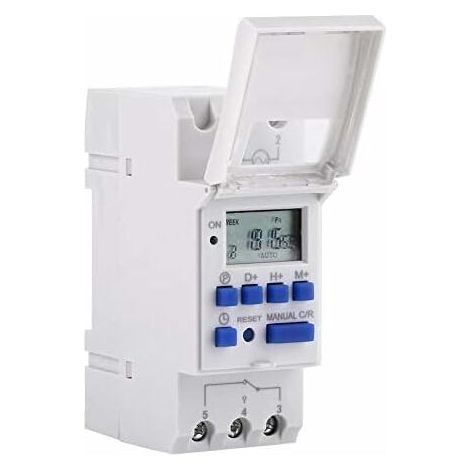
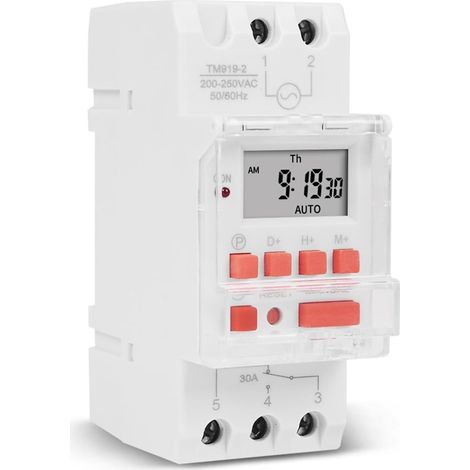
Electric Timer Timer Relay Switch with LCD Display, Programmable Weekly Preset (220V)
Buying for your business?
Negotiated prices excl. VAT up to -20%
You may also like









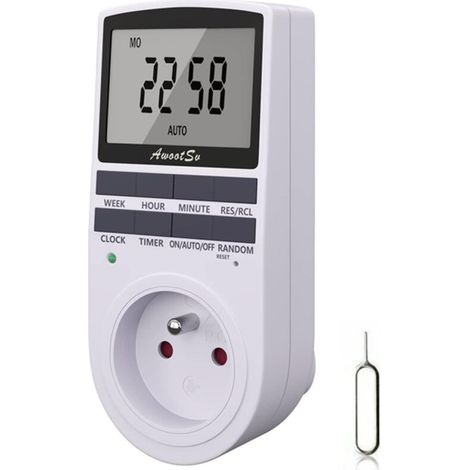

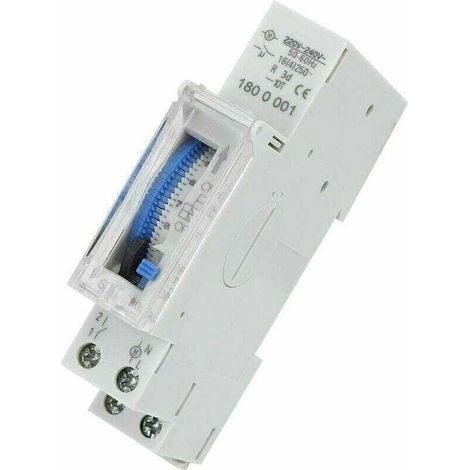
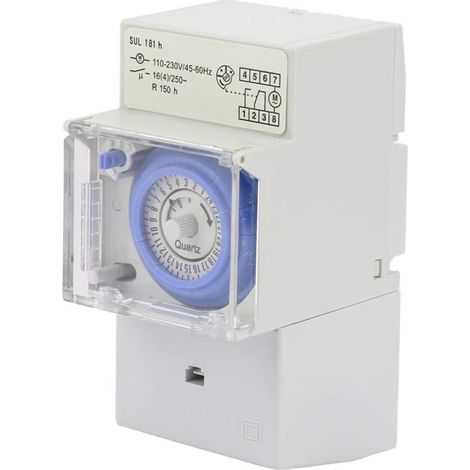

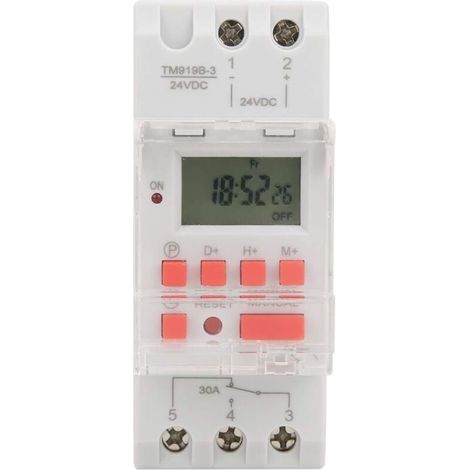
Compare with similar items
Product information
Description
TRIMEC, we look forward to your visit. Don't hesitate to contact us if you have any questions.✨ Press and hold the 'time' button (bottom left, next to 'reset') for 5 seconds until it displays 'AM' to switch to 12-hour mode. Press the 'Time' button again for 5 seconds to return to 24-hour mode. Step;Button;ProgrammingFeatures:
Instructions:
Programming:
Features
- BrandSNQ
- Voltage220 V
- Power sourceCorded
- Height65 mm
- Width36 mm
- MaterialPlastic
- Type of electrical installationDIN rail
- Programming frequencyWeekly
- Weight100 g
- Depth86 mm
- Display typeDigital thermometer
- Contact typeNormally open
- ManoMano ReferenceME92616550
- MMID112744650720
- Product codeFD-22062
- EAN6032223869540
'/%3E%3C/svg%3E)