Electrical timer with relay switch and LCD panel, programmable weekly (220 V),
Buying for your business?
Negotiated prices excl. VAT up to -20%
You may also like
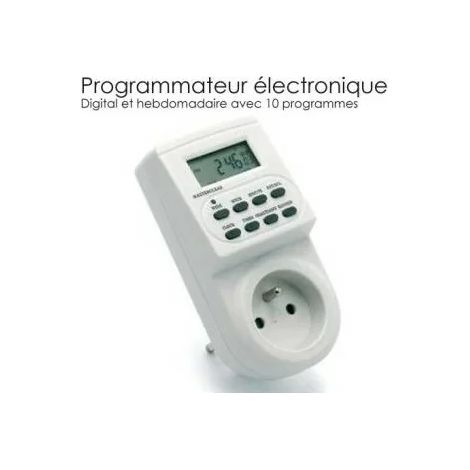

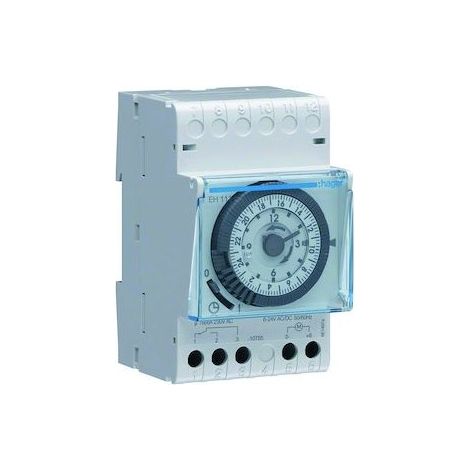
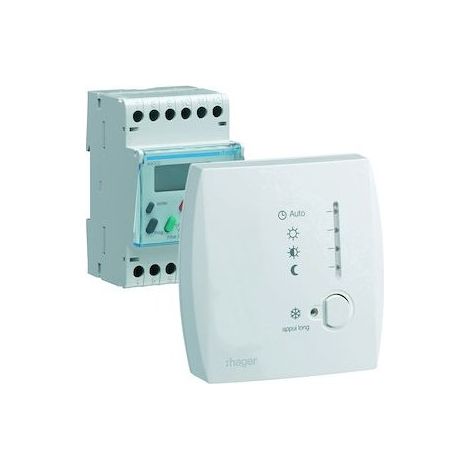
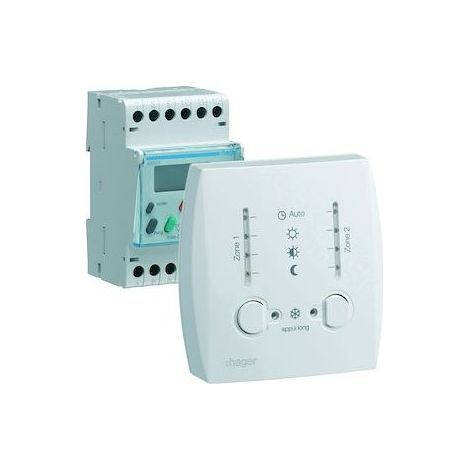

Hager 49003 Modular Digital Programmer for Electric Heating with Pilot Wire, 2-Zone 7-Day Controller, 230V

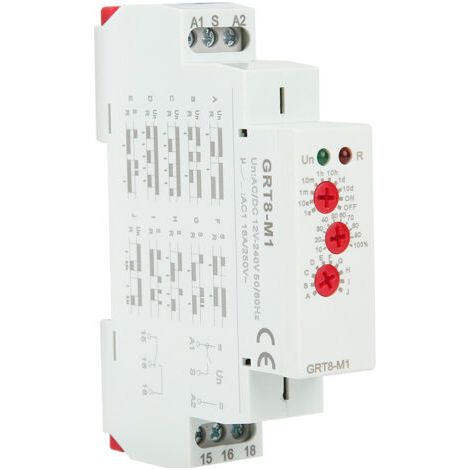

GRT8-M1 10 Function Time Relay, 35mm DIN Rail Mounting, AC/DC 12V 240V, 50-60Hz
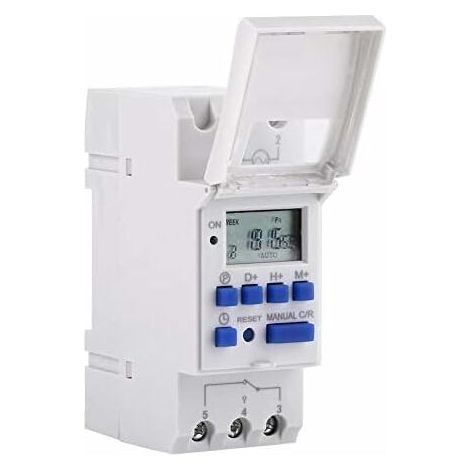

Programmable Digital Timer, LCD Screen Digital Timer, Weekly Digital Time Switch with Programming, Programmable Digital Timer on DIN Rail (220V)
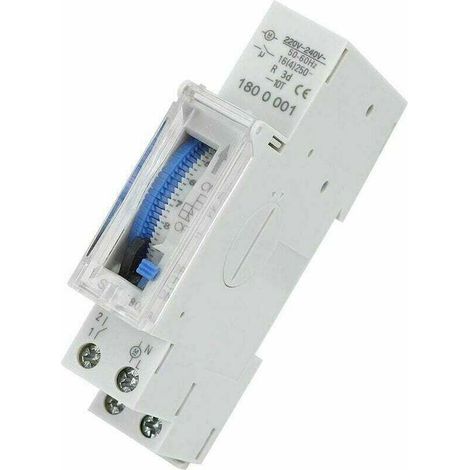

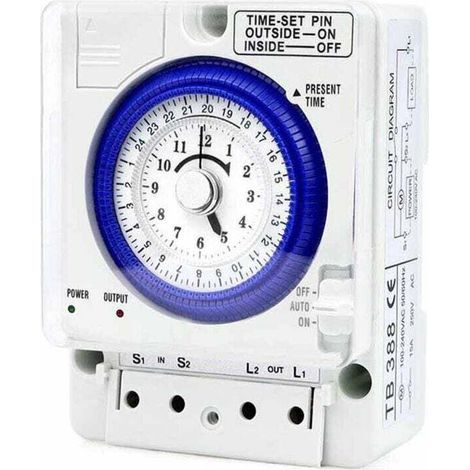

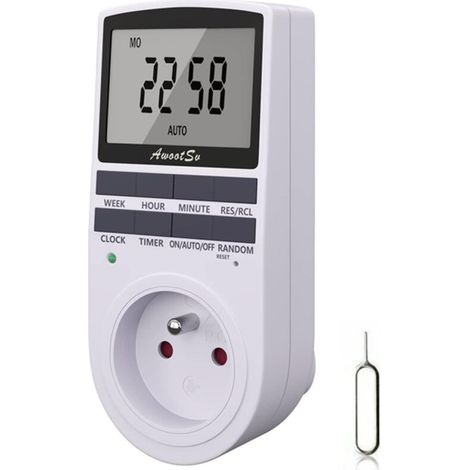

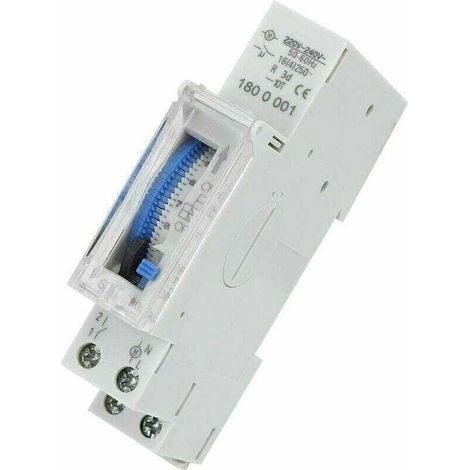
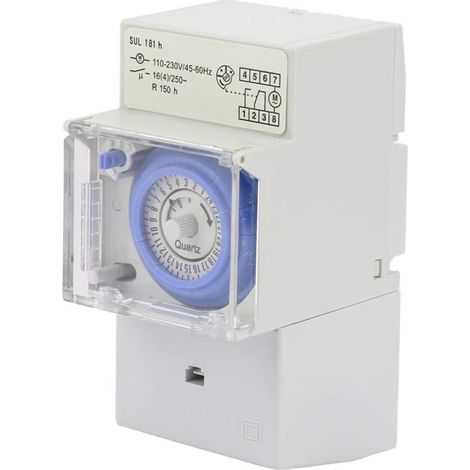

SUL181H Modular Timer Switch, 110-230V Time Switch, 24-Hour Programmable Waterproof Mechanical Water Heater Timer, for Home Electrical Appliance Lighting
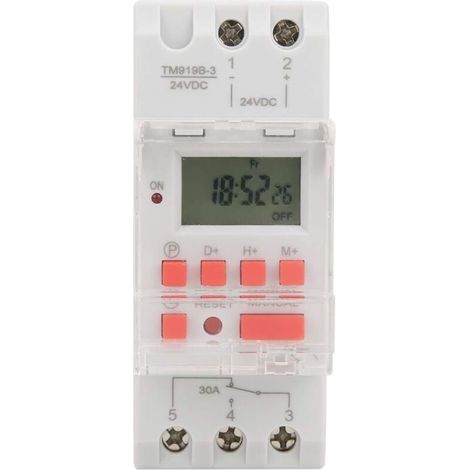

24V DC 30A Weekly Timer (12/24 hours) with LCD display, on/off function, programmable time relay, timer
Compare with similar items
Product information
Description
¡Welcome to the Debuns tienda! 🛍️✨ Discover quality products and enjoy an exceptional shopping experience! 💖🚀
- 1 x Timer
- 1 x Manual in English
- Pre-adjusted one week ahead.
- Digital electronic watch for general use with daily and weekly programs.
- Repeat programs with 16 ignition settings and 8 ignition settings.
- Precision adjusted at the minute.
- The LCD screen displays the hours/minutes and the ignition/automatic/activation status in real time.
Specifications:
- Voltaje from entry: 220 V AC
- Nominal contact voltage: 180 V AC to 264 V (50/60 Hz)
- Charging capacity: 25 A 250 V AC (load resistive)
- Lighting/burning operation: 16 lights and 16 lights (manual/automatic)
- Screen: LCD
- Power: 4.5 VA (max.)
- Error: ≤2 s/day (25 ℃)
- Mounting method: Riel DIN (not included)
- Limit: 1 min a 168 hours
- Operating temperature: -10 ℃ to 55 ℃
- Size: 86 x 36 x 65 mm / 3.38 x 1.41 x 2.56"
- Cantidad: 1
Instructions:
- Also use the timer switch first, Connect the AC and charge the built-in battery, then press the reset button.
- The timer is 24 hours for faulty conditions.
Keep the 'hora' button pressed (lower to the start, next to the 'reset') for 5 seconds until it lasts 'AM' para Change at 12 hour mode.
Press the 'Hour' button again for 5 seconds to operate at 24 hour mode.
Programming:
Paso; Botón; Programming
- Pressure P to set the clock to "1 ON" (panel 1 on).
- Pressure D+, select every day of the week (no need to press this button if you don't have the setting for all days).
- Press H+/M+, set the clocks and clocks the minutes.
- Presione P to configure the time in “1 OFF” (panel 1
- Pressure P, select the days of the week (if you want to use the configuration for all days, you need to press this button.)
- Press H+/M+ to configure the hours and minutes.
- Repeat steps 2 to 6 and configure other hours of the week. encendido/apagado.
- Presione “Hora” (lower to the izquierda, junto a “Restablecer”).
Finalizar
🌟 Sobre nosotros | Calibration compromise 🌟
¡Welcome to Debuns! Our commitments have been to offer high quality products, carefully selected to guarantee the best experience ✨💖. Our customer attention team is ready to help you quickly ✅. Without embargo, due to exceptional circumstances (vacations, extreme climatic conditions, alta requested, etc.), podría producirse un ligero retraso. In this case, we will inform you where possible 📢💌.
💯 Calidad guarantee: Your satisfaction is our priority! Our commitment is to offer quality products for a purchase without concern 💎.
Thanks for your confidence and satisfaction 💕. We hope to offer you an exceptional business experience! 🎁✨
— Debuns 💖
Features
- BrandSNQ
- Voltage220 V
- Power sourceCorded
- MaterialPlastic
- Type of electrical installationDIN rail
- Programming frequencyWeekly
- Weight100 g
- Display typeDigital thermometer
- Contact typeNormally open
- ManoMano ReferenceME96145165
- MMID140529942334
- Product codeFD-31668
- EAN6032223935252
'/%3E%3C/svg%3E)