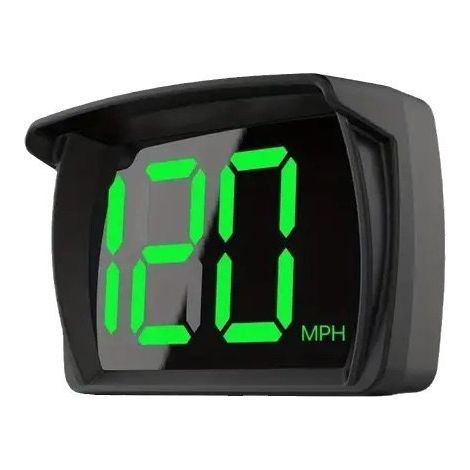
Electronic altimeter with carabiner and altimeter, suitable for outdoor activities, fishing, etc., 1 piece.
Buying for your business?
Negotiated prices excl. VAT up to -20%
You may also like

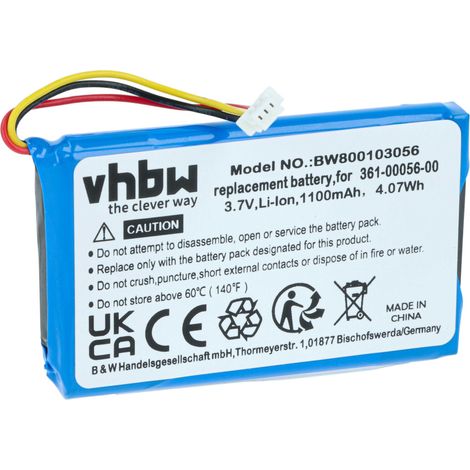

vhbw Replacement Battery compatible with Garmin Drive 50 LM, 51LMT, 51LMT-S GPS Navigation System Sat Nav (1100mAh, 3.7 V, Li-ion)
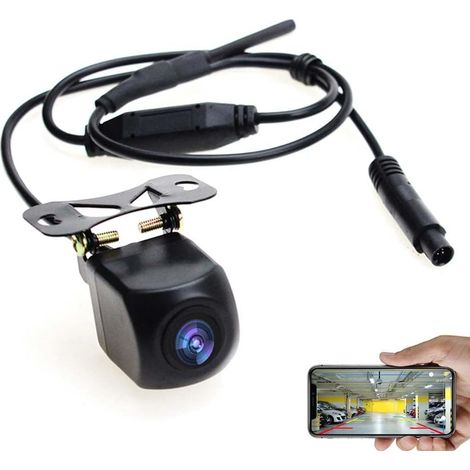
WiFi Backup Camera Reversing Camera Rear View 12V Mini Waterproof Body Tachograph for iPhone and Android
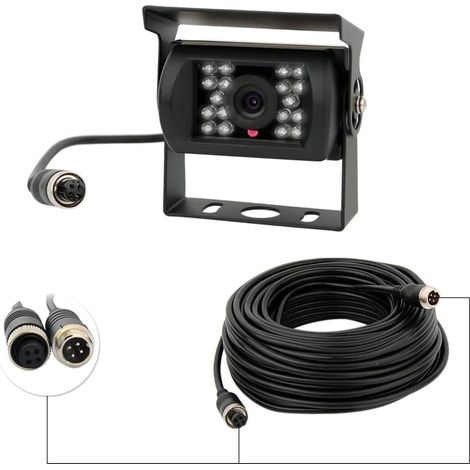
Rear Camera 12V-24V 4 Pin 18 IR LEDs Waterproof Night Vision 4 Pin Cable for Car/Bus/Truck/Trailer/Caravan/Motorhome
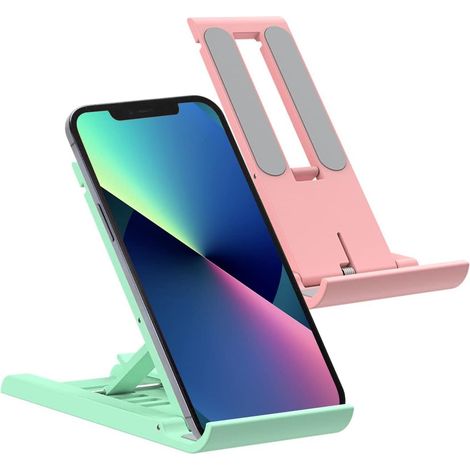
Pack Mini Foldable Cell Phone Stand, Adjustable Mobile Phone Holder for Desk, Compatible with iPhone/Tablet/Smartphones (Green)
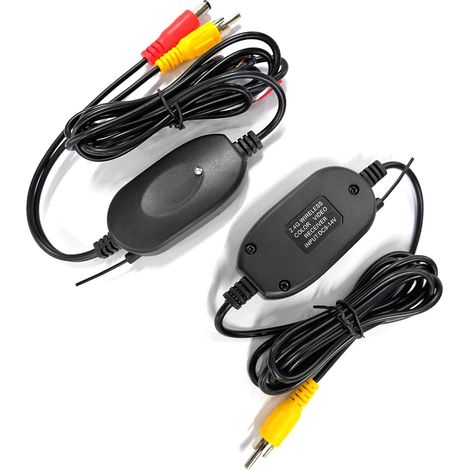

2.4GHz Wireless Video Transmitter and Receiver for Car Rear View Camera Reverse Rear View Monitor Parking System
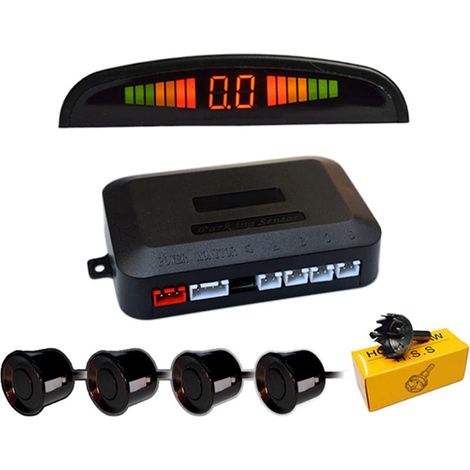
Reversing Radar for Car, 4 Universal Sensors Car Reversing Sensor with LED Color Display, Audio Reversing Alarm Kit (Black)
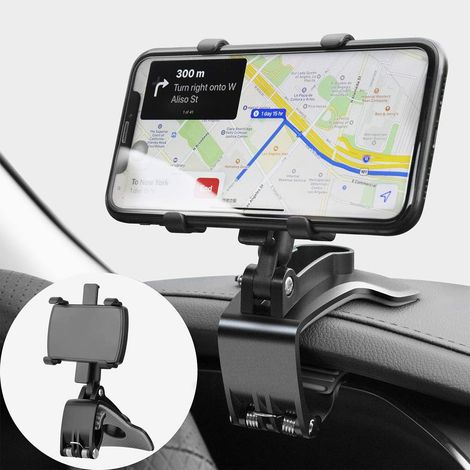

360 Degree Rotation Car Phone Holder, Dashboard Cell Phone Mount for In-Car GPS Navigation and 4-7 Inch Smartphones (Black)
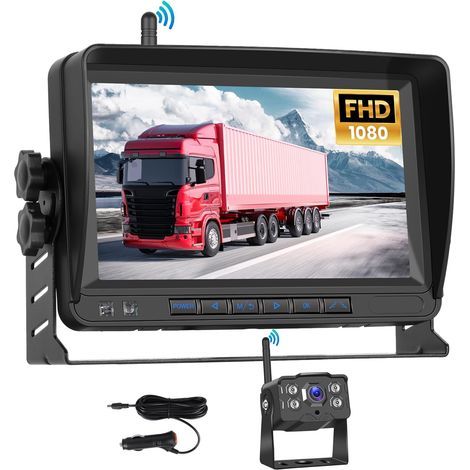

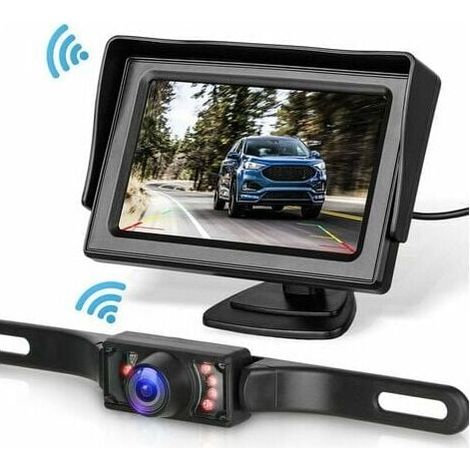
Wireless Backup Camera System Kit for Car/Truck/Van/Pickup/Camper with 4.3'' Monitor
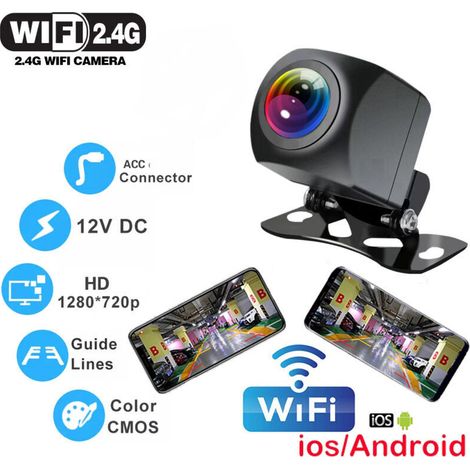

Wireless car reversing camera with WIFI, 170 degrees, for dashboard, HD night vision, for iPhone, Android, 12V

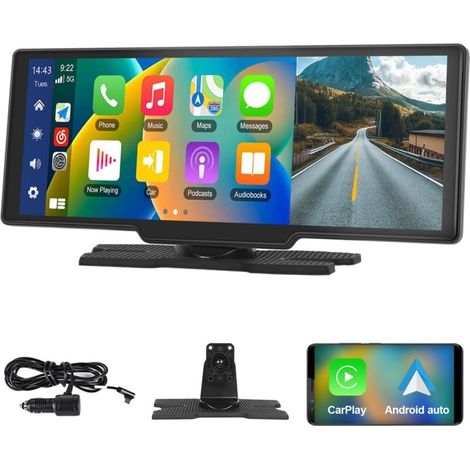
10.26 Inch Portable Car Stereo with Wireless Apple CarPlay and Android Auto, 7-32V Touchscreen, Rear Camera Voice Assistant, Bluetooth, FM Transmitter, AUX, and TF Card
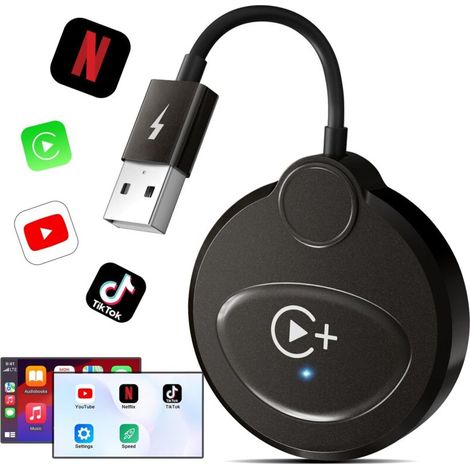
Wireless CarPlay with YouTube, Netflix, TikTok for iPhone, Wireless CarPlay Adapter for Factory Wired CarPlay, Automatic Connection for Cars after 2016, Compatible with iPhone
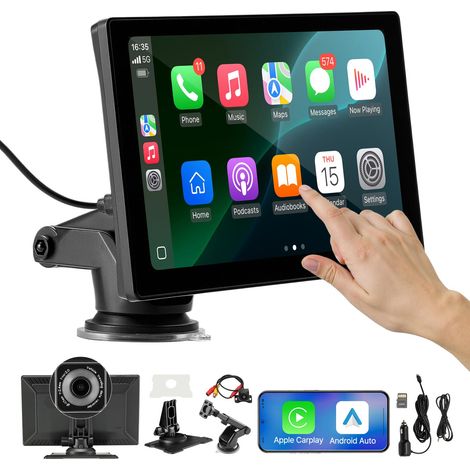

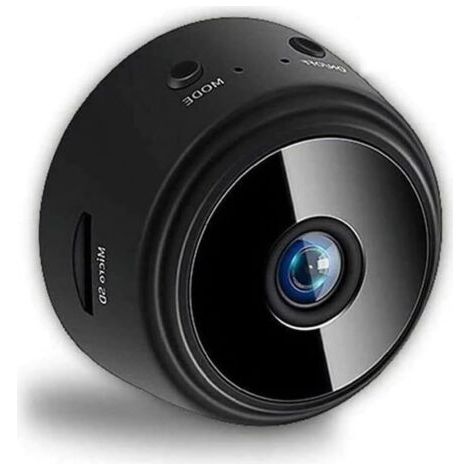
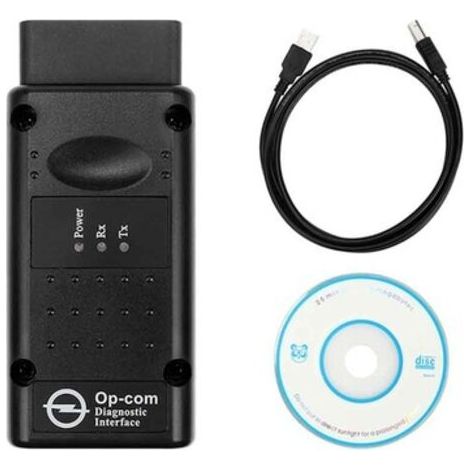
Interface diagnostic device, OPCOM 2012V CAN OBD2 operator firmware V1.99, USB, black--DTEKGAZ
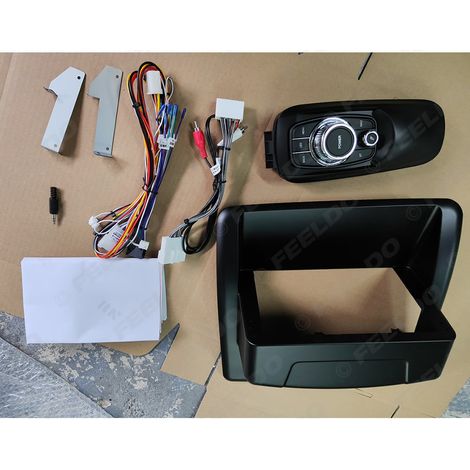
Suitable for upgrading Lexus CT200 2011-2018 with a large Android navigation screen (9 inches).
Compare with similar items
Product information
Description
Features
- BrandANGEL CERDA
- ColourGreen
- MaterialAcrylonitrile butadiene styrene (ABS)
- Weight170 g
- ManoMano ReferenceME245988342
- MMID569004082506
- Product codeXJ-LY-015837-LY
- EAN2963023166864
'/%3E%3C/svg%3E)