1/4
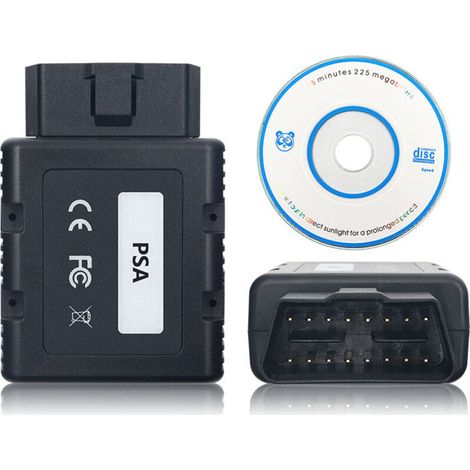
Enowelir VAS6154 ODIS diagnostic device with WLAN and USB connection for Win7/Win10--DTEKGAZ
Buying for your business?
Negotiated prices excl. VAT up to -20%
Sold by re-green GmbH
You may also like




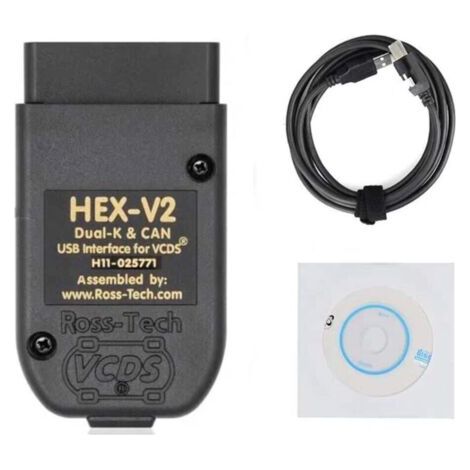
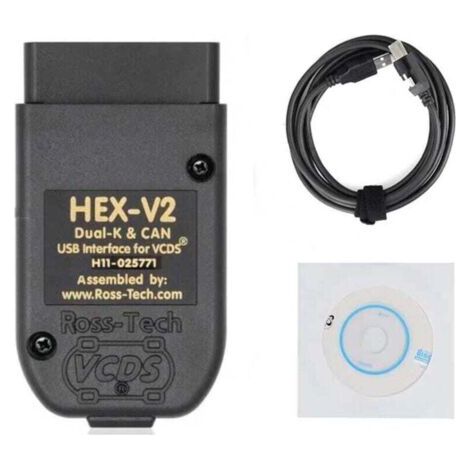
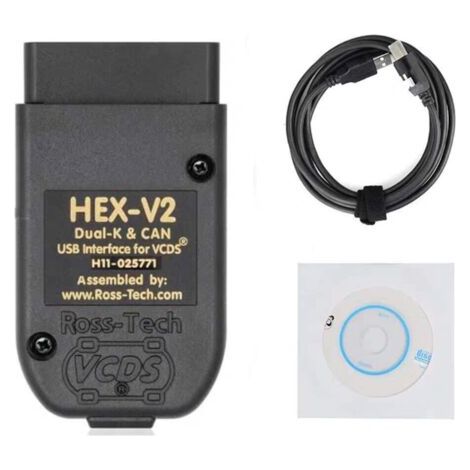
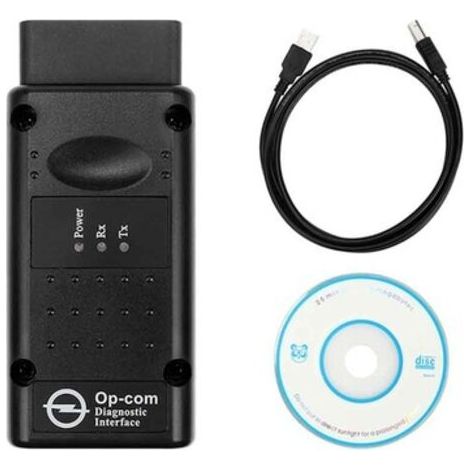

Compare with similar items
Product information
Description
1. Suitable for vehicles manufactured from 2000 onwards, including current models. 2. Supports Wi-Fi and USB connectivity for wireless communication between the vehicle and the diagnostic interface. 3. In infrastructure mode, multiple network-enabled devices can be connected (network participants). 4. The estimated remaining time for ECU flashing is displayed. GFF documents are shown in a separate window. 5. The display of measured values has been improved. The diagnostic log is automatically deleted and saved after successful transmission. Specification: Item type: Diagnostic tool Material: ABS System: for Win7/Win10 Power supply: 8–18 V (via vehicle connector) Output: 5 W PC interface (wired): USB 2.0 High Speed, 480 Mbit/s or Fast Ethernet, 100 Mbit/s (via LAN module) PC interface (wireless): WLAN 802.11 a/b/g/n 2T2R 300 Mbit/s Client mode (WPA2 EAP-TLS, WPA2 PSK) AP mode: (WPA2PSK) Function (support): Point-to-point connection: A wireless network is established via a point-to-point connection. The device thus acts as a wireless access point. A direct connection is established between the diagnostic tool and the diagnostic interface. Configuration is done via the web user interface. New features of the ODIS 4.13 software: – The estimated remaining time for the ECU flashing process is displayed. – The diagnostic log includes information on GFF session interruption, extended measured values, improved display of ECU communication, the diagnostic hardware used, the diagnostic hardware connection type, the operating system, patches used, and support request submissions. – The display of measured values has been improved. – GFF documents are displayed in a separate window. – A message appears when the drive test is started. – GFF patches can be integrated during the diagnostic session. – The warning message has been revised. – The diagnostic session can be interrupted. – The diagnostic log is automatically deleted and saved after successful transfer. – The selection of PassThru diagnostic hardware has been improved. – The updated ODIS service software is stable. Application: 1. Locate the OBD interface on the vehicle. (Most are located on the driver's side under the dashboard.) 2. Plug the diagnostic tool into the diagnostic computer. 3. Turn the ignition key to the 0N position (vehicle operation). 4. Wait until the data download is complete and follow the instructions to confirm receipt of the test data. 5. Refer to the instructions on the diagnostic tool, software, or website to interpret the error code. Most reports include error codes and names, defined conditions, and possible causes. Package contents: 1 x diagnostic adapter, 1 x diagnostic cable, 5 x CDs, 1 x adhesive tape
Features
- BrandDTEKGAZ
- MaterialAcrylonitrile butadiene styrene (ABS)
- Weight200 g
- ManoMano ReferenceME218787062
- MMID661061941858
- Product code3YLYG20260530-7013
You are here:
'/%3E%3C/svg%3E)