1/5
Incubator Digital LED Temperature Controller ‑55‑120℃ 10A Thermostat 1 Relay DC12V
Of which environmental contribution £0.10 including VAT.
Buying for your business?
Negotiated prices excl. VAT up to -20%
Sold by YUSONG-UK
You may also like
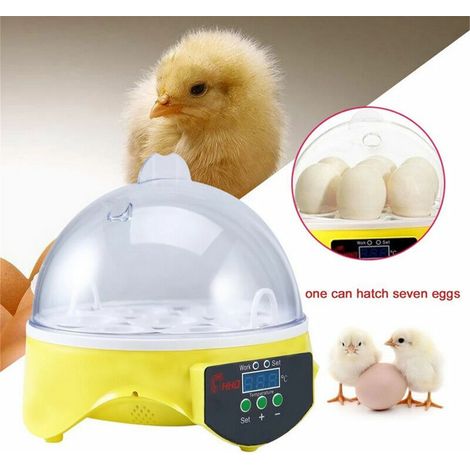

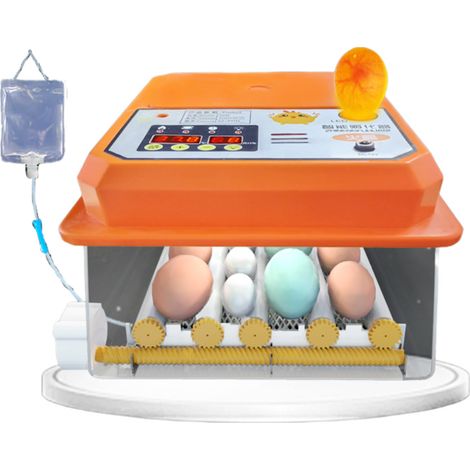

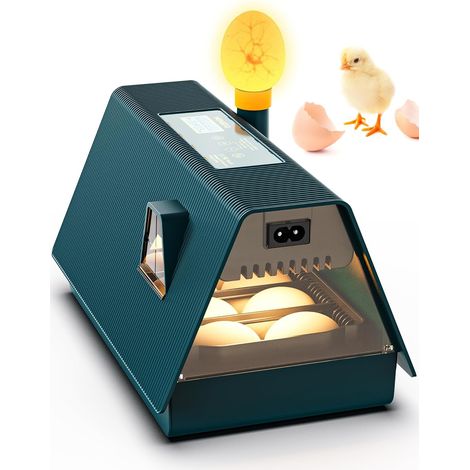
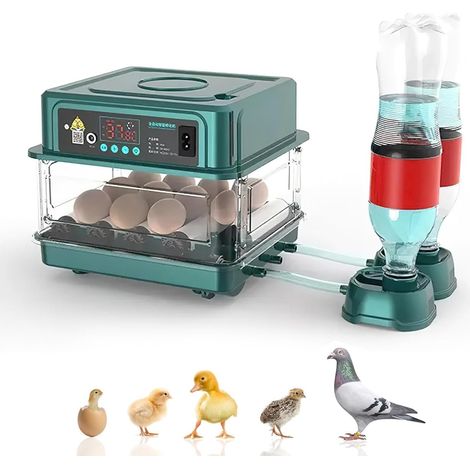



Compare with similar items
Product information
Description
Features:
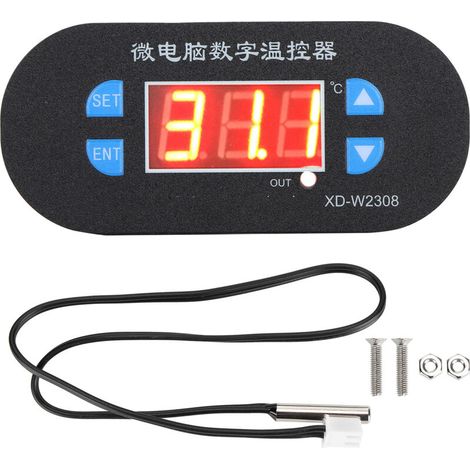
1. DC12V is available, you can choose any voltage according to your needs.2. Microcomputer control, direct reading temperature display, convenient and quick to use.
3. The temperature control range is -55 to 120℃, and the control temperature accuracy is 0.1℃.
4. The power consumption of the whole machine is ≤40MA under quiescent current conditions and ≤65MA under inrush current conditions.
5. Made of high quality plastic, it is designed with delayed start protection and it will alarm when the temperature exceeds the temperature limit.
Specifications:
Item Type: Incubator ThermostatMaterial: Plastic
Product Color: As Pictures Shown
Product Weight: Approx.43g / 1.5oz
Temperature control range: -55-120℃
Control temperature accuracy: 0.1℃
Input voltage: DC12V
Output: 10A 1 relay
Data storage: Yes
Environmental requirements: -10 ℃--60℃, humidity 20%-85%
Power consumption of the whole machine: Quiescent current ≤40MA; Inrush current: ≤65MA
Code Description:
Code
Description
Setting range
Factory setting
P0 Heating/Cooling H/C C
P1 Feedback difference 0.1- 30 2.0
P2 Set the maximum limit +120 120
P3 Set the minimum limit -55 -55
P4 Temperature correction +10~-10 0
P5 Delay start 0 to 10 minutes 0
P6 High temperature alarm -55 ~ 120 OFF
P7Data CagingON-OFFOFF
P8 Restore factory settings ON-OFF OFF1. Temperature Setting
Once the thermostat is turned on, the actual temperature will be displayed.Press the SET button once and the display flashes. Press the up and down keys to adjust the temperature.
2. Long press SET button for 5 seconds to enter system setting, after setting finished, press ENT to confirm and return. During normal work, long press ENT to stop.
3.
P0: Working mode
This value should be set when the thermostat is used for the first time. If it is used for heating and heating, it is set to "H", and if it is used for cooling and cooling, it is set to "C".
P1: Hysteresis setting
The feedback difference is the difference that the temperature controller should work again after reaching the set temperature and stopping.For example, if we set the heating mode and the temperature is 37-40 degrees, then the hysteresis is 3 degrees.
P2-P3: Set limit height
This function helps to set the temperature limit range and is not involved in designing the set temperature. The thermostat setting range is -5 to 120°C under normal conditions. If you don't want such a wide range, you can use this function to shorten the range of the set value. If P2 is set to 50 and P3 to 20, then the thermostat setting range can only be set between 20 and 50°C.
P4: Temperature correction
This function is used for temperature calibration. If there is a deviation between the actual temperature and the actual temperature, you can use this function to calibrate. The corrected value = the measured value + the corrected value.For example, if we measure the temperature at 25.6 and the actual temperature is 25.8 degrees, we can set P4 to 0.2, then the displayed temperature is 25.6+0.2=25.8 degrees.
P5: Delay start
This function is generally used for compressor refrigeration. If you buy this thermostat for refrigerator or freezer, then this value must be set. Depending on the size of the back pressure sent by the compression, the general setting value is 3 to 6 minutes. If it is not to control the compressor or the delay function is not required, this value is set to "0"
P6: High temperature alarm
Set the high temperature alarm value. When the actual temperature exceeds this value, the screen and buzzer will alarm at the same time. At the same time, the output is cut off to protect the safety of the circuit.The alarm is that the screen displays "H" "H" "H" prompts and the buzzer sounds "tick", "tick" and "tick". Once the adjustment is complete, the temperature and internal parameters cannot be changed.Unless you enter P7 and turn it off.
P8: Restore factory settings
When the set value is abnormal or a malfunction occurs, you can enter P8 and turn it on to restore factory settings, or you can press the up and down keys to turn on and restore factory settings.
Package List:
1 x Card mother
1 x panel
1 x sensor
2 x screw
2 x nut
1 x manual
-Contact our customer service in case you need further assistance
Features
- BrandOTHERS
- Pcs per pack1
- Power sourceCorded
- ColourWhite
- MaterialPlastic
- ManoMano ReferenceME243041964
- MMID738202817822
- Product codeYS-UK26Z76189
- EAN4010876860895
You are here:
'/%3E%3C/svg%3E)