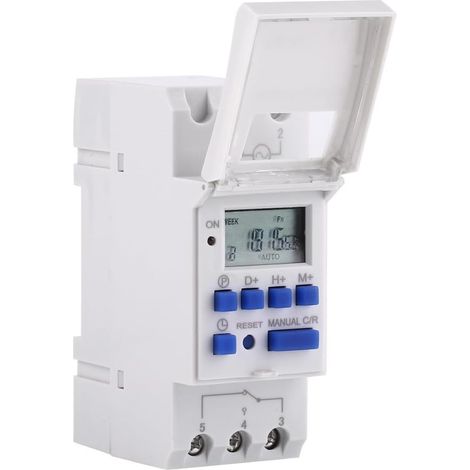
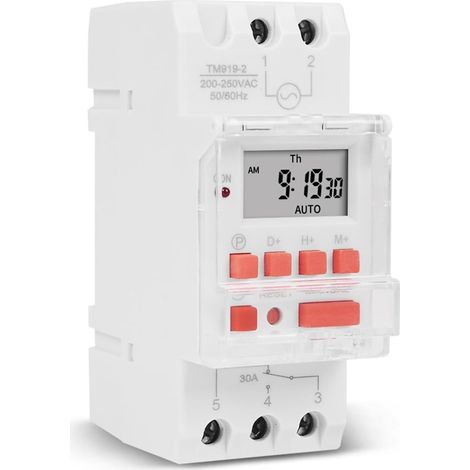
LCD Digital Timer, AC220V Rail Mounted Timer, 16 Switching Groups, LCD Programmable Weekly Time Switch, Time Relay
Buying for your business?
Negotiated prices excl. VAT up to -20%
You may also like
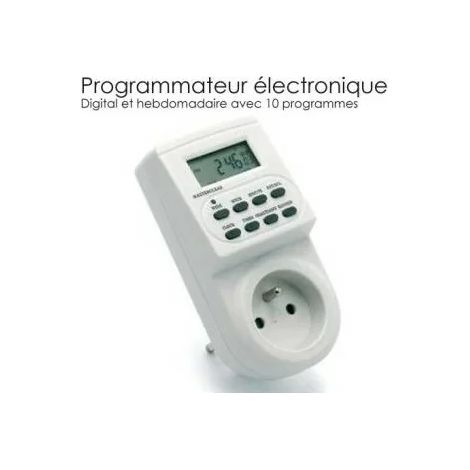

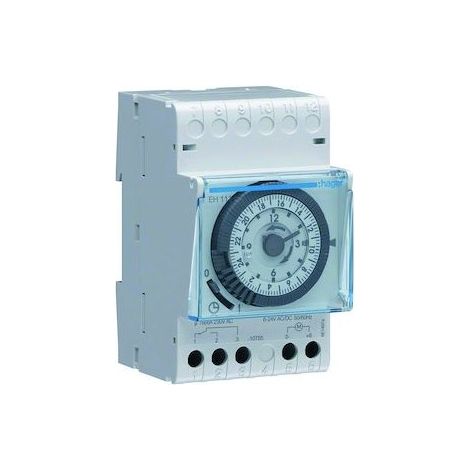









Compare with similar items
Product information
Description
Battery: 1.2V 40mAh NiMH battery (built-in)
Instructions:
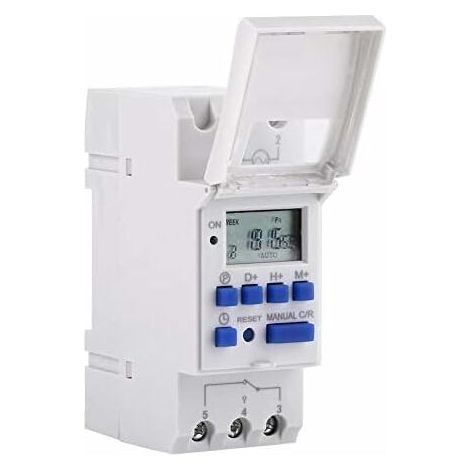
1. When using the timer for the first time, connect AC power and charge the built-in battery, then press the reset button.
2. The timer is in 24-hour mode by default. Press and hold the "time" button (bottom left, next to "reset") for 5 seconds until it displays "AM" to switch to 12-hour mode. Press and hold the "time" button again for 5 seconds to return to 24-hour mode.
Programming:
Step Button Programming
1. Press the "1 ON" time preset button (display 1 illuminates)
2. Press D + Select the days of the week (if you want the same setting for every day, you don't need to press this button)
3Press H+/M+Set hours and minutes
4Press PRESeat time setting "1 OFF" (display 1 turned off)
5Press PSelect days of the week (if you want the same set for each day, you don't need to press this button)
6Press H+/M+Set hours and minutes
7Repeat steps 2 to 6Set another on/off time
8Press "time" (bottom left, next to "reset")End
Features
- BrandOTHERS
- Power sourceCorded
- Mounting methodSoldering
- Type of electrical installationDIN rail
- Programming frequencyWeekly
- Maximum operating temperature55 °C
- Display typeDigital thermometer
- Contact typeNormally closed
- ManoMano ReferenceME227394140
- MMID438915894661
- Product codeLINM-77018
'/%3E%3C/svg%3E)