1/4

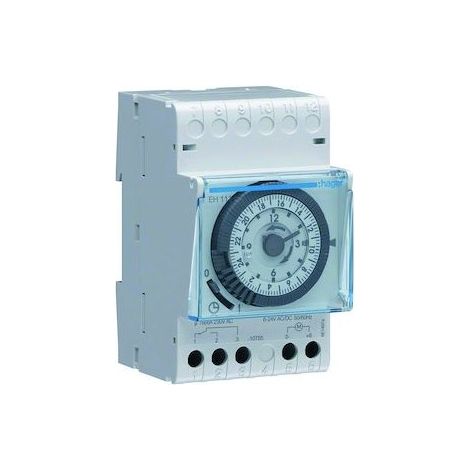
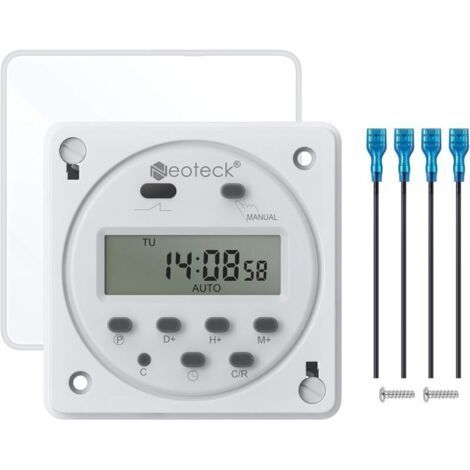
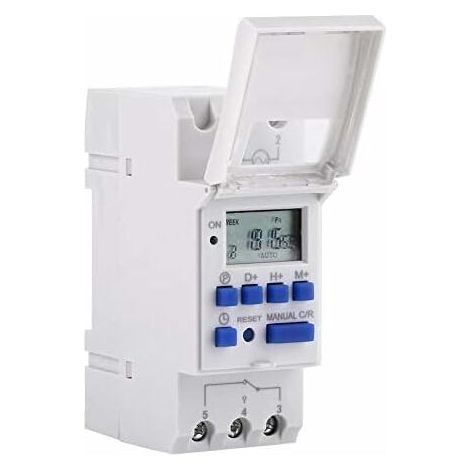
LCD Digital Timer, AC220V Rail Mounted Timer, 16 Switching Groups, LCD Programmable Weekly Time Switch, Time Relay

£65.23

Buying for your business?

Negotiated prices excl. VAT up to -20%

Sold by ADS

You may also like

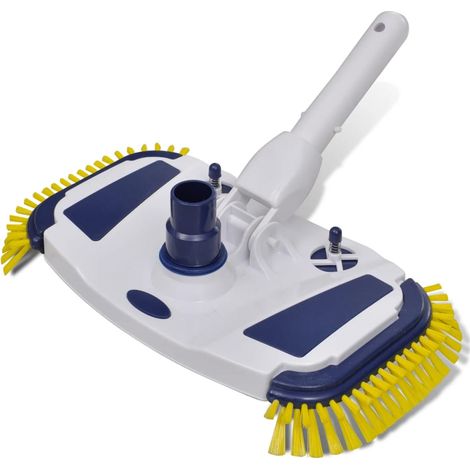
Pool Vacuum Cleaner 1.2m vidaXLVIDAXL
#1 in sales

Pool Vacuum Cleaner 1.2m vidaXL

143
Free shipping
90348  Swimming Pool Cleaner vidaXLVIDAXL

90348 Swimming Pool Cleaner vidaXL

30
Free shipping
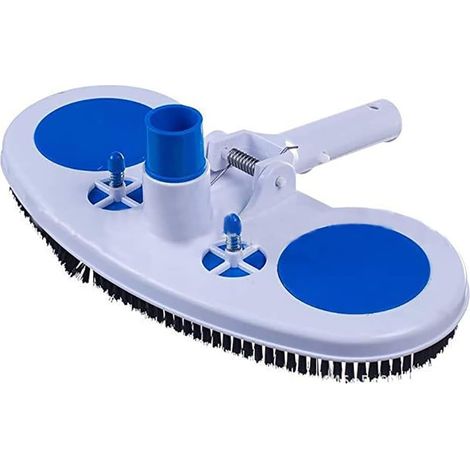
Pool Vacuum Head Cleaner Brush vidaXLVIDAXL

Pool Vacuum Head Cleaner Brush vidaXL

117
Free shipping

Compare with similar items

Product information

Description

This timer can automatically turn all kinds of electrical equipment on/off according to the user-set time. It has a built-in rechargeable battery and an industrial-grade chip. With high accuracy and strong anti-interference capabilities, this timer is ideal for controlling streetlights, neon lamps, production equipment, radios and televisions, and many other household appliances. Advanced one-week preset. General-purpose digital electronic timer with daily and weekly programs. Repeat programs with 16 ON/OFF settings. Minute-accurate setting. The LCD screen displays real-time hours/minutes and ON/AUTO/OFF status. DIN rail mounting (DIN rail not included). Power Supply: Error: ≤2s/day Mounting Method: DIN rail (not included) Timer Setting: 1 min to 168 hours Operating Temperature: -10℃ to 55℃ Size: 86 x 36 x 65 mm / 3.38 in 1.41 x 2.56"

Battery: 1.2V 40mAh NiMH battery (built-in)

Instructions:

1. When using the timer for the first time, connect AC power and charge the built-in battery, then press the reset button.

2. The timer is in 24-hour mode by default. Press and hold the "time" button (bottom left, next to "reset") for 5 seconds until it displays "AM" to switch to 12-hour mode. Press and hold the "time" button again for 5 seconds to return to 24-hour mode.

Programming:

Step Button Programming

1. Press the "1 ON" time preset button (display 1 illuminates)

2. Press D + Select the days of the week (if you want the same setting for every day, you don't need to press this button)

3Press H+/M+Set hours and minutes

4Press PRESeat time setting "1 OFF" (display 1 turned off)

5Press PSelect days of the week (if you want the same set for each day, you don't need to press this button)

6Press H+/M+Set hours and minutes

7Repeat steps 2 to 6Set another on/off time

8Press "time" (bottom left, next to "reset")End

Features

  • Brand
    OTHERS
  • Power source
    Corded
  • Programming frequency
    Weekly
  • ManoMano Reference
    ME232606956
  • MMID
    399627682804
  • Product code
    LINM-105917
You are here:
The DIY, home and garden specialist

The DIY, home and garden specialist

Reliable delivery

Reliable delivery

Flexible payment options

Flexible payment options

More than 7 million individual and professional customers

More than 7 million individual and professional customers