ME81H LCD WiFi Smart Thermostat Floor Heating Electric Boiler for Tuya AC230 VORDE
Buying for your business?
Negotiated prices excl. VAT up to -20%
You may also like



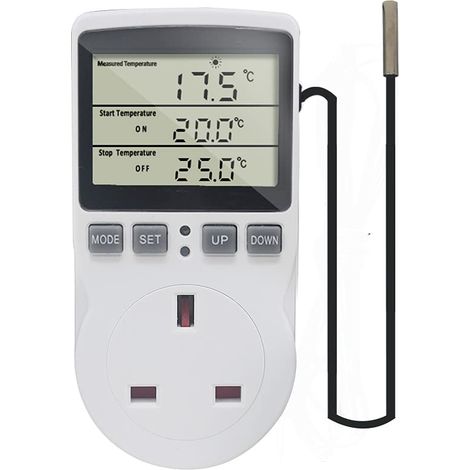

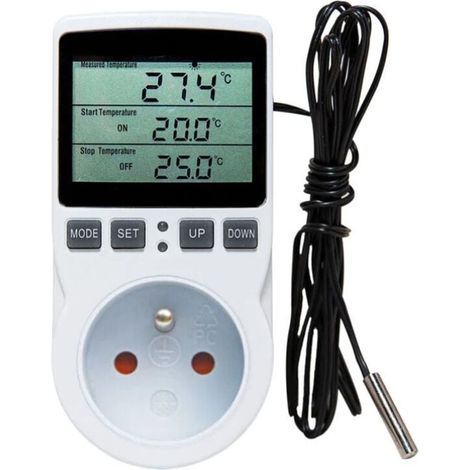
Digital Thermostat Plug Socket Temperature Controller 220V with Sensor Probe, Thermostatic Plug Heating Cooling for Greenhouse Freezer Refrigerator Fermentation
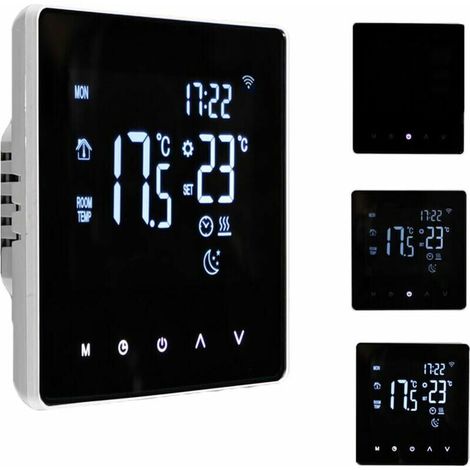

Smart WiFi Thermostat - Temperature Controller for Electric Heating with LCD Display, Touchscreen, Weekly Programming and App Control - Suitable for Home, L
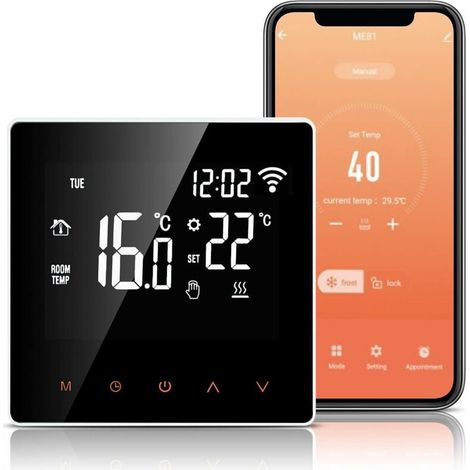
WiFi Thermostat, 16A Electric Floor Heating Thermostat, Alexa Google Home Tuya APP Compatible, Programmable Heating Thermostat with Large LCD Display
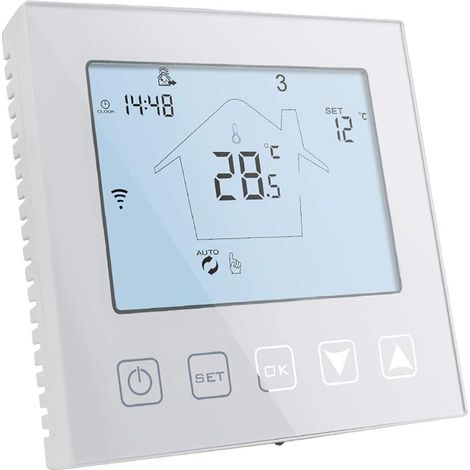

WiFi Thermostat for Gas Boiler/Underfloor Heating 3A Compatible with Alexa Google Home Programmable White
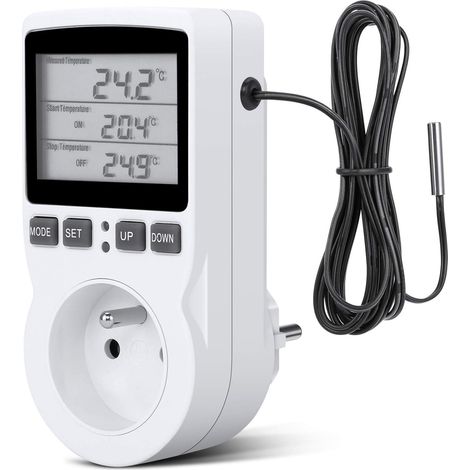
Digital Temperature Controller, Thermostat Socket, LCD Temperature Controller for Heating and Cooling, 200V-250V for Fixed Temperature Controller
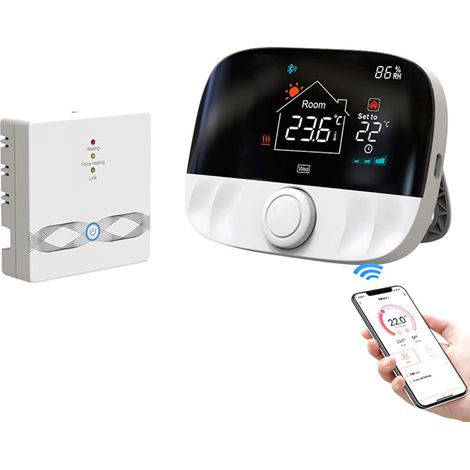
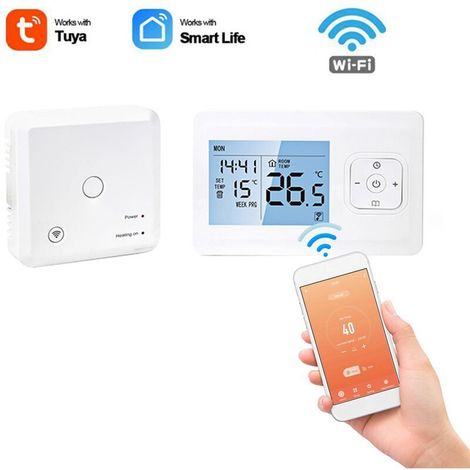
Tuya WiFi Wireless Thermostat for Water Heating and Gas Boiler, Compatible with Alexa Google
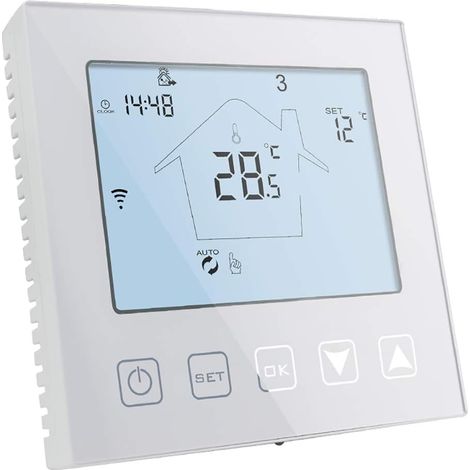
WiFi Smart Thermostat for Gas Boiler/Water Underfloor Heating 220V 3A Compatible with Alexa and Google Assistant, White Programmable Room Thermostat, Control via Tuya/Smart Life App
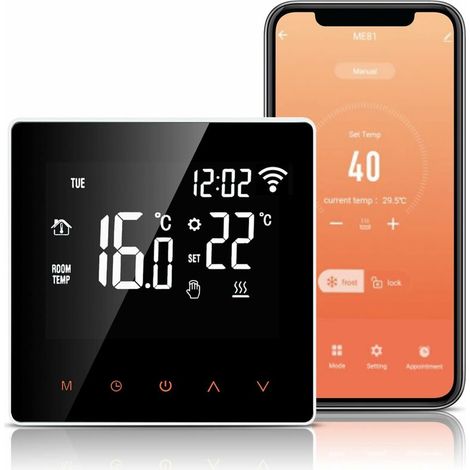

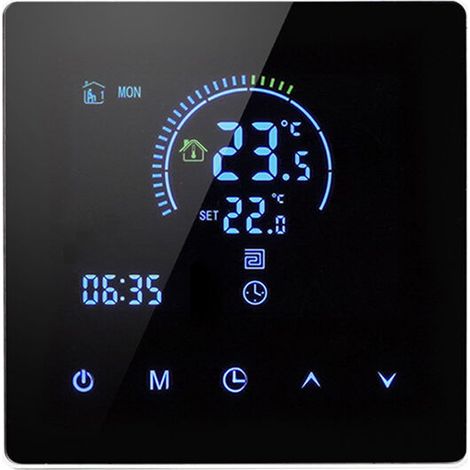

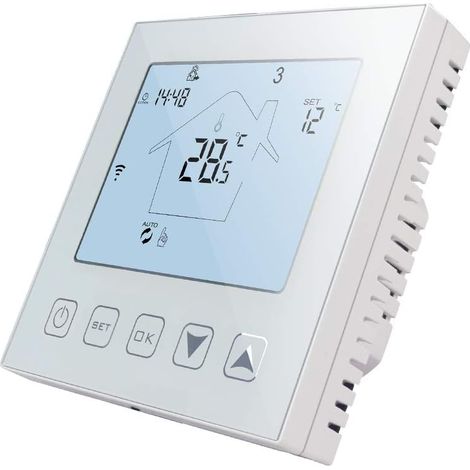
WiFi Connected Thermostat Electric Underfloor Heating 16A Alexa Google Assistant Compatible with Probe, Programmable Room Thermostat Electric Underfloor Heating 220V

Compare with similar items
Product information
Description
Features:
1. [Intelligent digital thermostat] Control the working status of the electric valve of the floor heating system to achieve the purpose of adjusting room temperature, comfort and energy saving.2. [Accurate temperature] The internal sensor floor sensor can perceive the ambient temperature and floor temperature. The temperature is acquired automatically with an accuracy of 1°C.
3. [LCD Touch Screen] Elegant appearance, single-sided design, scratch-resistant. Large LCD touch screen with backlight, easy to read.
4. [Voice Control] Compatible for Amazon, for Google Home and for Tmall Genie, it is very convenient to use. This product is small in size and easy to carry, so you can take it with you to give to your friends or family.
5.[Wide Application] Suitable for electric heating, gas boilers, and hot water heating.Perfectly suited for homes, offices, shopping malls, hotels, etc.
Specifications:Item Type: Thermostat
Material: ABS + Flame Retardant PC
Color: As shown in the picture
Model: ME81H
Power Supply: AC230V 50/60Hz
Application: Suitable for electric heating, gas boilers, and hot water heating.Perfectly suited for homes, offices, shopping malls, hotels, etc.
Temperature Sensor: NTC
Temperature Accuracy: ± 1 ℃
Self-Consumption Power: Ambient Temperature: 0 ~ 50 ℃
Display: Color Screen
Temperature Setting: 5 ~ 90 ℃
How to Use: ON/OFF Button: Press the ON/OFF button once to turn on; press again to turn off and close all valves simultaneously. Mode Switch Key: In power-on mode, press the Mode key to change the operating mode. The "Hand" LCD display indicates manual mode, and the "Clock" display indicates automatic mode. Adjustment Keys (Up/Down): In power-on mode, press the plus and minus keys to adjust the set temperature and other parameters. Clock Setting Key: In power-on mode, press the clock key to adjust the time and day of the week. Key Lock Function: Press and hold the up/down keys for 5 seconds in power-on mode. The panel buzzer will beep once to enter key lock mode. The lock icon will appear on the right side of the screen to indicate successful key lock activation. The thermostat is in the off state. When the indoor temperature is below 5°C, the thermostat automatically turns on the heating, and when the indoor temperature rises to 7°C, the thermostat automatically turns off the heating. To turn off the thermostat, press and hold the mode button and the clock button for 5 seconds to enter programming mode. Press the mode button to change settings after entering programming mode. During the first programming period, the first adjustment is the time. Press the mode button to set the minutes, then press the mode button again to set the temperature. The adjustment methods for subsequent periods are the same as the first.
Package List: 1 x Thermostat 2 x Instruction Manual
Features
- BrandOTHERS
- Integrated temperature sensorYes
- SmartYes
- ColourMulticolour
- Voice controlledYes
- ProgrammableYes
- Pcs per pack1
- Thermostat typeSmart
- ManoMano ReferenceME242425936
- MMID352295814051
- Product codeQD-GB26Y59676
- EAN5002098296667
'/%3E%3C/svg%3E)