Multifunctional module, high flexibility for indoor use
Buying for your business?
Negotiated prices excl. VAT up to -20%
You may also like
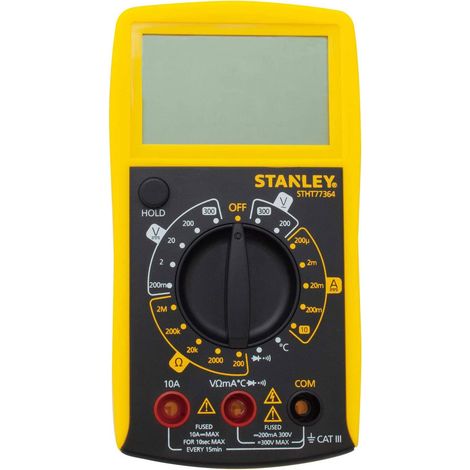
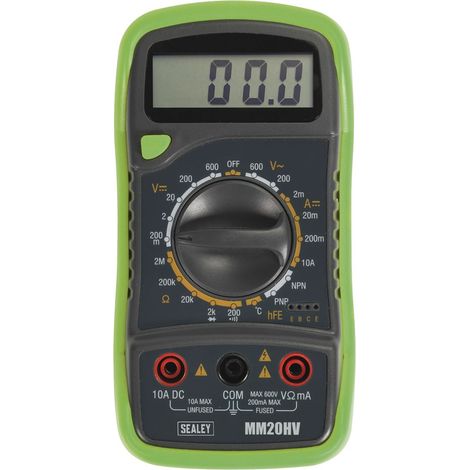

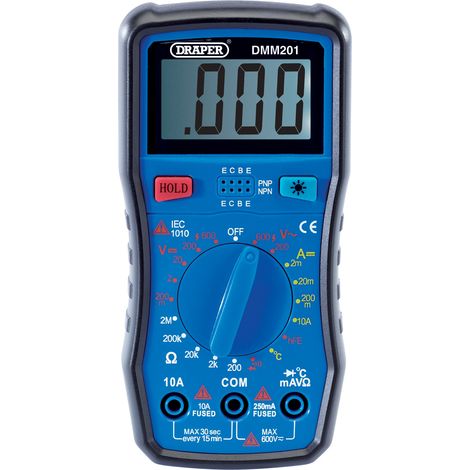

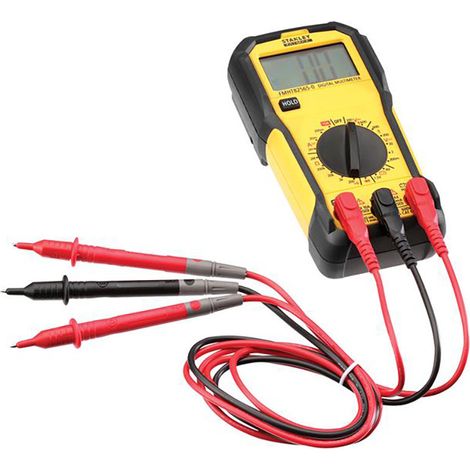

Stanley Intelli Tools FMHT82565-0 FatMax® Basic Digital Multimeter INT082565
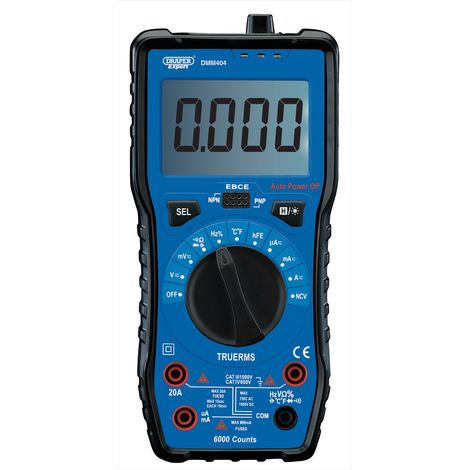

Draper Digital Multimeter 92433 with Auto and Manual Ranging for Precise Electrical Measurements
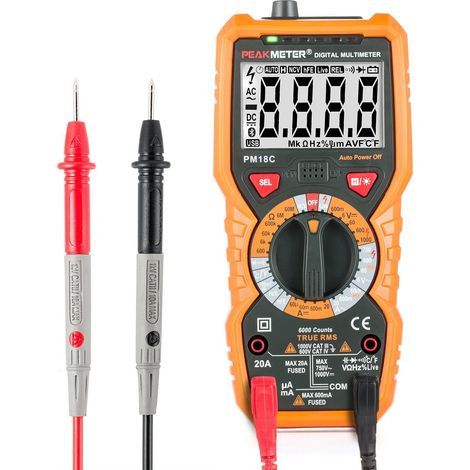
Osqi – AC/DC Digital Multimeter – Voltage Range up to 1000V – Current up to 20A – Resistance up to 60MΩ – Backlit Display – PM18C


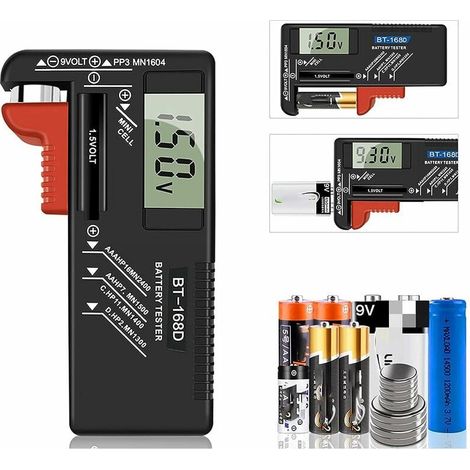

Testeur de Piles numérique,Testeur de Piles Universel,Batterie Testeur,pour AA, AAA, C, D, PP3, 9V, 1.5V, Piles Bouton - Fonctionne sans Pile

Digital Multimeter PM18C AC DC Digital Electrical Tester Automatic Non-Contact Voltmeter Ammeter Ohmmeter Voltage Detector with Backlight Screen
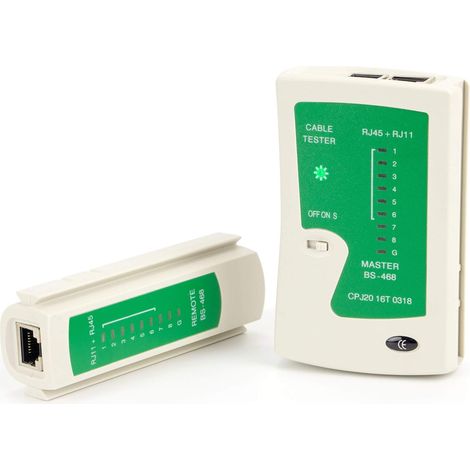
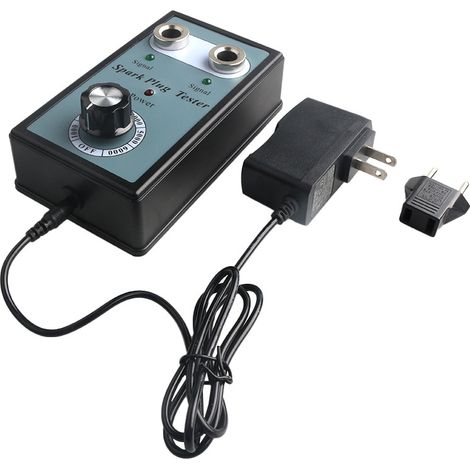
Détecteur de testeur de bougie d'allumage automobile avec outil de diagnostic d'analyseur de bougie d'allumage à deux trous
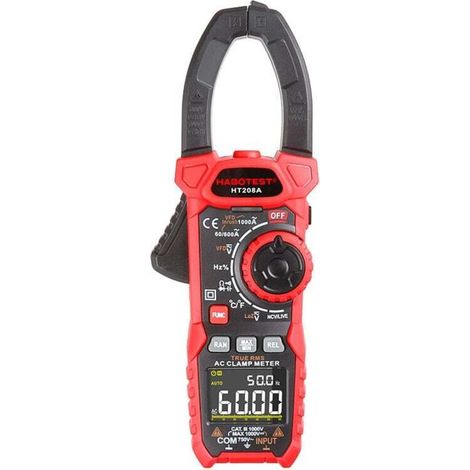

AC/DC 1000 A clamp meter, professional TRMS clamp meter, VFD, LOZ mode, inrush current measurement - HT208D
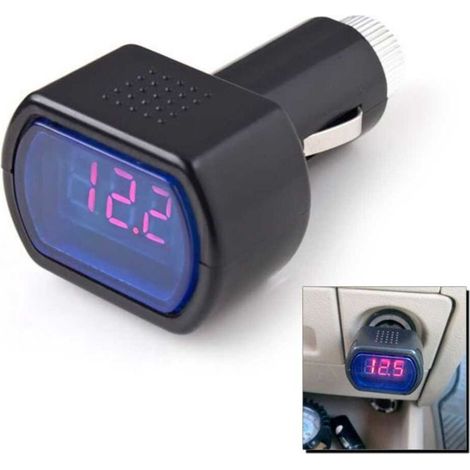
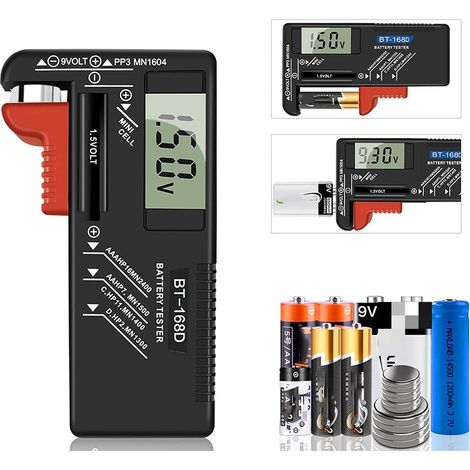
Digital Battery Tester, Universal Battery Tester, Battery Tester, for AA, AAA, C, D, PP3, 9V, 1.5V, Button Cell Batteries - Works Without Batteries


Trimec OBD2 Car Diagnostic Tool – 2.8-inch LCD Screen – Reads and Clears Fault Codes – Compatible with all OBD2 Vehicles
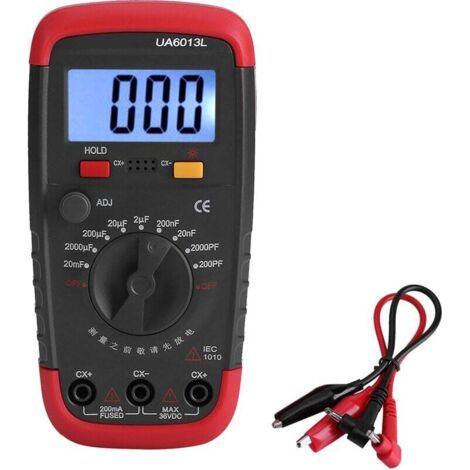

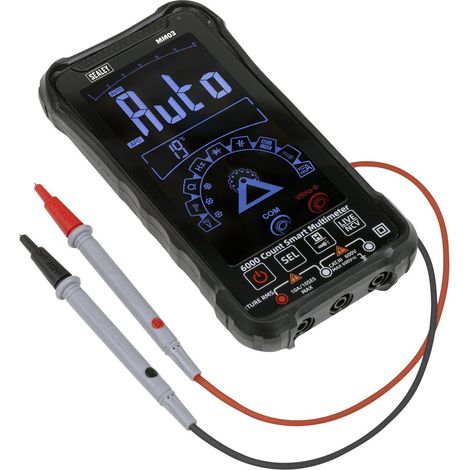
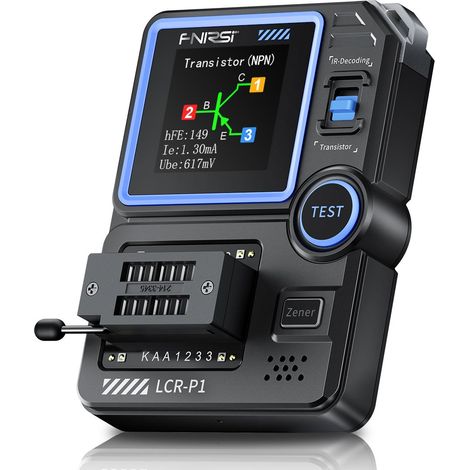

Compare with similar items
Product information
Description
2.Automatic memory function with all parameters
3.Well-suited for automated assembly of the AC adapter's aging module
4.Higher cooling redundancy, better suited for long operating hours
5.Multifunctional, can also be used for battery testing
Specifications:Description:
New design, simple and versatile electronic charging!The automatic memory function with all parameters is well-suited for automated assembly of the AC adapter's aging (burn-in) module.
Features:
1. Simple and versatile electronic charging.
2. Automatic memory function with all parameters, well suited for automated assembly of the power adapter break-in module.
3, In the sale of the latest version, slightly larger size and fan upgrade to the original Delta 5020 high speed double bearing fan.
4, Higher cooling redundancy, more suitable for long hours.
5, multifunctional, can also be used to test the battery.
Specifications:
Power requirement: DC voltage 12V (actual voltage 11-14V), the current is not less than 0.5A power, the power will be displayed inappropriately Err6. Start and stop push button at the buzzer after entering the settings, also set the "bEon" buzzer by rotating the knob to open or the "bEoF" buzzer closes. After setting, press the button again to start and stop when the tester restarts.
Setting Digital Illustration:
II: Electronic Load Mode:
1.Turn on the 12V power supply and start in electronic load mode, ensuring it is in a stopped state ("RUN" will not light up; if it does, press the on/off switch to turn off the load). Connect it to the power supply being tested. Connect the input power to the port (P+ P-). Be careful not to use the wrong polarity!
2.Adjust the lower current and voltage knob. Turn the knob to set the current setting value, then press the knob to change the setting value. The two middle digits on the right of the indicator and the VA digital indicator simultaneously determine the current setting value..
3.Press the ON/OFF switch, charging started to work, "RUN" lights up, power is applied to the circuit under test is set to input discharge current, while the upper part displays the actual input charging voltage, when the voltage drops below the set. The limit voltage “RUN” LED flashes and a short alarm beep is accompanied.
4. The test procedure can be changed to any current, and if you need to change the lower voltage to stop charging, you can change it.
Note: In alarm state, only a small current can be transferred, do not increase! Automatic Power Tester - Down function to save enough to save the set parameters and working status, when the status after power transmission will be completed before power failure and restore data.
Battery Capacity Test Mode:
1.The test battery must be fully charged with a special charger.
2.Power the tester in battery capacity test mode. Connect the battery's power lead to the positive and negative terminals (P+ and P-) if using a four-wire clamp tester. Connect the four-wire interface to the positive and negative voltage test device to the V+ and V- ports.
3.Turn the knob to adjust the discharge current and discharge voltage (referring to two specific methods: 2). After setting the start/stop switch, press the button. The battery tester will detect the first line, automatically identifying 2-4 lines (2 wires display line identification JS-2, 4 wires display JS-4; if an error occurs, please stop the test and check the wiring). Then, enter the test. If an error code appears, refer to the explanations below.
The test process will round up to the battery's current voltage, current, discharge capacity, and discharge energy (Ah) at the end of the discharge (the battery voltage is lower than the set voltage).
Features
- BrandOTHERS
- Memory functionYes
- MaterialPlaster
- Display modeDigital
- ManoMano ReferenceME242426787
- MMID409087432228
- Product codeQD-GB26Y60759
- EAN5008500107491
'/%3E%3C/svg%3E)
Multimeter buying guide
Advice from our experts
'/%3E%3C/svg%3E)