Network cable tester, analog-to-digital PoE Ethernet wire tracer tool with LCD screen
Buying for your business?
Negotiated prices excl. VAT up to -20%
You may also like


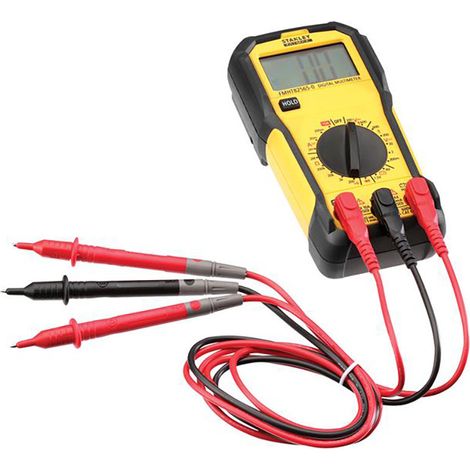

Stanley Intelli Tools FMHT82565-0 FatMax® Basic Digital Multimeter INT082565
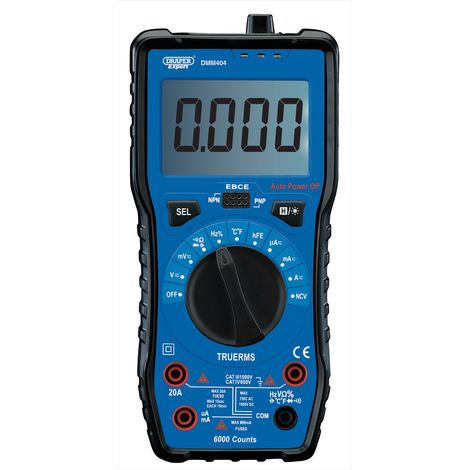

Draper Digital Multimeter 92433 with Auto and Manual Ranging for Precise Electrical Measurements
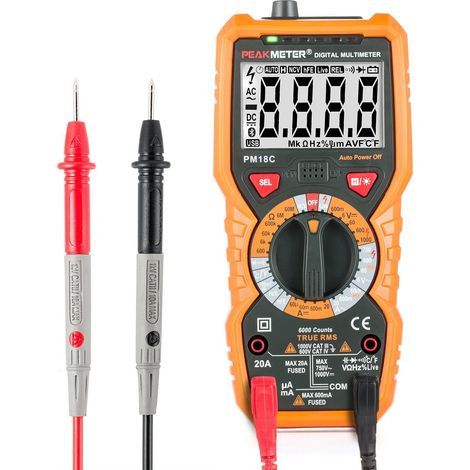
Osqi – AC/DC Digital Multimeter – Voltage Range up to 1000V – Current up to 20A – Resistance up to 60MΩ – Backlit Display – PM18C


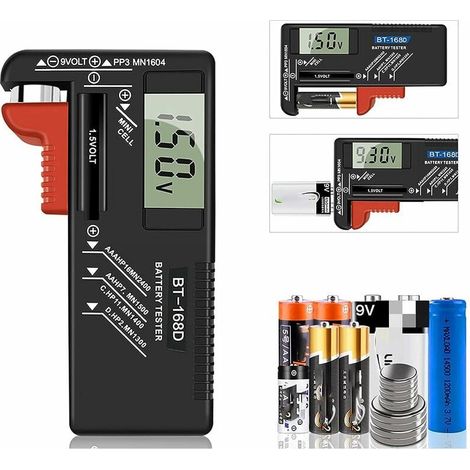

Testeur de Piles numérique,Testeur de Piles Universel,Batterie Testeur,pour AA, AAA, C, D, PP3, 9V, 1.5V, Piles Bouton - Fonctionne sans Pile

Digital Multimeter PM18C AC DC Digital Electrical Tester Automatic Non-Contact Voltmeter Ammeter Ohmmeter Voltage Detector with Backlight Screen
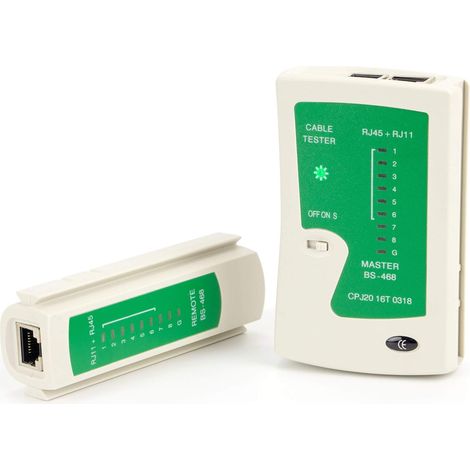
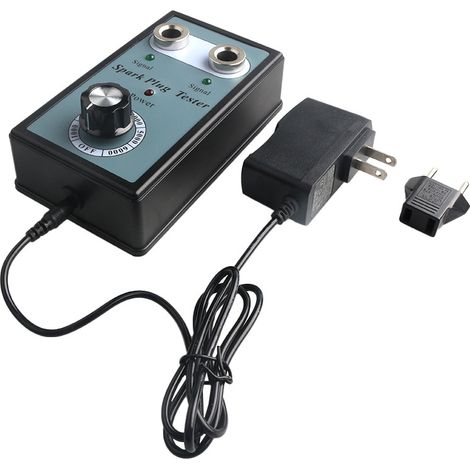
Détecteur de testeur de bougie d'allumage automobile avec outil de diagnostic d'analyseur de bougie d'allumage à deux trous
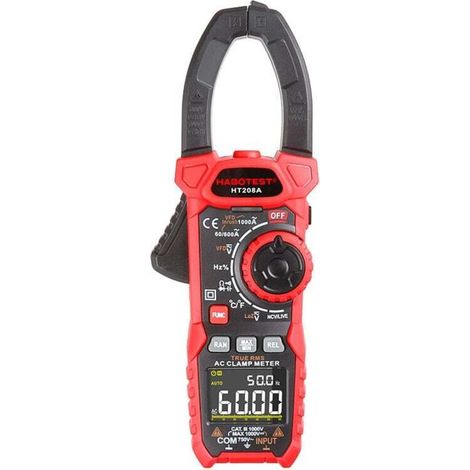

AC/DC 1000 A clamp meter, professional TRMS clamp meter, VFD, LOZ mode, inrush current measurement - HT208D
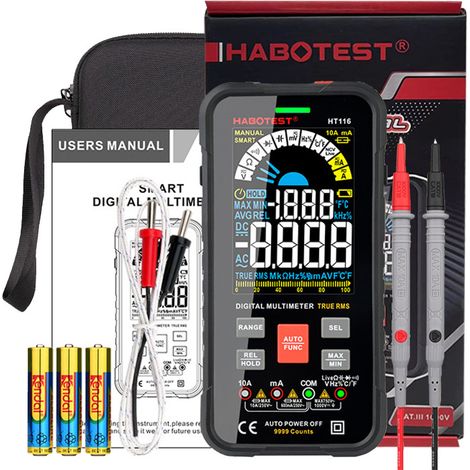
Digital Multimeter with Auto Range 10000 Counts, Digital Multimeter, Ammeter, Ohmmeter, Voltmeter, Current Measurement, Voltage Resistance, Continuity, Capacitance, Diode Frequency
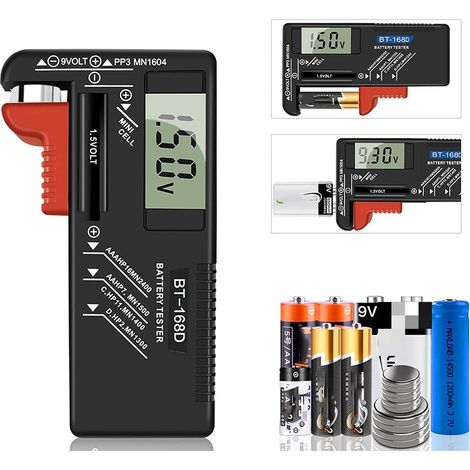
Digital Battery Tester, Universal Battery Tester, Battery Tester, for AA, AAA, C, D, PP3, 9V, 1.5V, Button Cell Batteries - Works Without Batteries
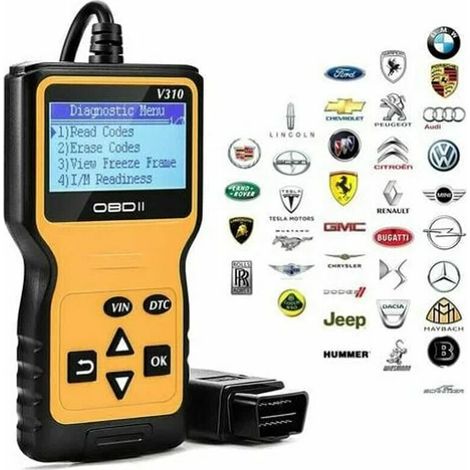

Trimec OBD2 Car Diagnostic Tool – 2.8-inch LCD Screen – Reads and Clears Fault Codes – Compatible with all OBD2 Vehicles

Compare with similar items
Product information
Description
2.Convenient Use: Comes with line search, pairing, line light, and illumination functions, and also has a long transmission distance and clear voice.
3.Fast Search: Capable of quickly finding the desired cable among a large number of harness cables, designed for high accuracy and ease of use.
4.Reliable Operation: Adopts digital line search technology for accurate digital line finding with low noise, simpler and more convenient.
5.Broad Utility: A reliable tool for finding computer network cables, telecommunications network communication cables, video network cables, etc.
Specifications:Item Type: Network Cable Tester
Model: ET612
Material: ABS
Receiver Battery: 1 x 6F22 9V (not included)
Transmitter Battery: 3 x AA 1.5V (not included)
Function: For locating and testing network cables.
Operating Temperature: 0℃~40℃
Storage: -10℃~50℃
Relative Humidity: <90%
Main Functions
Analog Cable Tracing √
Cable Tracing Scanning √
PoE Support Cable Tracing √
Identifying Wire Pairing and Connection √
Battery Voltage Polarity Check √
Battery Voltage Measurement √
PoE Voltage Polarity Check √
PoE Voltage Measurement √
Split Coupling √Breakpoint Check √Continuity Test √Signal Transmission Trace Distance (approx.) 3000 m / 9 842.52 feet
Output signal level ~ 15 Vp-p
Flashlight √
Adjustable volume √
Low battery indicator (transmitter) √
Auto power off (transmitter): Turns off after approximately 20 minutes of inactivity.
Auto power off (receiver) √ How to use:
1. The host's operating method is the same.The digital line finder's operating method differs from that of the analog line finder.Press and hold the SCAN button for 2 seconds to turn on the line finder, simulating the line search function. Press and hold for 2 seconds to turn it off. If there is no operation for 10 minutes, it will automatically turn off.
2.Once the line finder has clicked SCAN and the function is selected, there is no need to press the button during line search.Press SCAN on the host to access the search function, and press Hz to switch to L2 digital search frequency mode.The digital search cannot change the search frequency.To quickly locate the target line, you can first set the line detector's direction knob to maximum sensitivity. After locating the vicinity of the target line, adjust the sensitivity accordingly to precisely pinpoint its location.At this point, the target line can be connected to the line detector's RJ45 port, and the line alignment indicator will illuminate to further confirm that the target is correctly located.
3.Digital Line Finder Function: Blue indicator light. Using the latest digital line finder technology, the host sends a digital signal. The line finder tests itself by accepting the digital signal transmitted by the network line being tested and emits a corresponding sound. At this point, the blue light remains on or vibrates while the blue indicator flashes.
4.Analog search function: red indicator light, using general analog search function, in order to quickly find the target line, you can first turn the finder to the maximum volume, after finding the target line, adjust the appropriate volume to accurately locate the target line. .
Package List:
1 x Transmitter
1 x Receiver
1 x Alligator Clip Adapter Cables
1 x RJ-45 Adapter Cables
1 x RJ-11 Adapter Cables
1 x User Manual
1 x Carrying Bag tools
Note:
1. Cannot directly search for cables that have been connected to strong electricity, such as wires at home, otherwise it will result in injury and property damage. 2.Take care to use lightning protection when operating the instrument during thunderstorms to avoid personal injury and property damage caused by line-induced lightning.3.If the main LCD screen or the power indicator on the line detector is flashing, indicating a low battery voltage, please replace the battery.4.When the product is not used for an extended period, please remove the battery to prevent battery leakage or corrosion of the battery holder, which can lead to poor contact.Features
- BrandOTHERS
- ManoMano ReferenceME242427110
- MMID326648317381
- Product codeQD-GB26Y62394
- EAN5008500123842
'/%3E%3C/svg%3E)
Multimeter buying guide
Advice from our experts
'/%3E%3C/svg%3E)