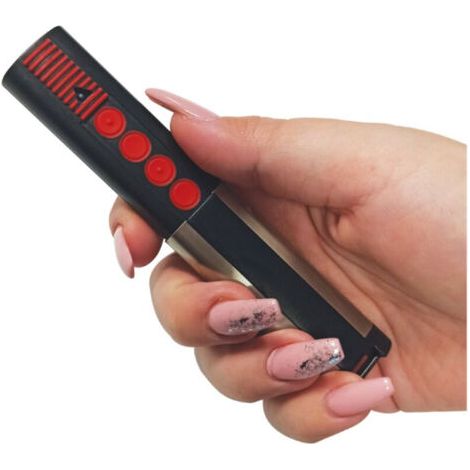
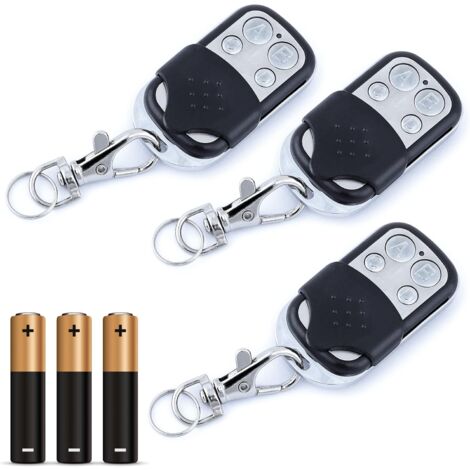
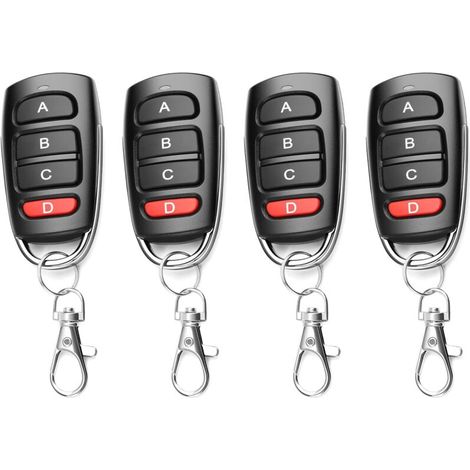
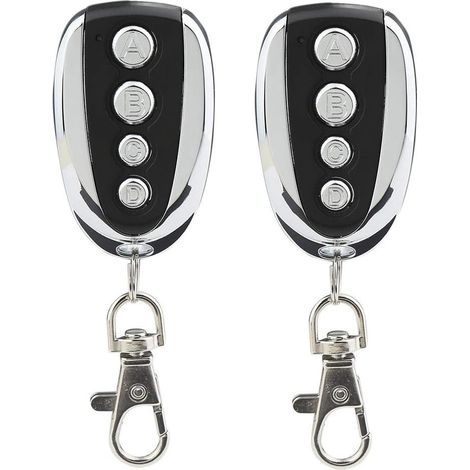
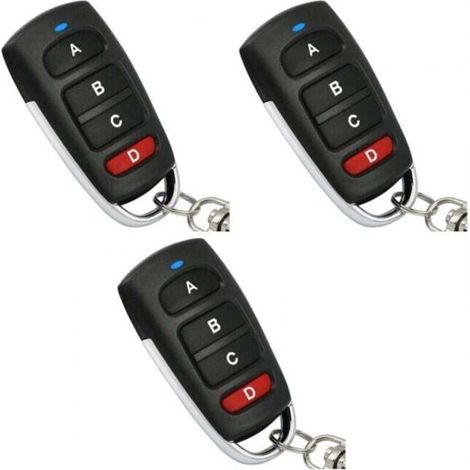
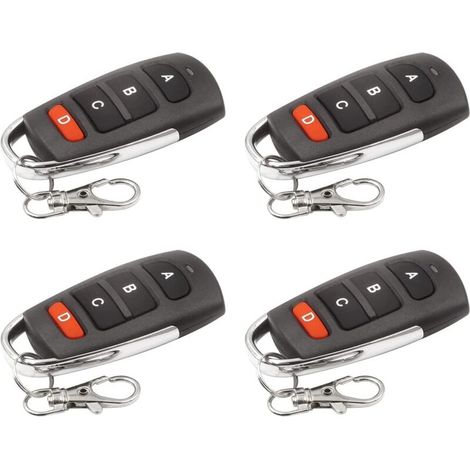
Pack of 4 automatic door remote controls, 433.92MHz frequency, fixed code remote control, can copy learning code, rolling code, programmable
You may also like







Compare with similar items
Product information
Description

• This appearance chip version has a stronger copy compatibility range and can copy all fixed-code ICs, all learning-code ICs, some self-writing-code ICs, and rolling-code ICs.
The models that can be copied are as follows:


√ Copy operation conditions:
1. The original remote control can be used normally.
2. Know the transmission frequency of the original remote control
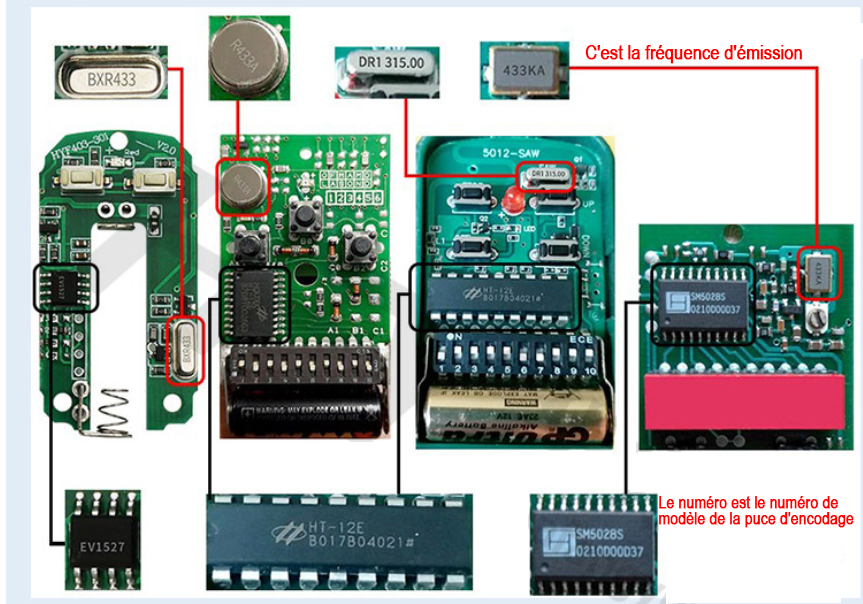
3. Know the encoding chip of the original remote control (common encoding chips are listed below). If the remote control chip has no text, check the remote control brand and the images that can be copied (as above).
√ The original remote control chips that can be copied are as follows (all manufacturers of the following models are applicable): 2260, 2262, 527, 1527, 2240, PT2264, SMC5326, SC5262, SMC918, SM5028S, HT12D, HT600, HT680, HT6207, HT6010, HT6012, HT6014
√ How to identify the frequency and encoding chip
After disassembling the remote control casing, as shown below (each remote control has a silver-white sound level meter on the main board, which is round, rectangular, square, etc., with the remote control's transmission frequency written on it. There is a silver-white sound level meter on each remote control's black chip; the model number of the coded chip is clearly written on the chip.)
Instructions
Clear Operation
Press and hold both buttons on the remote control simultaneously without releasing them (buttons A and B on the remote, or the lock and unlock symbol buttons, etc.). The LED indicator will flash three times. Release either button, and the other button will appear. If you do not release it, click the released button three times, and the LED indicator will flash rapidly. At this point, all data in memory will be erased. After erasing the data, regardless of which button is pressed on the remote control, the LED indicator will not light up.
Copy Operation
Hold the original remote in one hand and the copy remote in the other. The two remotes should be as close as possible (ideally, place them side-by-side on a table at zero distance) and press the desired buttons. For each button to be copied, the LED indicator will flash twice quickly, then flash slowly three times, and finally remain lit, indicating that the copy was successful and that the other button operations are the same. Some remotes have low transmission power, so the original and copied remotes should be used back-to-back to facilitate copying. If there is interference in certain operating environments, you should avoid interfering operations. If copying is not easy, clear the code and copy again.
 | Product Specifications |
Features
- BrandBASETBL
- ColourSilver-coloured
- ControlRemote-control
- Motorization useFor gate
- Compatible brandUniversal
'/%3E%3C/svg%3E)