1/5
Passenger Seat Occupancy Mat Sensor Emulator, Compatible with Mercedes ML W163, W169, W245, SRS Bypass.
Of which environmental contribution £0.10 including VAT.
Sold by Cuizi
You may also like








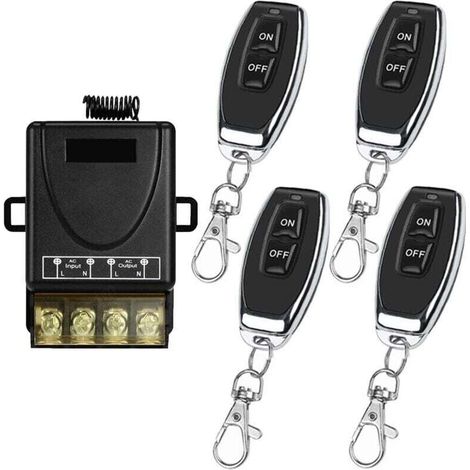

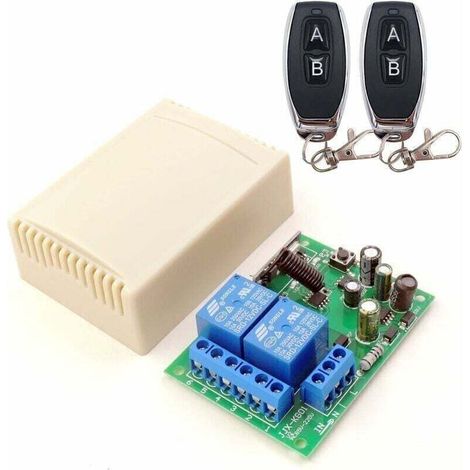
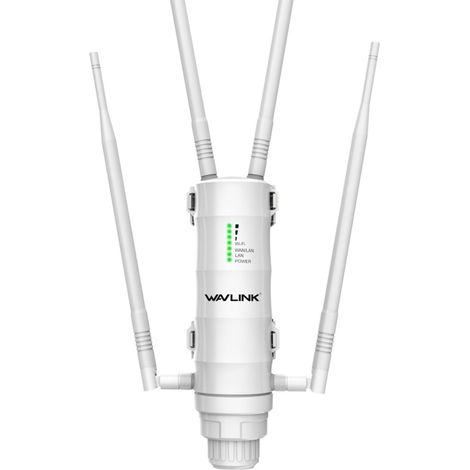

![[NEVER USED] Wavlink AC600 WiFi Amplifier/Powerful Outdoor WiFi Repeater Support Poe/Dual-Band 2.4+5G/2 Long Range WiFi Antenna](https://cdn.manomano.com/pim-media/images/medium/40fc4c7e11bb9035a86786ee161e83ac8e0cee79.jpg)

Compare with similar items
Product information
Description
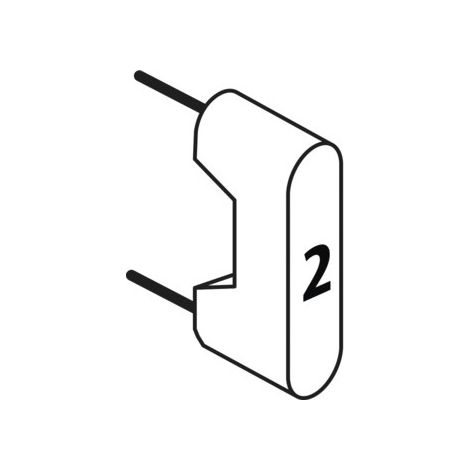
Specification: Item Type: Seat Occupancy Sensor Emulator Material: ABS Compatibility: Replacement for ML W163 EU 1998-2005, EU ML W169 2004-2012, EU ML W245 2004-2012 How to Use: 1. Cut the [unclear - likely referring to a specific component or feature]. 2. Locate the seat occupancy sensor connector under the passenger seat. You will need to locate it from the rear seat. The seat belt connector is marked as 1. The seat occupancy sensor connector is marked as 2. 3. Unplug the seat occupancy sensor connector and replace it with the emulator connector. 4. Connect the seat belt emulator, if necessary. 5. [Unclear - likely referring to a specific component or feature]. The emulator's LED indicator should begin flashing in 2 different colors, indicating that the device is powered (12V) and successfully connected to the SRS control unit. No light – no power (there is a problem with the car's electrical system). The LED indicator flashes one color – the emulator is receiving power but has connection problems with the SRS control unit (this usually indicates a problem with the ACU; contact us). 6. Reconnect the diagnostic scanner and clear any old error codes. Check if the faulty seat mat error has disappeared.
Features
- BrandOTHERS
- Pcs per pack1
- ColourWhite
- Power sourceBatteries
- Availability of spare parts0.000912 year(s)
- Height35 cm
- Amperage10 A
- Width15 cm
- Length15 cm
- MaterialPlaster
- Power25 W
- Voltage10 V
- Type of electronic componentSensors
- Connection port typeVGA
- ManoMano ReferenceME220738489
- MMID270050321024
- Product codeBT-UK2025YS-65137
- EAN9140747265377
You are here:
'/%3E%3C/svg%3E)