1/5
Portable Hay Moisture Meter Hay Moisture Tester with Probe Digital Fibre Tester Moisture Range 10% to 40% for Straw, Forage Grass and Alfalfa
Of which environmental contribution £0.10 including VAT.
Buying for your business?
Negotiated prices excl. VAT up to -20%
Sold by Cuizi
You may also like
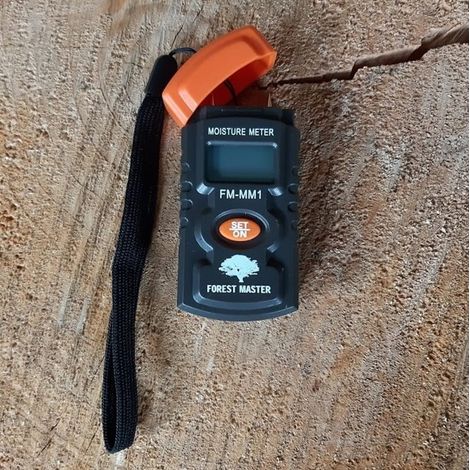

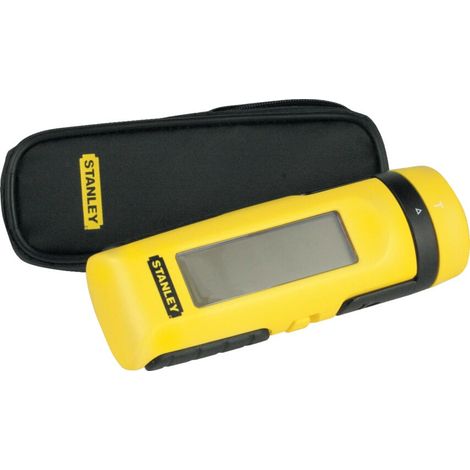



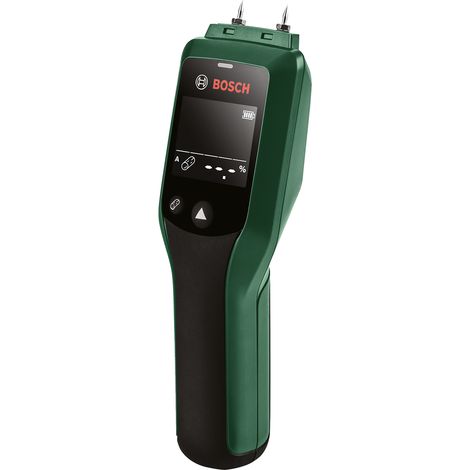



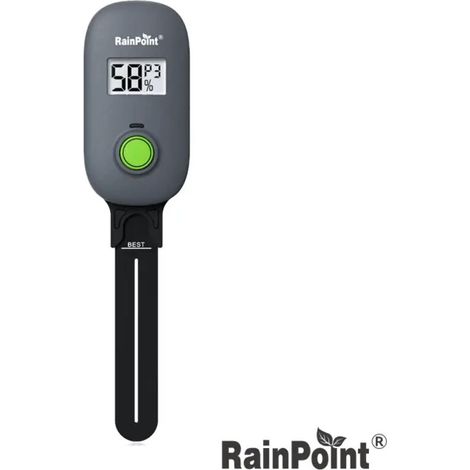

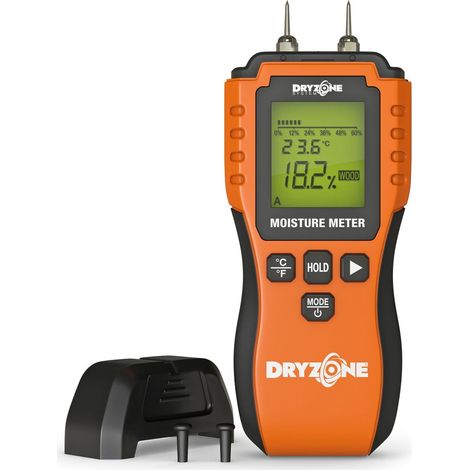
Compare with similar items
Product information
Description
Features:
1. MOISTURE METER: The grain moisture meter can quickly measure the moisture content of many types of grain, with 14 selectable modes and various functions.2. DUAL PROBE: The digital grain moisture meter uses a high-precision dual steel probe, which can measure grain moisture at different depths.
3. NON-SLIP: The digital LCD grain moisture meter features an ergonomically designed, non-slip handle that is comfortable and easy to use.
4. LCD Screen: The grain moisture meter has a backlit LCD screen with a large HD display, making it easy to operate.
5. WITH SPEAKER: The grain moisture tester is designed with a speaker on the back, which can broadcast measurement readings in real time.
Specifications:
Item Type: Grain Moisture MeterMaterial: Plastic, Stainless Steel
Batteries (shipped without batteries): 4 AA batteries
Product Size: Approx. 38.5 x 5.8 x 3.5 cm / 15.2 x 2.3 x 1.4 inches
Gross weight: 323 g / 11.4 oz
Display resolution of moisture content value: 0.1%
Measurement principle: Resistance method
Sampling mode: Continuous sampling
Functions:
(1) 14 grain varieties to choose from;
(2) Grain moisture test;
(3) Setting the grain moisture standard;
(4) Setting the moisture limit and voice prompt;
(5) Setting the deviation;
(6) 4 types of voice alerts;
Briefly press the "variety" button to scroll:
P0: rice, P1: wheat, P2: corn, P3: barley, P4: rice, P5: sorghum, P6: forage, P7: rapeseed, P8: melon seeds, P9: sesame, P10: soybean meal, P11: soybeans, P12: peanuts, P13: cottonseed
There are 14 grain measurement modes, and a sound will be played with the corresponding grain name when the switch is activated. Press and hold the "Change" button for 3 seconds to return to "P0" mode.
Single Measurement: Insert the metal probe into the object to be measured, and the screen will display the value. When the voice prompts end, the single measurement is complete.
3. Backlight: Once the machine is powered on, when there is no measurement, "Lo" will be displayed in low battery mode, and the backlight will be off; during measurement or adjustment, the backlight will automatically activate.
4. Voice Type: Briefly press the "Voice" button. To switch between modes: d1 = moisture content, d2 = high moisture content, d3 = no sound/silent, d4 = drip, press the "on/off" button to save the settings, then begin measuring.
Mode d1: If the set limit value is exceeded, the current grain name and the measured value will be displayed. For example, if P0 Paddy is currently the selected mode and the set limit value is 10%, and the measured moisture content is 23.5%, then "Rice moisture content 23.5%" will be displayed.
Mode d2: If the set limit value is exceeded, the current grain name and "Moisture content too high" will be displayed.For example, if P0 Paddy is currently selected in mode and the set limit value is 10%, and the measured moisture content is 23.5%, then "Rice moisture content too high" will be broadcast.
Mode d3: When the machine is turned on, only a beep will sound; there will be no other audible signal.
Mode d4: If the set limit value is exceeded, a beep will sound.
Note: The name of the grain size broadcast will be the selected mode. This product does not automatically recognize the type of grain being measured. Briefly press the "Limit" button to set the moisture limit; the default limit is 10%; adjustable range: 10% to 40%. Press and hold the "Limit" button for 2 seconds to restore the 10% setting value. After setting, press the "On/Off" button to save the setting, then begin measuring.
5. Setting Memory Function: After setting the parameters, even after removing the battery, when the device is turned on, these settings will be saved and recalled.
6. Setting Deviation: After calibrating the oven method control, briefly press the "Set" button to adjust -3% to +5%. The default starting point is 0.0%. Briefly press the "Adjust" button once; the value will increase/decrease by 0.5% (first increase, then decrease). When the value increases to +5, briefly press the "Adjust" button to return to 0.0%. Briefly press "Adjust" and press the button again; the value will be reduced by 0.5% each time. After adjusting, press the "On/Off" button to save the setting, then start measuring.
How to use:
Turn the machine on and off: After installing the battery, briefly press the "Power" button. The screen will display "ON," and there will be a voice prompt "open," meaning turn on the power. Press and hold the "switch" button; the screen will display "OFF" and there will be a voice prompt "off," indicating that the power is off. If there is no operation, the machine will automatically shut off after 15 minutes. Package List: 1 x Grain Moisture Meter. Note: 1. Caution: The probe of this product is very sharp. To avoid injury, do not use the probe on others or give it to others as a child's toy. 2. Caution: Do not allow the instrument and probe to come into contact with water or any corrosive liquid. Do not allow the measuring probe to touch an electrically charged object to avoid damaging the instrument. 3. Tips: Pressure has a significant influence on measurements when using a measuring probe to measure moisture and grain size. When grain is layered, the pressure on the bottom layer is high, resulting in a higher test value. Corrections should be made based on experience. When the moisture content is 13% or less, the grain pressure on the measurement is also affected. All data is measured manually, and some error may occur in the measurement results.Features
- BrandOTHERS
- ColourWhite
- Width1 cm
- Length1 cm
- Pcs per pack1
- Textile careWashable
- ShapeButterfly
- Height1 cm
- Machine washableYes
- MaterialPlastic
- Weight100 g
- StyleModern
- Cushion typeDecorative cushion
- Sold with paddingYes
- ManoMano ReferenceME220666727
- MMID198738734272
- Product codeBT-UK2025YS-32094
- EAN9140747934945
You are here:
'/%3E%3C/svg%3E)