1/5
Portable Smart Wireless Rechargeable USB Electric Soldering Iron with Digital Display, Industrial Soldering Tool
Buying for your business?
Negotiated prices excl. VAT up to -20%
Sold by Qiudie-homelavafans
You may also like
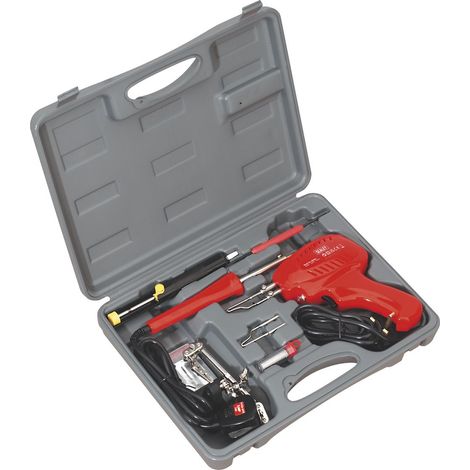

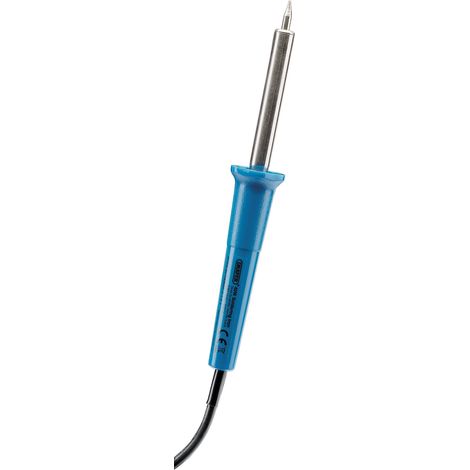

Draper 40W Soldering Iron 230V Model 85355 – Precision Soldering Tool for Electronics and DIY Projects
Free shipping


#1 in sales
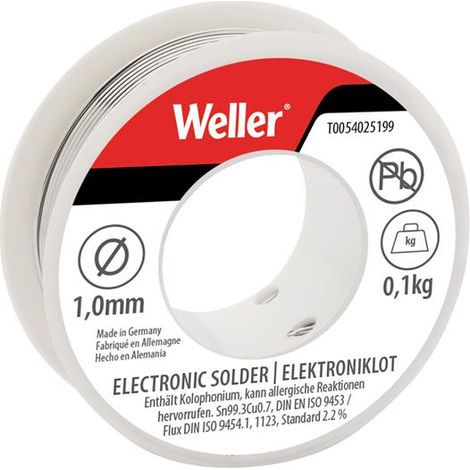
Lead-Free Solder Wire TARGET, 1mm Diameter, 100g Pack, Suitable for Electronics and Soldering Applications
Free shipping
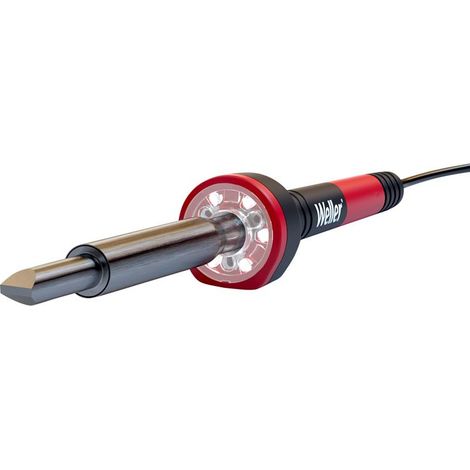

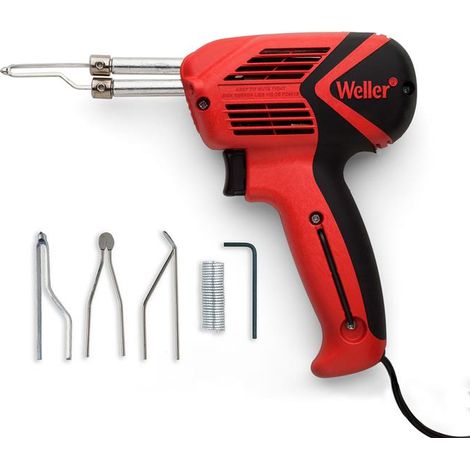
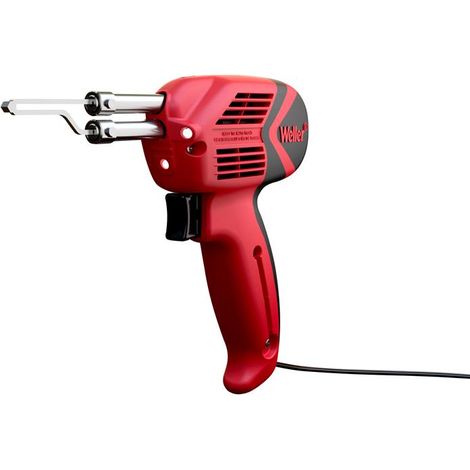
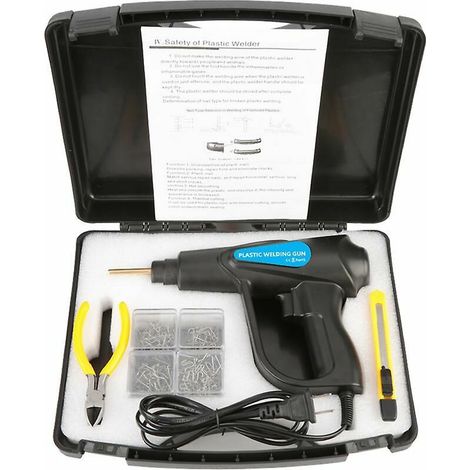

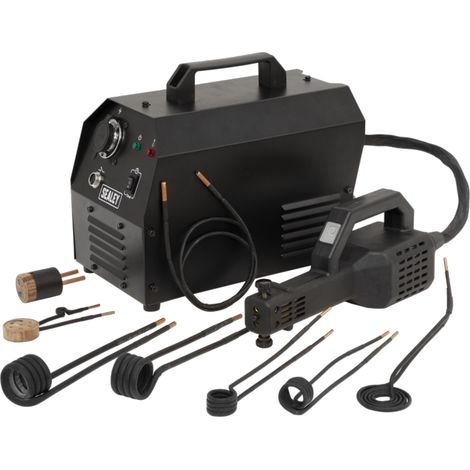
70W Plastic Welding Kit, Auto Bumper Repair Kit, Plastic Repair Tool, Hot Stapler with Pliers
5
Free shipping
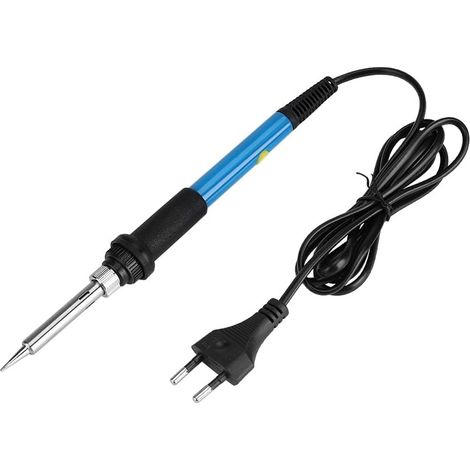
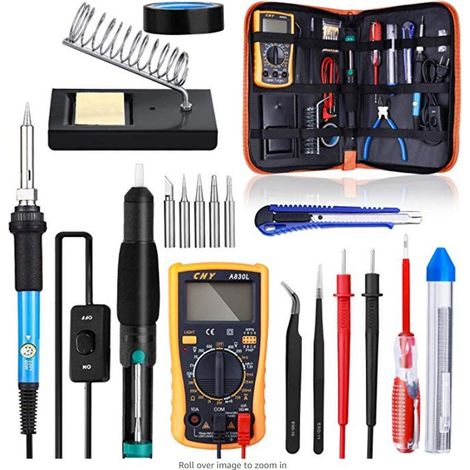
Electric Soldering Iron 220V 60W Adjustable Temperature 200-480°C Tool with On/Off Switch (220V EU Plug)
3
Free shipping
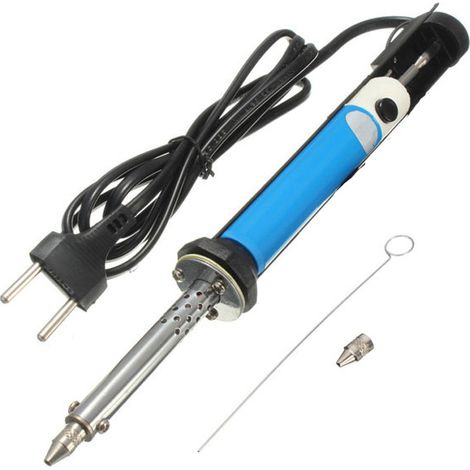

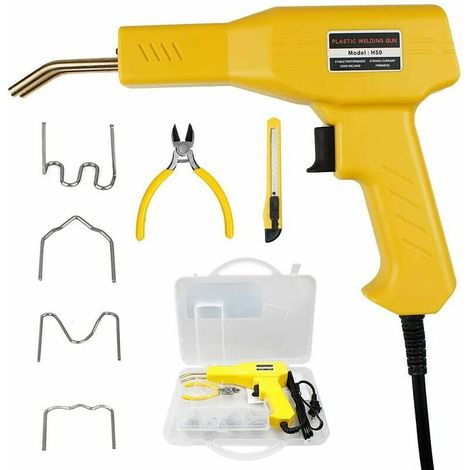
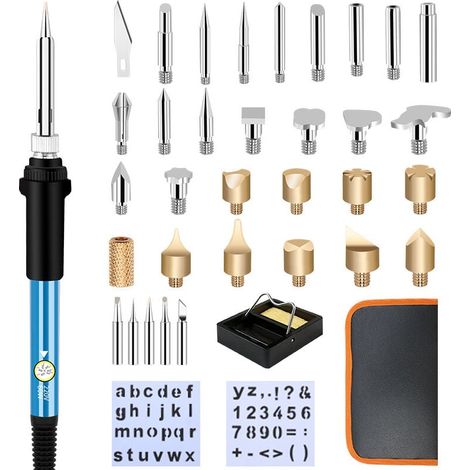

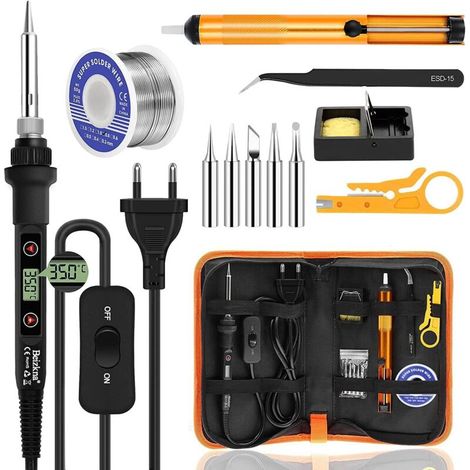

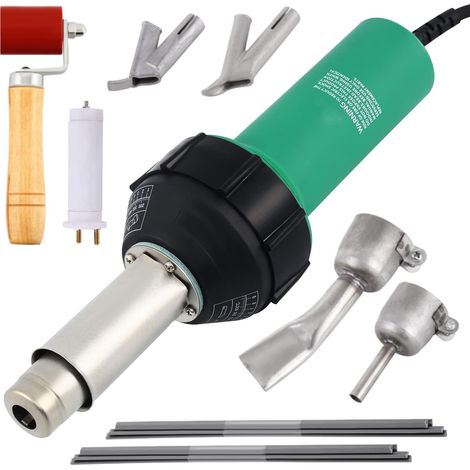

1600W Plastic Hot Air Welder, PVC TPO Vinyl Heat Air Welding Gun with Nozzles, Adjustable Temperature Thermal Hot Air Gun Welding Soldering
Free shipping

Compare with similar items
Product information
Description
Features:1.RECHARGEABLE CORDLESS SOLDERING IRON: 5V 15W battery-powered soldering iron with a built-in 1100mAh battery.To charge the cordless soldering iron, connect the USB port to your computer, power bank, or phone charger.A full charge takes approximately 2 hours and provides 40 minutes of continuous use.2.PROTECTION FUNCTION: This USB soldering iron features circuit protection and supports charging while in use.3.EXCELLENT MATERIAL: The soldering iron tip is made of stainless steel, and the 510 thread interface allows connection to the copper alloy tip and the USB charging cable.4. SAFETY PROTECTION: Press the power button 5 times in quick succession within 2 seconds to turn on the electric iron and illuminate the indicator light.Automatically enters standby mode after 10 seconds of inactivity.PORTABLE SOLDERING IRON: The cordless charging soldering tool is lightweight, easy to carry, suitable for DIY design, electronic product soldering, jewelry repair, electrical accessories, circuit board repair, etc.
Battery: 1 x 13700 lithium battery, battery capacity: 1100mAh
Material: Copper alloy and stainless steel
Temperature range: 200℃-450℃
Heating time: 8s- 12s
Soldering iron head resistance: 1.5-2.5Ω
Package List:1 x Electric Soldering Iron1 x Solder Wire1 x Solder Wire Storage Box1 x Soldering Iron Stand1 x USB Cable1 x User Manual
Specifications:
Item type: USB soldering ironBattery: 1 x 13700 lithium battery, battery capacity: 1100mAh
Material: Copper alloy and stainless steel
Temperature range: 200℃-450℃
Heating time: 8s- 12s
Soldering iron head resistance: 1.5-2.5Ω
How to use:
1. Screw on the soldering iron head and press five times within two seconds to start the machine. If you need to turn off, press it five times in a row (how many times the indicator flashes). 2. Press and hold the power button until the iron heats up. Releasing the button will stop the heating. 3. Press and hold the power button for more than 10 seconds. The battery cut-out protection function will be activated. After holding the button for approximately 7 to 8 seconds, release it and press it again (repeat this action every 7 to 8 seconds to maintain consistent heating). 4. Read the instructions for this step several times to master this technique.Package List:1 x Electric Soldering Iron1 x Solder Wire1 x Solder Wire Storage Box1 x Soldering Iron Stand1 x USB Cable1 x User Manual
Features
- BrandOTHERS
- ColourMulticolour
- Temperature control typeDigital display + precise adjustment
- MaterialStainless steel
- Power supplyElectric
- Soldering iron useElectronic
- ManoMano ReferenceME242423510
- MMID770977255665
- Product codeQD-GB26Y58760
- EAN5002098287504
'/%3E%3C/svg%3E)
Soldering iron buying guide
Advice from our experts
You are here:
'/%3E%3C/svg%3E)