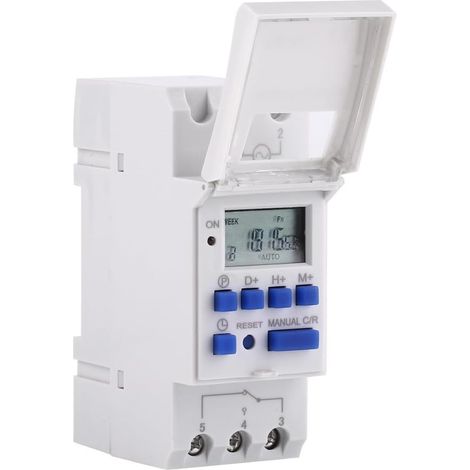
Programmable Digital Timer, LCD Display Weekly Time Switch with Programming Programmable Timer on DIN Rail (220V)
Buying for your business?
Negotiated prices excl. VAT up to -20%
You may also like

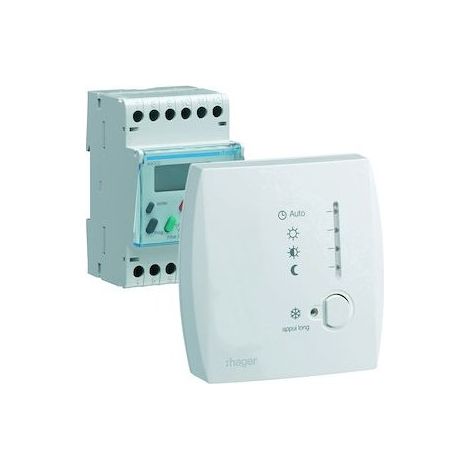
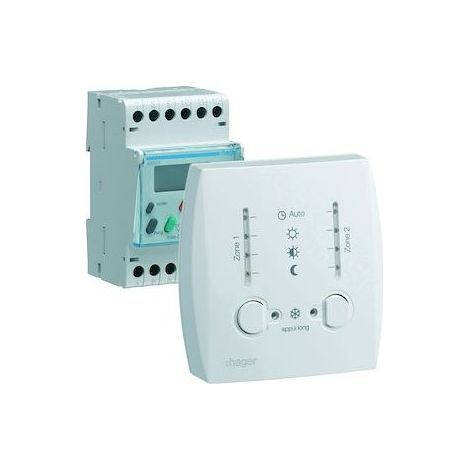

Hager 49003 Modular Digital Programmer for Electric Heating with Pilot Wire, 2-Zone 7-Day Controller, 230V


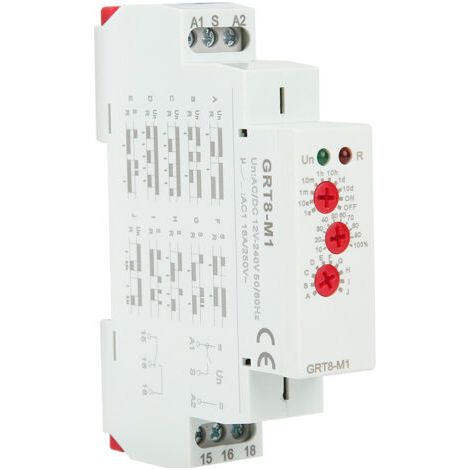

GRT8-M1 10 Function Time Relay, 35mm DIN Rail Mounting, AC/DC 12V 240V, 50-60Hz
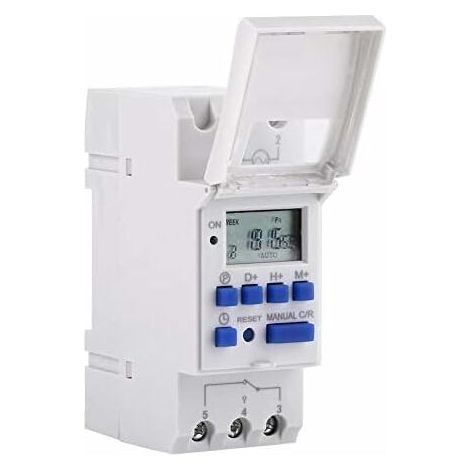

Programmable Digital Timer, LCD Screen Digital Timer, Weekly Digital Time Switch with Programming, Programmable Digital Timer on DIN Rail (220V)




Compare with similar items
Product information
Description
 Features:
 Extended preset one week in advance.
Universal minutes for digital electronics with daily update and weekly schedules.
Repeat schedules with 16 on/off settings. Precise setting accuracy.
The LCD display displays the actual time in hours/minutes and run/stop.
DIN rail mounting, DIN rail not included
Wide range of uses:Thanks to its great accuracy and strong anti-interference capability, the timer is ideal for controlling lamps, neons, production equipment, radio and television as well as many other household appliances.
Description : A functionThis timer can automatically turn on and off all kinds of electrical devices depending on the time setting.
High qualityIt has an integrated battery and an industrial quality chip.
 Features:
 Installation method: DIN rail (not included)
Bond: 1 min to 168 hours
Operating temperature: -10°C to 50°C.
Power: 15 A
Power: 3000W
Contact voltage : AC 220 V (50/60 Hz)
Cutting power : Resistance : 16 A
On/off operation : 16 on/off (manual/automatic)
Display : ACL
Power : . <4W
Error : ≤ 2s / day
Instructions :Timer is set by default on 24 hour mode. Press the "Time" button (bottom left of "Reset") and hold it pressed for 5 seconds until "AM" appears to set the mode to 12 o'clock. Press again on the “Hour” button and hold it pressed for 5 seconds to return to 24 hour mode.
1. Press P: set the time “1 on” (display 1 on)
2. Press D+: select the days of the week (if you want the same setting for every day, you do not need to press this button).
3. Press H + / M + : set the hours and minutes
4. Press P: set “1 off” (display 1 turned off)
5. Press P: select the days of the week (if you want the same setting for every day, you do not need to press this button).
6. Press H + / M + : set the hours and minutes
7. Repeat steps 2 to 6: set the other run/stop time
8. Press “Time” (bottom left of “Reset”): End
 < img src="https://cdn.manomano.com/external-resources/AAHKMJXYDAFdJAOAIMEbOAchlkWZ0oakZn_uVZ0mPidMNbILvCvspZ4oG3fPgIqc1P05C5SmPD Kg0UZdk7akth5AqFc-KSVuBi50lP9Lw6rTcAnN2CbHU2pGHBLiFIwKpBHnTiCn5TwqJPA3SsyKrDp8KSmfksYAtd_DgIDhDbWEtMRjy4I_ygVNrBDn6D8YWPY=" alt="Size :" data-origin-src="https://m.media-amazon.com/images/S/aplus-media/sc/9deb20da-c747-4270-b701-9a56c4d063e6.__CR7,0,300,300_PT0_SX300_V1___.jpg" loading="lazy"/>
 The minute is set by default on the 24-hour mode. Press the “Hour” button and hold it down. (bottom left of "Reset") for 5 seconds until "AM" appears to set the mode to 12 o'clock. Press again on “Hour” and hold down for 5 seconds to return to 24-hour mode.
Dimensions: 86 x 36 x 65 mm / 3.38 x 1.41 x 2.56 inches
Features
- BrandWOIYIC
- Voltage220 V
- Height65 mm
- Amperage16 A
- Width36 mm
- Type of electrical installationDIN rail
- Programming frequencyWeekly
- Depth86 mm
- ManoMano ReferenceME96133776
- MMID483960901773
- Product codeMM-Tina-UN1408
- EAN9324622855697
'/%3E%3C/svg%3E)