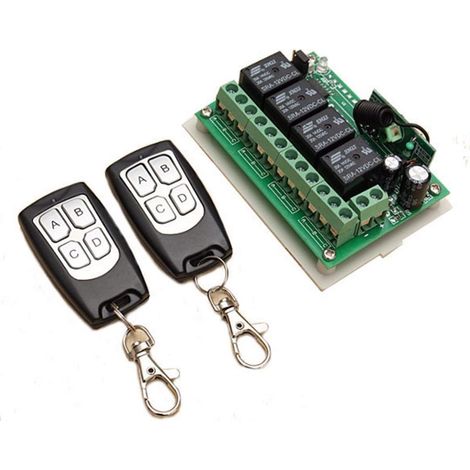
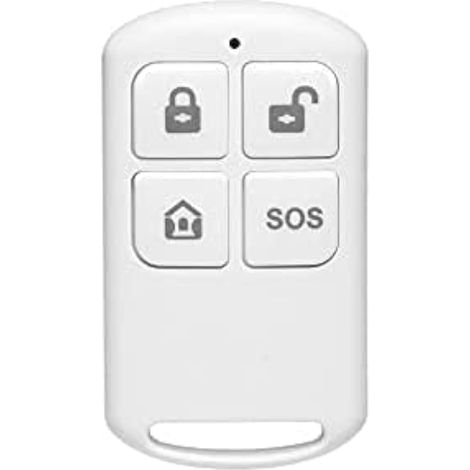
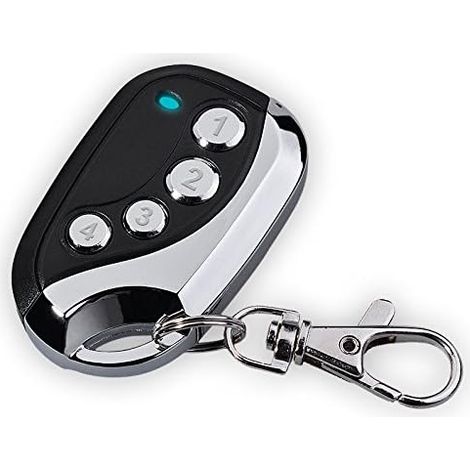
Remote control compatible with alarm systems M64 / M641 / M642 / M65 / M70 / M701 / M702 / Z07 / Z08
Buying for your business?
Negotiated prices excl. VAT up to -20%
You may also like




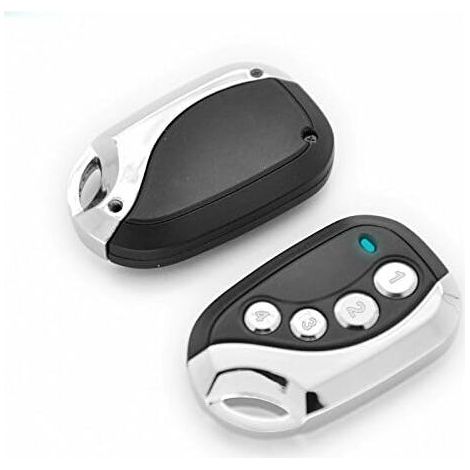

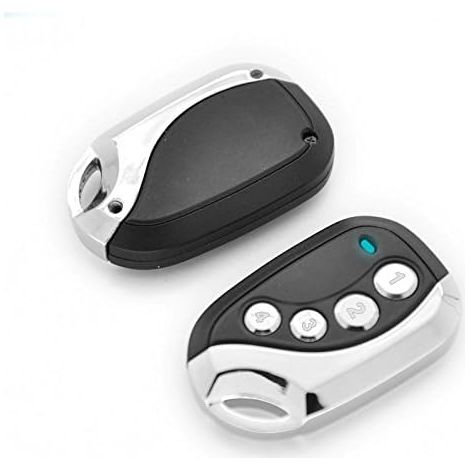
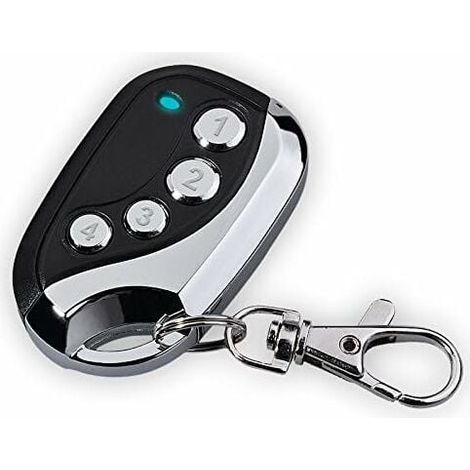

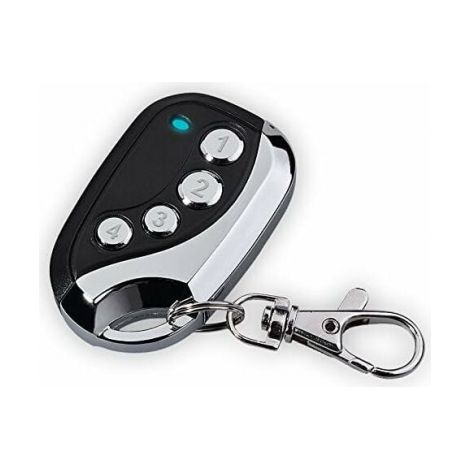


![[NEVER USED] Remote control - Came TOP432NA - Fixed code frequency 433.92 MHz THSIDNE](https://cdn.manomano.com/pim-media/images/medium/a80850a229918df1cd953c00e116719fc5ad3dbb.jpg)

Compare with similar items
Product information
Description
English
1) The remote control and alarm system must be paired.
2) One remote control can operate multiple alarm systems.
3) One alarm system can be operated by a maximum of 8 remote controls.
How to pair the remote control with the alarm system:
1) Press and hold the learn button (which is also the doorbell button).
2) Then charge the alarm system's battery. You may hear a beep. Please do not release the learn button (as in step 1).
You may hear another beep within 10 seconds.
This means the alarm system is in learning mode.
3) Now release the learn button and press one of the other three buttons once. You may hear a beep. This means the pairing was successful.
English
1) The additional remote control and the alarm system must be paired.
2) One remote control can operate multiple alarm systems.
3) One alarm system can be operated by a maximum of 8 remote controls.
How do I pair the remote control with the alarm system?
1) Press and hold the learn button (this also serves as the doorbell button). 1) Press and hold the learn button.
2) Next, insert the battery into the alarm clock. You will hear the "bi" sound. Continue holding down the learn button as in step 1). After about 10 seconds, you will hear the "bi" tone again. The alarm clock is now in learn mode. 3) Release the learn button and press one of the other three buttons once. You will hear the "bi bi" tone. Pairing was successful.
Features
- BrandNEPTUNE
- Power sourceCorded
- ColourBlack
- MaterialPlastic
- ManoMano ReferenceME98071623
- MMID567010056752
- Product codeHD129C-1225145
- EAN5461619357834
'/%3E%3C/svg%3E)