1/5
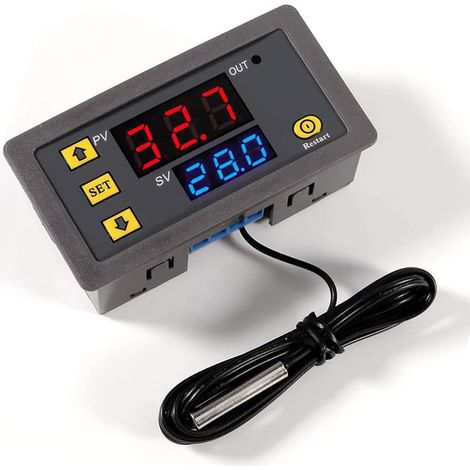
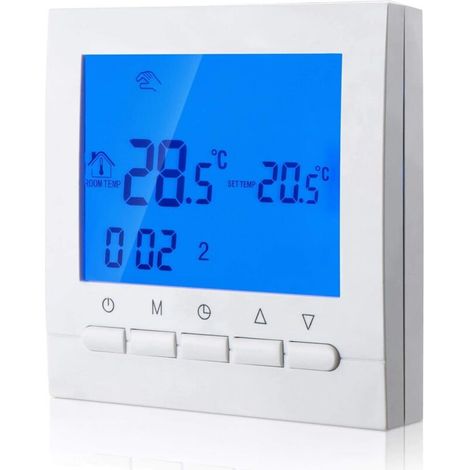
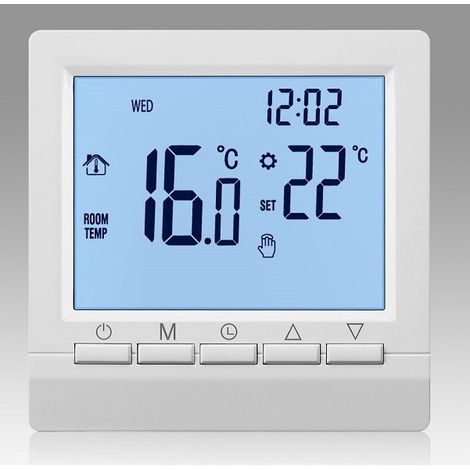
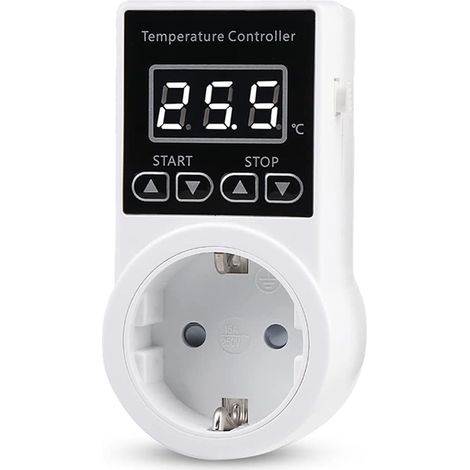
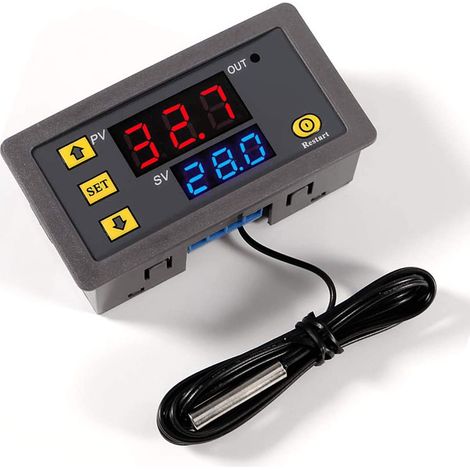
XD-2048 Digital LED Microcomputer Thermostat Switch Temperature Controller (12V)
Of which environmental contribution £0.10 including VAT.
Sold by Cuizi
You may also like











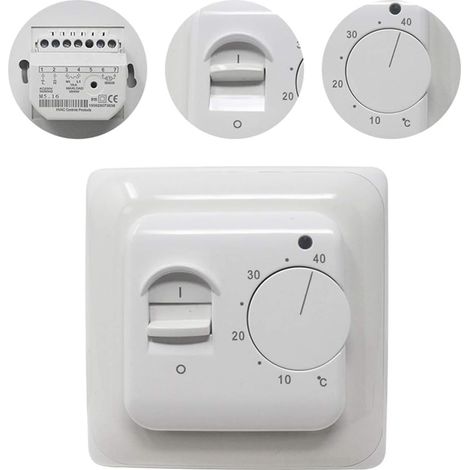
![Manual room thermostat for electric underfloor heating with AC 220V 16A probe, mechanical thermostat controller for underfloor heating [Energy class A+++]](https://cdn.manomano.com/pim-media/images/medium/32cf5d4546d9becff1fd49ec126cd145ba87cf87.jpg)


Compare with similar items
Product information
Description
Features:
1. This delicate digital display temperature controller can be set to Celsius or Fahrenheit mode.2. The temperature controller has the characteristics of high precision, high sensitivity, and high stability.
3. Wide temperature measurement range from -50℃ to 110℃ and supports high-temperature protection.
4. Can be installed directly or integrated into an industrial control equipment panel, convenient and quick.
5. Widely used in hatching areas, equipment cases, air conditioning systems, temperature control protection, and other fields.
Specifications:
Features:This delicate digital display temperature controller can be set to Celsius or Fahrenheit mode. The temperature controller features high precision, high sensitivity, and high stability. It has a wide temperature measurement range of -50°C to 110°C and supports over-temperature protection. It can be installed directly or integrated into an industrial control panel, offering convenient and quick installation. Widely used in hatching areas, equipment enclosures, air conditioning systems, temperature control protection, and other fields. Specifications: Input Voltage: DC12V, DC24V (optional) Temperature Measurement Range: -50℃~110℃ Resolution Ratio: -9.9℃-99.9℃--0.1℃, other temperature ranges: 1℃ Measurement Accuracy: 0.1℃ Control Accuracy: 0.1℃ Backward Difference Accuracy: 0.1℃ Refresh Rate: 0.5 s
High Temperature Protection: 0 ~ 110 ℃
Measurement Input: Waterproof NTC Sensor (10 K 0.5%)
Output: 20 A Relay
Environmental Requirements:
Temperature Requirement: -10 ℃ ~ 60 ℃
Humidity Requirement: 20% ~ 85%
Size: 4.8 x 2.8 cm / 1.89 x 1.10 inches
Standby Current: ≤ 35 mA
Pickup Current: ≤ 65 mA
Usage Methods:
After connecting to the power supply and load (referring to the wiring diagram), you can power on the controller. The red indicator will show the temperature measurement, and the blue (or red) indicator will show the temperature setting as needed. When the actual temperature is reached, press the Set button. The next digital setting text will flash, along with the temperature. After setting the temperature, please wait 3 seconds; it will automatically return to the default setting. At this point, the controller will automatically disconnect the relay according to the preset temperature. This sensor can handle all kinds of high-power loads; please ensure the wiring is correct. Description of the Light and Digital Tube Status:
Light: Off indicates the relay is disconnected, and a normally lit indicator indicates the relay is closed.
Digital Tube: The LLL symbol indicates an open circuit for the sensor, and the HHH symbol means that beyond the measuring range, the controller will forcibly disconnect the relay. The --- symbol indicates high-temperature protection.
Parameter Function Description:
Please press the SET button for five seconds to access the main setting menu. Press STC(+) and C/F(-) to navigate to P0-P8.Regarding setting parameters P0-P8, when setting P0, first press STC (+) and C/F (-) simultaneously. The P0 value will flash. Second, press STC (+) and C/F (-) to adjust the setting. Once adjusted, press STC (+) and C/F (-) simultaneously to confirm. P1-P8 allows you to set the parameters for each code, similar to P0, according to your specific needs. The C/F button is for switching between Fahrenheit and Celsius. Press the C/F button once, and it will display F (Fahrenheit mode). Press the C/F button again, and it will display C (Celsius mode). The default mode is C (Celsius mode). If there is a large temperature error when using it, it may be in F mode. Example settings: If you need to control the refrigeration equipment: 1. Please switch to C mode in code P0. 2. If the actual temperature is not displayed, you must press the SET button. The next number in the setting text will flash. Then press C/F (+) and SET (-) to set the cooling cut-off temperature. After setting, please wait 3 seconds; it will automatically confirm the setting.
3: Adjusting the Return Difference: First, press and hold the SET button for five seconds to enter the main setting menu. Then, press STC (+) and C/F (-) to navigate to P1. When navigating to P1, press STC (+) and C/F (-) simultaneously. The P0 digit will flash. Then, press STC (+) and C/F (-) again to adjust the difference value. (The return difference means you need to add several degrees to start the system. For example, if the system shuts down when the shutdown temperature is set to 25 degrees, you should set the cooling temperature to 28 degrees. The value in code P1 should be set to 3 degrees, so the return difference value is 3 degrees.) After completing this step, press STC(+) and C/F(-) simultaneously to confirm.
4: The above steps are configured, the data is automatically saved, and the final result is, in the control of the refrigeration equipment, above 28 degrees to start refrigeration, and below 25 degrees to stop.
If you need to control the heating equipment:
1: Please switch to mode H in code P0.
2: In the case of the actual temperature display, you must press the SET button, and the next digit of the setting text will flash. Then press C/F (+) and SET (-) to set the heating stop temperature. After setting, please wait 3 seconds; it will automatically confirm.
3: Adjusting the return difference: First, please press the SET button for five seconds continuously, and it will work.
Features
- BrandOTHERS
- ColourWhite
- MaterialPlaster
- Pcs per pack1
- Compatible equipment typeAir conditioning
- ManoMano ReferenceME220687334
- MMID887618550728
- Product codeBT-UK2025YS-51309
- EAN9140747127095
Advice from
Thermostat buying guide
Thermostats are used to control the temperature of a heating or cooling system to suit the occupant's lifestyle. In addition to making the home more comfortable, a thermostat can help you save on your energy bill. From various models and technologies to extra features, read on to find the best thermostat for your home.
'/%3E%3C/svg%3E)
You are here:
'/%3E%3C/svg%3E)