
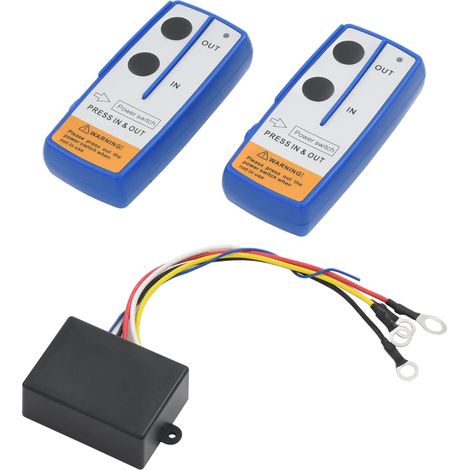
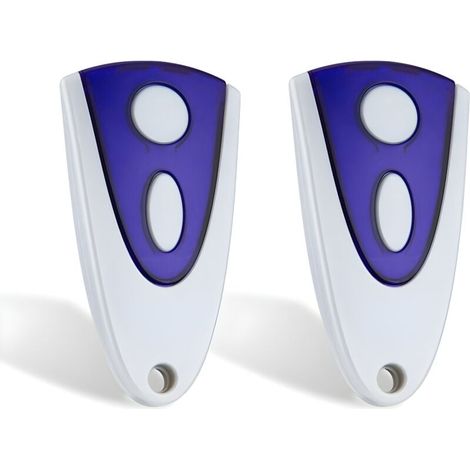
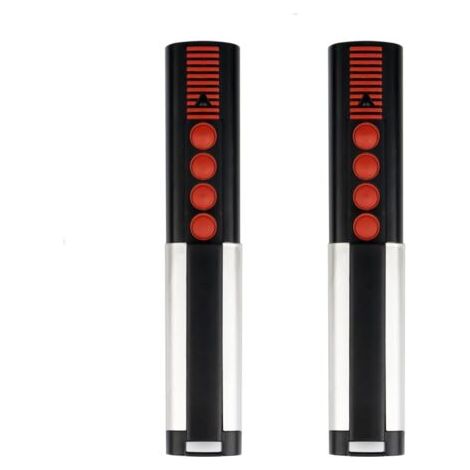
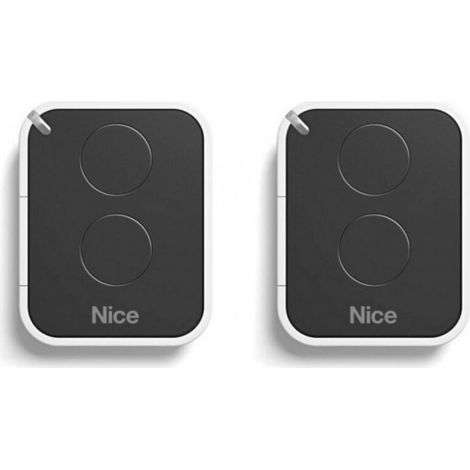
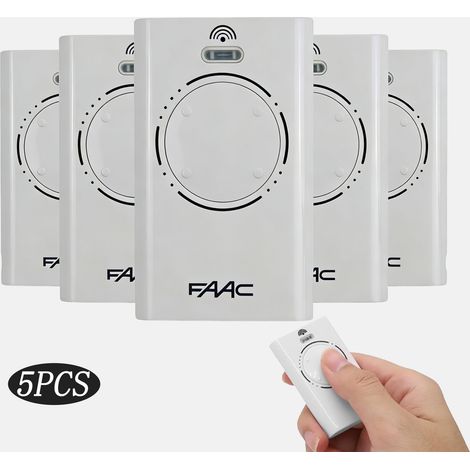
Français : Features 1. Advanced performance: use an advanced control for the micro-computer, offering greater stability and complete functionality for contact with conventional controllers. 2. Engine resistance setting button: automatically stop the engine when it encounters an important resistance, guaranteeing safety and avoiding damage to the door. 3. Strong sensitivity: the control card of the flip cover has a high anti-interférence capacity, a precise control, a simple function and a user-friendly design. 4. Engine power adjustment: allows you to adjust the engine power. If the door encounters an obstacle pending the stop process, it will stop automatically, avoiding accidents or injuries. 5. Easy installation and use: simple and user-friendly installation process, which makes it practical for professionals and DIYers. Specification Type of article: cover order card with slider Material: electronic component Poids: environ 316 g. Application sample: engine controller Type: automatic ouvre-porte Applicable product: sliding door Product size: env. Method of learning the remote control: appuyez sur la touche d'apprentissage de la télécommande du contrôleur pendant 1 sec, relâchez-lorsque l'indicateur LED6 est éteint, puis appuyez et maintenez n'importe le touche de la télécommande sans bouger, l'indicateur clignotera trois fois pour indiquer la fin. The remote control can be used normally. The same method can be used to learn the second, third, etc. Suppression of the remote control step: maintain the touch of learning the control key within 8 seconds, release it after entering an invitation tone and effect all the prior calls. You can learn and use them according to the remote control learning method. Using the remote control: the controller can learn up to 300 training codes. If the number passes this limit, no other controller can help. You cannot suppress those words before helping other remote controls. Fonctionnement of the key of the remote control: find out the touch of direction (turn, stop) of the remote control to make it easier to move the engine. Press the stop button of the remote control to stop the engine or remove the remote control touches. Clavier manual de verrouillage: lorsque B2 est sur ON, appuyer sur le bouton de verrouillage de la télécommande verrouillera le contrôleur (le voyant d'arrêt sur le panneau clignotera), verrouillant uniquement les boutons manuals et les touches de direction de la télécommande. Appuyez sur la touche d'arrêt de la télécommande pour déverrouiller (le voyant d'arrêt sur le panneau cease de clignoter). Once you have checked the controller, you must read the button to stop the remote control before using the remote control's direction buttons and the manual buttons of the controller. Adjusting the manual door lock function: Users can adjust the automatic door lock function to their desired function. The B3 is set to ON, indicating that the automatic door lock function is active. This is set to OFF, indicating that the automatic door lock function is deactivated. Automatic door latch adjustment method: pull the red handle B3 and B6 on ON. Adjust the different stop times on the door on the touch screen of function F (SN1) once for a second supplement. Once you have set the shut-off times, B6 should be lowered to the OFF position, and a sound message will appear, indicating that the automatic door lock times are set. Cable of the external manual switch: External manual with unique button: An optional sleep switch can be connected to the COM and ONE sockets. The manual with unique bouton function in cyclical mode: Overture-Arrêt-Fermeture-Arrêt. Door opening for card gliding: Used specifically for the door opening function, the common line is connected to GND and the main line is connected to OP. Note: If you want to use the card gliding function, the controller can adjust the automatic door lock function to ensure that the door stays closed after a while (report to the automatic door lock setting). However, for safety reasons, it is necessary to install infrared detection devices to avoid objects coinciding with the automatic door lock. Replacement cable: Replacement cable can be selected using mechanical methods or Reed tube. The common replacement line is connected to COM and the direction is connected to OP and CL Engine wiring: The engine wiring must be effective in accordance with the main diagram. The common engine line is connected to the COM of the printed circuit card and the direction is connected to L1 and L2. Sinon, I would like to have a dysfunction of the engine driving in a single sense. Engine protection time setting: (This function must be used with B3 in a certain position. If the indicator does not appear, you must select the device and select this function again). Once the door is installed (so the course corresponds to the stop position), remove the corresponding device for 5 seconds, then slow it down. Maintain the pendant function touch immediately for more than 5 seconds. Once the door is opened, release the buttons. The front door is in the current position and can automatically execute the stop action. Once you stop at the current position, you stop and here is the end of the engine protection time setting. Enfin, B6 doit être abaissé jusqu'à la position OFF.






'/%3E%3C/svg%3E)