Aquarium Automatic Fish Feeder, 100ml Adjustable WiFi App Control, Double Anti-blocking Protection, Precise Control, Fish Feeding Timer
Recommended Price
You may also like
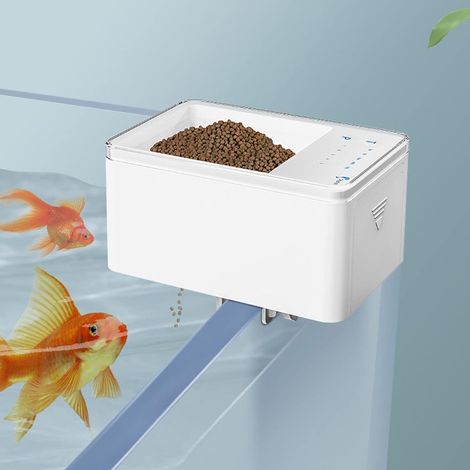

Automatic Fish Feeder Intelligent Digital Fish Food Dispenser Timer Fish Feeder 70ML Automatic Battery Powered for Aquariums and Fish Tanks
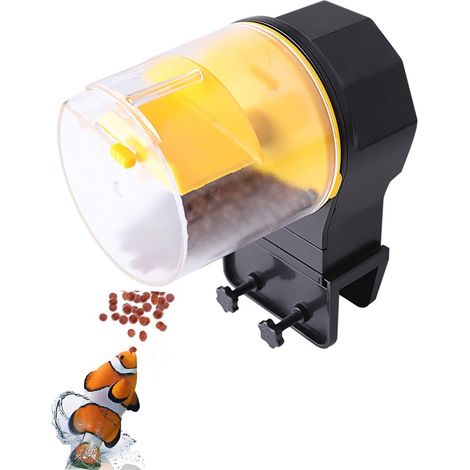
Automatic Aquarium Fish Feeder, Moisture-Proof Automatic Electric Feeder, Fish Food Dispenser for Holidays and Weekends
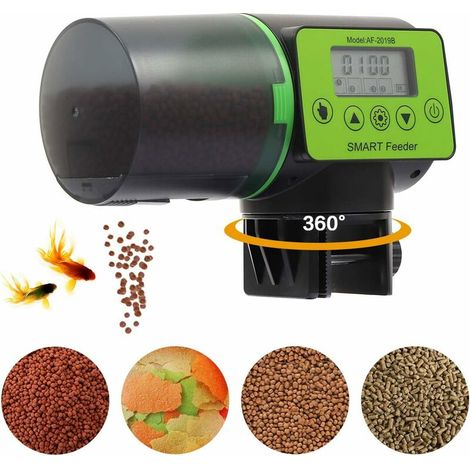
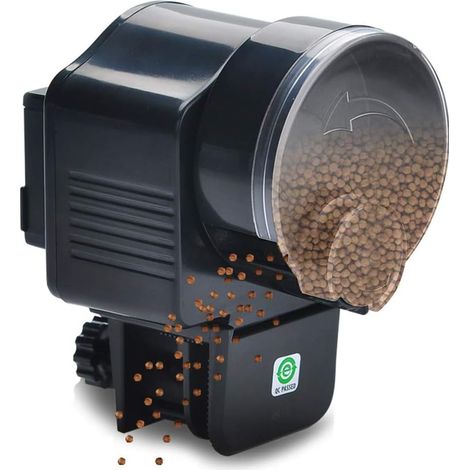
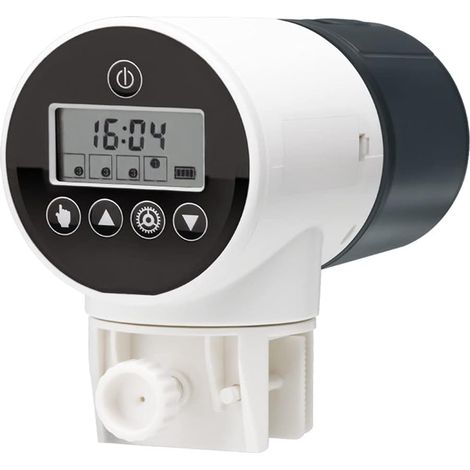
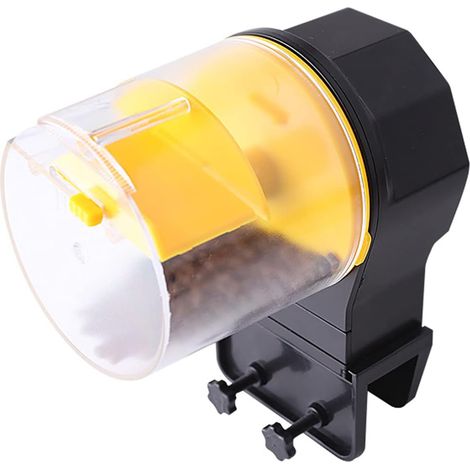

Automatic Fish Food Dispenser for Aquarium, Automatic Feeding Timer, Moisture-Proof Feeder with Feeding Box (Yellow)
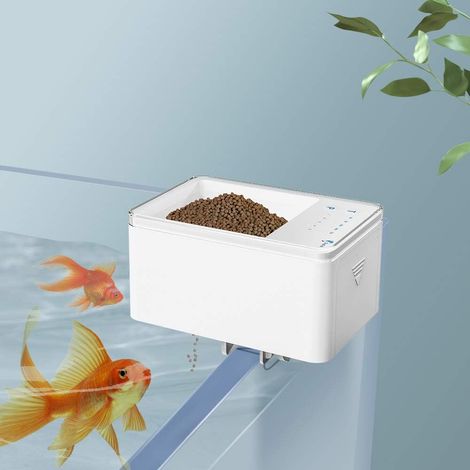
Automatic Fish Food Dispenser, Smart Digital Fish Food Dispenser Timer, 70ml Battery Powered Automatic Feeding for Aquariums and Fish Tanks
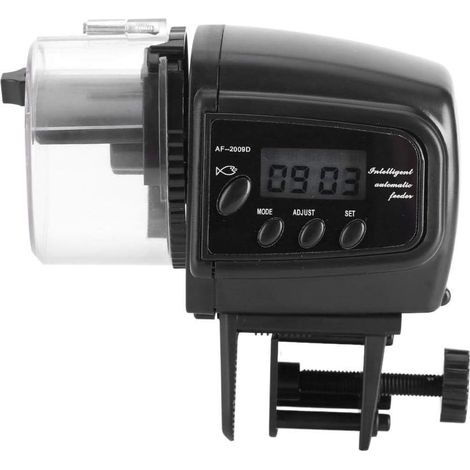
Fish Food Dispenser, Automatic Aquarium, Electronic Tank Feeder, Digital LCD Display, Fish Feeder, Fish Food Dispenser
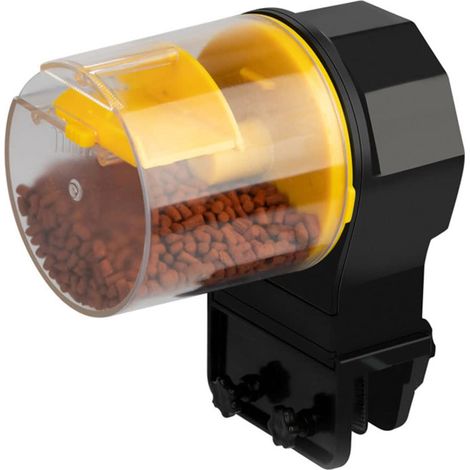

12H 24H Timer Automatic Fish Feeder Aquarium Tank Food Feeder Dispenser, Automatic Fish Tank Timing Dispenser


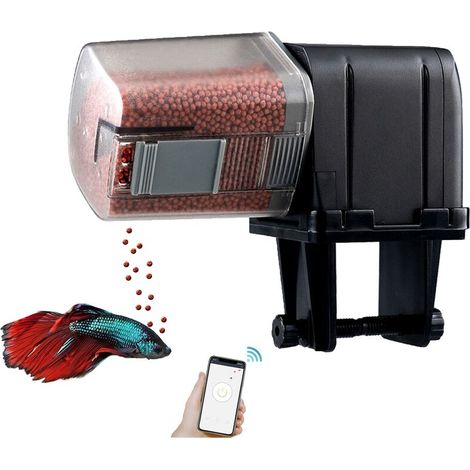
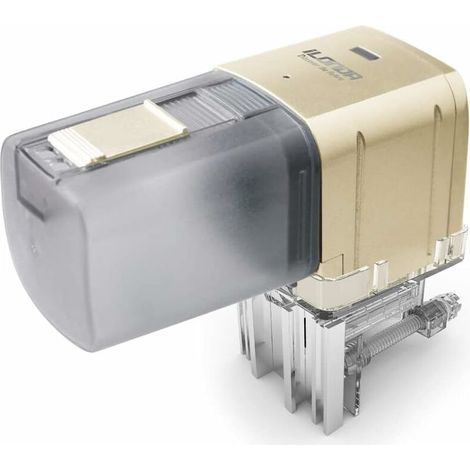

Automatic Aquarium Fish Feeder, Moisture-Proof Automatic Electric Fish Feeder, Fish Food Dispenser for Holidays and Weekends

Compare with similar items
Product information
Description

Just adjust it according to the following 4 steps and you can easily learn how to use it.
- 1. Download the app. Search "XiaoMei Smart" in App Store to download and install.
- 2. Connect to power supply. Please connect the 5V DC input to the external power supply. The blue light flashes quickly and indicates the network adaptation status.
- 3. Turn on the mobile phone's Bluetooth and open the app. On the home page, click the upper right corner ○+ to add the device.
- A: Automatically search for the device and click the device (Smart Fish Feeder WP8621N) in the list to connect.
- B: Manually add a device, select it by product category (Pet Supplies) and model (Smart Fish Feeder WP8621N), then follow the instructions to continue.
- 4. The blue light flashes slowly when it distributes the network. When the network is successfully configured, the blue light will stay on.If the network configuration fails, press and hold the button until the blue light flashes quickly, then the network will be reconfigured.
|
|
|
|
|---|---|---|
APP Remote Control
|
3 power port sizes
|
product details
|


more details
|
|
|
|
|
|---|---|---|---|
Search for device
|
Connect devices
|
Ready to be finished
|
Get started
|


Features
- BrandOTHERS
- Pcs per pack1
- ColourMulticolour
- AnimalFish
- With integrated CameraNo
- With water fountainNo
- ConnectivityWifi
- MaterialPlaster
- Adjustable portionYes
- ManoMano ReferenceME247331469
- MMID456982383830
- Product codeQD-GB26Y85637
- EAN3798444222054
'/%3E%3C/svg%3E)
How to feed fish while you're on holiday
Advice from our experts
'/%3E%3C/svg%3E)