1/5
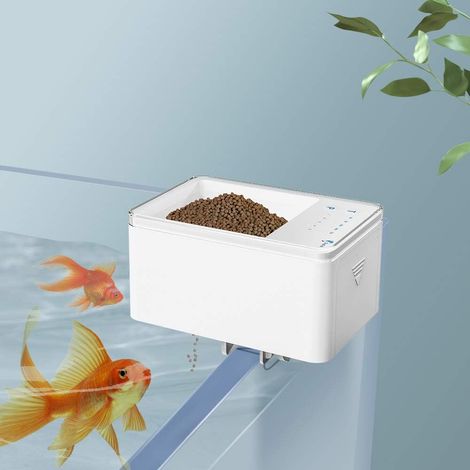
Automatic Aquarium Fish Feeder, 100ml Adjustable, WiFi App Control, Dual Anti-Block Protection, Precise Control, Fish Feeding Timer
Of which environmental contribution £0.01 including VAT.
Buying for your business?
Negotiated prices excl. VAT up to -20%
Sold by LinzGain Sarl
You may also like












Compare with similar items
Product information
Description
You just need to adjust it according to the following 4 steps and you can easily learn how to use it.
- 1. Download the application. Search for "XiaoMeiSmart" in the App Store to download and install. 2. Connect to the power supply. Please connect the 5VDC input to the external power supply. The blue indicator light will flash rapidly and indicate the network adaptation status. 3. Activate Bluetooth on your mobile phone and open the application. On the home screen, tap the top right corner ○+ to add the device. A: Automatically search for the device and tap the device (SmartFishFeederWP8621N) in the list to connect. B: Manually add a device, select it by product category (Pet Supplies) and model (SmartFishFeederWP8621N), then follow the instructions to continue.
- 4. The blue light flashes slowly while distributing the network. When the network is successfully configured, the blue light remains on. If the network configuration fails, press and hold the button until the blue light flashes rapidly, then the network will be configured.
|
|
|
|
|---|---|---|
APP Remote Control
| 3 Sizes of Feeding Ports
| Product Details
|
|
|
|
|
|
|---|---|---|---|
Find a device
| Connecting Devices
| Ready to be completed
| Start
|
Features
- BrandSNQ
- Pcs per pack1
- ColourBlue
- Power sourceCorded
- AnimalFish
- Height1 cm
- Width1 cm
- MaterialAcacia
- Weight370 g
- ManoMano ReferenceME96516843
- MMID897119260345
- Product codeFD-19442
- EAN6289547551419
'/%3E%3C/svg%3E)
You are here:
'/%3E%3C/svg%3E)