1/5
VAS6154 ODIS Diagnostic Tool Scanner WiFi Connexion USB pour Win7/Win10
Of which environmental contribution £0.01 including VAT.
Buying for your business?
Negotiated prices excl. VAT up to -20%
Sold by LinzGain Sarl
You may also like




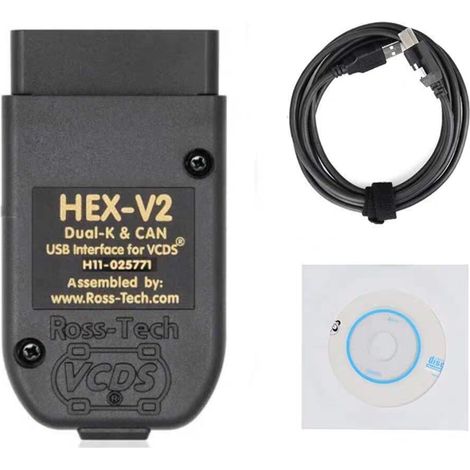

HEX V2 VCDS VAG COM 25.3 5053 Diagnostic Cable for VW/AUDI/Skoda/Seat Auto Reader USB Scanner Cable (English)
Free shipping
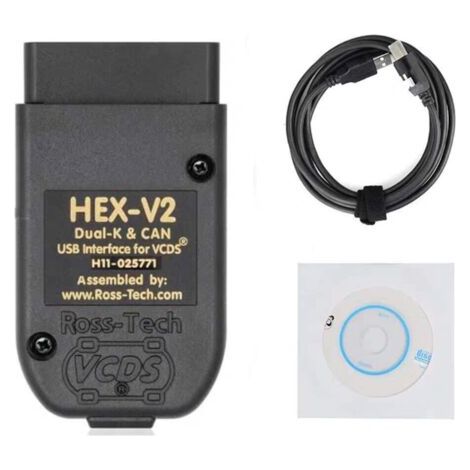
HEX V2 VCDS VAG COM 25.3 5053 Diagnostic Cable for VW/AUDI/Skoda/Seat Vehicle Scanners, USB Cable (English)
Free shipping
Compare with similar items
Product information
Description
1. Suitable for vehicles manufactured after 2000, including new models currently in production. 2. Supports Wi-Fi and USB connectivity, enabling wireless communication between the vehicle and the diagnostic interface. 3. In infrastructure mode, multiple devices with network functions can be connected together (network subscribers). 4. The estimated remaining time for ECU flash operation is displayed. Documents in GFFs are displayed in a separate window. 5. The display of measured values is improved. Automatically deletes and saves the diagnostic protocol after a successful transmission.
Specification:
Item Type: Diagnostic Tool. Material: ABS System: for Win7/Win10 Power Supply: 8-18V (via vehicle connector) Output: 5W PC Interface (Wired): USB 2.0 High Speed, 480 Mbps or Fast Ethernet, 100 Mbps (via LAN module) PC Interface (Wireless): WLAN 802.11ab/b/g/n2T2R 300 Mbps Client Mode (WPA2EAP-TLS, WPA2PSK) Access Point Mode: (WPA2PSK) Function (Supported): Point-to-Point Connection: With a point-to-point connection via a wireless network, it creates a radio network. It also adopts a radio access point. A direct connection is established between the diagnostic unit and the diagnostic interface. Configured using the web user interface. New features of ODIS 4.13 software: – Estimated remaining time is displayed for ECU flash operation. – The diagnostic protocol includes GFF session interruption, extended measurement values, an improved ECU communication view, the diagnostic hardware used, the diagnostic hardware connection type, the operating system, the fixes used, and the submission of support requests. – The display of the measured value is improved. – Documents in GFFs are displayed in a separate window. – A message box is displayed at the start of the road test mode. – GFF fixes can be integrated during the diagnostic session. – The hazard message has been modified. – The diagnostic session can be interrupted. – The diagnostic protocol is automatically deleted and saved after a successful transmission. -Improved selection of diagnostic equipment for PassThru. -The ODIS service software update has stabilized. How to use: 1. Locate the OBD interface on the vehicle. (Most are on the driver's side under the dashboard) 2. Insert the diagnostic tool into the diagnostic computer. 3. Turn the ignition key to position 0N (on). 4. Wait for the data download to complete and follow the prompts to verify that the test data has been received. 5. Refer to the instructions provided with the diagnostic tool, computer software, or website to translate the error code. Most reports include error codes and error names, defined conditions, and possible causes.
Listofpackages:
1diagnosticadaptor.1diagnosticcable.5CD1xtapeFeatures
- BrandSNQ
- Pcs per pack1
- Gearbox compatibilityAutomatic
- Height40 mm
- Starter kitYes
- Width140 mm
- Length170 mm
- MaterialAcrylonitrile butadiene styrene (ABS)
- Weight270 g
- ManoMano ReferenceME96516697
- MMID925988509983
- Product codeFD-19206
- EAN6289547549058
You are here:
'/%3E%3C/svg%3E)