Description
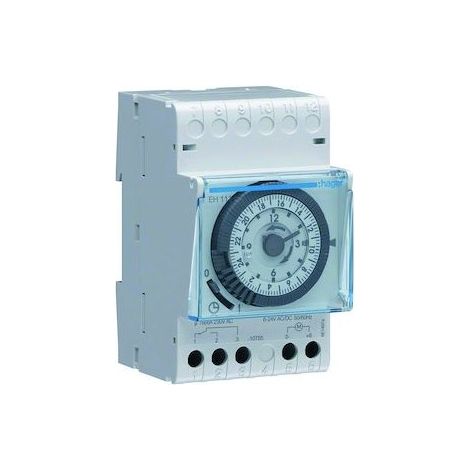
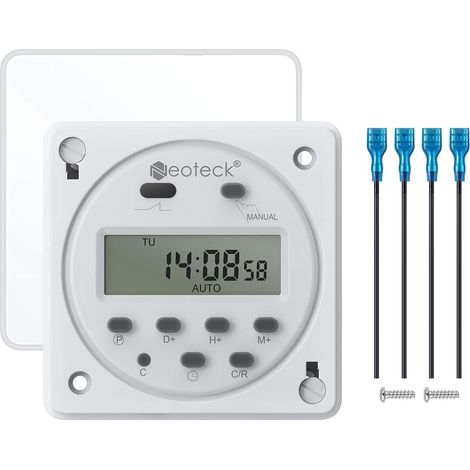
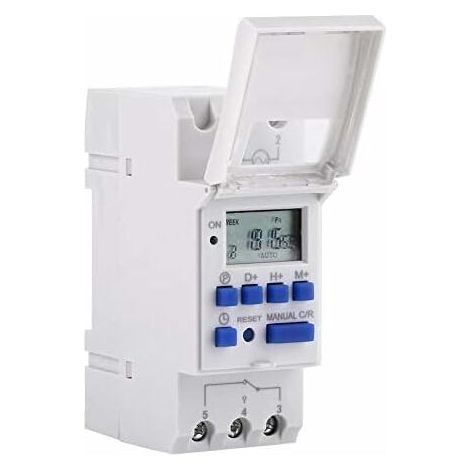
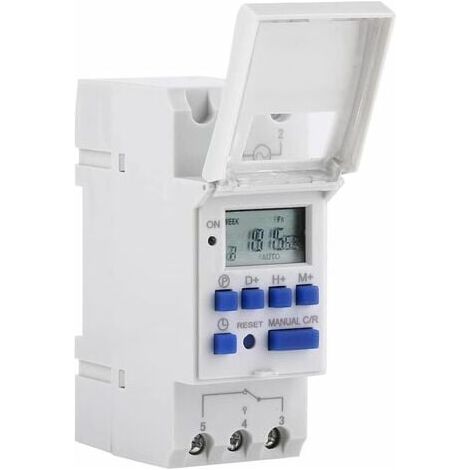
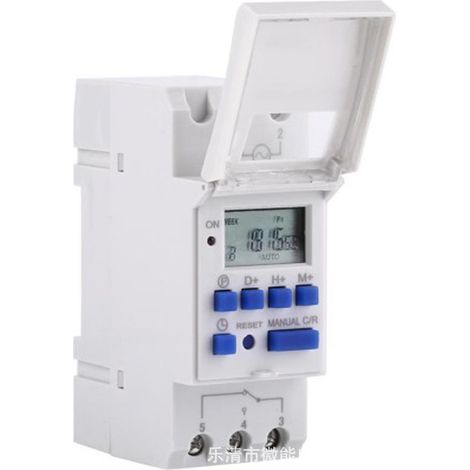
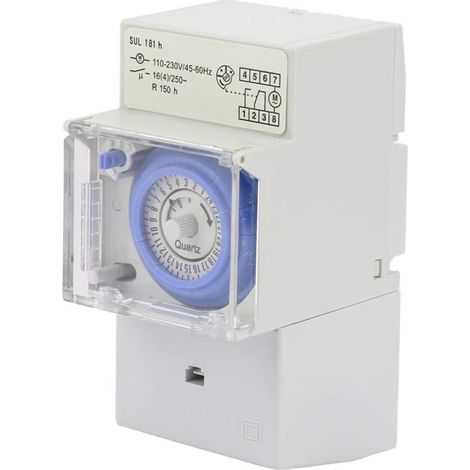
1 x Timer1 x English Manual Advanced preset one week ahead.Digital electronic general purpose clock with daily and weekly programs.Repeat programs with 16 ON and 8 OFF settings.Accurate setting to the minute.< /li>LCD display shows real-time hours/minutes and ON/AUTO/OFF. Features: Input voltage: AC220VRated contact voltage: AC 180V to 264V (50/60Hz)Load capacity: 25A 250VAC (resistive load)On/Off operation: 16 on and 16 off (manual / automatic) Display: LCD< /li>Power: 4.5VA (max)Error: ≤2s / day (25℃)Mounting method: DIN rail (not included)Bound: 1 min to 168 hoursWorking temperature: -10℃ to 55℃Size: 86 x 36 x 65mm / 3.38 x 1.41 x 2.56"< /li>Quantity: 1 Instruction: When you use the timer switch for the first time, input AC and charge the built-in battery, then press the button of reset.The timer is in 24-hour mode by default. Press and hold the 'time' button (bottom left, next to 'reset') for 5 seconds until it displays 'AM' to switch to 12-hour mode. Press and hold the 'Time' button again for 5 seconds to return to 24-hour mode. Programming: Step; Button; Programming Press P to set the time "1 ON".Press D +, select the days of the week (you don't need to press this button if you want the same setting for all days)Press H+/M+, set the hours and minutes.Press P to set the time "1 OFF".Press P, Select. Days of the week (if you want to use the same setting for all days, you don't need to press this button.)Press H+/M+ to set the hours and minutes.Repeat steps 2-6, Set another on/off time.Press "time" (bottom left, next to "reset") Finish













'/%3E%3C/svg%3E)